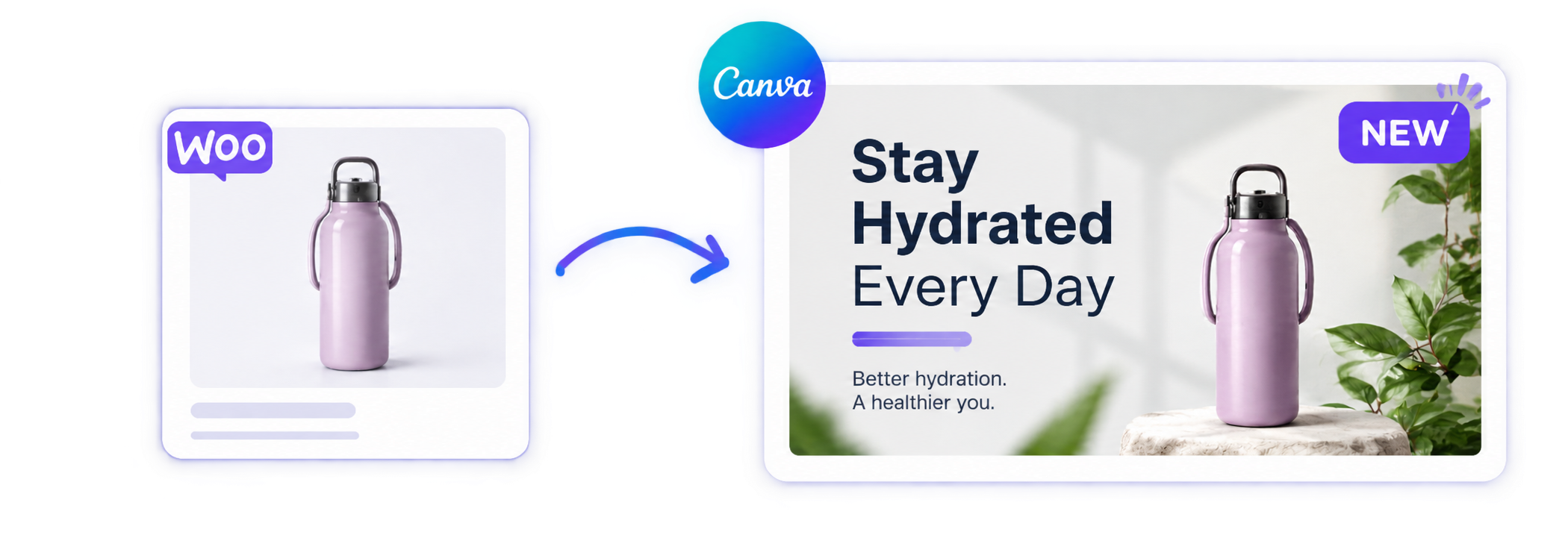
WooCommerce Canva Connector
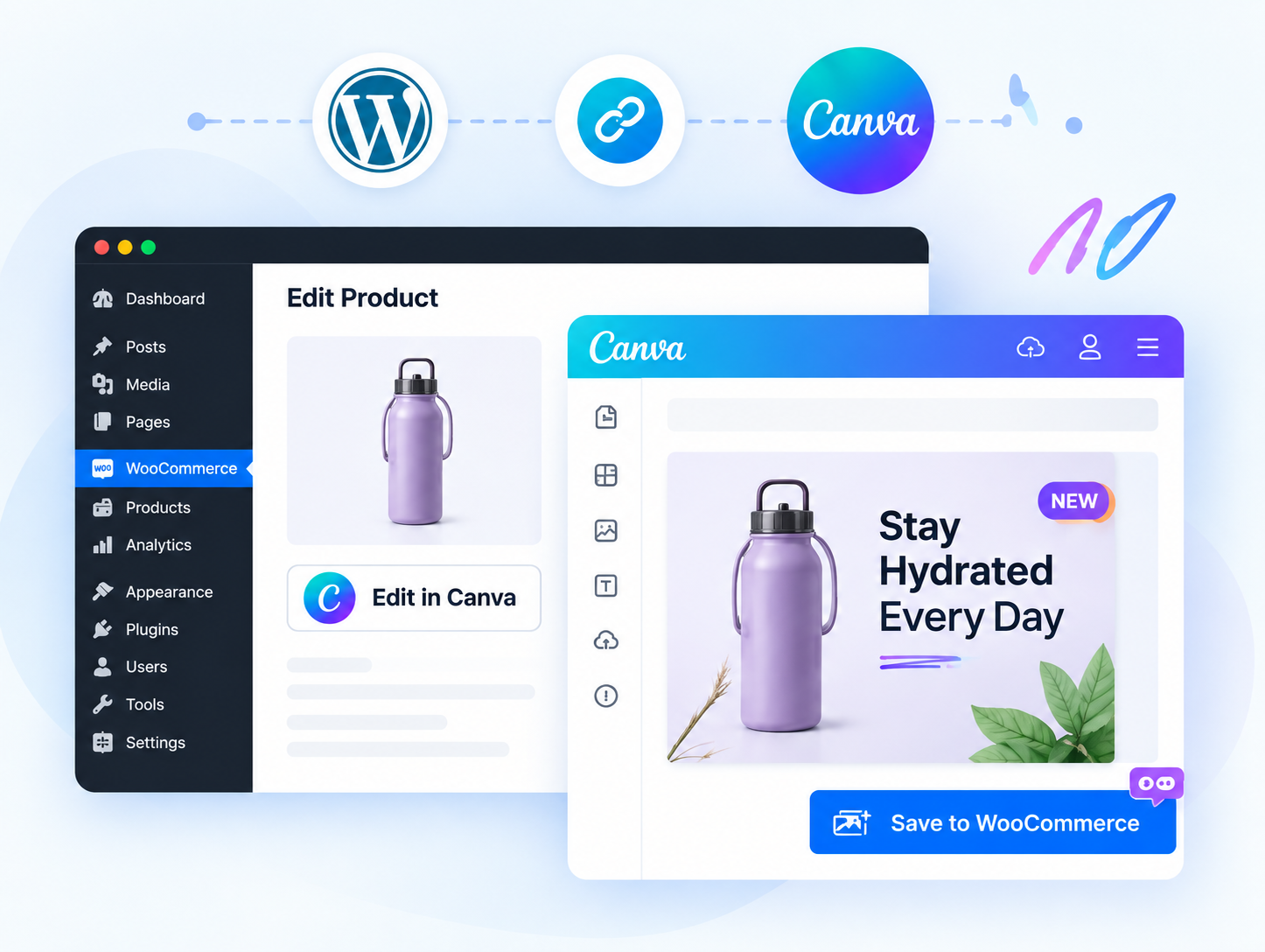
Design, edit and publish WooCommerce product images in Canva, without ever leaving the WordPress admin. From installation to OAuth, the app sidebar, and saving straight back to your store.
 CodeCanyon
Featured Author
 CodeCanyon
Author Level 10
 WooCommerce
Core Contributor
Google Review
WooCommerce Canva Connector Guides
Find setup, configuration, customization and usage documentation for WooCommerce Canva Connector in one place.
Set up
Install the plugin and configure your WooCommerce store foundation.
Configure Canva App
Set up OAuth credentials, redirect URIs, and build the Canva app extension.
Design & Sync
Open products in Canva, edit media seamlessly, and save back to store.
Everything You Need to Connect WooCommerce & Canva
Design in Canva
Add design buttons to product edit pages.
Auto Canvas Matching
Match canvas dimensions to product image sizes.
Product SKU Search
Search store products by name or SKU inside Canva.
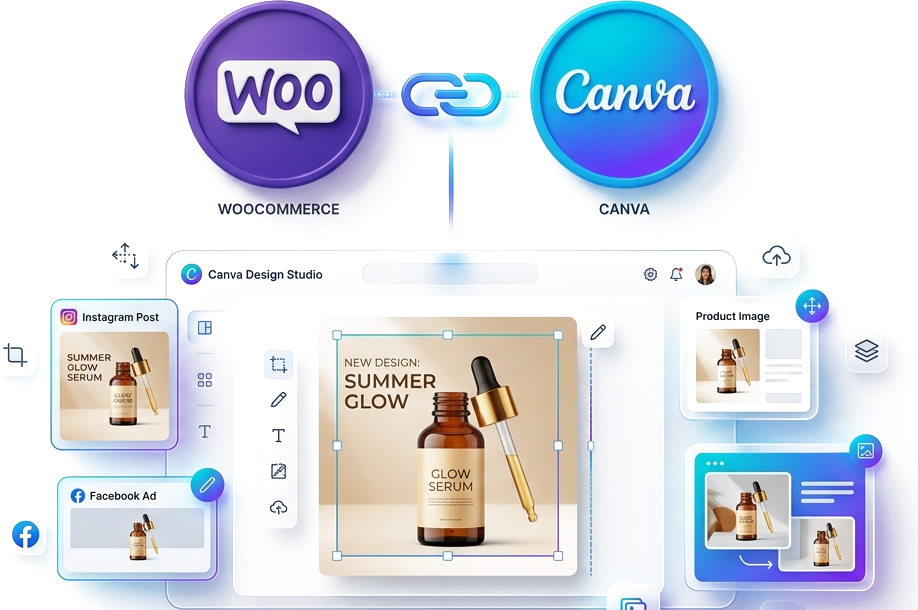
Direct Media Sync
Save Canva designs to WordPress Media Library.
Featured Image Update
Set exported Canva designs as featured images.
Easy OAuth Setup
Manage Canva App ID and client details in WordPress.
How it works
Get started in minutes and start designing beautiful product images with Canva, right from your WordPress admin.
Install & Activate
Install the plugin from your WordPress site and activate it in just a few clicks.
Connect Canva Account
Create your Canva app in Canva Developer Portal and connect it through a secure OAuth connection.
Design in Canva
Open the product in Canva from the app sidebar and create stunning visuals.
Save to Store
Publish your design and save it directly back to your WooCommerce store.
Why Choose Canva Connect?
Bring your creativity and eCommerce together. Create professional, eye-catching product images without switching between tools.
Save Time
Design and publish in minutes without leaving your WordPress admin.
No Design Skills Needed
Use Canva's easy drag-and-drop editor to create stunning visuals.
Real Integration
Works smoothly with WooCommerce for a hassle-free experience.
Responsive Designs
Create images that look great on all devices and screen sizes.
Boost Conversion
Professional product images help you attract more customers and increase sales.
Easy to Use
Simple setup, clear steps, and full support whenever you need it.