Configuration
Admin can configure the module through the WooCommerce admin panel:
Access Settings: Navigate to Webkul WC Addons and select WooCommerce Shopify Connector settings.
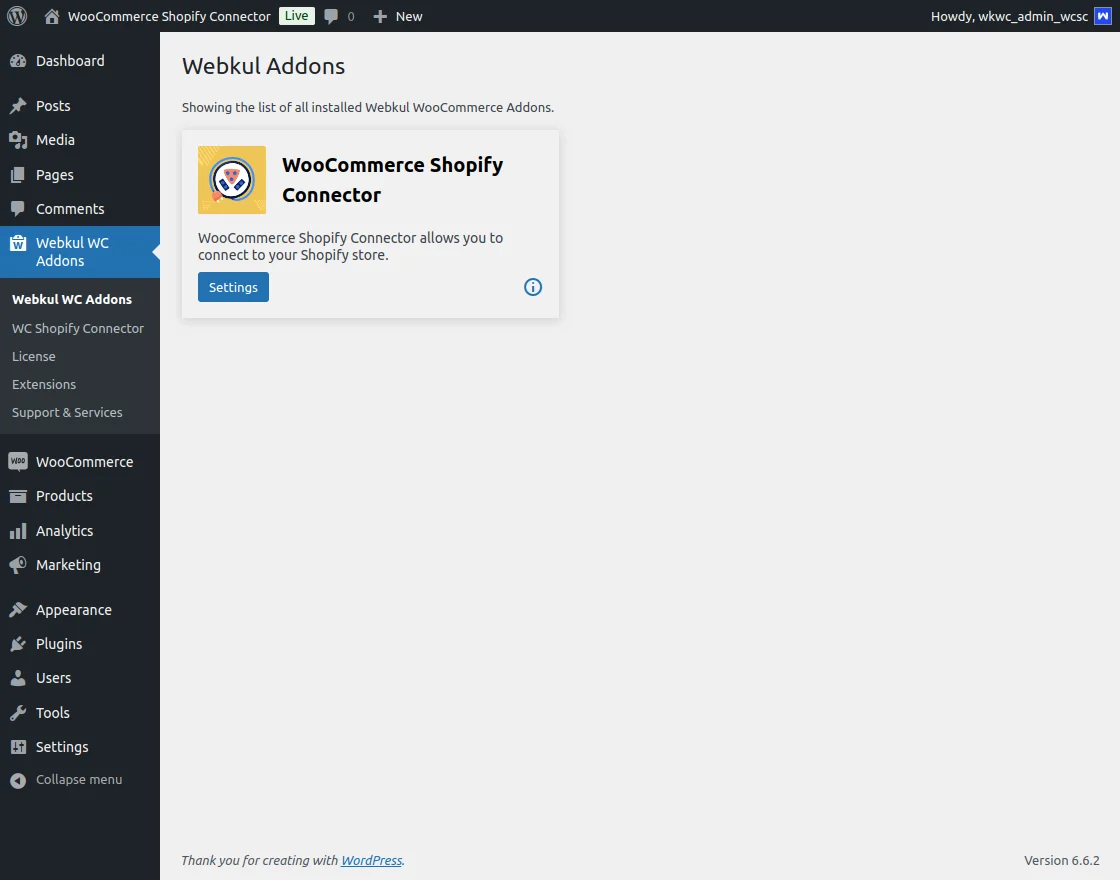
Licensing: Activate the plugin using your purchase code to receive direct updates.
Shopify Account Settings
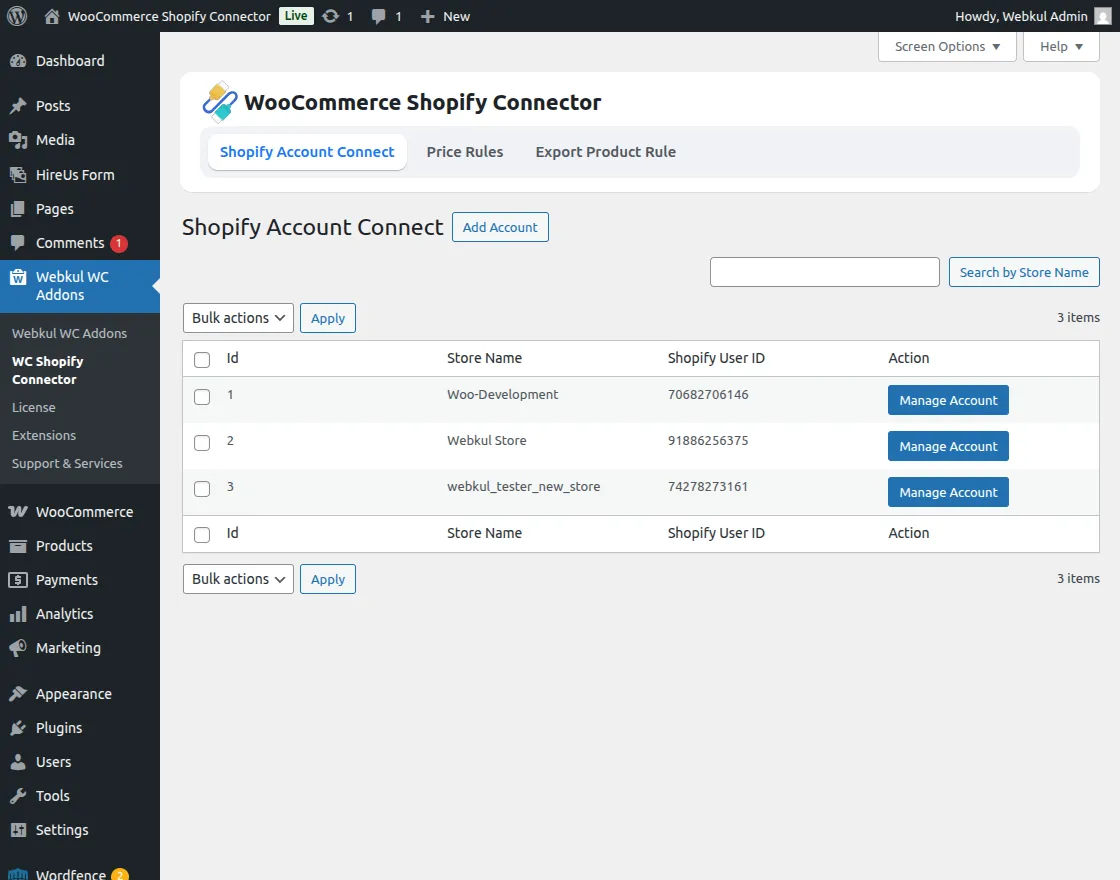
Manage and connect multiple Shopify stores:
Account Management: Add new Shopify accounts or manage existing ones.
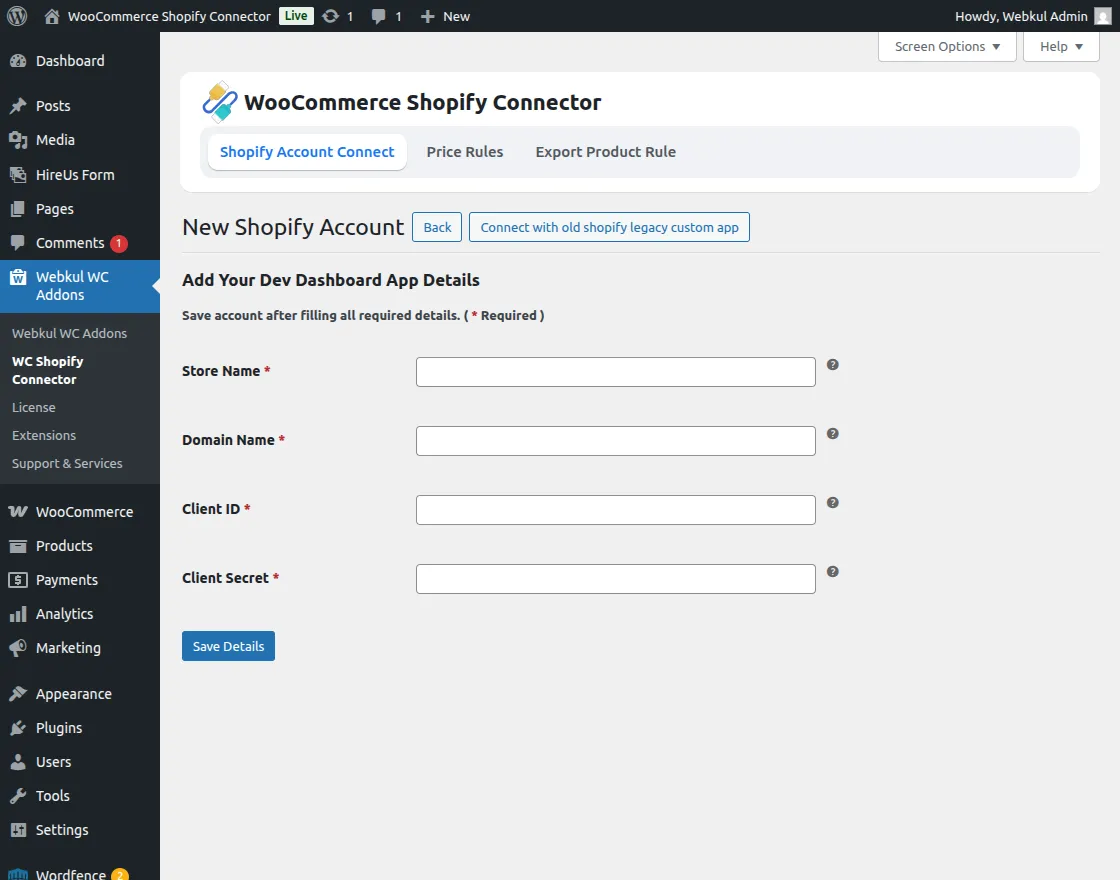
Add Account: Click Add Account and provide the following:
- Store Name: Must match the exact Shopify store name.
- Domain Name
- Client ID (API Key)
- Client Secret Key
Price Rules
Easily create and manage price adjustment rules:
Rule Application: Price rules applied to imported products work in reverse for exported products.
Add New Rule: Click Add New Price Rule and configure:
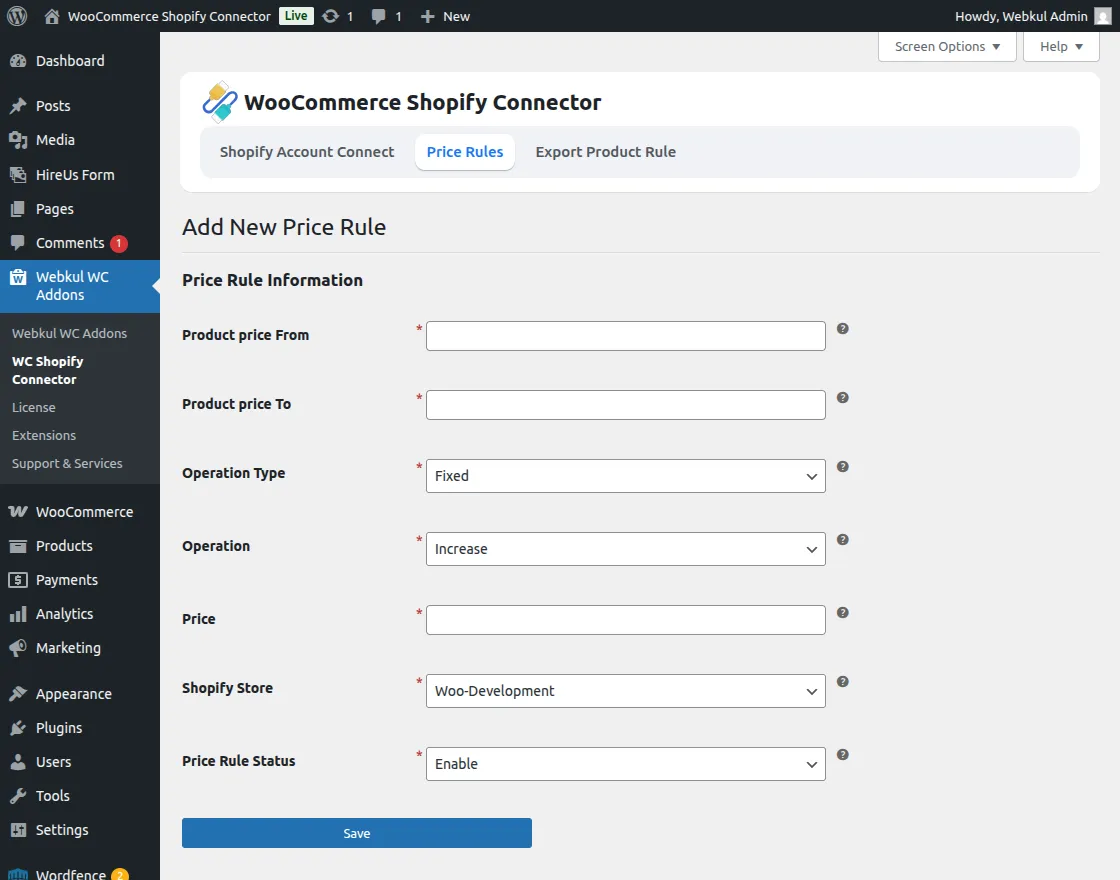
- Product Price From/To: Set the price range for the rule.
- Operation Type: Choose between Percentage or Fixed.
- Operation: Decide if the price should Increase or Decrease.
- Price: Set the specific value for the adjustment.
- Shopify Store: Select the target store for the rule.
- Status: Enable or disable the rule.
Export Product Rules
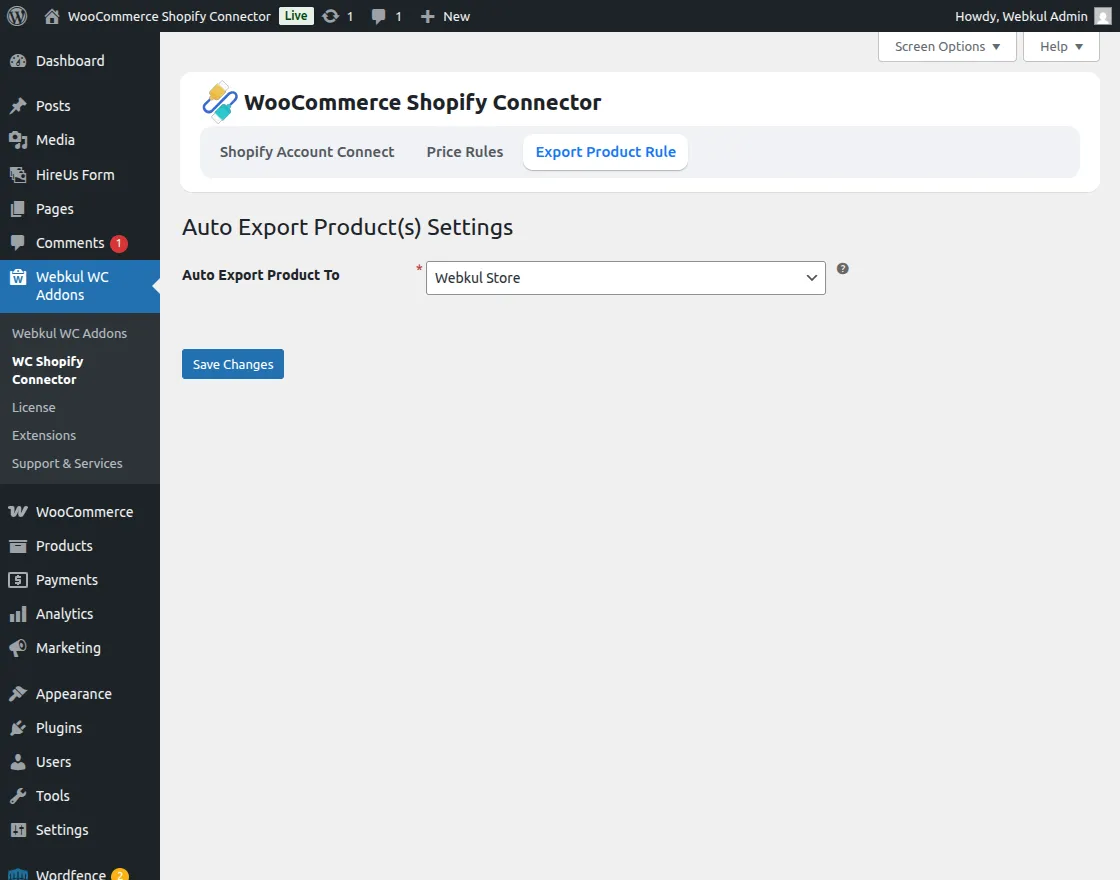
Define Destinations: Specify which Shopify store should receive exported products.