
Customers, Pages, Coupons & Blogs
The admin can import additional data such as customers, pages, blogs, and coupons from Shopify:
Import Customers
Initiate Import: Click the Import Customers option to start the process.
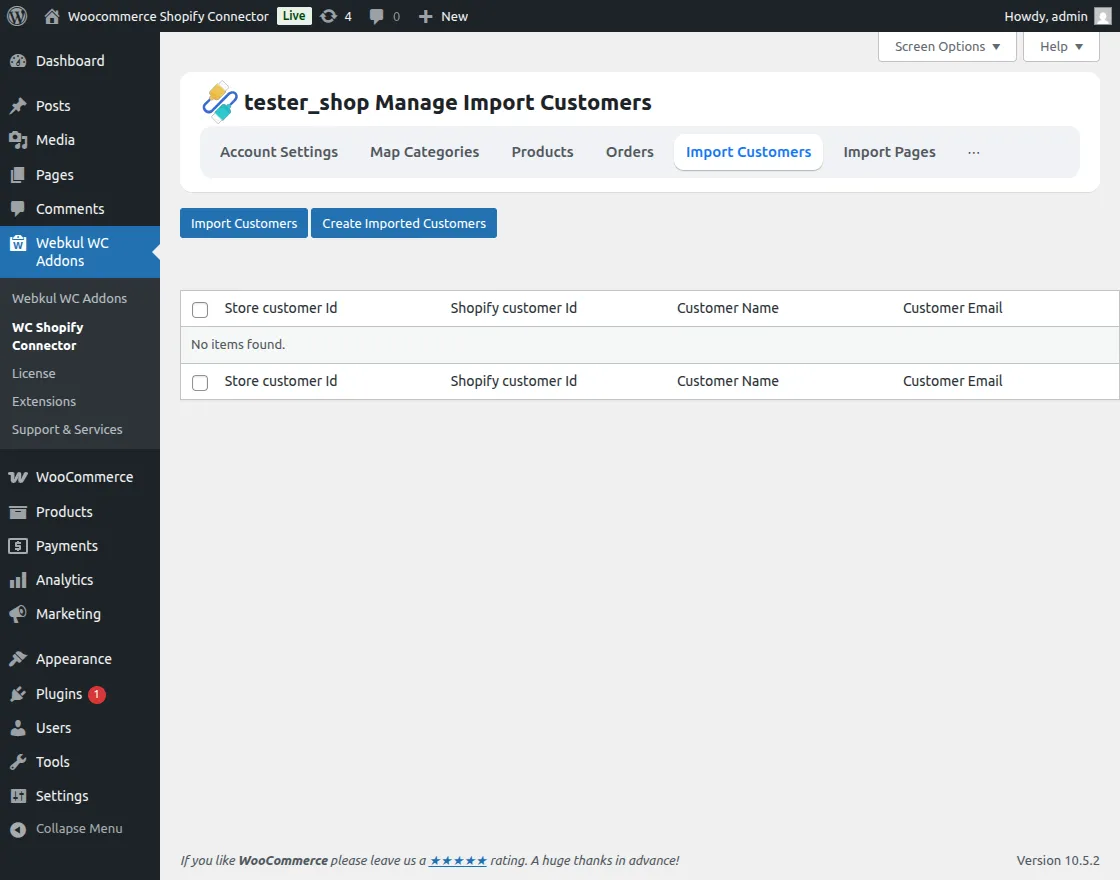
Progress Tracking: Monitor the import progress through the real-time status bar.
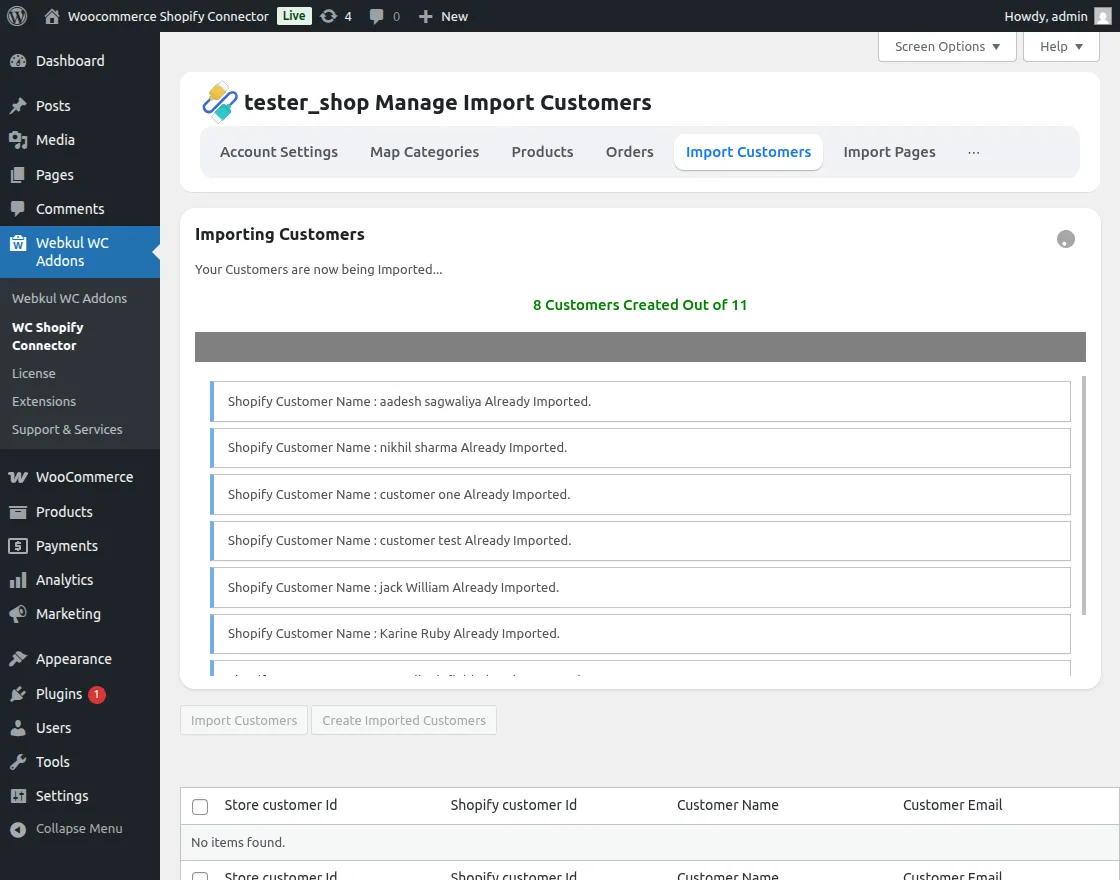
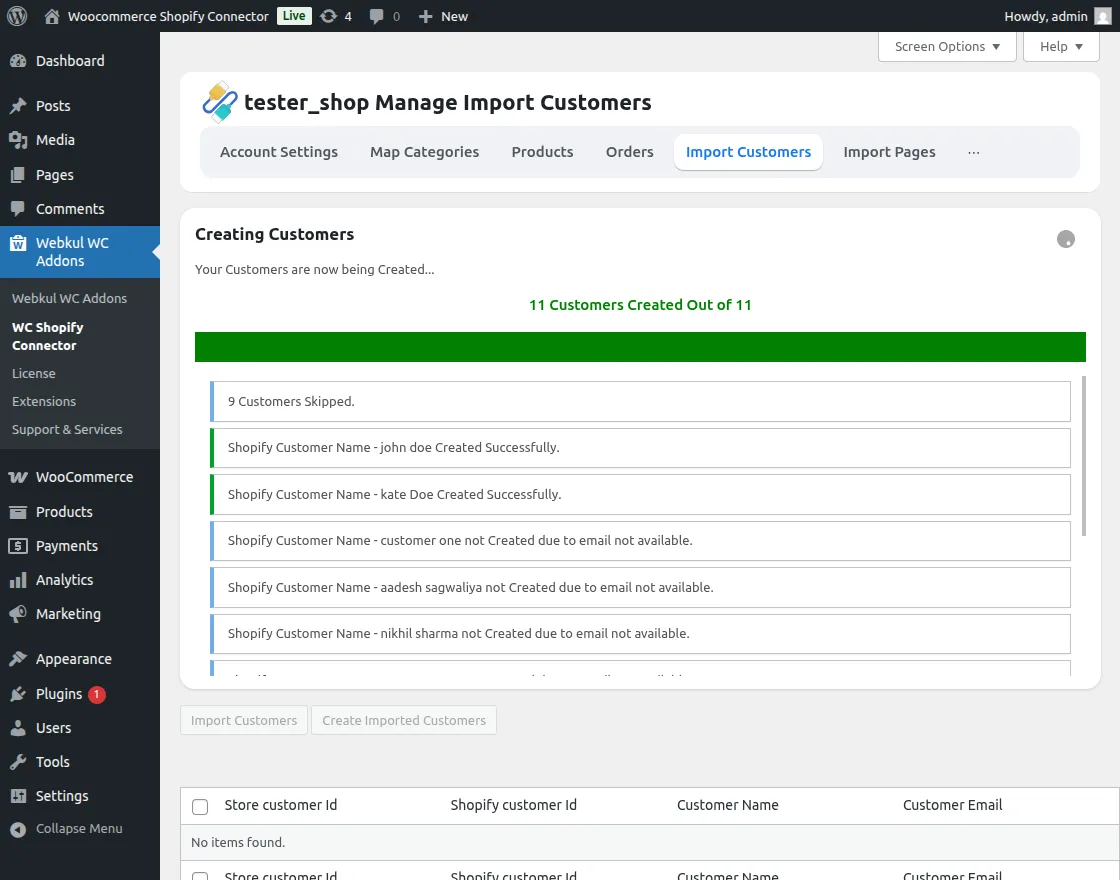
Create in WC: Finalize the process by creating the imported customers in WooCommerce.
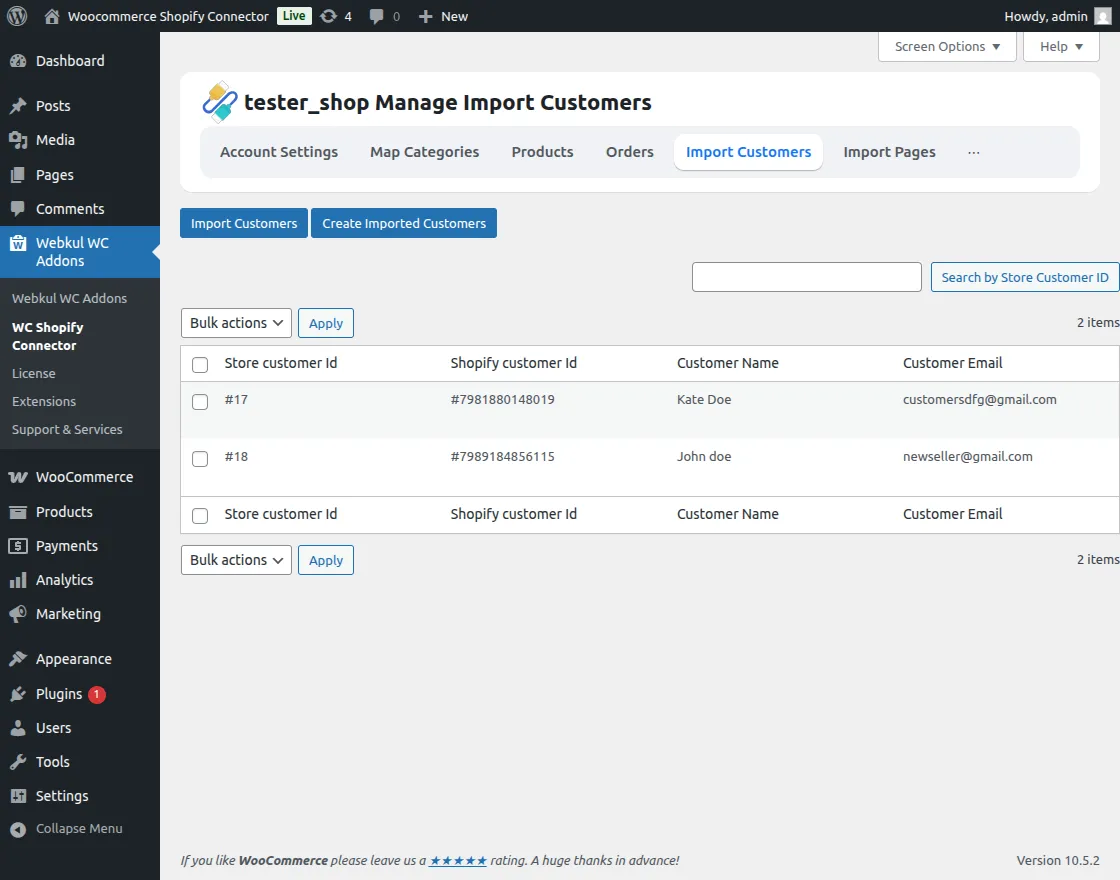
Management: View and manage all imported customers in a single view.
Import Pages
Sync Pages: Fetch your Shopify CMS pages.
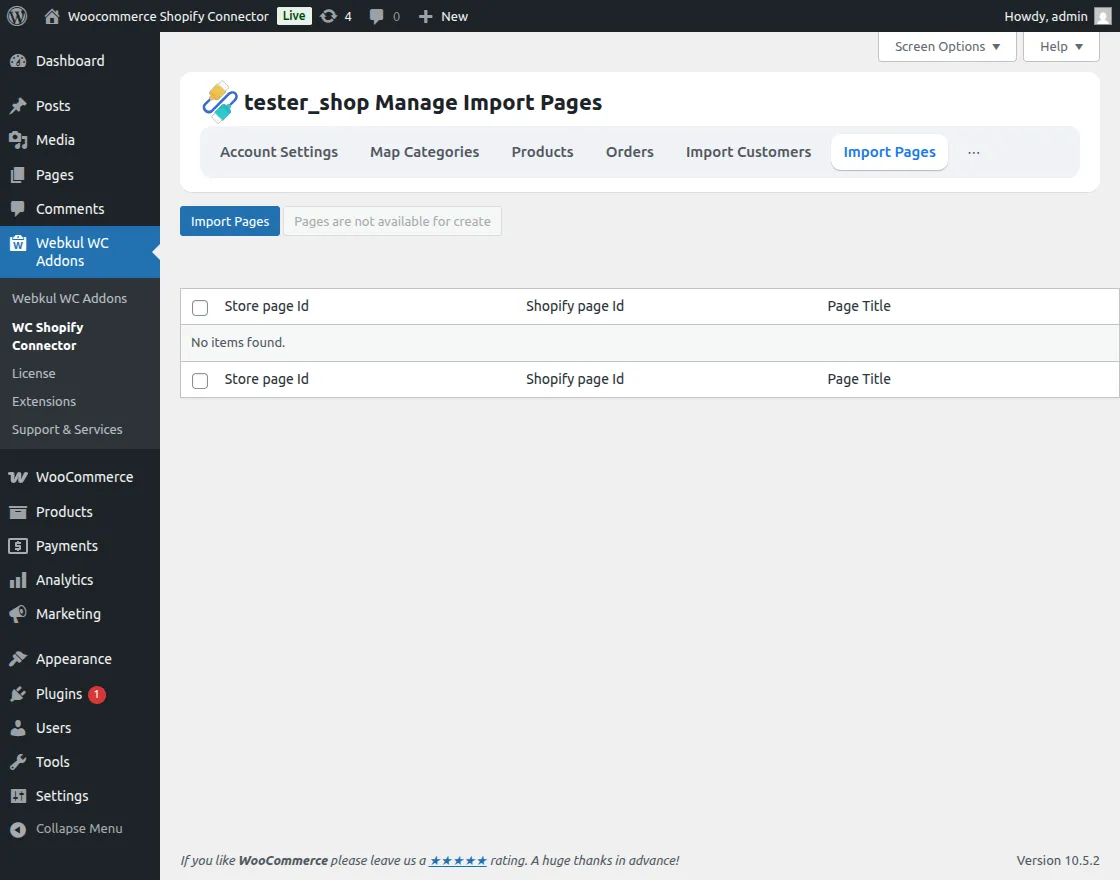
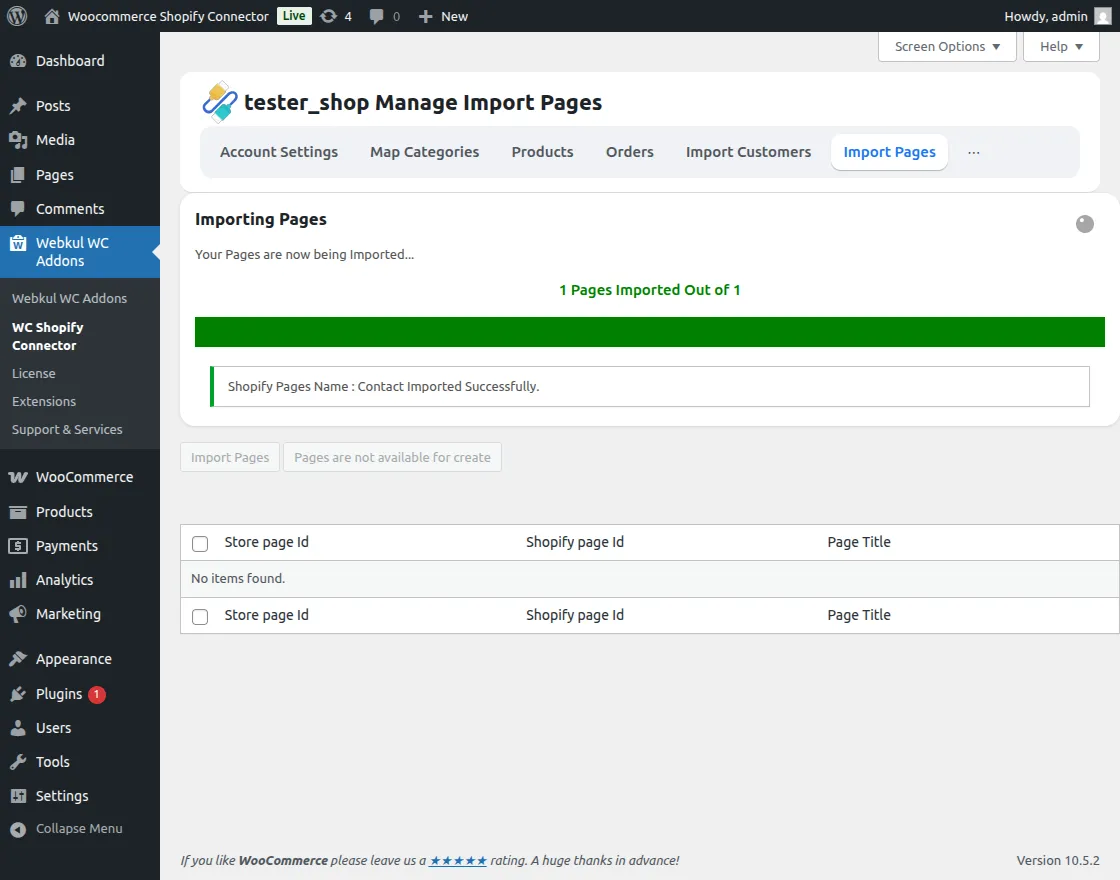
Import Process: View the status as pages are retrieved.
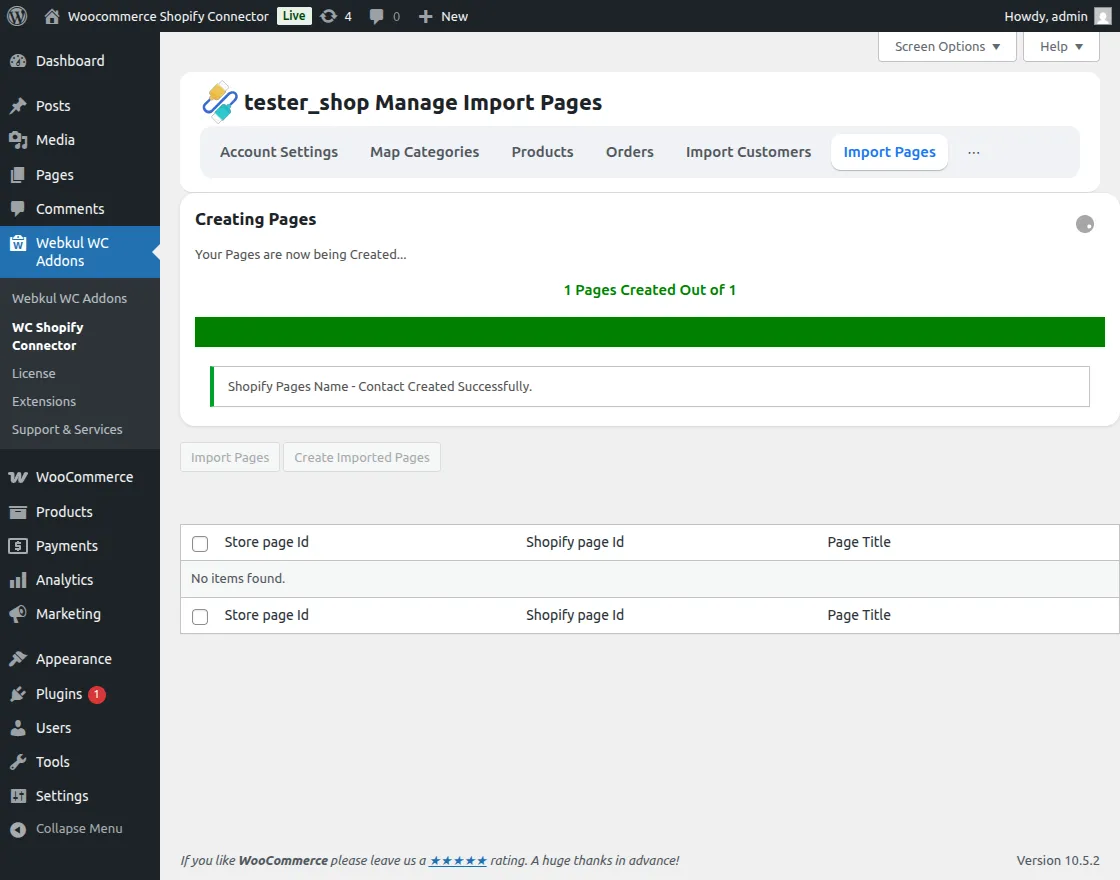
Create Pages: Generate the corresponding pages in your WooCommerce store.
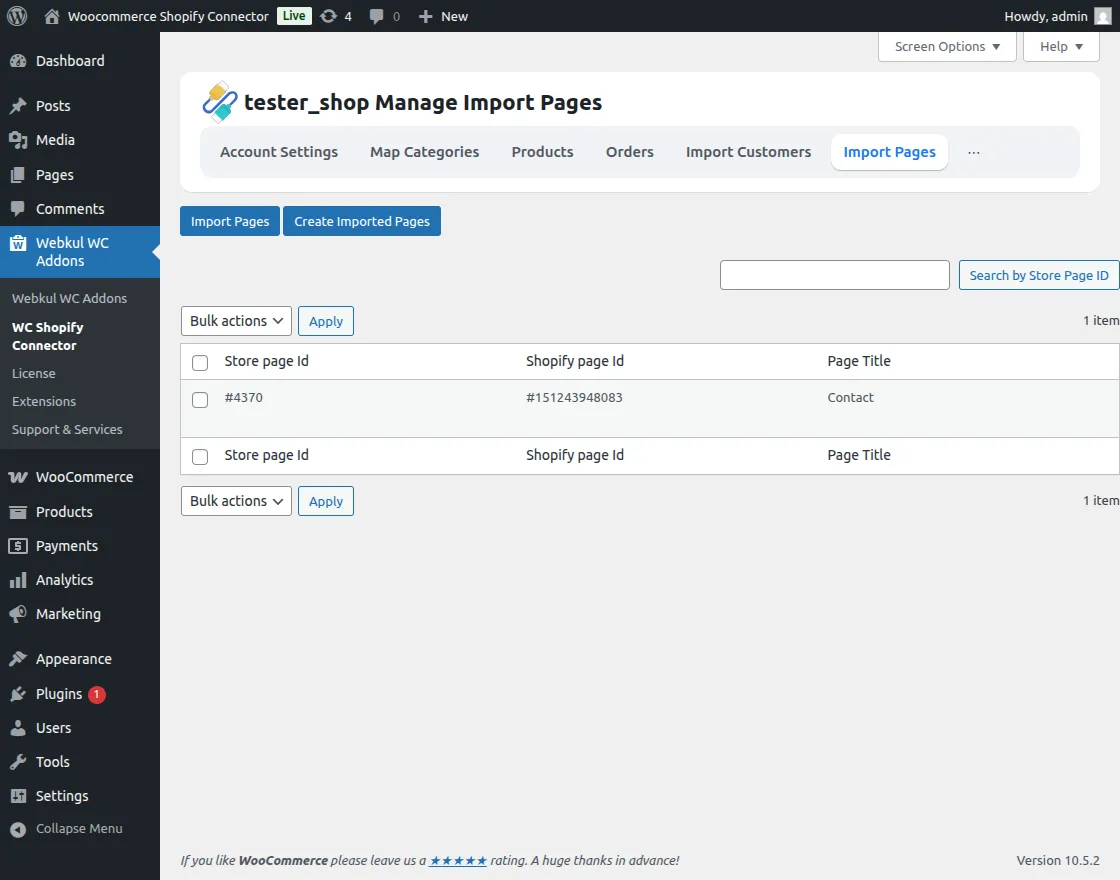
View Pages: Quickly access all synchronized pages.
Import Coupons
Coupon Sync: Bring your Shopify discounts and coupons to WooCommerce.
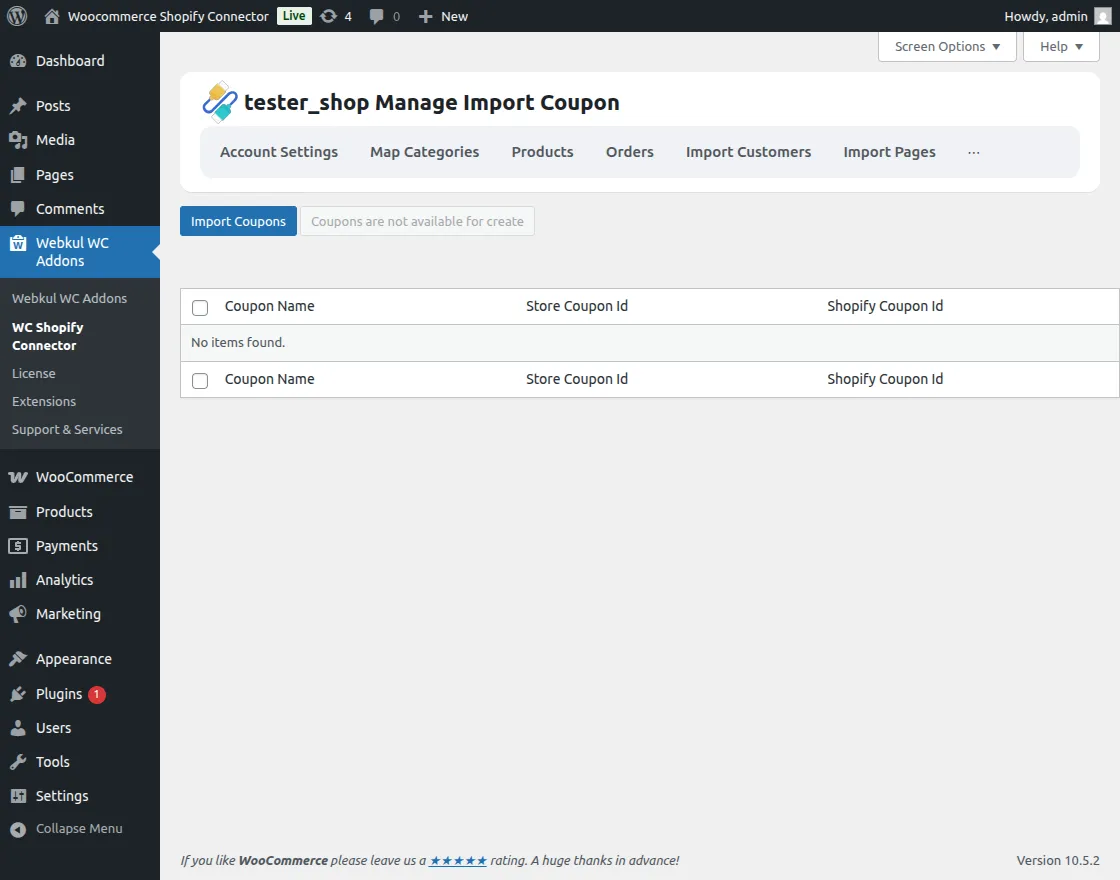
Monitor Progress: A dedicated progress bar tracks the coupon synchronization.
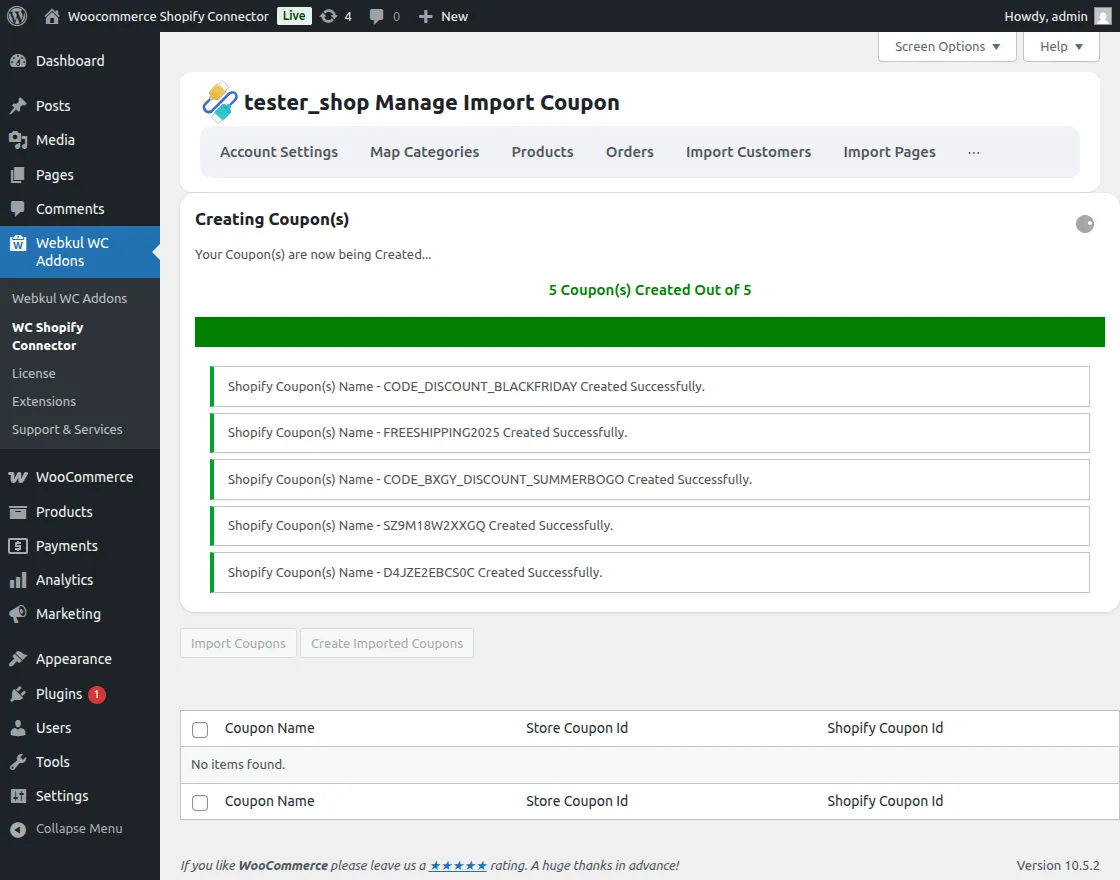
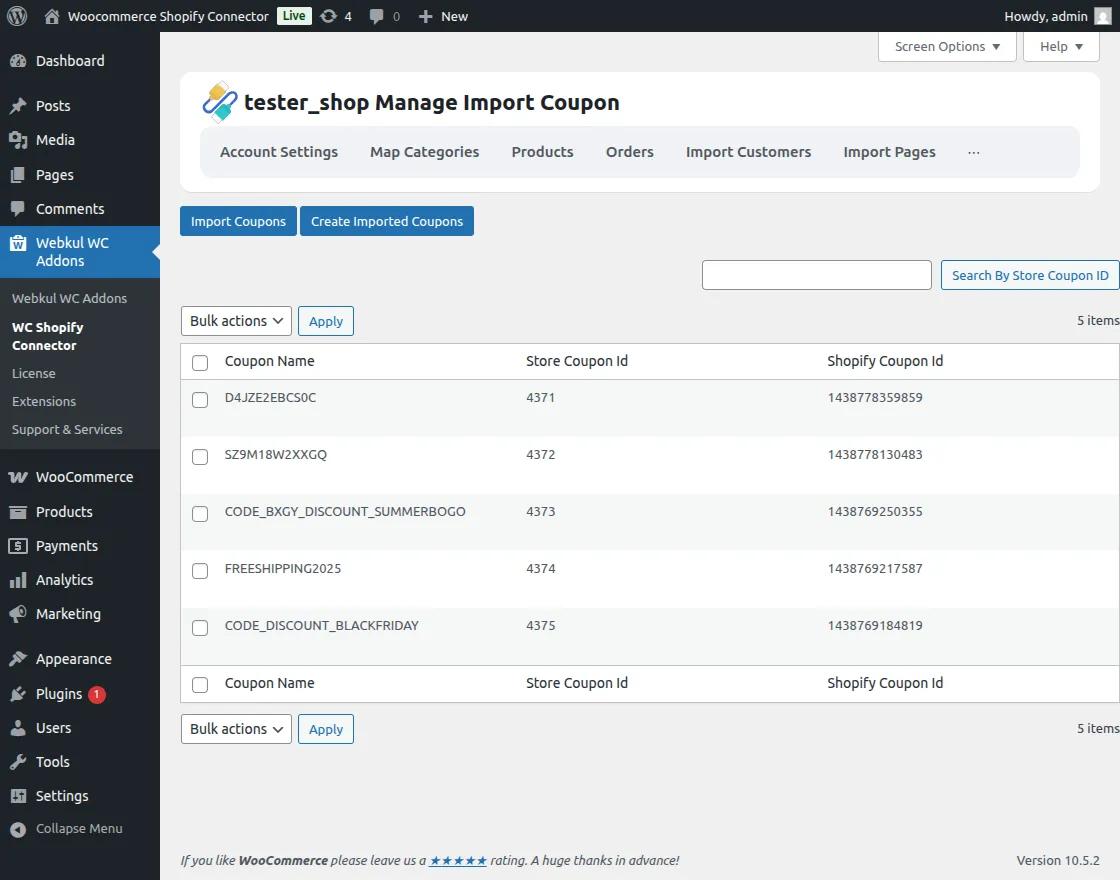
Create Coupons: Click to generate the coupons in WooCommerce.
Management View: View and manage all synchronized coupon codes.
Import Blogs
Blog Migration: Easily import Shopify blog posts.
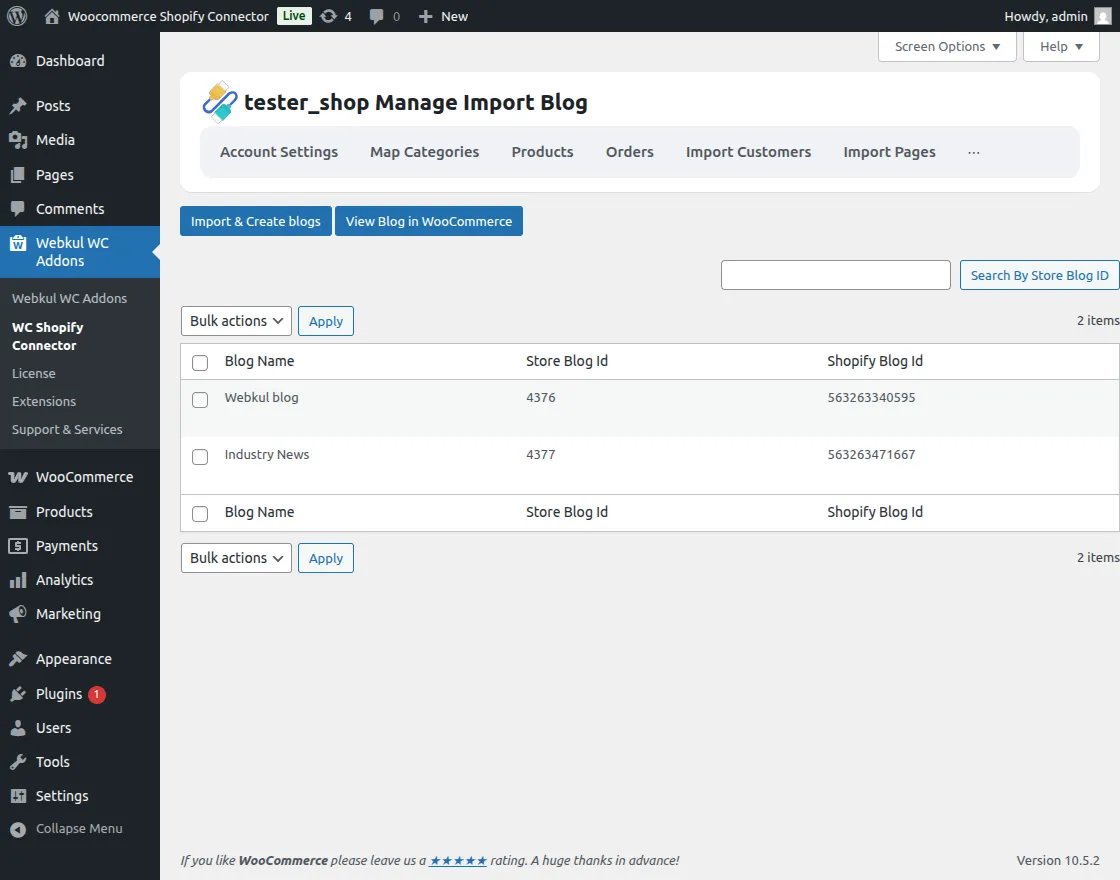
Create Posts: Use the Import & Create Blogs option to finalize the migration.
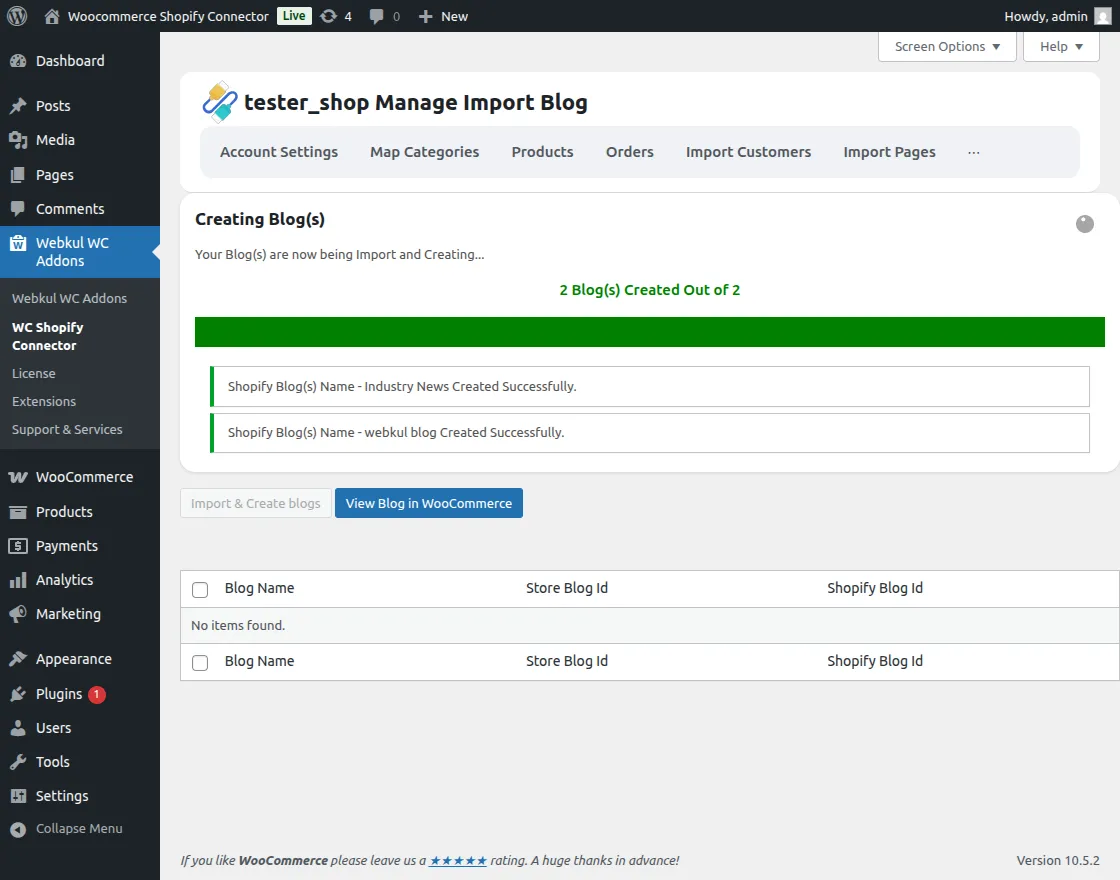
Admin Access: Access and manage these blogs directly within the WooCommerce admin panel.