
Orders
Import Orders
The admin can import his Shopify orders into the WooCommerce store with ease.
Import Orders: Click on the Import Orders button to fetch data from Shopify.
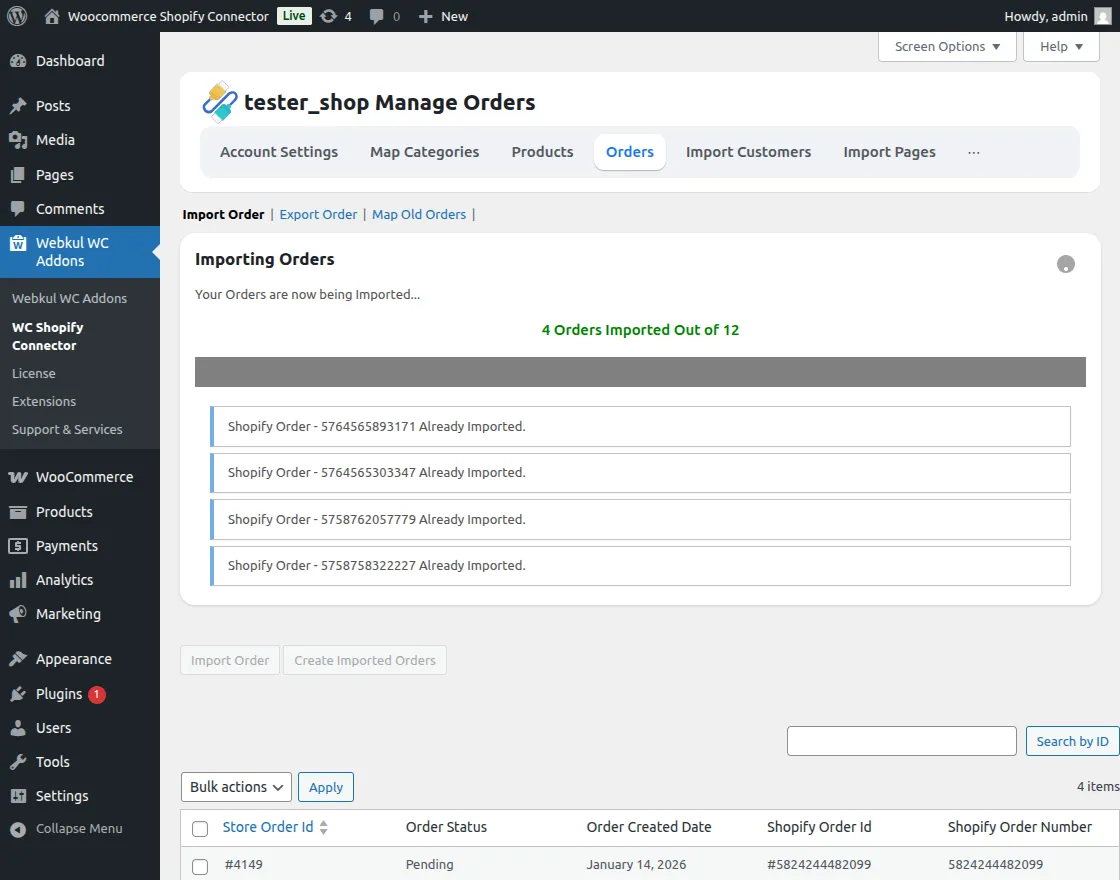
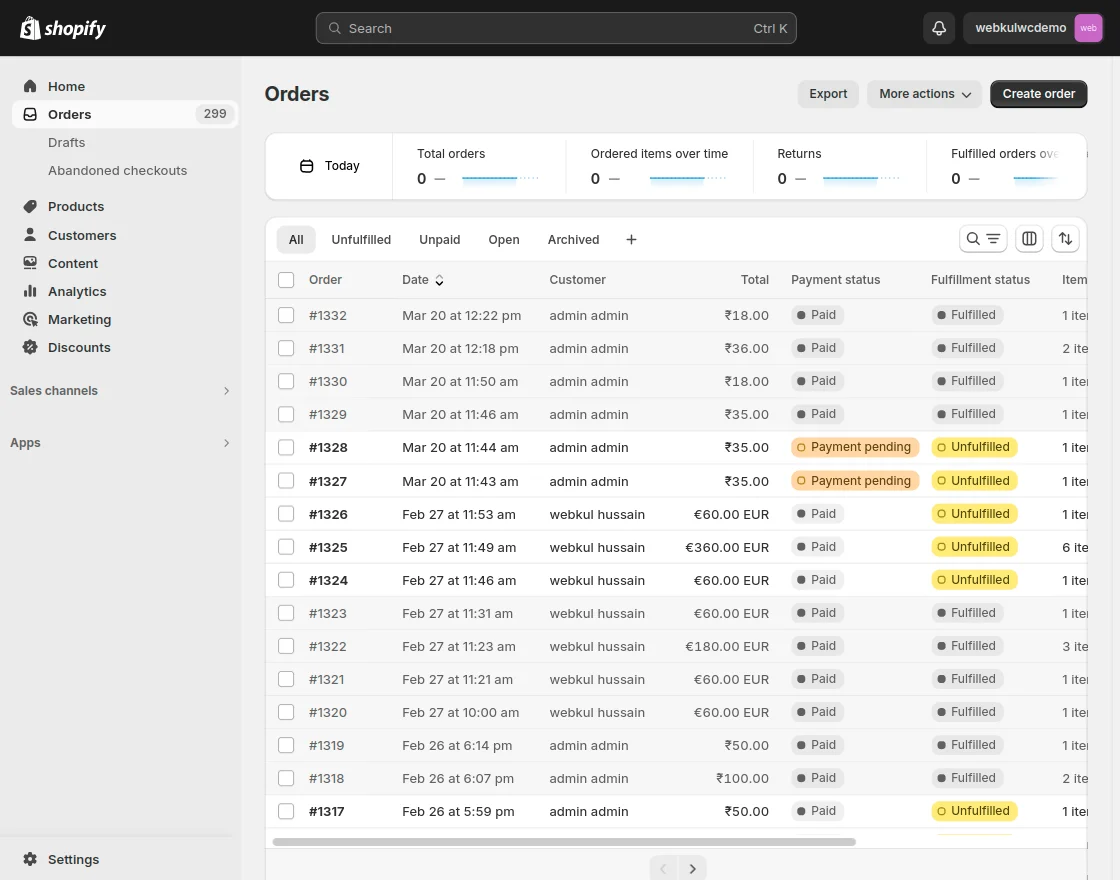
Shopify Orders: The admin can view the list of all imported Shopify orders.
Create Orders: Then, create the same Shopify imported orders in the WooCommerce store.
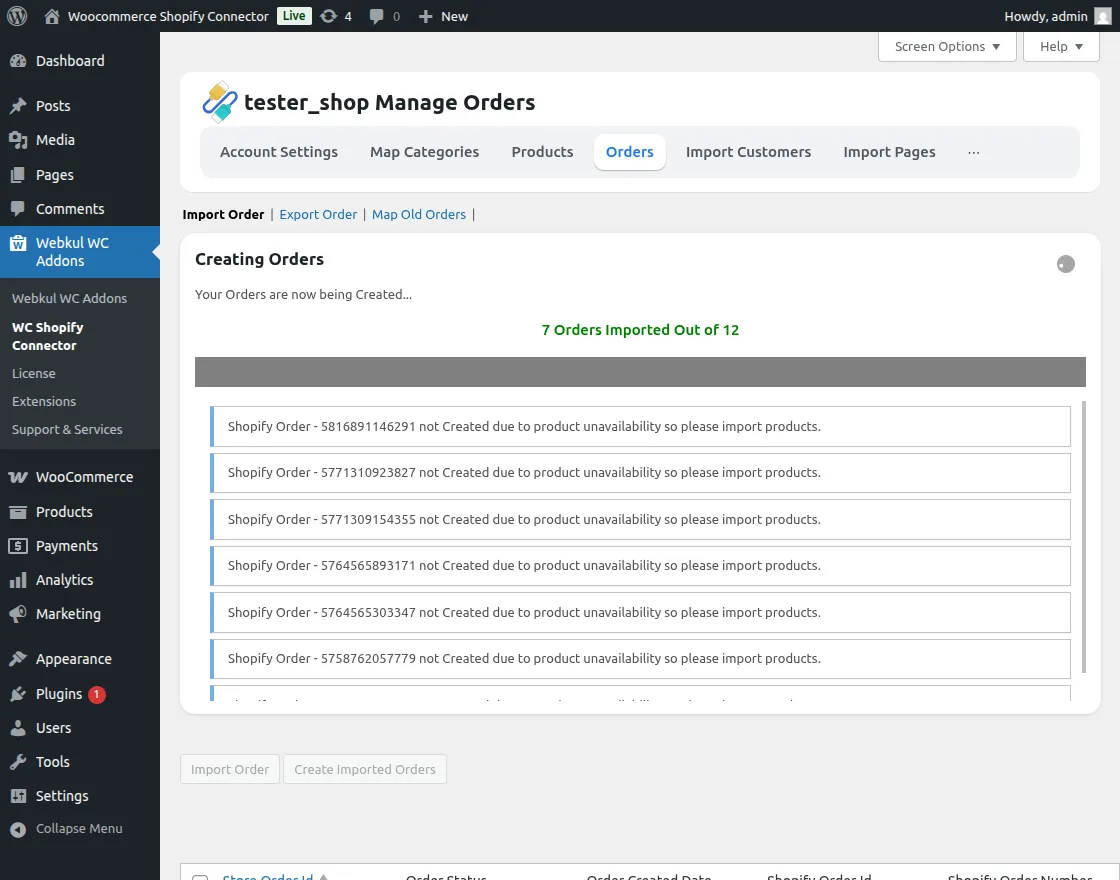
here, the admin can also view the store ID, order status, the order created date, and Shopify order ID.
The admin can also delete the order by selecting a single or multiple order.
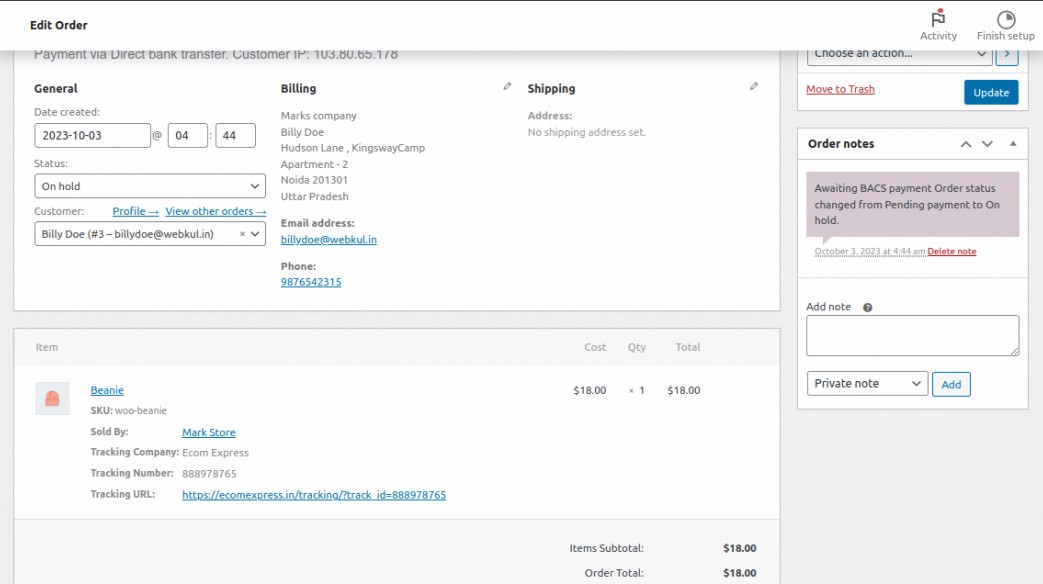
After placing an order on Shopify, the admin adds the tracking order and view the real-time tracking details of the order.
Such as tracking Company name, Tracking Number, and Tracking URL under WooCommerce > Orders.
Export Order
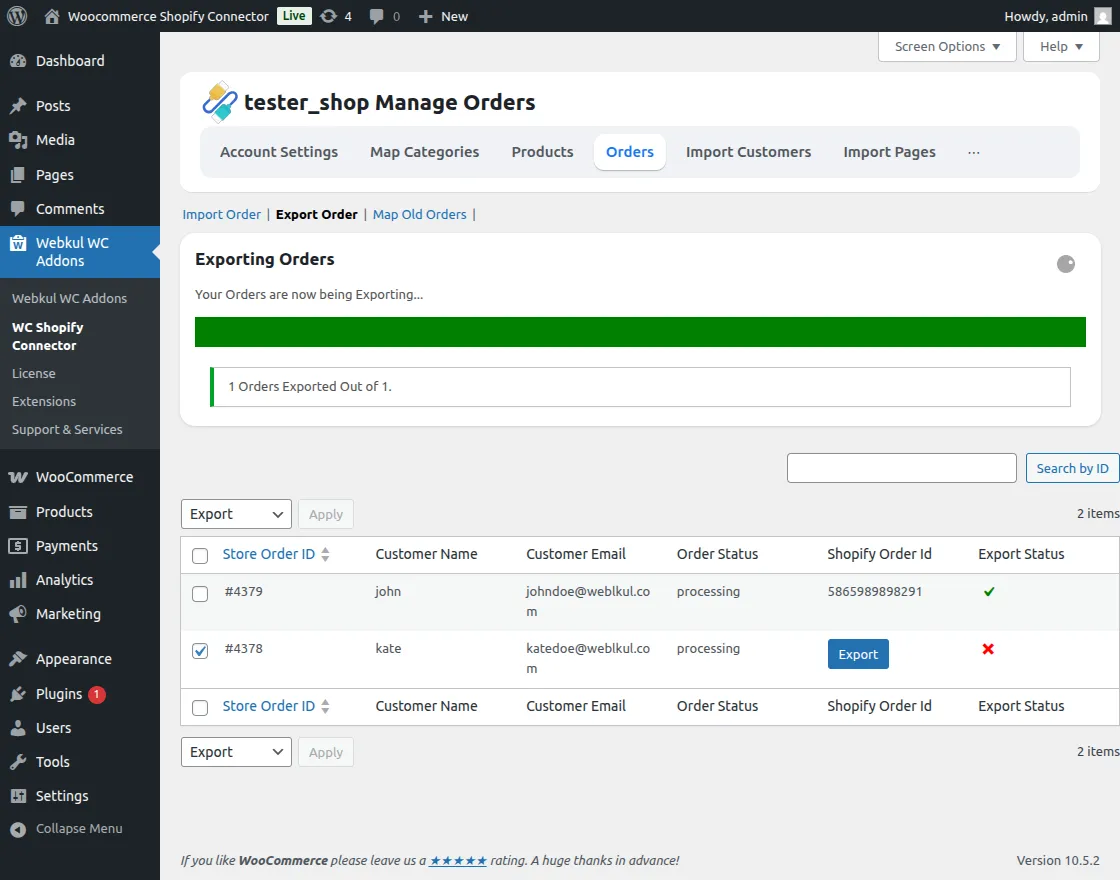
This module allows the admin to Export Orders to the Shopify store by clicking on the Export button of the particular order.
This export feature works for orders from both platforms, ensuring seamless synchronization between WooCommerce and Shopify.