
Products
Import Products
The admin can click on Import Products to fetch products from Shopify and then create them in the WooCommerce store.
Import Process:
A progress bar is displayed while importing products from Shopify.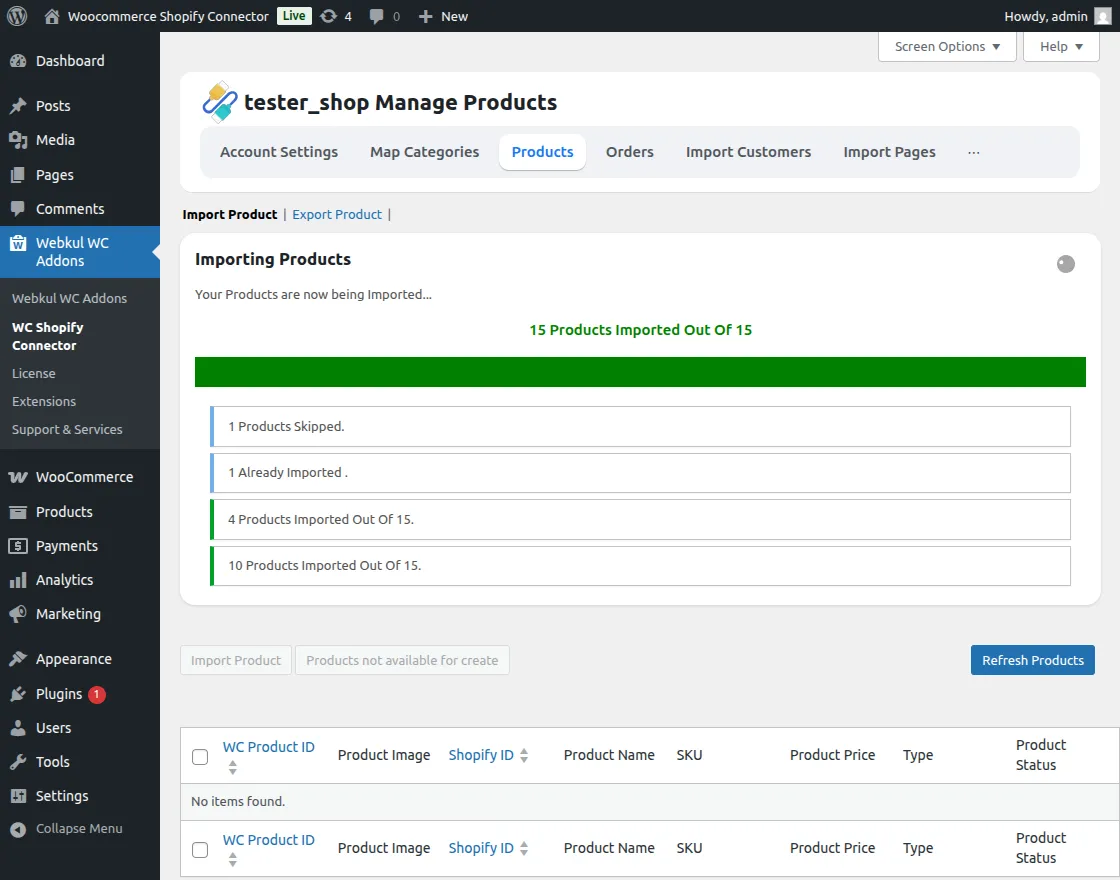
Create Products:
After importing, click on Create Imported Products to generate the products in WooCommerce.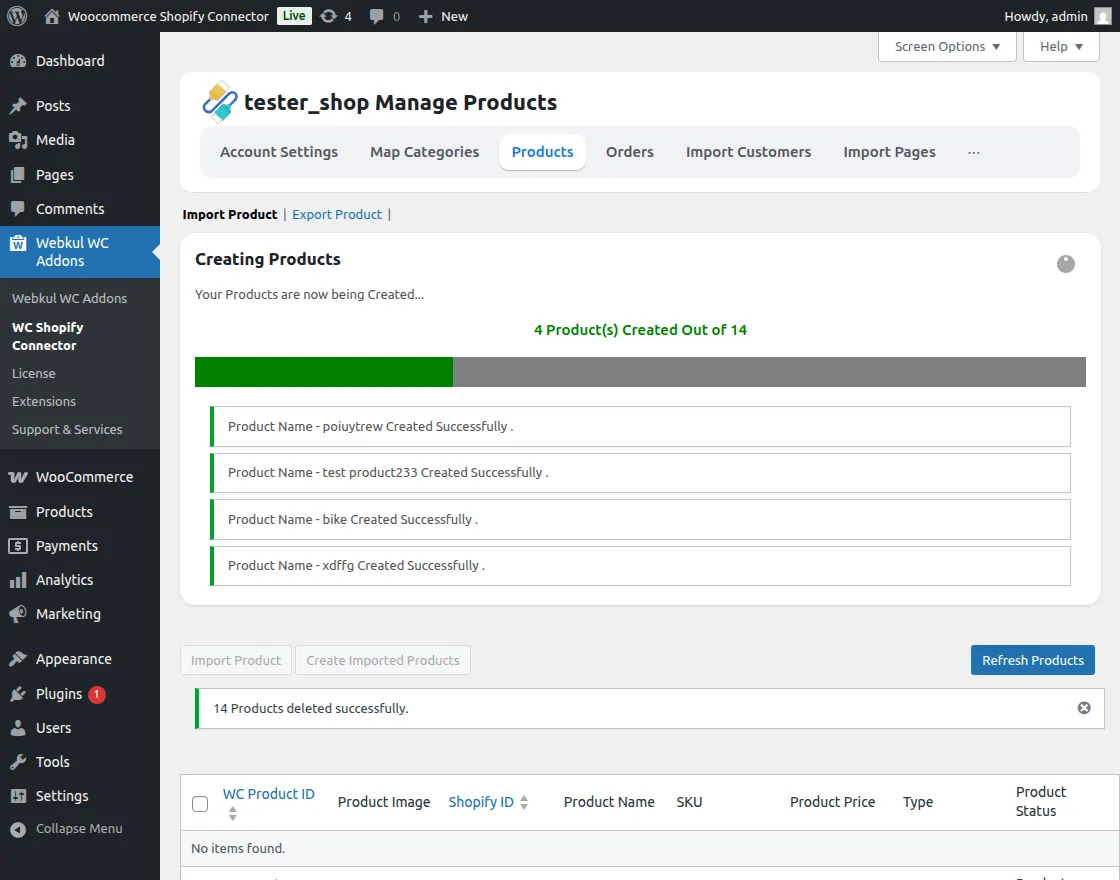
Success View:
Once all products are created successfully, the following view is displayed.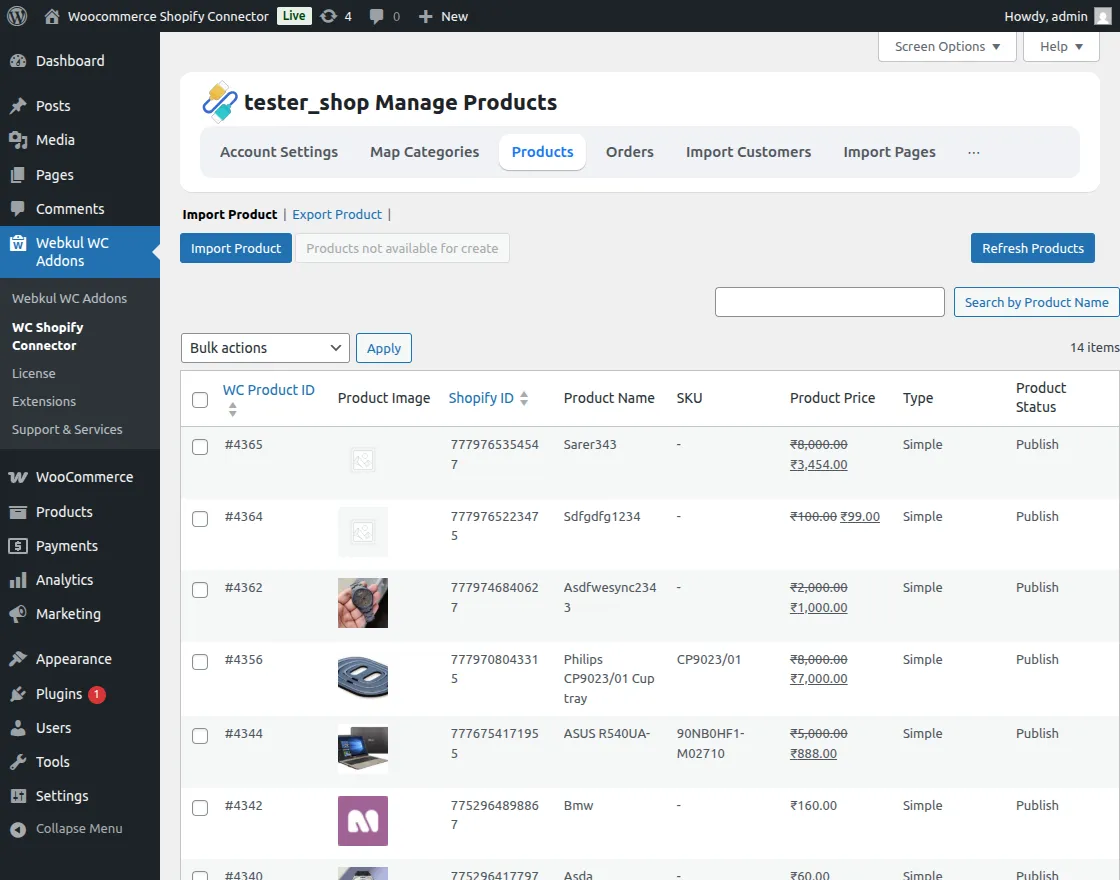
The admin can easily update individual products with a single click using the Update option.
Refresh Product
The admin can click on the Refresh Product button to update products in the background directly from Shopify.
This helps sync the latest product data without re-importing.
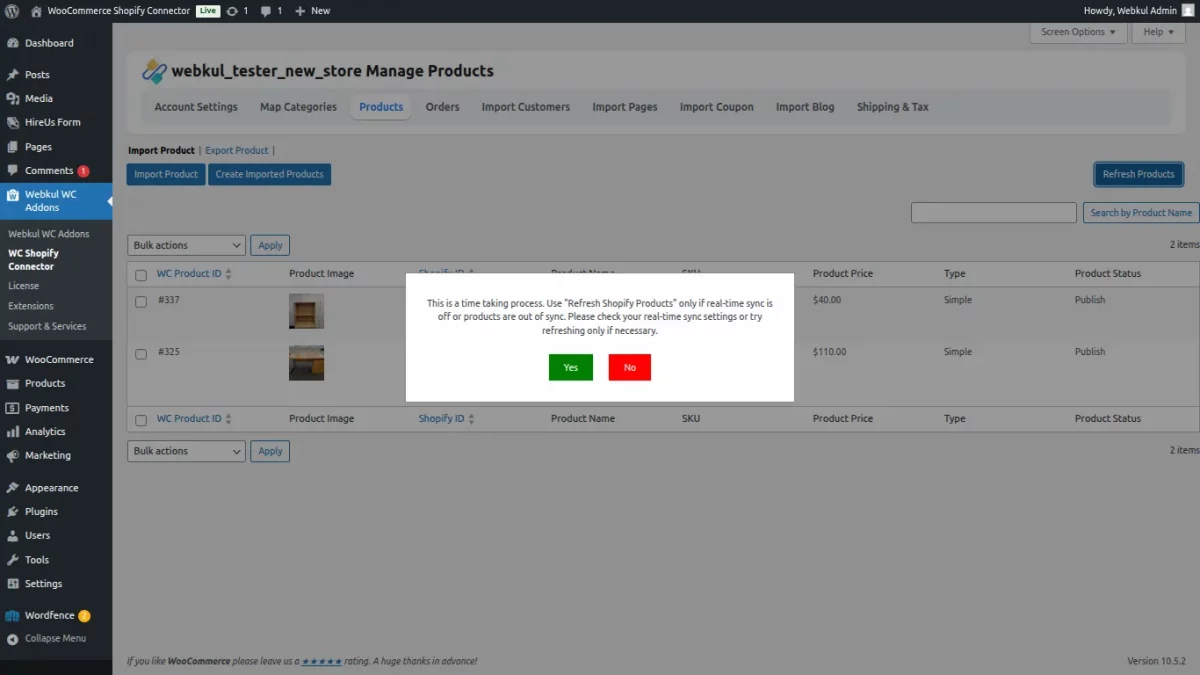
After confirming the action, a live product count is displayed showing the number of products being refreshed in real time.
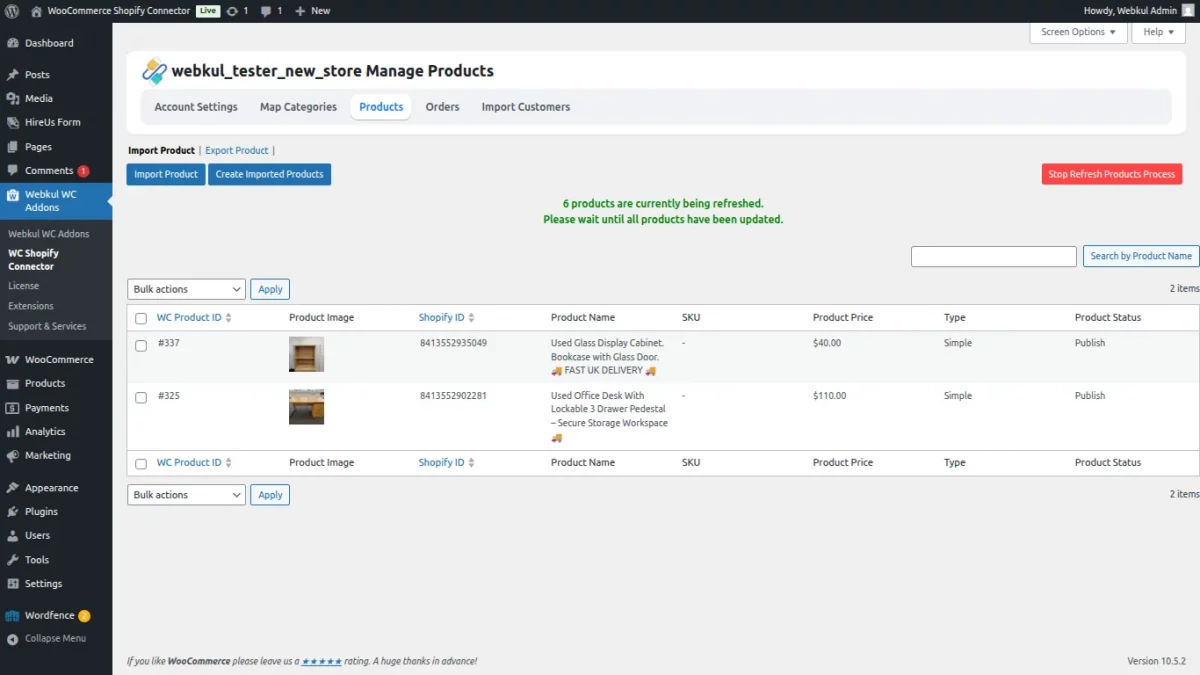
View Products
- The admin can view and manage all Shopify products directly from the connector panel.
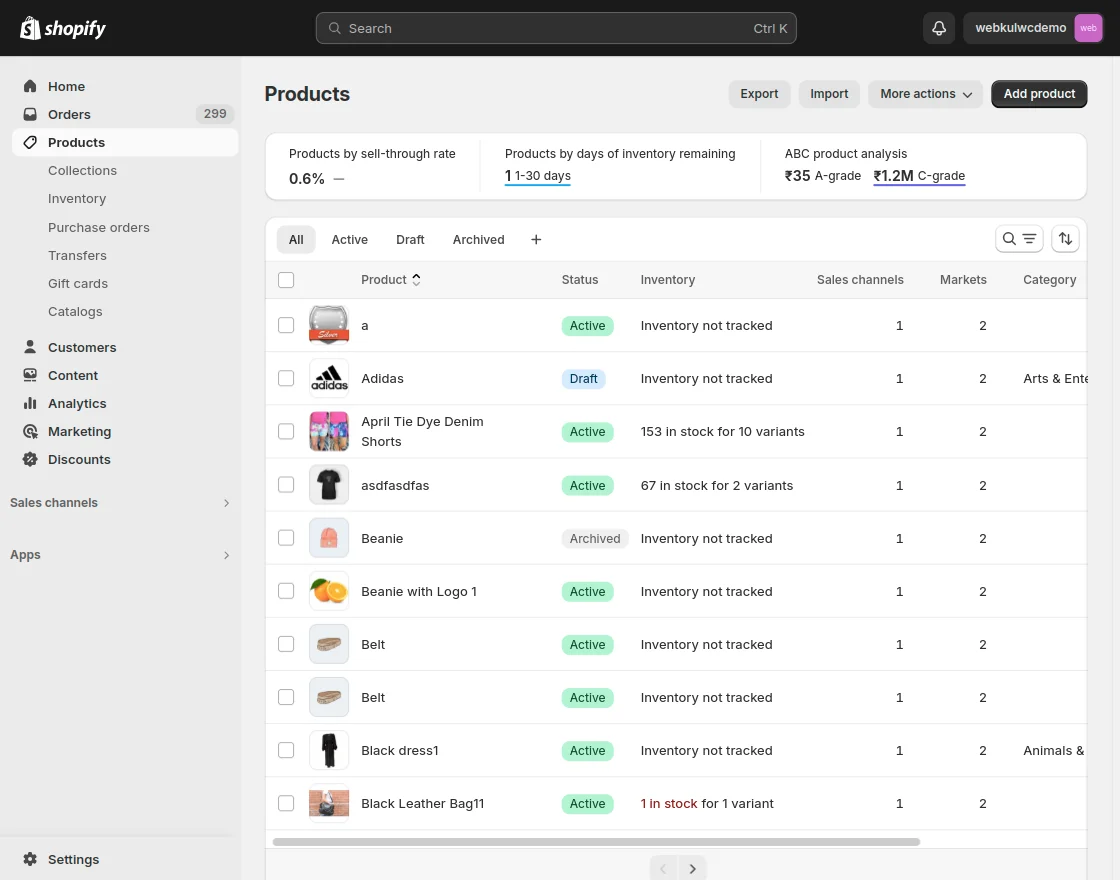
Export Products
Easily sync your WooCommerce products back to your Shopify store:
Manual Export: Export WooCommerce products to Shopify individually or in bulk.
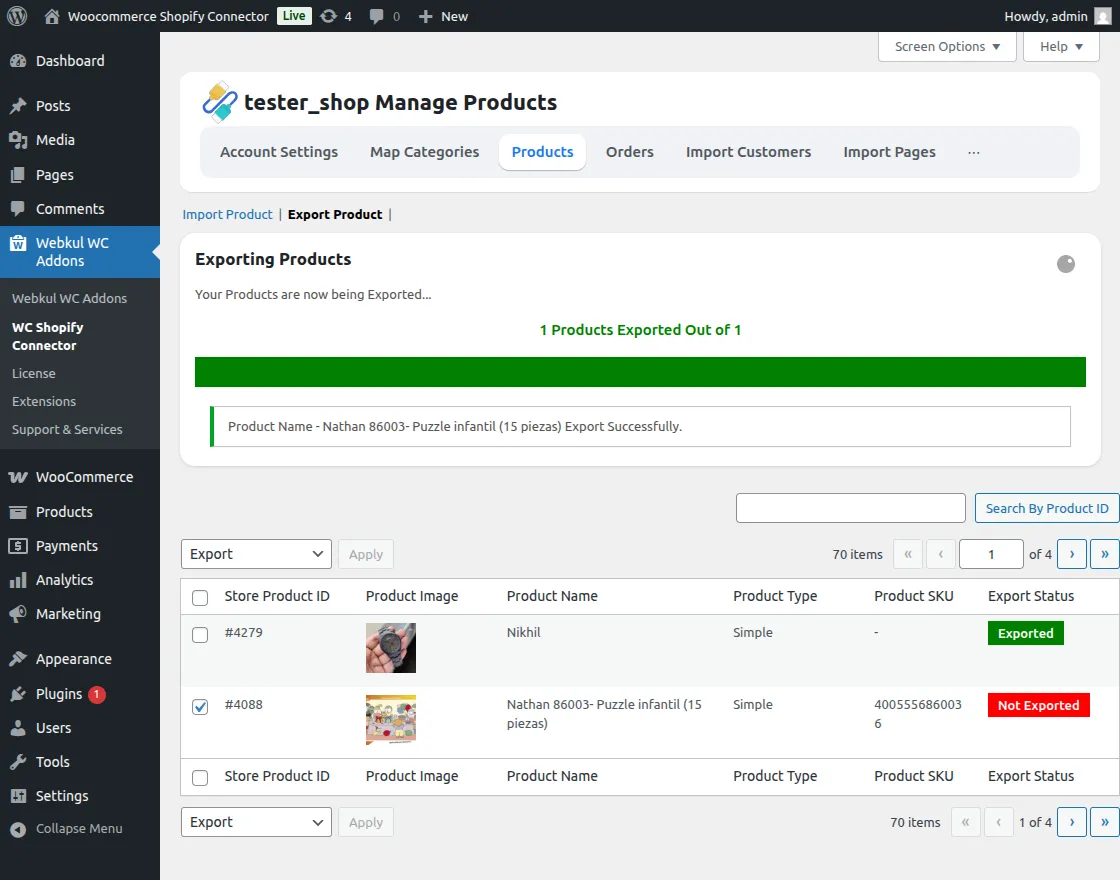
Bulk Export: Select multiple products and use the bulk action to export them to Shopify.
[!NOTE] The Export/Import feature supports all product types except for Grouped Products.