
System Overview
POS Globalpay Terminal Payment for WooCommerce provides a physical card reader payment bridge designed specifically for Webkul WooCommerce Point of Sale (POS).
How It Works
- Cart Selection: The POS cashier adds items to the cart and selects POS Global Pay Terminal at checkout.
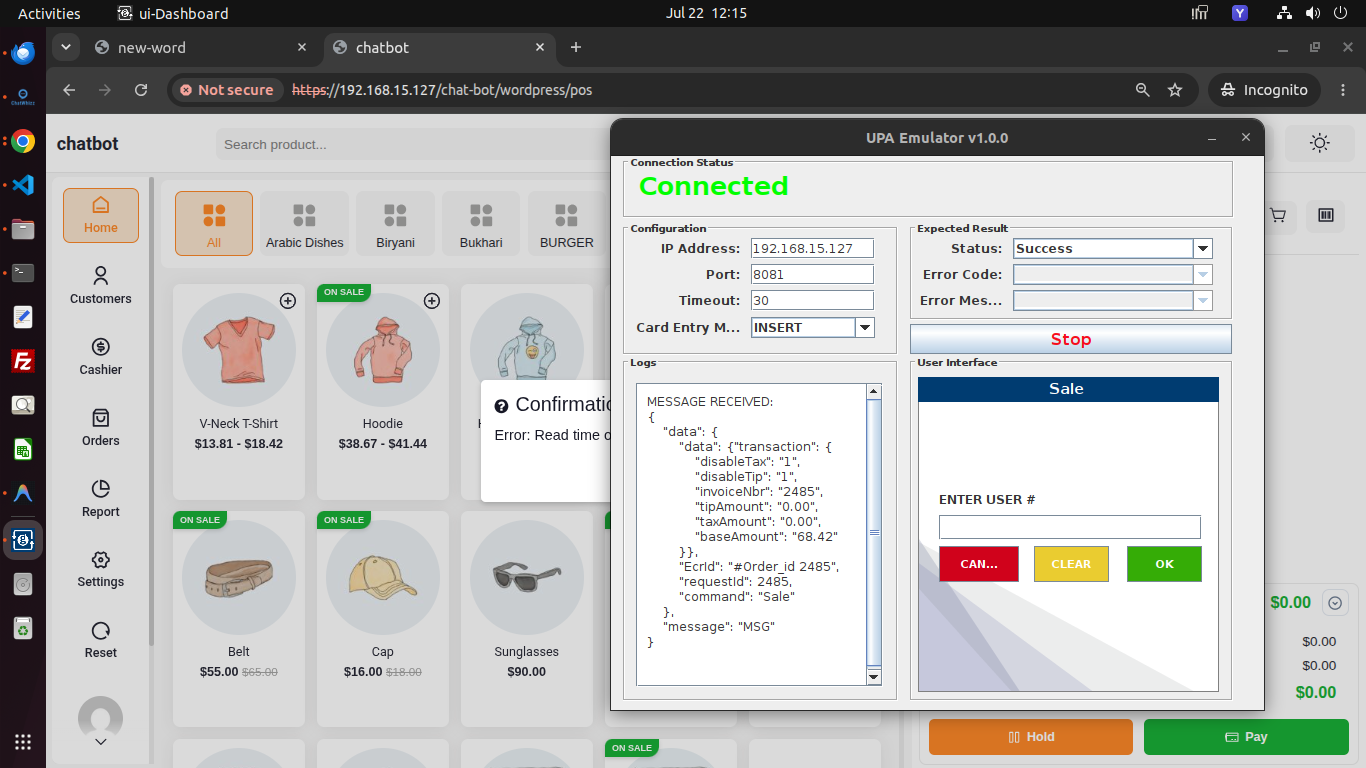
- Socket Request: The POS interface sends a secure JSON payload to the local Node.js WebSocket bridge server.
- Hardware Prompt: The Node server forwards the command over local TCP socket to the connected physical Globalpay card reader, Android Terminal App, or UPA Emulator.
- Customer Card Swipe / PIN: The customer inserts/taps their card and inputs their secret PIN on the physical terminal.
- Gateway Authorization: The terminal processes payment with Globalpay gateway servers.
- Order Upgrade: Upon receiving the approval callback, WooCommerce upgrades the order status to
Completedand attaches transaction metadata audit logs.
Key Architectural Advantages
- Zero Manual Data Entry: Eliminates cashier keying errors by transmitting exact cart totals to the terminal automatically.
- Low Latency: Local socket bridge ensures sub-second response times between cashier screen and card reader.
- Encrypted Local Transport: Supports TLS/SSL certificate encryption for socket connections.
- HPOS Ready: Built ground-up to support WooCommerce High-Performance Order Storage database structures.