
Exporting Products to eBay Store
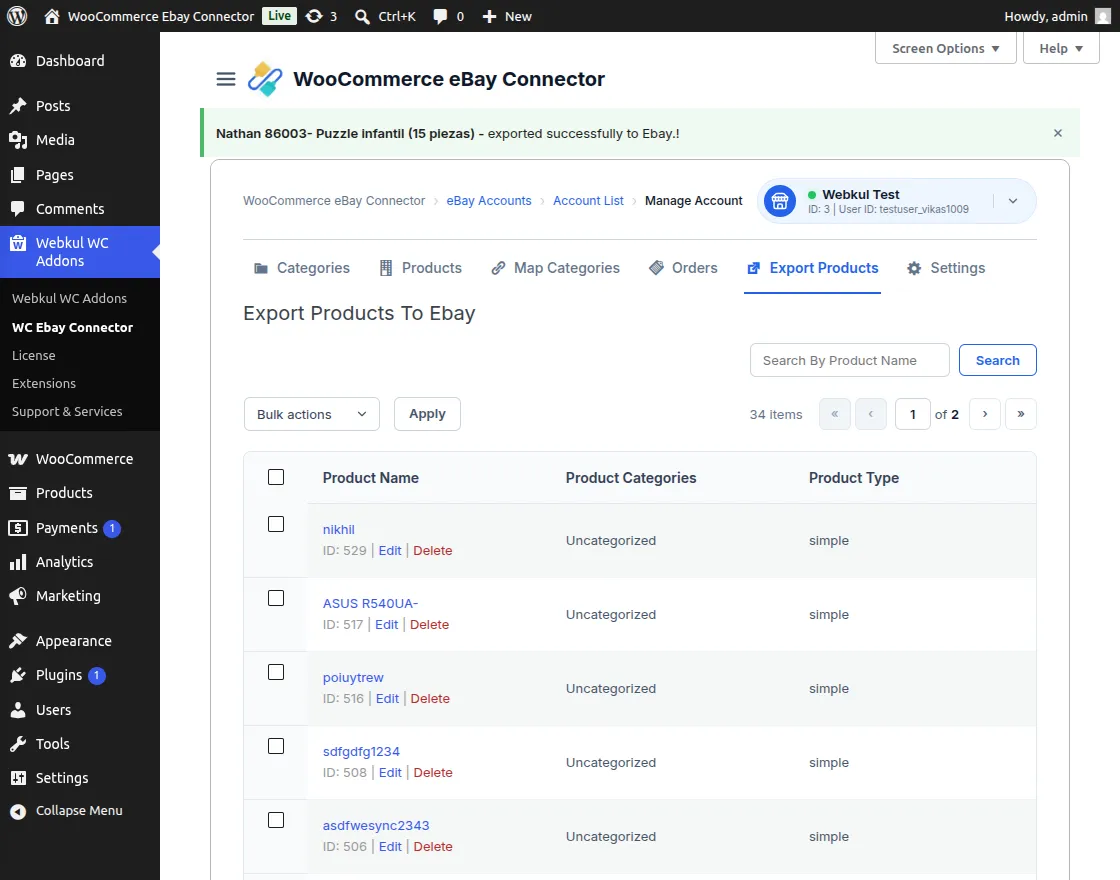
This section allows the admin to export products from the WooCommerce store to the eBay marketplace using the WooCommerce eBay Connector module.
How to Export a Product
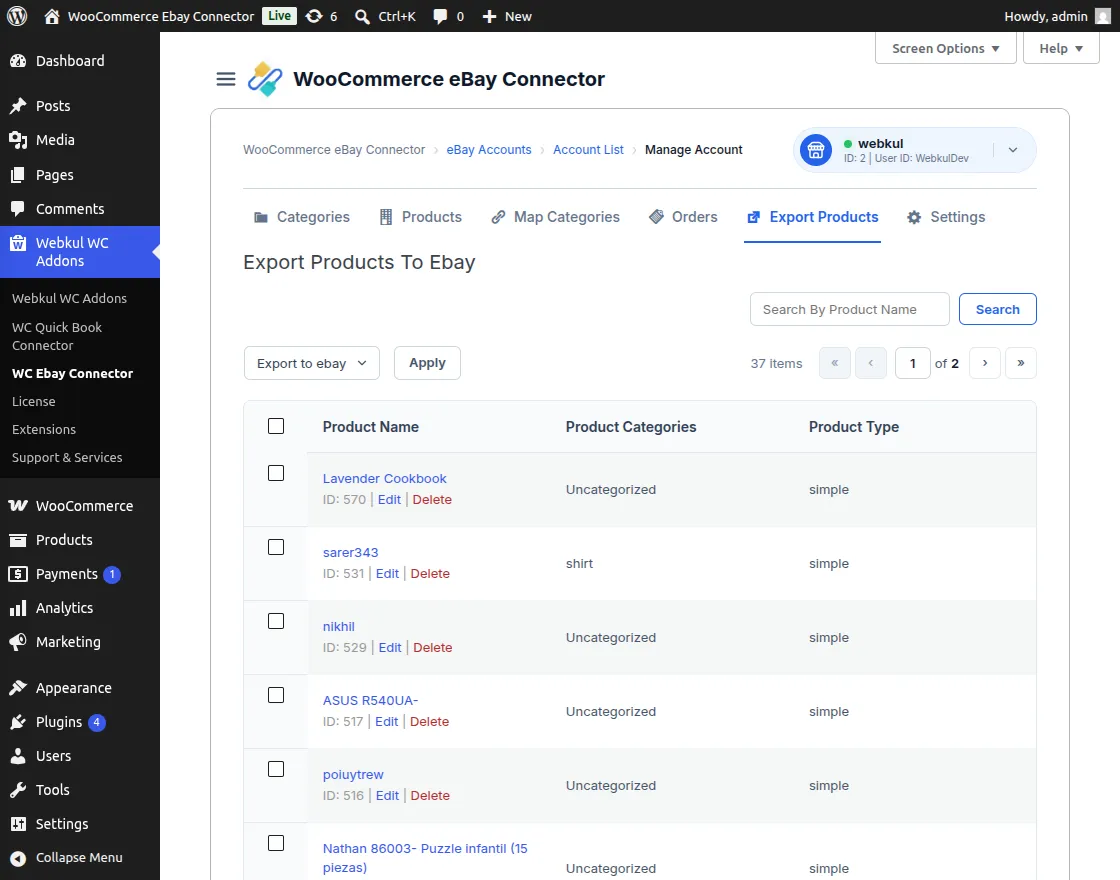
The admin can export products individually or in bulk from the dedicated export section.
- Navigate to the Export Products tab within the connector.
- Select the desired product from the list.
- Choose Export Product to eBay from the dropdown menu and apply the action.
[!NOTE] The Export Products list includes a Product Image column, allowing administrators to visually identify products quickly before exporting them to eBay.
Exclude Products From the Export Products Page
The connector also provides an exclusion toggle directly on the Export Products page.
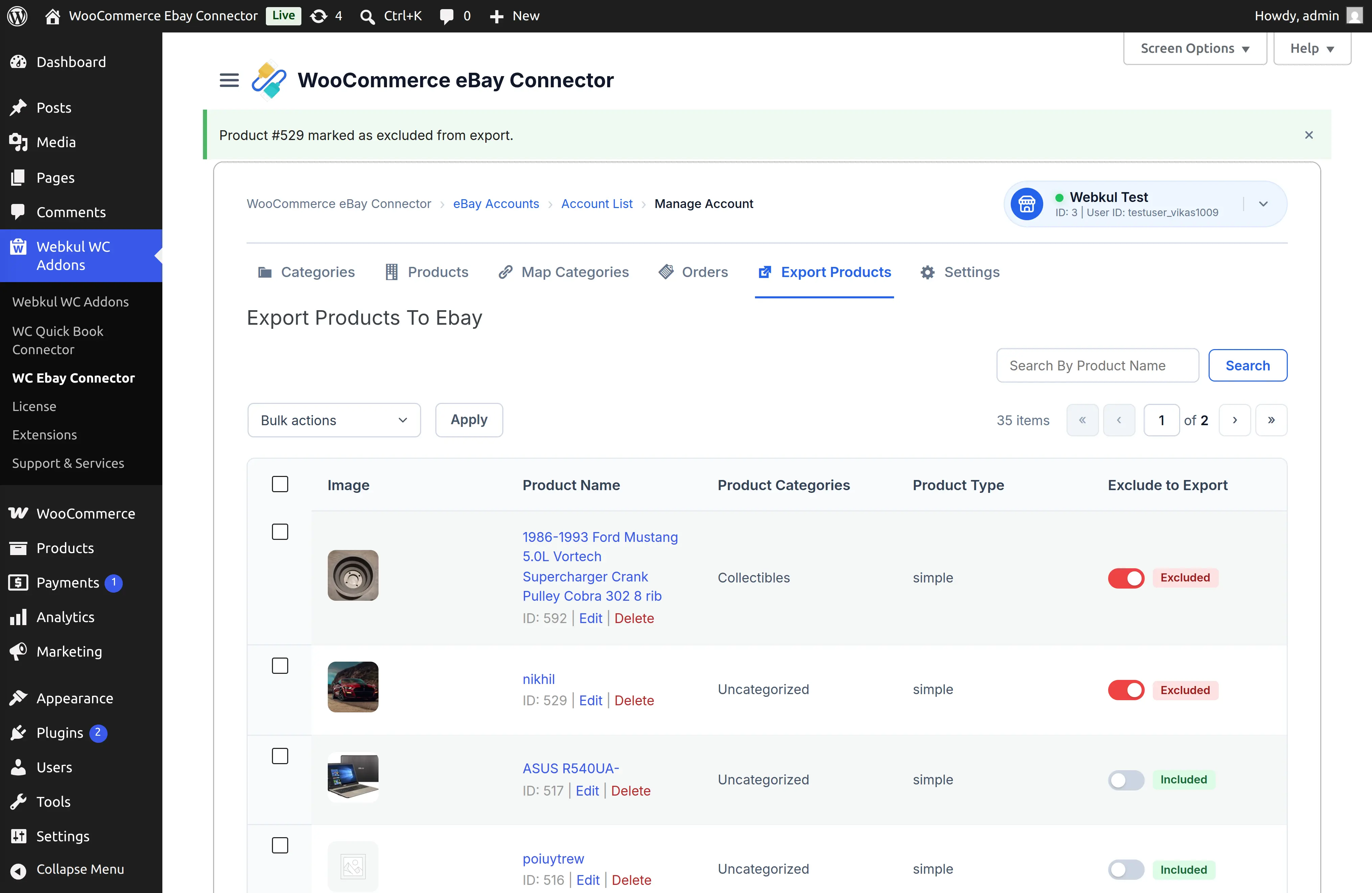
The admin can identify products that are excluded from export using the Excluded status.
For example:
- Excluded – the product will not be exported or updated on eBay.
- Included – the product is eligible for export synchronization.
This makes it easier to control individual products while reviewing the WooCommerce products available for export.
Error: Product Category Not Mapped
If a notification appears: 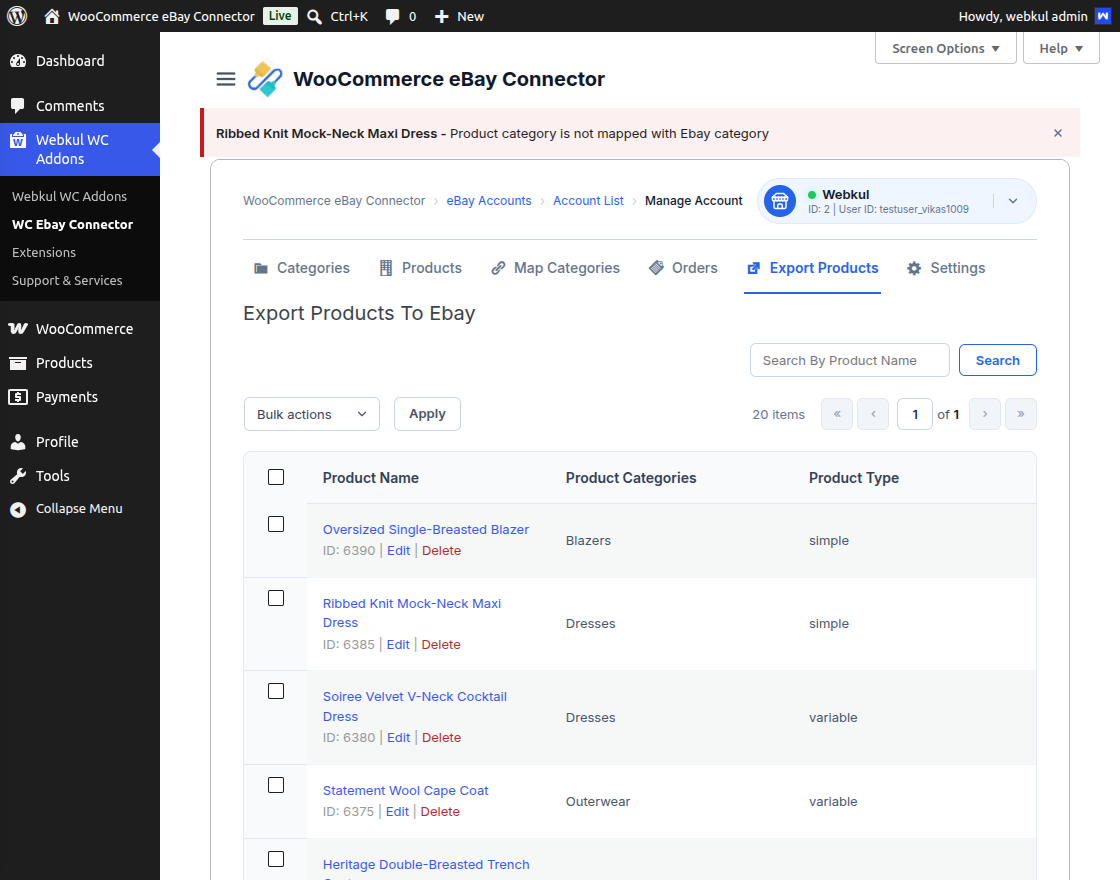
“The product category is not mapped with the eBay category.”
Follow the steps below to resolve this issue.
Step 1: Map the Category
- Click on the Map Category section.
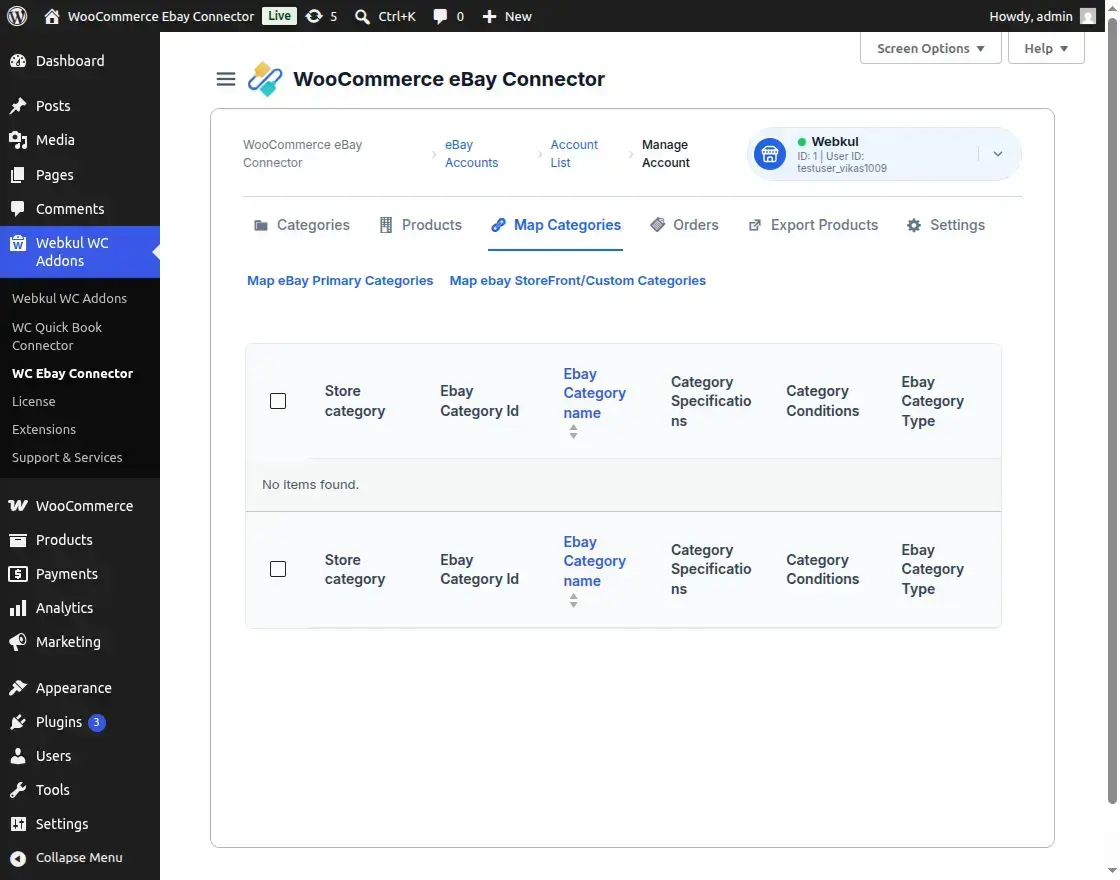
- Click Map eBay Primary Categories.
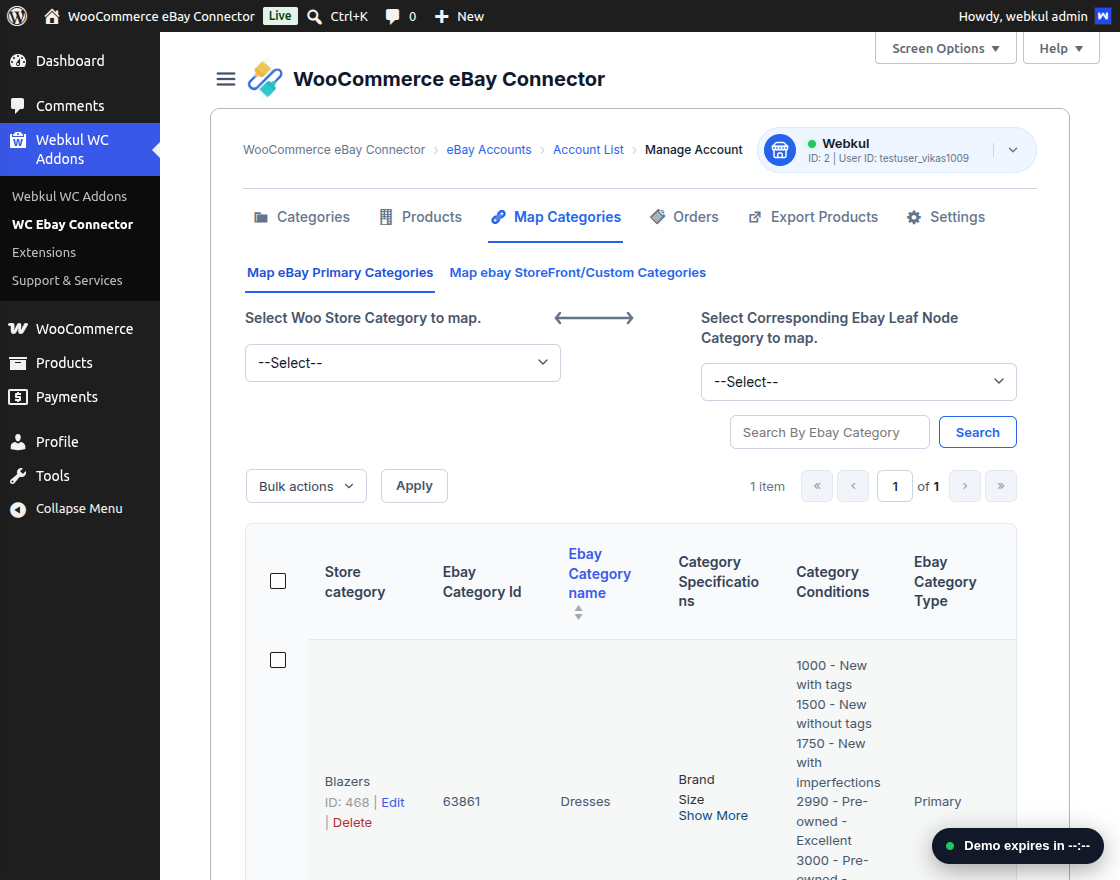
- Select:
- WooCommerce category
- eBay leaf node (subcategory)
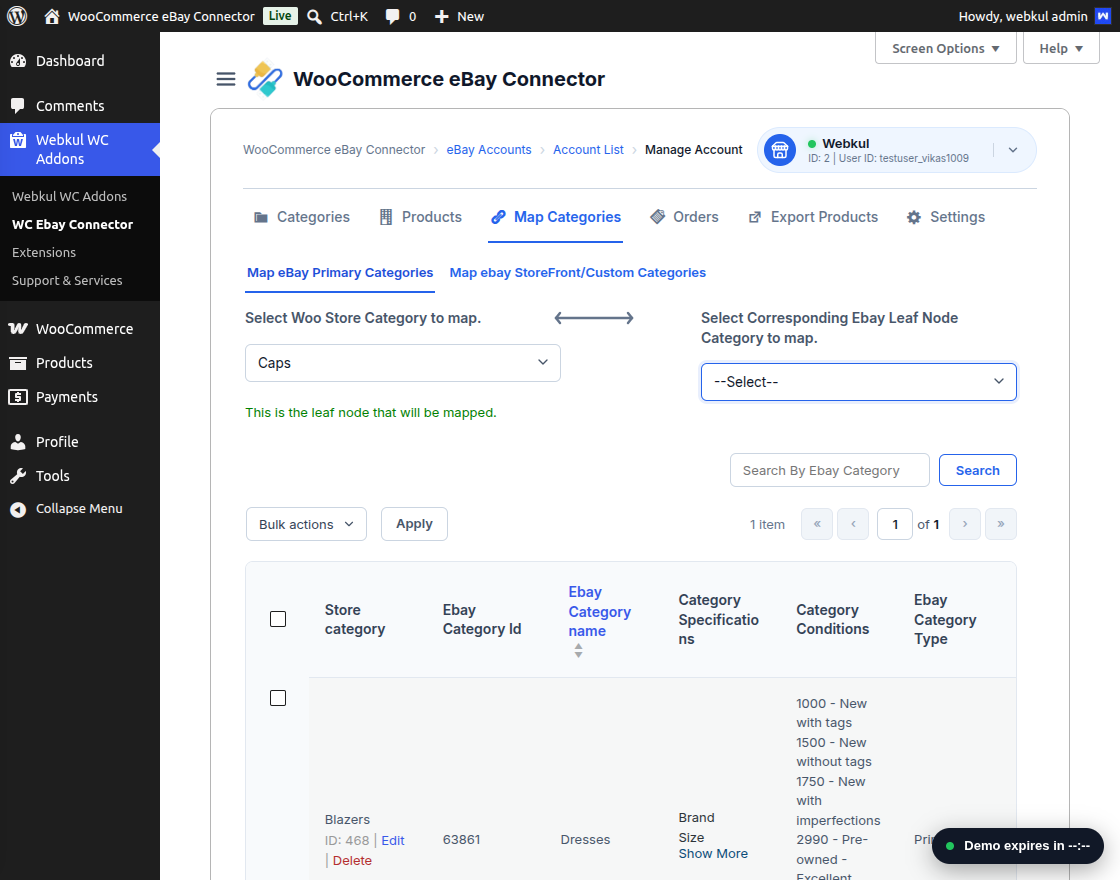
- Map the WooCommerce category with the eBay category.
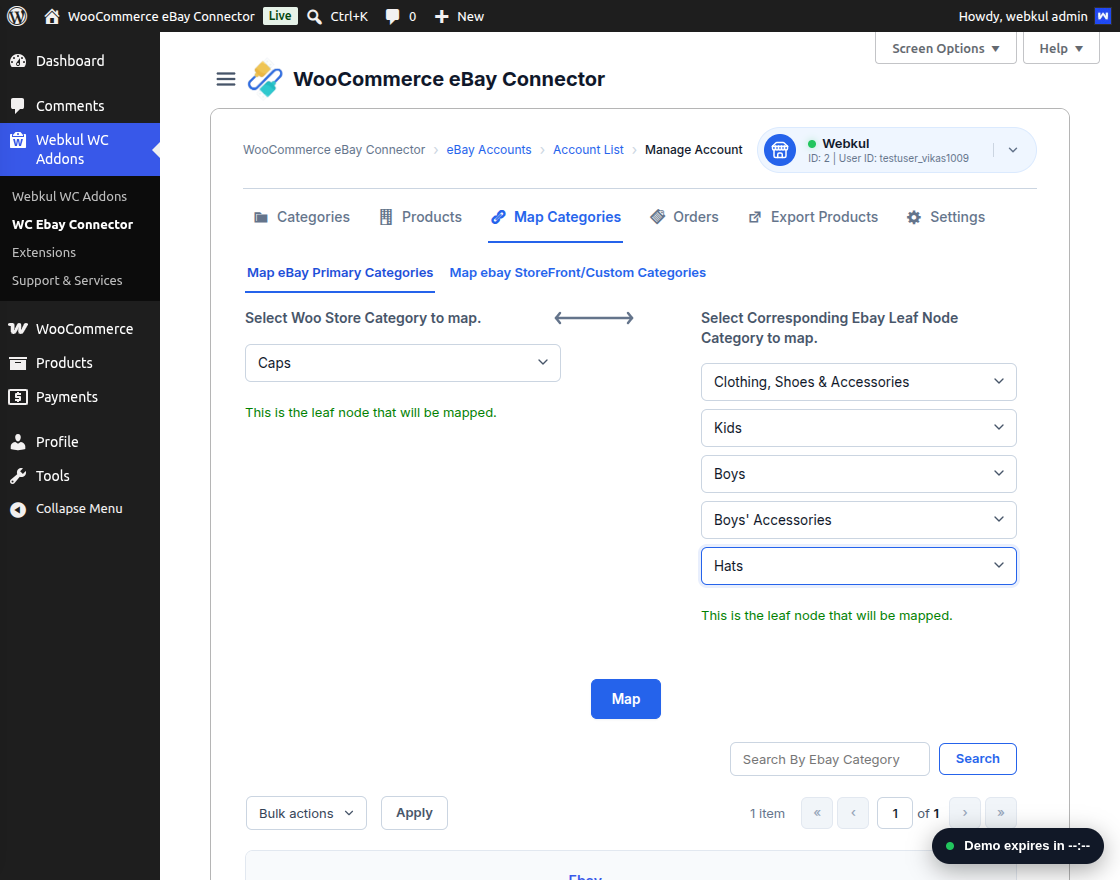
- Click the Map button.
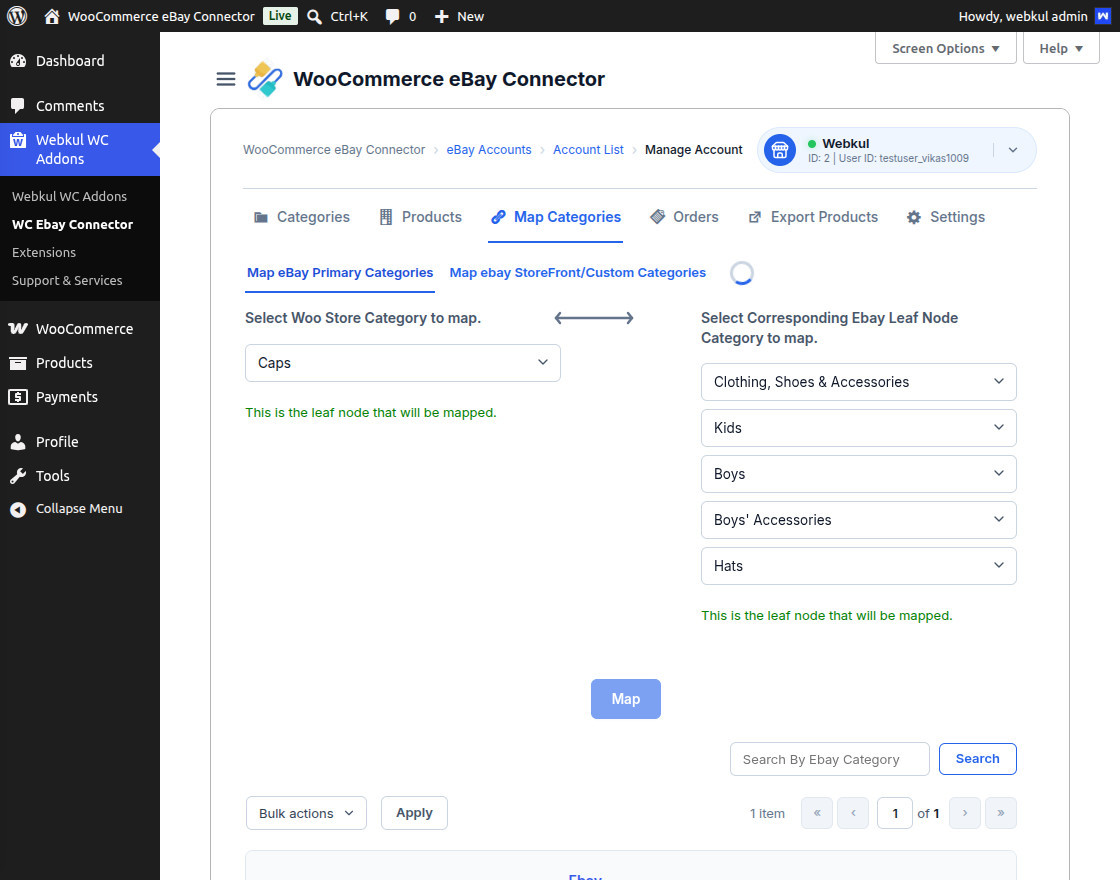
You can verify the mapped category in the Map Categories section.
Step 2: Edit the Product
- Navigate to Export Products.
- Select the product and click Edit.
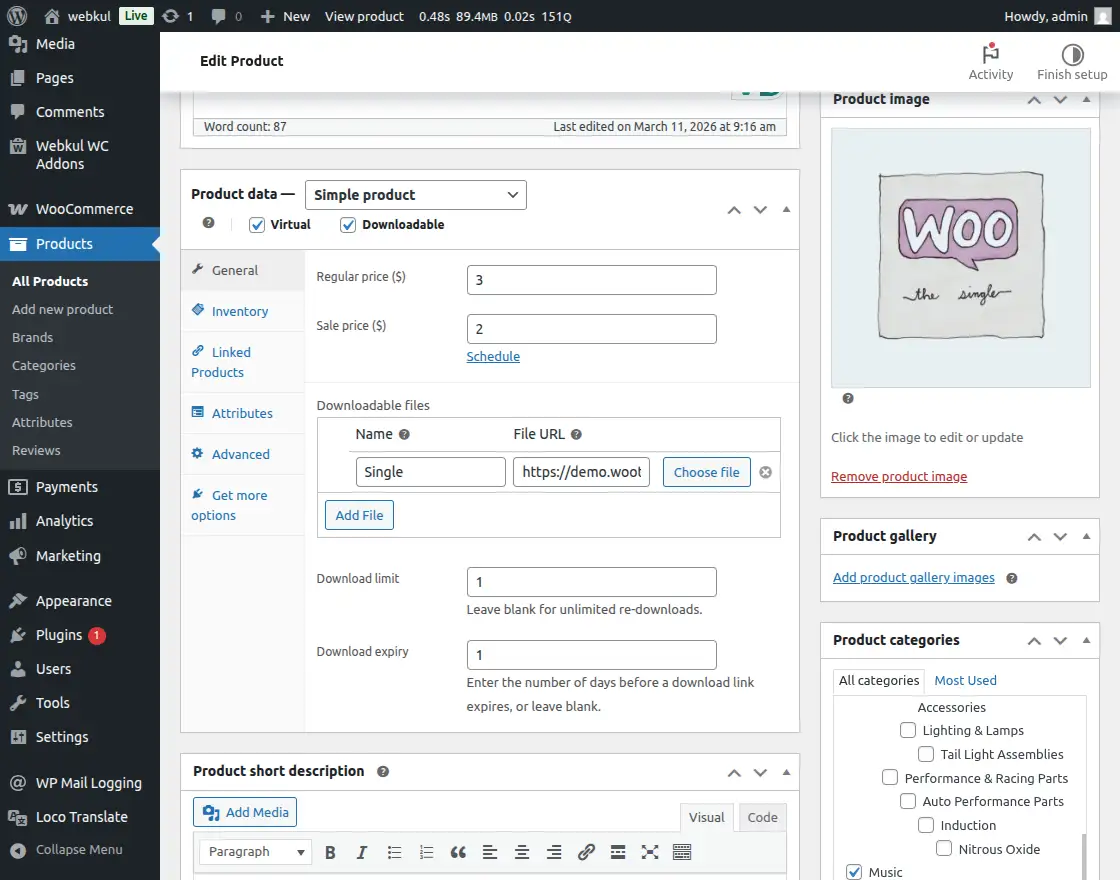
- In the Product Categories section:
- Assign the mapped category.
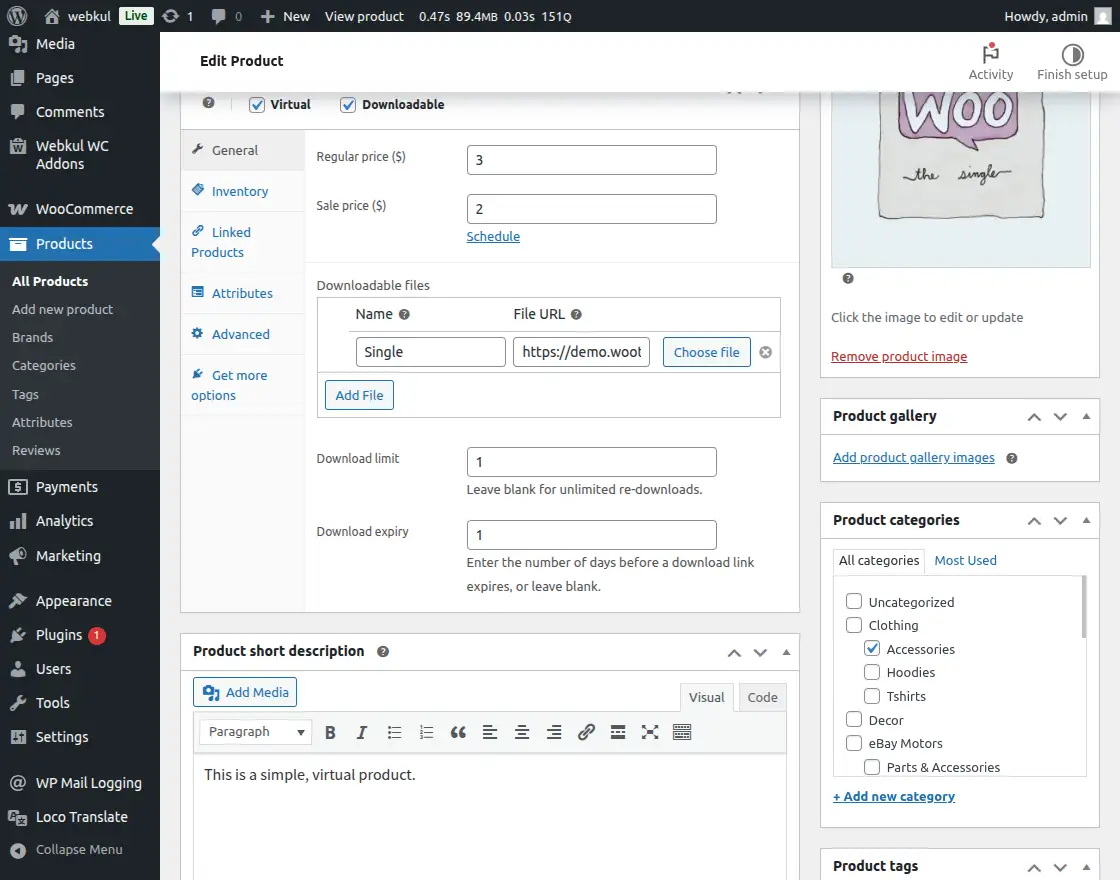
- Assign the mapped category.
- After updating the product, proceed with exporting the product. You will encounter an attribute-related error during the export process.
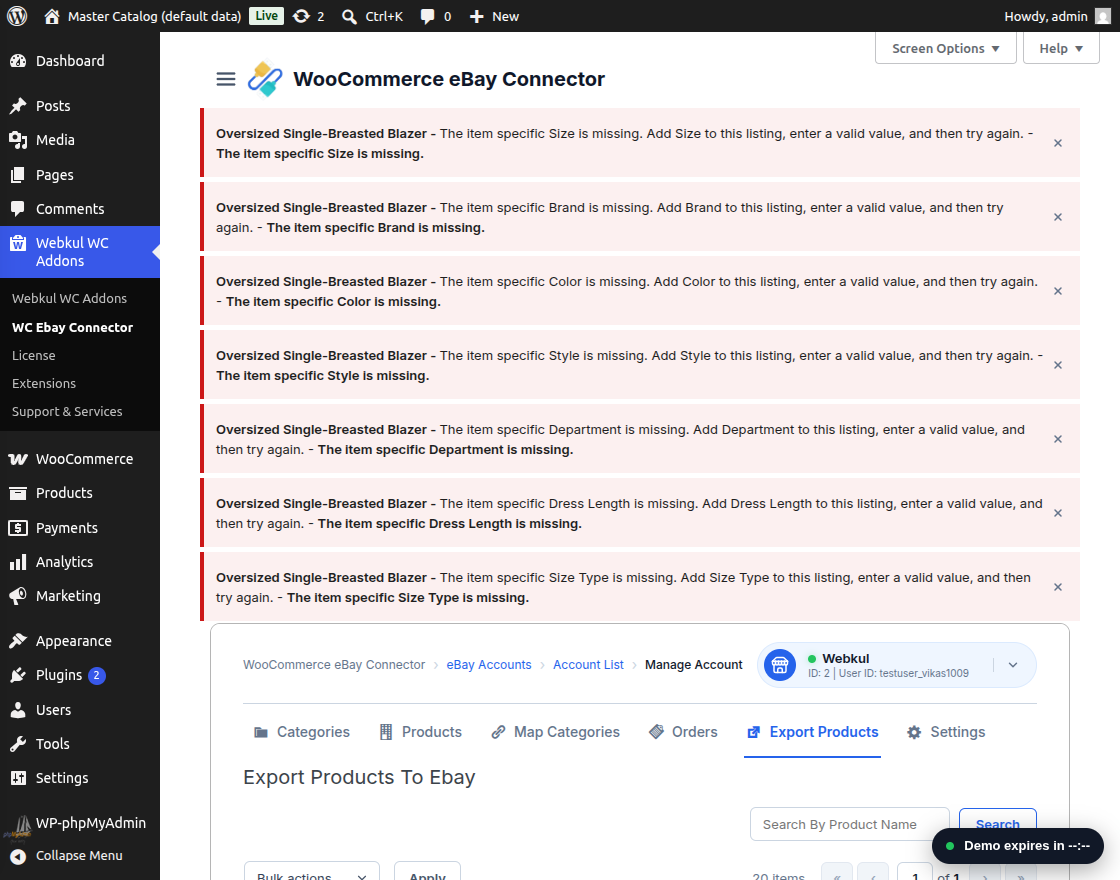
Verifying Product Data for Export
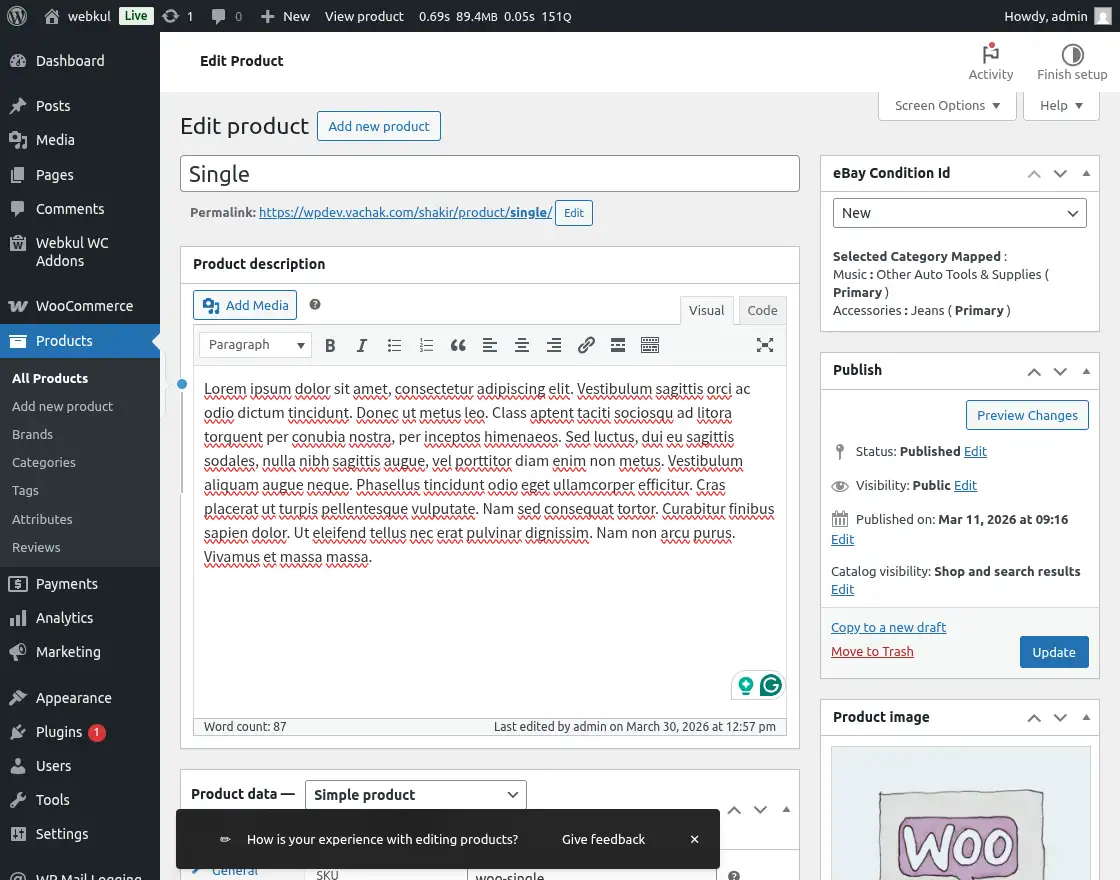
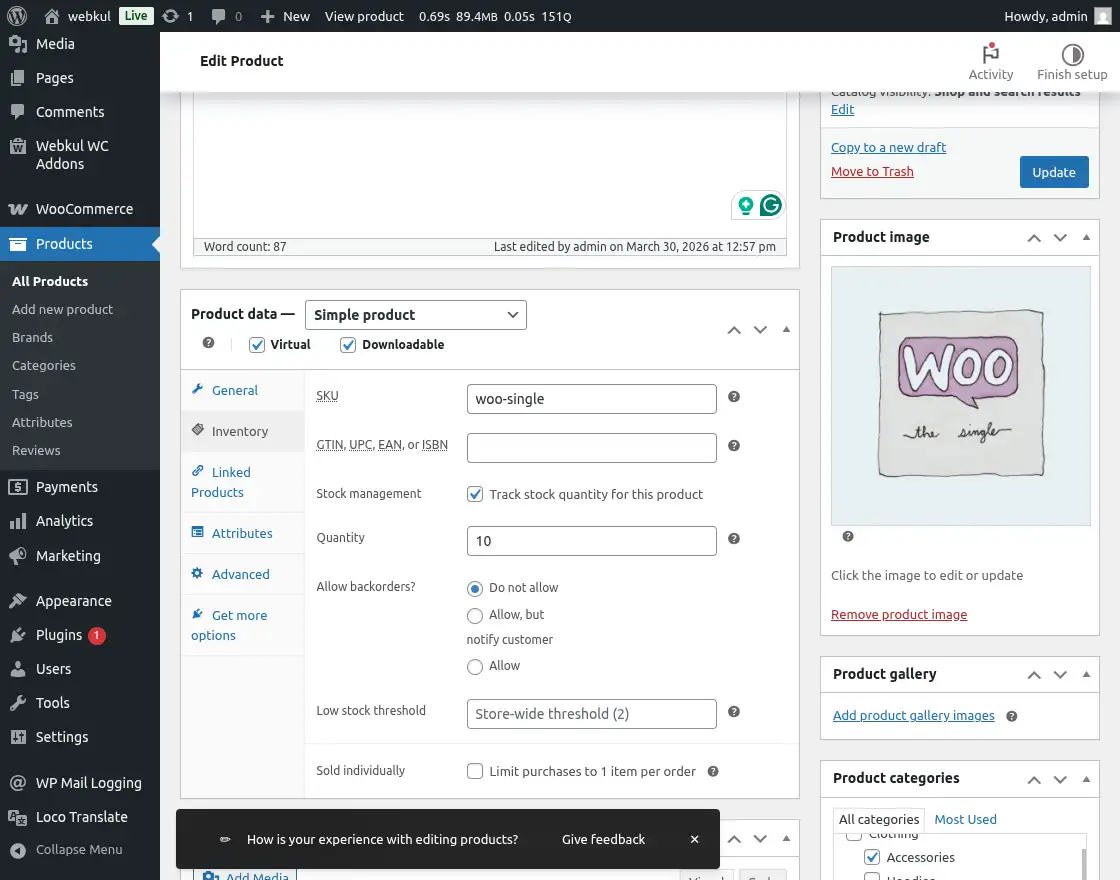
The admin should ensure the following mandatory details are complete before attempting the export again:
- Product Quantity: Ensure the stock level is defined and greater than zero.
- Condition ID: Select the appropriate product condition (e.g., New).
- Product Images: A high-quality featured image must be uploaded.
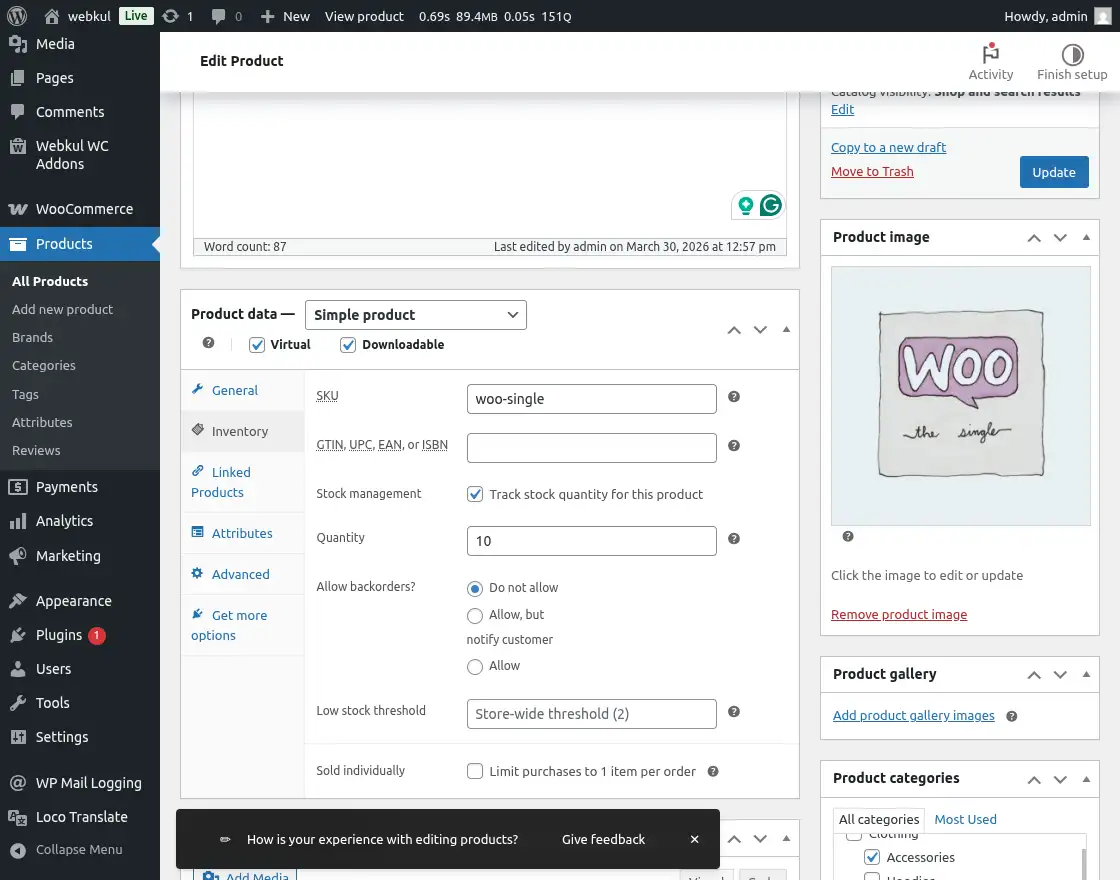
Resolving Missing Attribute Errors
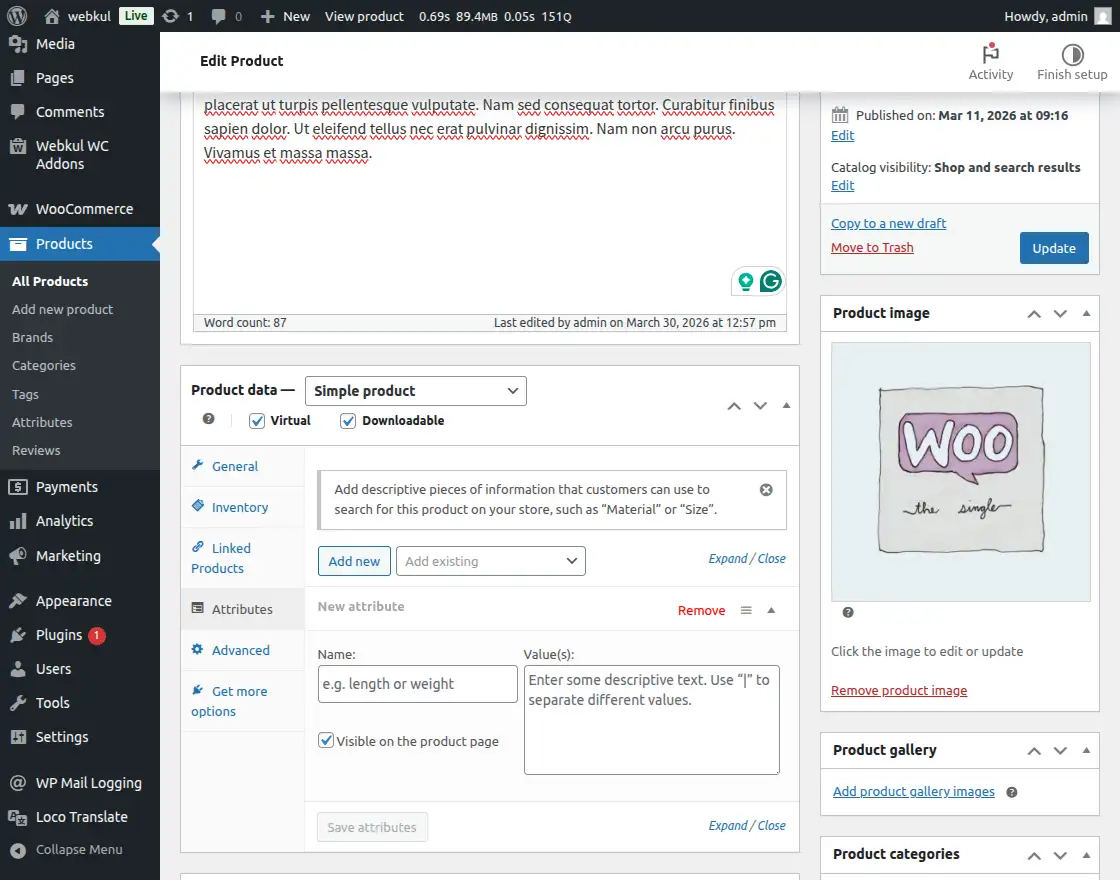
If mandatory eBay specifications are missing, the admin may encounter an attribute-related error.
How to Fix Missing Attributes
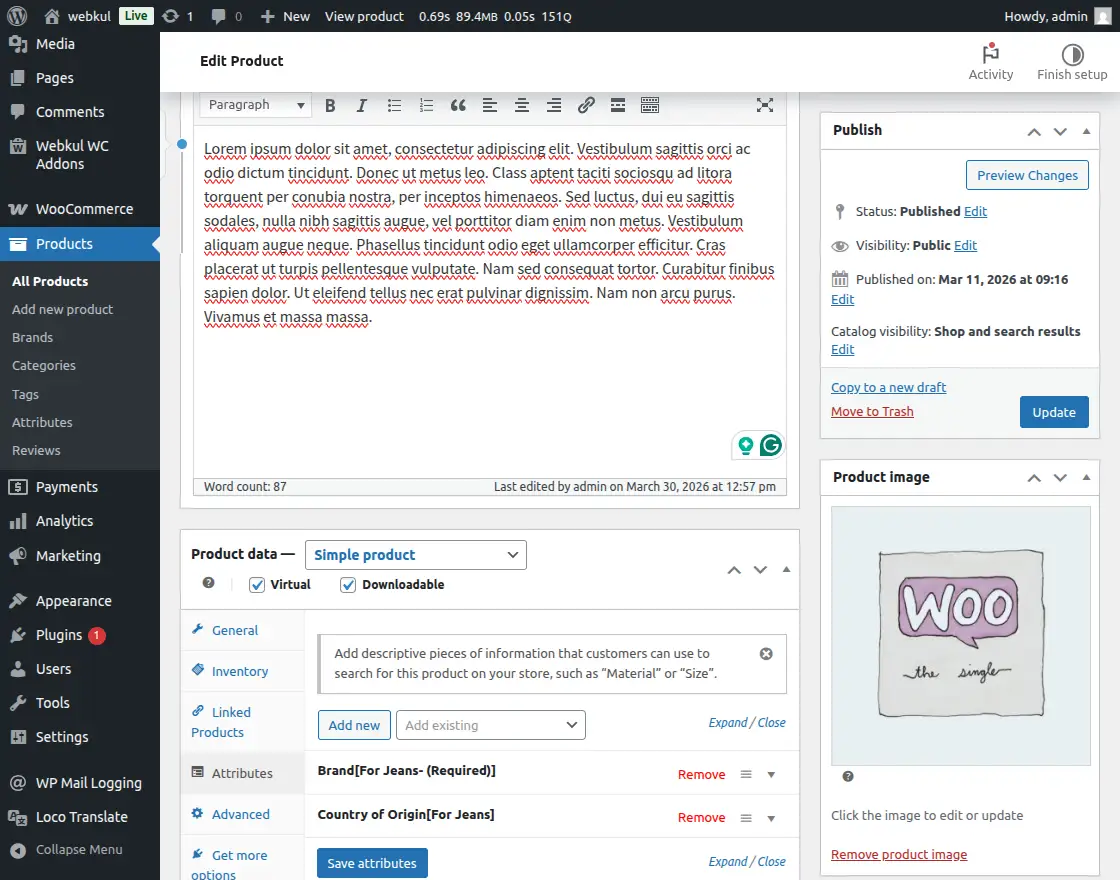
- Open the WooCommerce product edit page and navigate to Product Data → Attributes.
- The admin must add all required eBay specifications and provide their respective values.
- Save the attributes and update the product.
Successful Product Export
Once all mandatory fields and categories are aligned, the product will be exported successfully to the eBay marketplace.
Verify Product on eBay
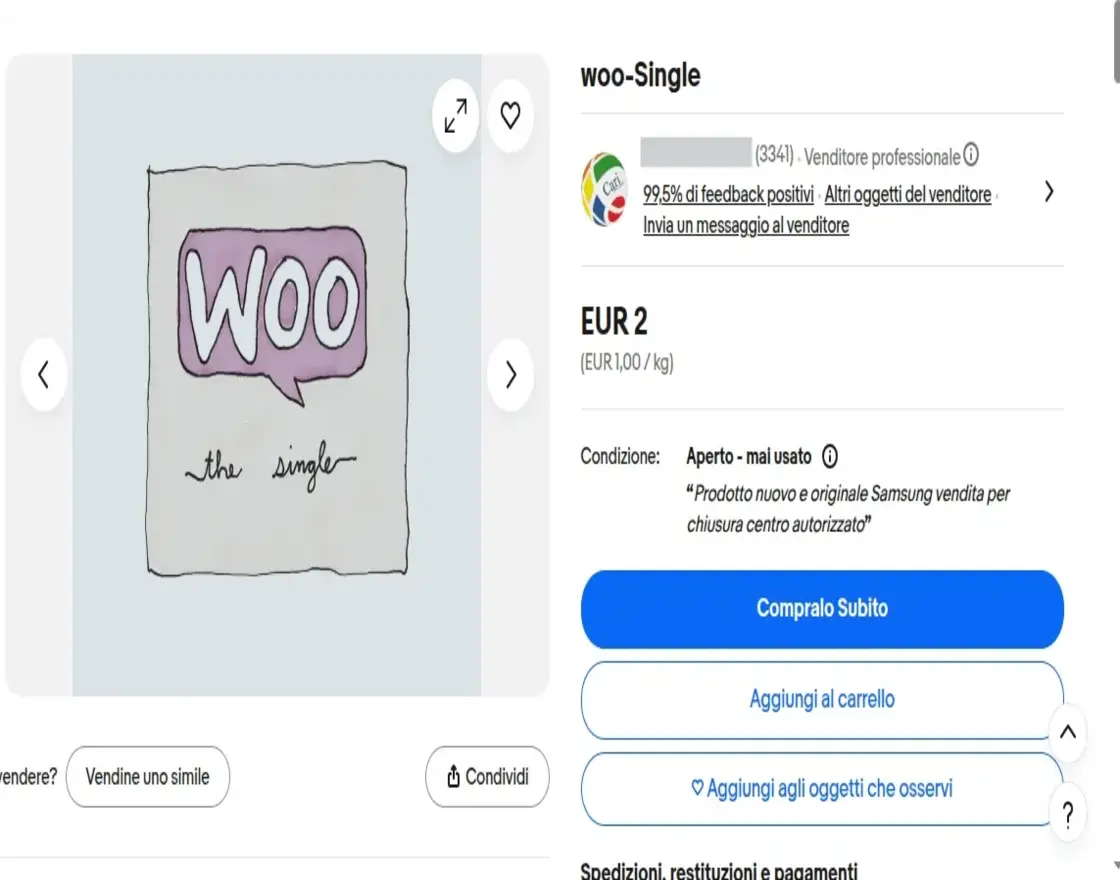
The admin can confirm the successful listing by logging into the eBay Seller Hub.
Conclusion
By following these steps for category mapping, product data completion, and attribute management, the admin can ensure a smooth and efficient product export process using the WooCommerce eBay Connector.