
Installation
This section allows the admin to install and activate the WooCommerce eBay Connector plugin on their WordPress store to begin the synchronization process.
Downloading the Plugin ZIP
After purchasing the module, the admin will receive a ZIP file containing the plugin data.
- Download the file to your local system.
- Important: Do NOT unzip the file before uploading it to WordPress.
Uploading the Plugin to WordPress
The admin can upload the plugin through the WordPress dashboard:
- Login to your WordPress Admin Panel.
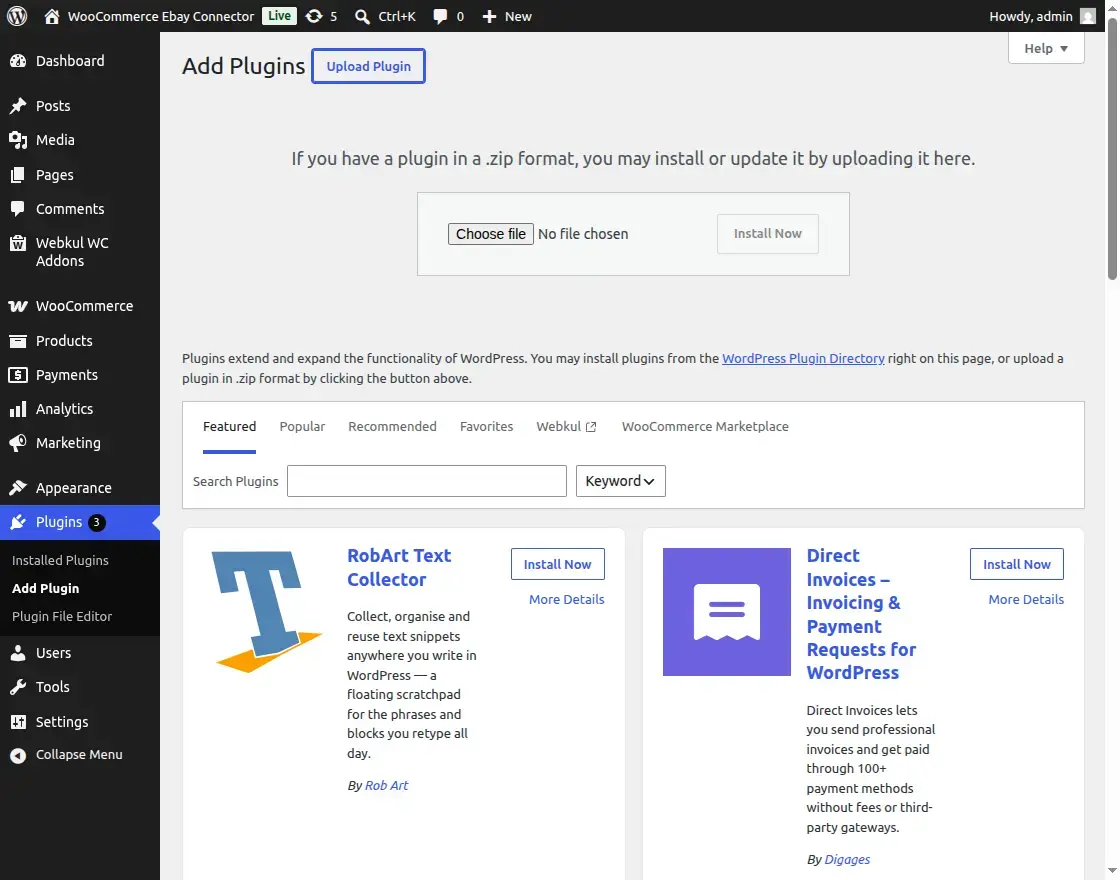
- Navigate to Plugins → Add New Plugin in the left sidebar menu.

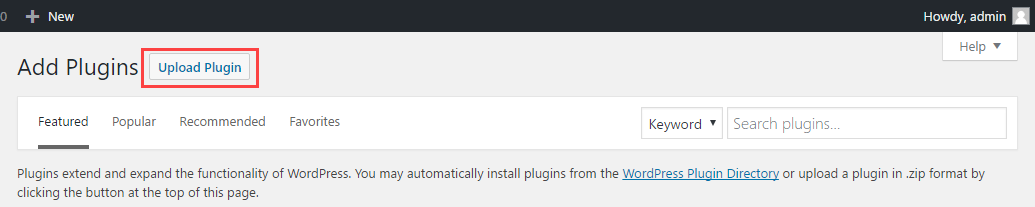
- Click the Upload Plugin button located at the top of the page.
- Click Choose File and select the downloaded ZIP file from your system.
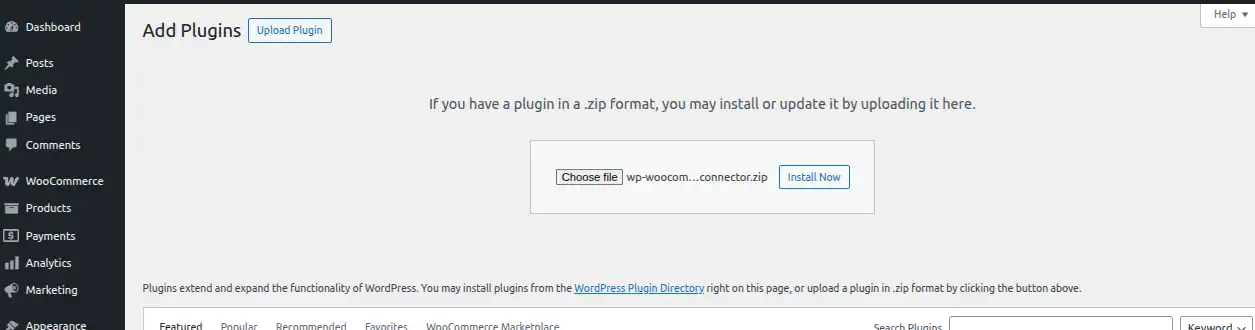
Installing the Connector Module
- Once the file is selected, click the Install Now button.
- WordPress will automatically upload and extract the plugin files.
- Wait for the installation process to complete.
Activating the Plugin
- After a successful installation, click on the Activate Plugin button.
- This will enable the eBay Connector features within your WordPress dashboard.

Step 5 – Activate License
- To activate the license, go to Webkul WC Addon > Settings
- The wizard will be show to activate the license.
- Enter the License Key and click Activate License
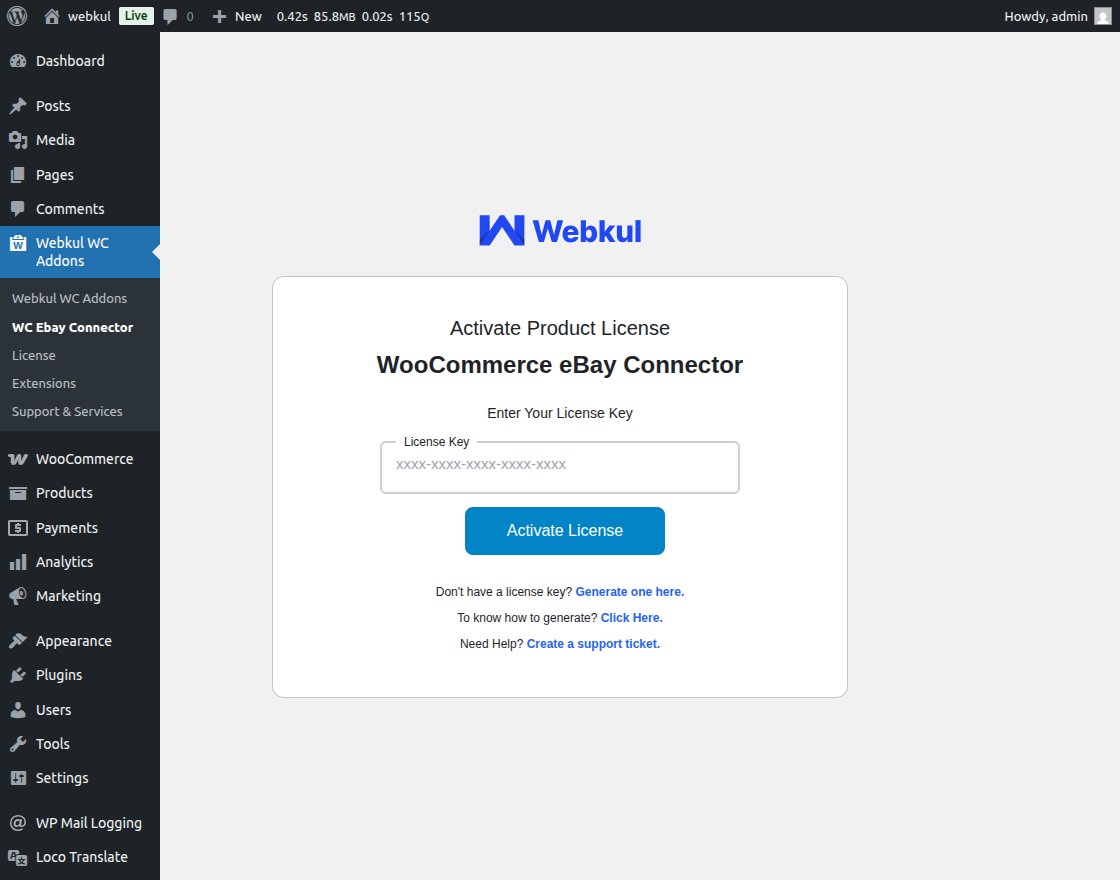
- License Activation Guide – Step-by-step instructions on activating your plugin license.
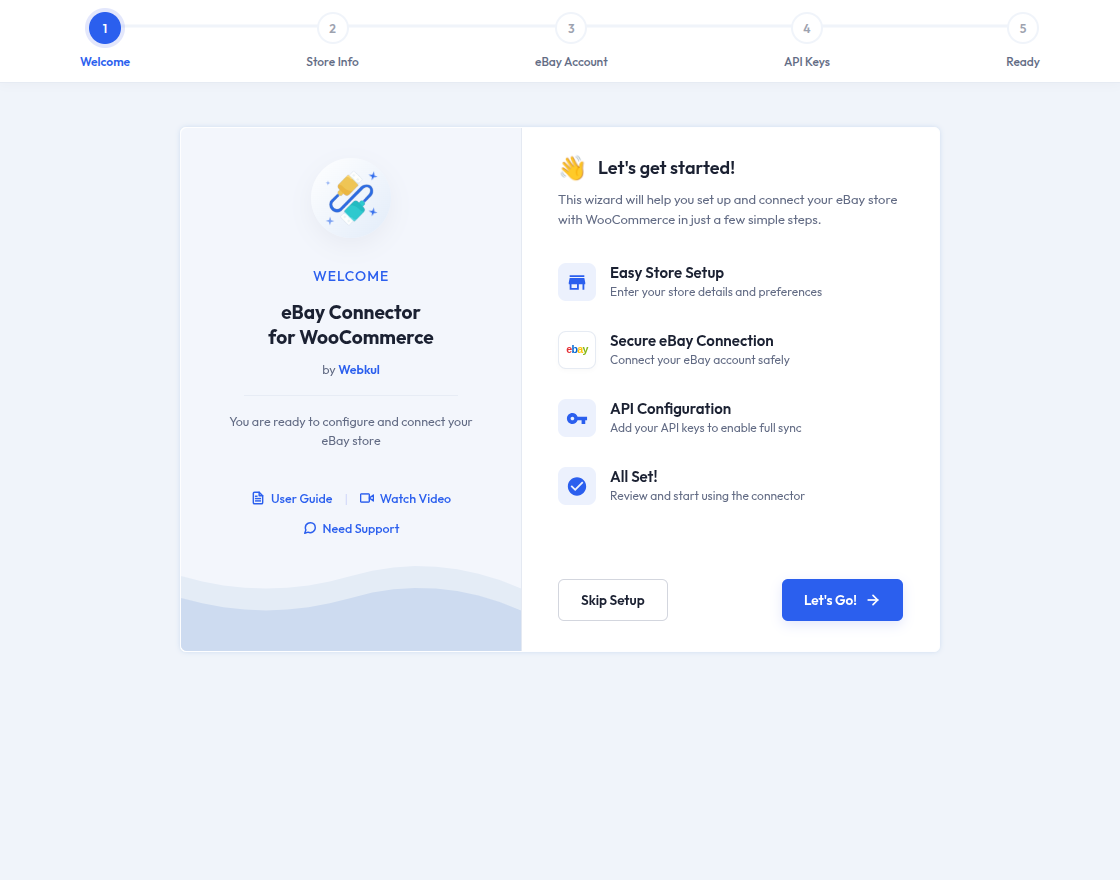
Step 6 – Ebay Setup Wizard
After activating the plugin:
- The eBay Setup Wizard will automatically appear on the screen.
- Follow the wizard to complete the initial eBay configuration.
Module Translation
The WooCommerce eBay Connector supports multi-language translation to cater to global regions:
- To translate the module into your preferred language, refer to the Webkul Translation Guide.
- This allows the admin to customize labels and text according to local requirements.