
Bundle Products for WooCommerce
Bundle Products for WooCommerce adds a dedicated Bundle Product type to your store. A bundle is one product page that sells a curated kit of existing products — a washing machine with an optional phone, laptop and TV, a starter pack with mandatory tools and add-on accessories, or any combination you can assemble from your catalog.
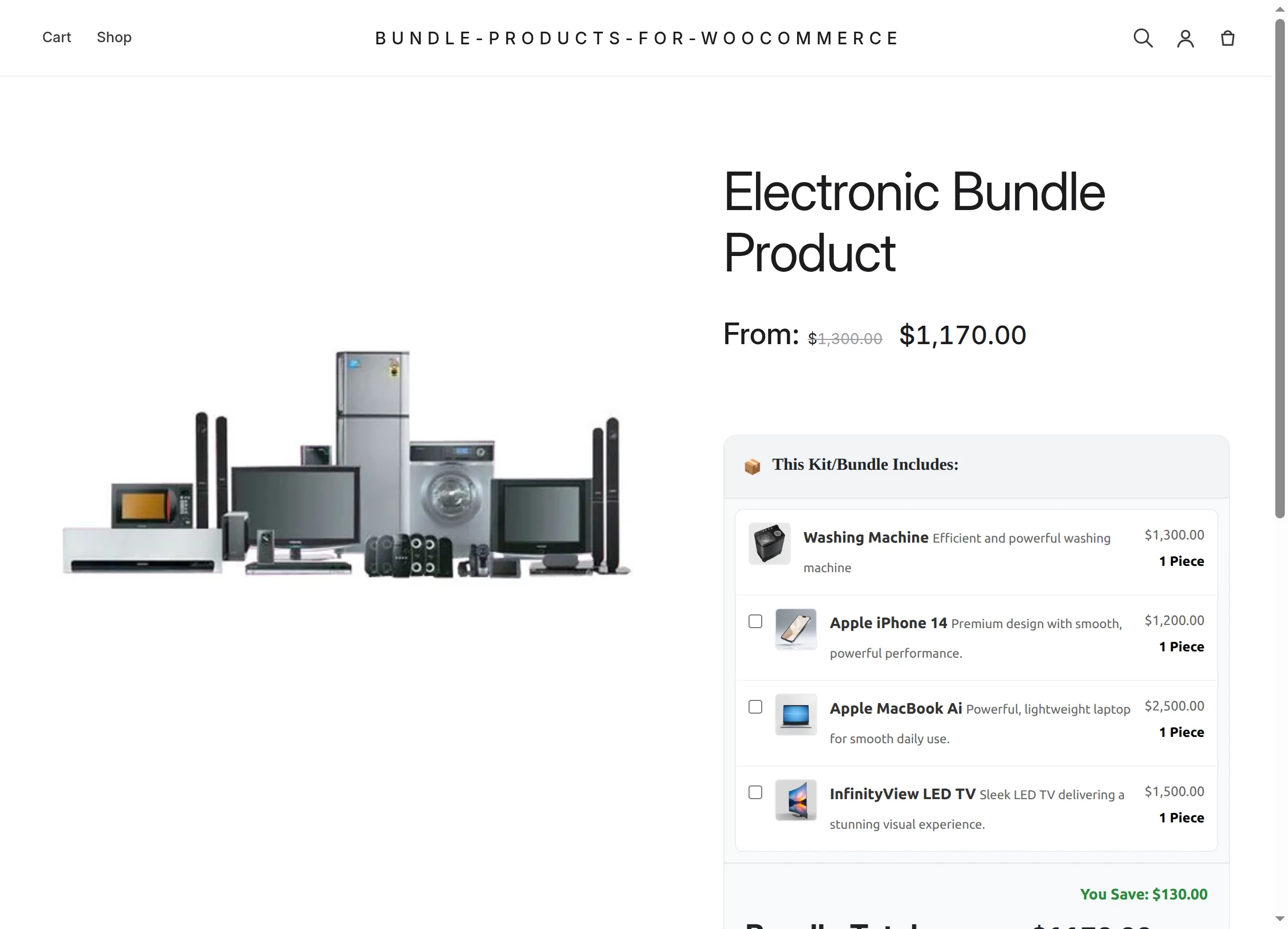
You stay in full control of the commercial logic:
- What's inside — any published simple products, and even specific variations, each with its own quantity.
- What's mandatory — the first items of the list are always included; the rest become optional checkboxes for the customer.
- What it costs — one fixed price for the whole kit, or a dynamic total that follows the customer's selection, with an optional bundle discount on top.
- How many per order — an optional per-order purchase limit, enforced everywhere from the product page to the checkout block.
Who is this documentation for?
| You are… | Start here |
|---|---|
| Evaluating the plugin | Overview and Features |
| A store owner installing it | Installation, then Creating a Bundle |
| Configuring prices and offers | Pricing & Discounts |
| Managing stock and order limits | Stock, Quantity & Limits |
| Wondering what customers see | Customer Experience and Cart, Checkout & Orders |
| A developer integrating with it | Developer Reference |
The big picture
- Install the plugin on a store where WooCommerce is active — no settings pages, no setup wizard.
- Create a product and switch its type to Bundle Product: a new Bundle Items tab appears.
- Add bundle items in order — mandatory items first — and choose a pricing mode, discount and limits.
- Publish. The storefront shows the "This Kit/Bundle Includes" box with live totals; customers configure their kit and add it to the cart as one line item.
- Fulfil orders as usual — every order line lists the bundled products underneath, in the admin, on the customer's order pages and inside order emails.
Continue with the Overview to understand the key concepts, or jump straight to Installation.