
Troubleshooting
Validation messages
These are the exact notices the plugin can show customers, what each means, and how to resolve it.
| Message | Cause | Resolution |
|---|---|---|
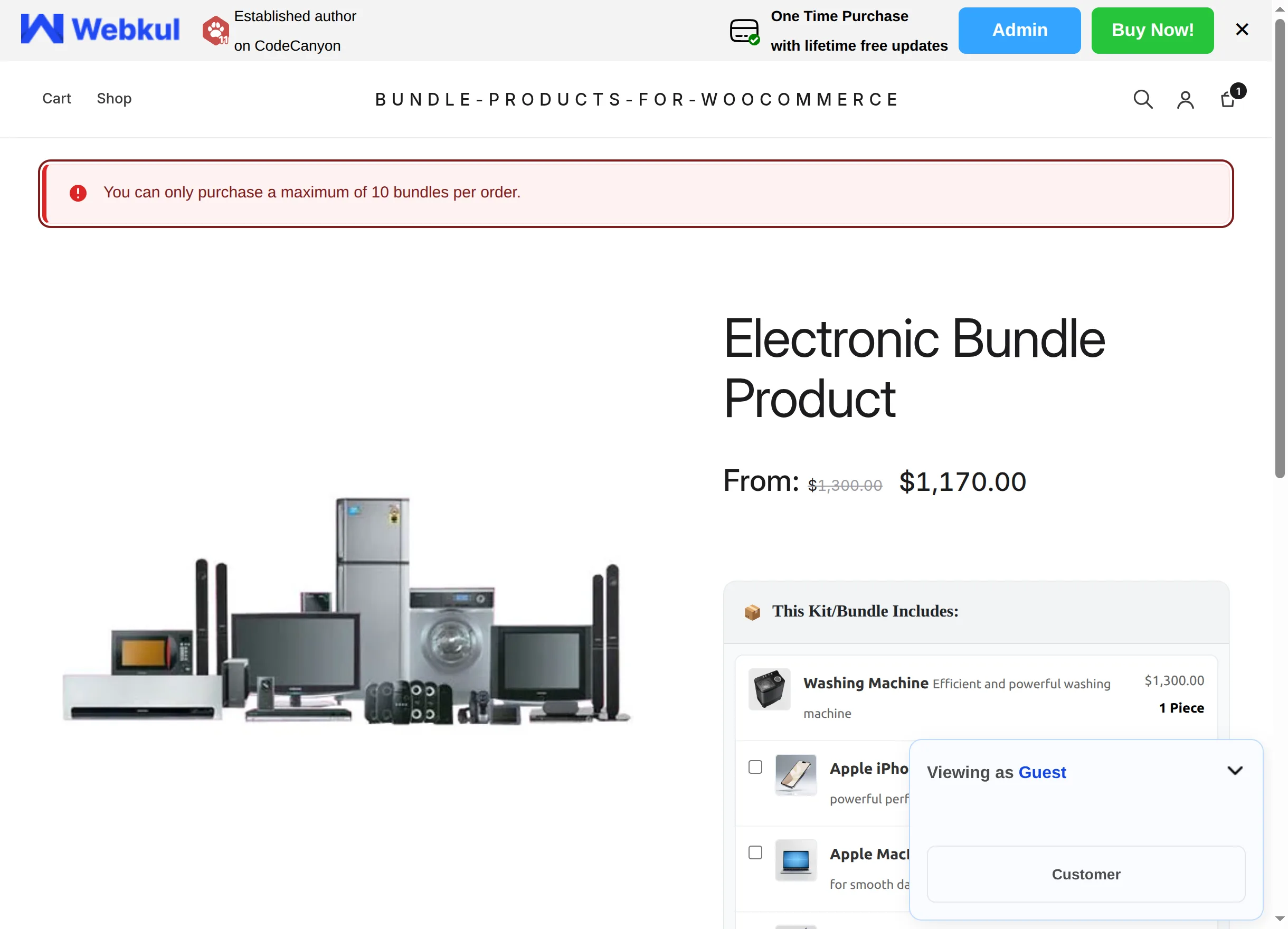
| You can only purchase a maximum of N bundles per order. | The cart already holds (or the request would exceed) the bundle's Max Purchase Limit | Expected behavior. Raise or clear the limit on the Bundle Items tab if it's too strict. |
| This bundle product is out of stock. | The bundle manages stock and is out of stock (or marked Out of stock) | Restock on the Inventory tab, allow backorders, or untick stock tracking. |
| Not enough stock for this bundle. Requested X, available Y. | Requested kits (plus kits already in the cart) exceed the bundle's stock quantity | Lower the quantity or restock the bundle. |
| "Product name" cannot be purchased right now. | A bundled item is unpublished, price-less or otherwise not purchasable | Fix that product (publish it, give it a price) or remove it from the bundle. |
| A bundled item is invalid or missing. | A bundled product was deleted from the catalog | Edit the bundle and remove or replace the missing row. |
| Not enough stock for "Product name". Requested X, available Y. | A bundled item manages stock and can't cover item-quantity × kits | Restock the item, allow its backorders, or reduce its per-kit quantity. |
Bundle page shows no add-to-cart button
The bundle box and the add-to-cart form render only when the bundle is purchasable. Check, in order:
- The Bundle Items Configuration table has at least one item.
- In Fixed mode, a Bundle Fixed Price (or a Regular price) is set.
- The bundle is in stock (Inventory tab), or stock tracking is off.
- WooCommerce is active and the product's type is still Bundle Product.
The catalog price looks wrong
- A dynamic bundle's "From:" price counts only the mandatory items (then applies the discount). Optional items don't raise the "From" price — that's by design, it's the minimum configuration.
- A fixed bundle showing an unexpected number: check whether the Bundle Fixed Price field is empty, in which case the Regular price is used.
The totals on the page don't update
The live Bundle Total requires the plugin's front-end script, which loads on single product pages. If a page builder or theme suppresses product scripts, the server-side price in the cart is still correct, but the live preview won't move. Test with a default theme to isolate the conflict.
Optional item didn't end up in the order
An optional checkbox must be ticked at the moment "Add to cart" is clicked — each cart line snapshots the selection at add time. Adding again with a different selection creates a second, separately priced line rather than modifying the first one; remove the unwanted line in the cart.
A variation refuses to be optional
By design: rows pointing at a specific variation are always mandatory, wherever they sit relative to the Compulsory Items Count. Make an item optional by bundling a simple product instead.
Bundled items' stock didn't decrease after a sale
Also by design — see How stock works. Track stock on the bundle itself if kit inventory matters.
Still stuck?
Collect the bundle's Bundle Items tab settings, the exact error message and your WooCommerce/WordPress versions, then raise a ticket with the Webkul support team at webkul.com/ticket — see FAQ & Notes.