
WooCommerce IceCat Connector
A Complete Product Page From a Single ID
The WooCommerce IceCat Connector by Webkul links your store to Icecat, the world's largest open product catalog. Instead of writing titles, descriptions, and specification tables by hand, you search the catalog by Icecat ID, GTIN (EAN/UPC), or Brand & Product Code — and the connector builds the WooCommerce product for you: name, short and long description, image gallery, technical attributes, SKU, and category.
What the Connector Does for You
Rich Catalog Imports
Every import arrives sales-ready
- Product title, short description, and a full description built from Icecat's content, including the technical specification sheet
- Featured image plus the complete Icecat image gallery, downloaded into your Media Library
- Technical specifications stored as WooCommerce product attributes (visible on the product page's Additional information tab)
- SKU set from the manufacturer's product code, GTIN recorded, and release dates carried over
Flexible Ways to Import
Work the way your catalog data comes
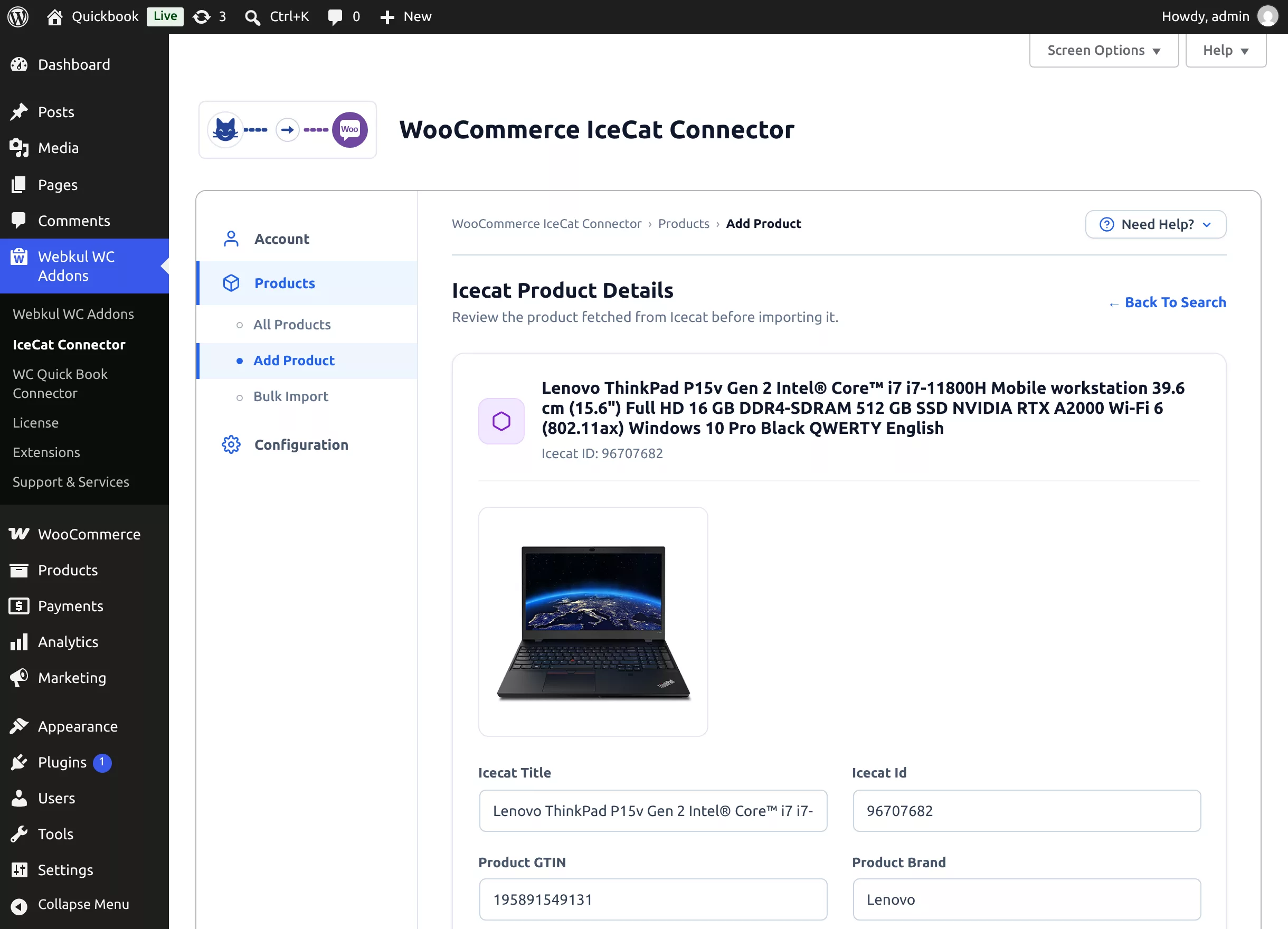
- Search-and-import a single product in the admin, with a review screen before anything is created
- Bulk import hundreds of products from a CSV of Icecat IDs, GTINs, or product codes — processed in the background with live progress
- Link an existing WooCommerce simple product to an Icecat ID and replace its details with catalog data
- Import in any of ~80 catalog languages
Store-Friendly Controls
You decide how products land in WooCommerce
- Choose the status new products get — Draft, Publish, or Pending Review
- Assign the product's own Icecat category, or pick your WooCommerce categories per import
- Default stock quantity with stock management switched on automatically
- Image quality selection (High / Medium / Low) and background processing for images and attributes so imports stay fast
Stays Up to Date
The catalog changes; your store keeps up
- Update a single product from its edit page with one click
- Bulk-update selected products from the product list
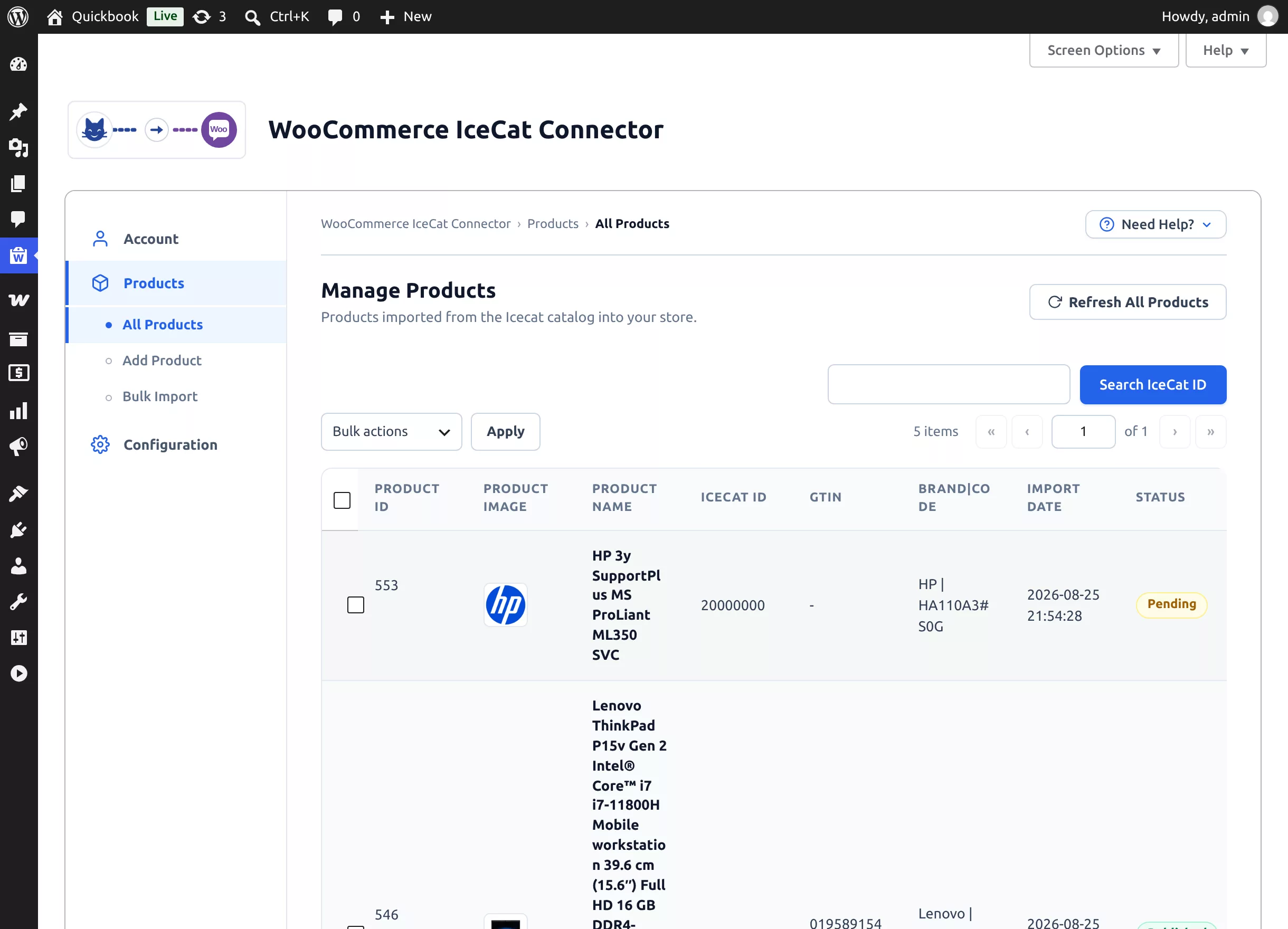
- Refresh All Products re-imports the latest data for everything, in the background, with a progress card
Requirements
| Requirement | Version / Detail |
|---|---|
| WordPress | 6.7 or later (tested up to 7.0) |
| WooCommerce | 10.0 or later (tested up to 11.0) — the plugin requires WooCommerce to be active |
| PHP | 7.4 or later (tested up to 8.4) |
| Icecat account | A free Open Icecat username, or a Full Icecat subscription with its App Key |
| Server | Outbound HTTPS access to live.icecat.biz |
Open Icecat vs Full Icecat
A free Open Icecat account imports products from Icecat's sponsoring brands. A paid Full Icecat subscription (username + App Key) unlocks the complete catalog. See Icecat Account for details.
Where to Go Next
- Install and activate the plugin
- Run the Setup Wizard to connect your Icecat account
- Tune the import settings
- Import your first product or a whole CSV