
Configuration – Assets Visibility

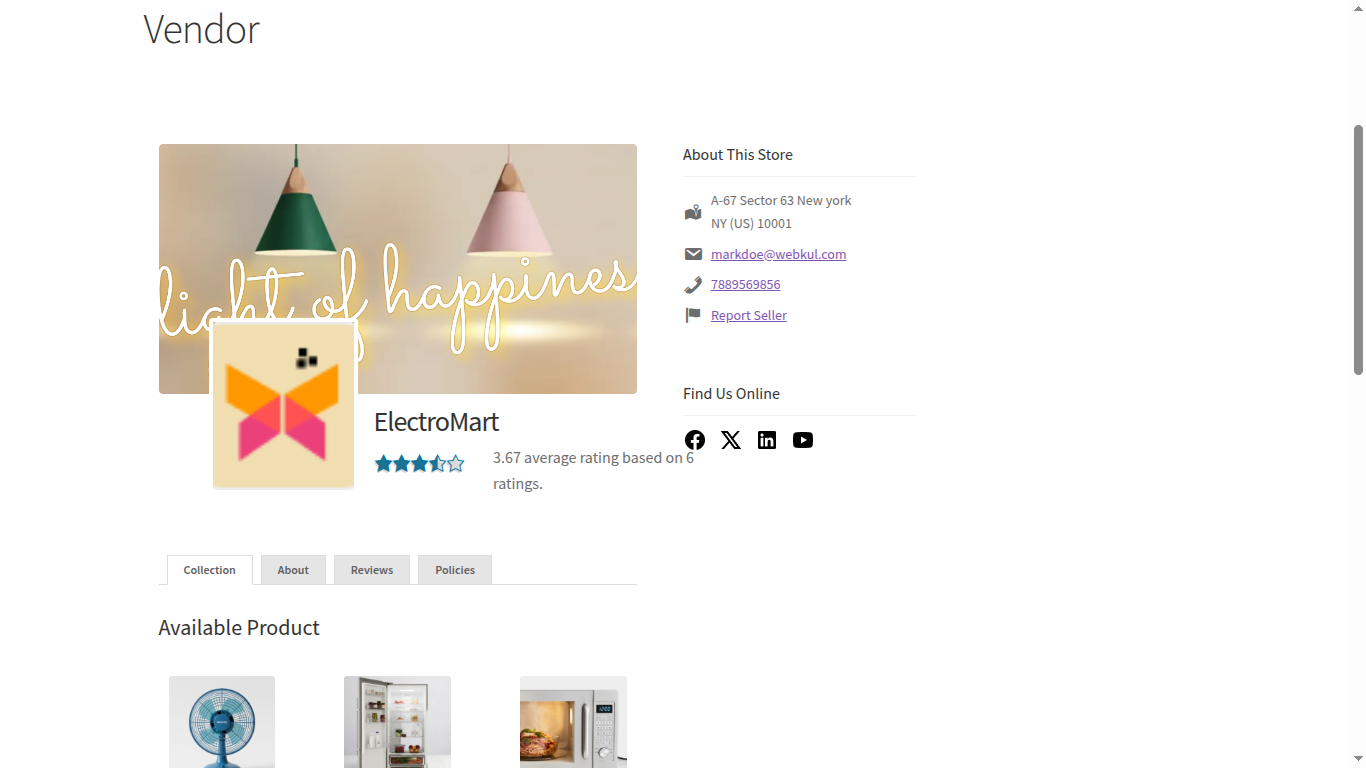
The Assets Visibility settings allow the admin to control which vendor details and assets are visible on the Vendor Profile and Vendor Dashboard.
Assets Visibility Path
- Marketplace > Settings > Assets Visibility
Vendor Profile Visibility Settings

Email
- Show or hide the vendor’s email address on the vendor profile
Phone Number
- Enable or disable the display of the vendor’s phone number
Address
- Control whether the vendor’s address is visible on the profile page
Social Links
- Show or hide vendor social media links on the vendor profile
Hide Customer Details From Vendor
- Restricts vendors from viewing customer billing details
- Restricts vendors from viewing customer shipping details
- Helps maintain customer privacy
Show Legacy Vendor Profile
- Enable to display the vendor profile using the legacy layout
- Disable to use the new optimized layout
- Includes Report Flag section
- Improved UI and performance

Vendor Dashboard Statistics Data Style
Primary Color Code
- Defines the primary color used in vendor dashboard statistics
Secondary Color Code
- Defines the secondary color used in vendor dashboard statistics
