
WooCommerce QuickBooks Connector
Your Store and Your Books, Finally in Sync
The WooCommerce QuickBooks Connector links your WooCommerce store with Intuit QuickBooks Online, turning hours of manual bookkeeping into an automated background process. Customers, products, orders, payments, refunds, and taxes move between the two platforms — in real time or on demand — while you keep full control over what syncs and how it is recorded.
Key Capabilities That Power Your Accounting
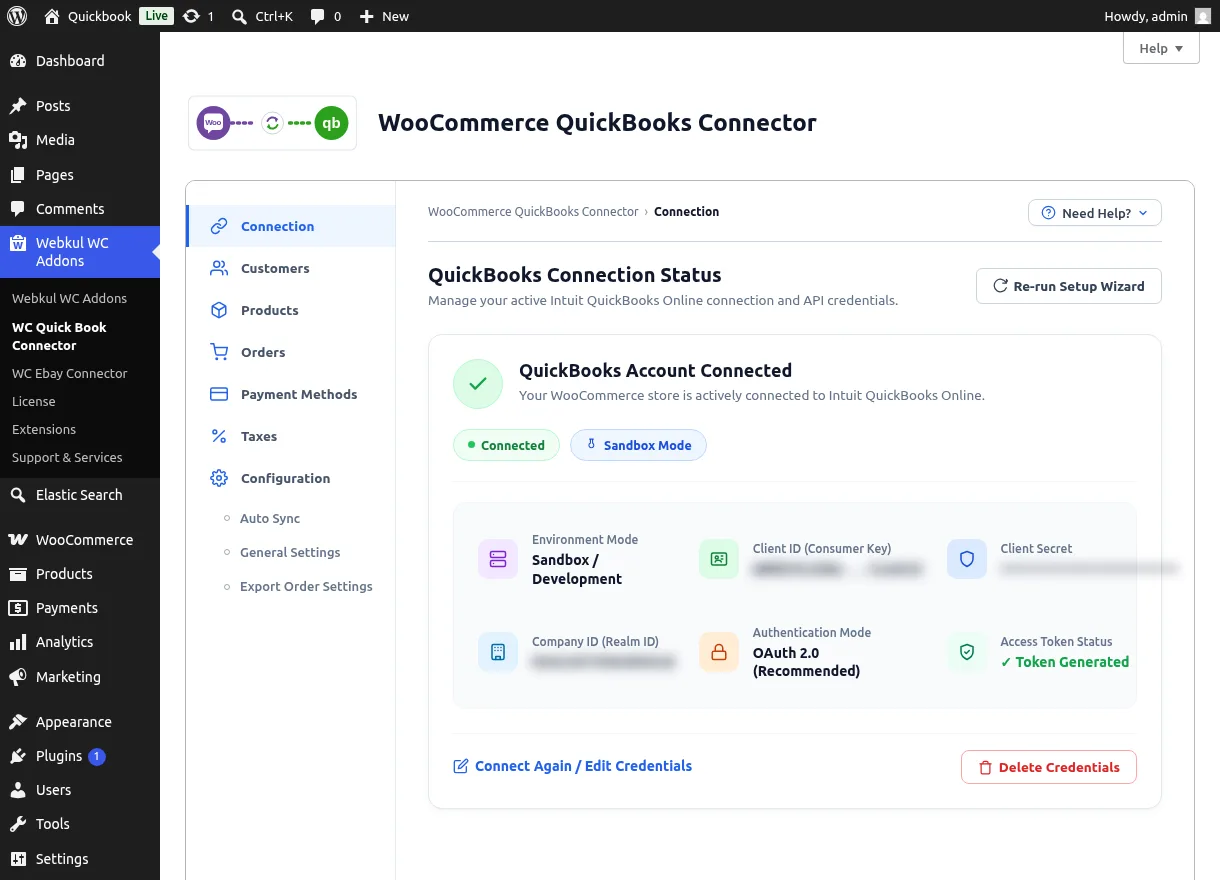
Effortless Connection
Connect to QuickBooks Online in minutes, not hours
- Guided four-step Setup Wizard with a live connection test
- One-click Intuit authorization — tokens and Company ID fetched automatically
- Sandbox mode for risk-free testing, Production mode when you're ready
- Connection dashboard with status badges and safe credential management
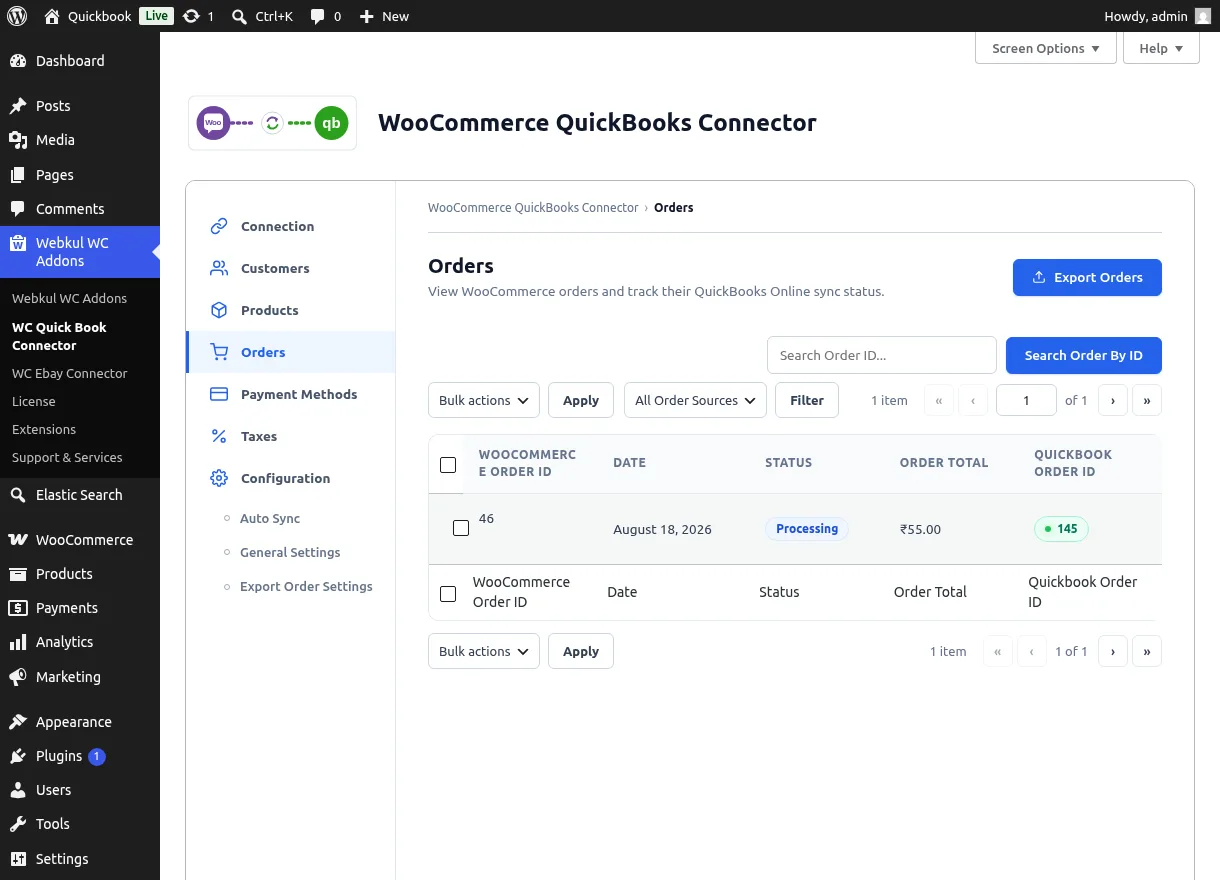
Complete Data Sync
Every commerce record where your accountant expects it
- Customers: import from QuickBooks or export from WooCommerce, with per-customer mapping
- Products: export (variations included) or stage QuickBooks items and create them in WooCommerce
- Orders: manual export, status-triggered auto export, and per-order sync tracking
- Refunds: WooCommerce refunds can create QuickBooks refund receipts automatically
Accounting-Grade Controls
Configure how transactions land in your books
- Export orders as Sales Receipt, Invoice, Estimate, or Credit Memo
- Map WooCommerce tax classes and payment gateways to their QuickBooks counterparts
- Per-gateway payment rules: bank accounts, transaction fees with VAT, weekly batch deposits
- Default classes and departments for clean QuickBooks reporting
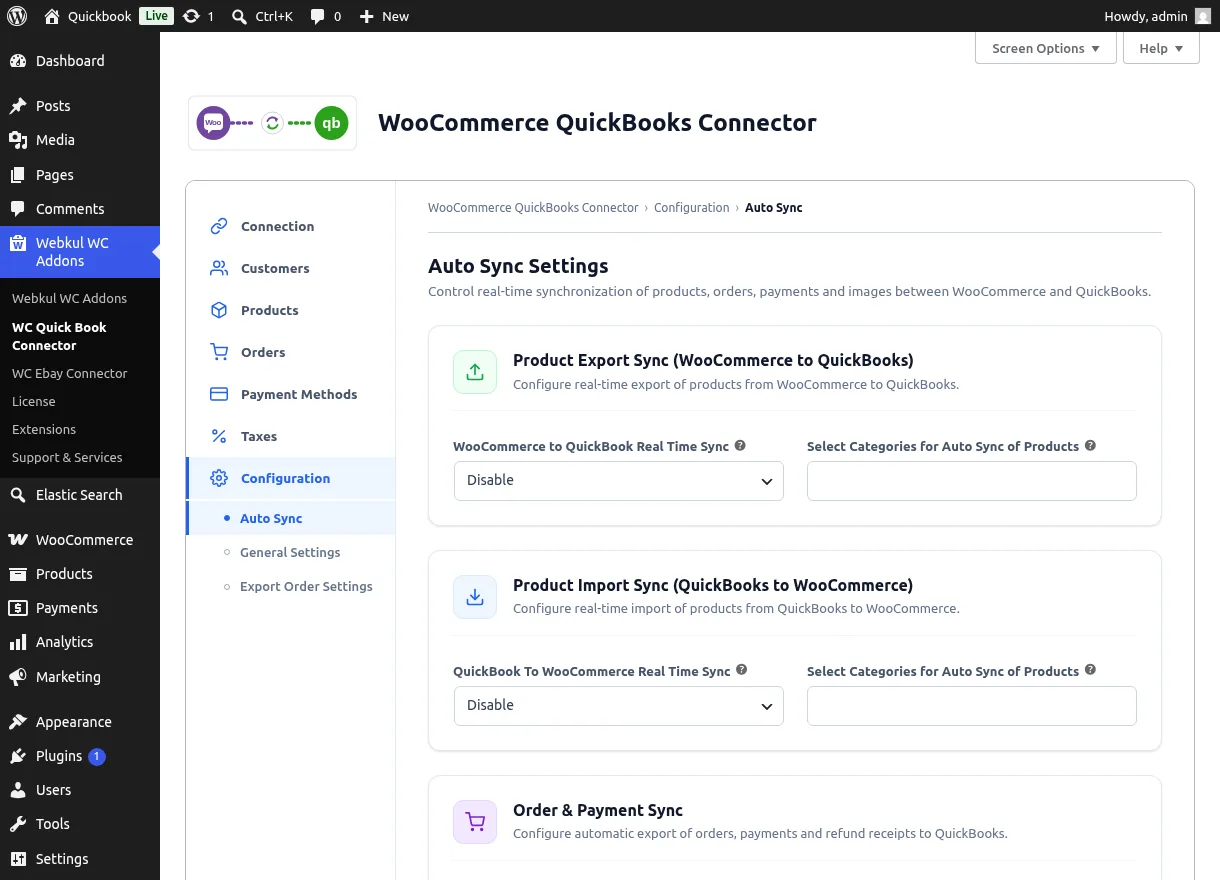
Real-Time Automation
Set it once, let it run
- Category-filtered real-time product sync in both directions
- QuickBooks webhooks keep WooCommerce products up to date
- Image sync between WooCommerce and QuickBooks
- Background schedules process product updates and batch bank deposits
Start Here
- Overview — what the connector does and what you need
- Installation — install and activate the plugin
- Setup Wizard — connect your QuickBooks account
- General Settings — map your QuickBooks accounts
Questions at any point? See the FAQ & Notes or reach the Webkul support desk.