
Exporting Orders
Order export creates WooCommerce orders on Shopify — useful when Shopify is your fulfillment hub. Orders can be exported per row, in bulk, or automatically at checkout, and Shopify fulfillment tracking flows back to the WooCommerce order.
Open the store workspace and go to Orders → Export Order.
Before you start
In General Configuration, decide whether exported orders include or exclude shipping cost, tax, and discounts (Order Settings section). Exported products must already exist on Shopify — export the products first.
Manual export
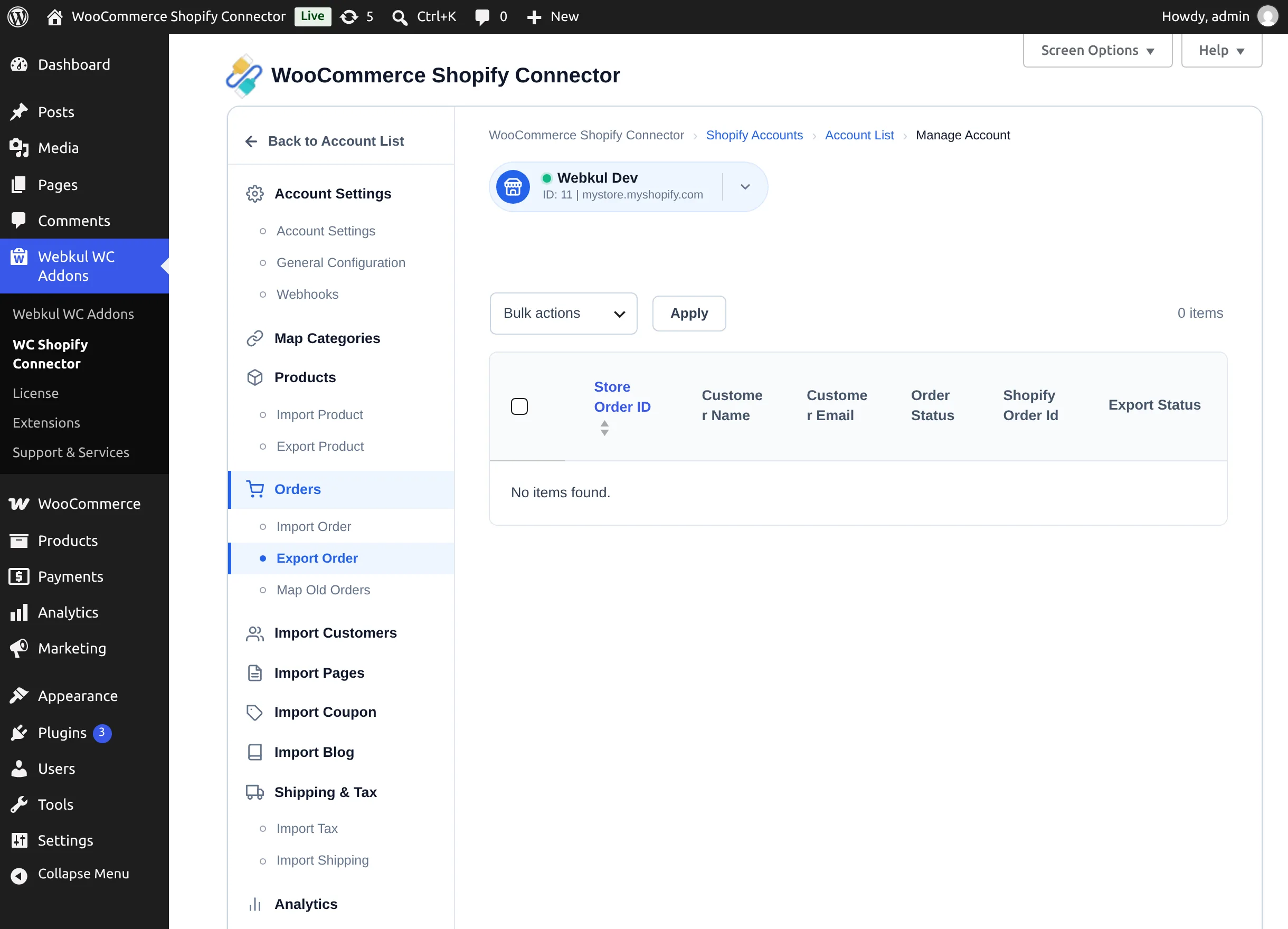
The table lists WooCommerce orders with Store Order ID, Customer Name, Customer Email, Order Status, Shopify Order Id, Export Status.
- Single order — select the Export button in the row.
- Several orders — tick them, choose Bulk actions → Export, and select Apply.
Orders already sent are skipped with "Order(s) Already Exported". When Shopify accepts the order, it is created with inventory deducted according to each product's stock policy, and the row's Export Status updates.
Automatic export at checkout
Set Auto Export Order in General Configuration to All or to specific statuses (Pending, Processing, On hold, Completed). When a customer completes checkout on WooCommerce and the new order's status matches, the order is exported to Shopify immediately — no manual action.
Map Old Orders
If you connected the plugin to a store that already had matching orders on both platforms, use Orders → Map Old Orders to link them instead of exporting duplicates.
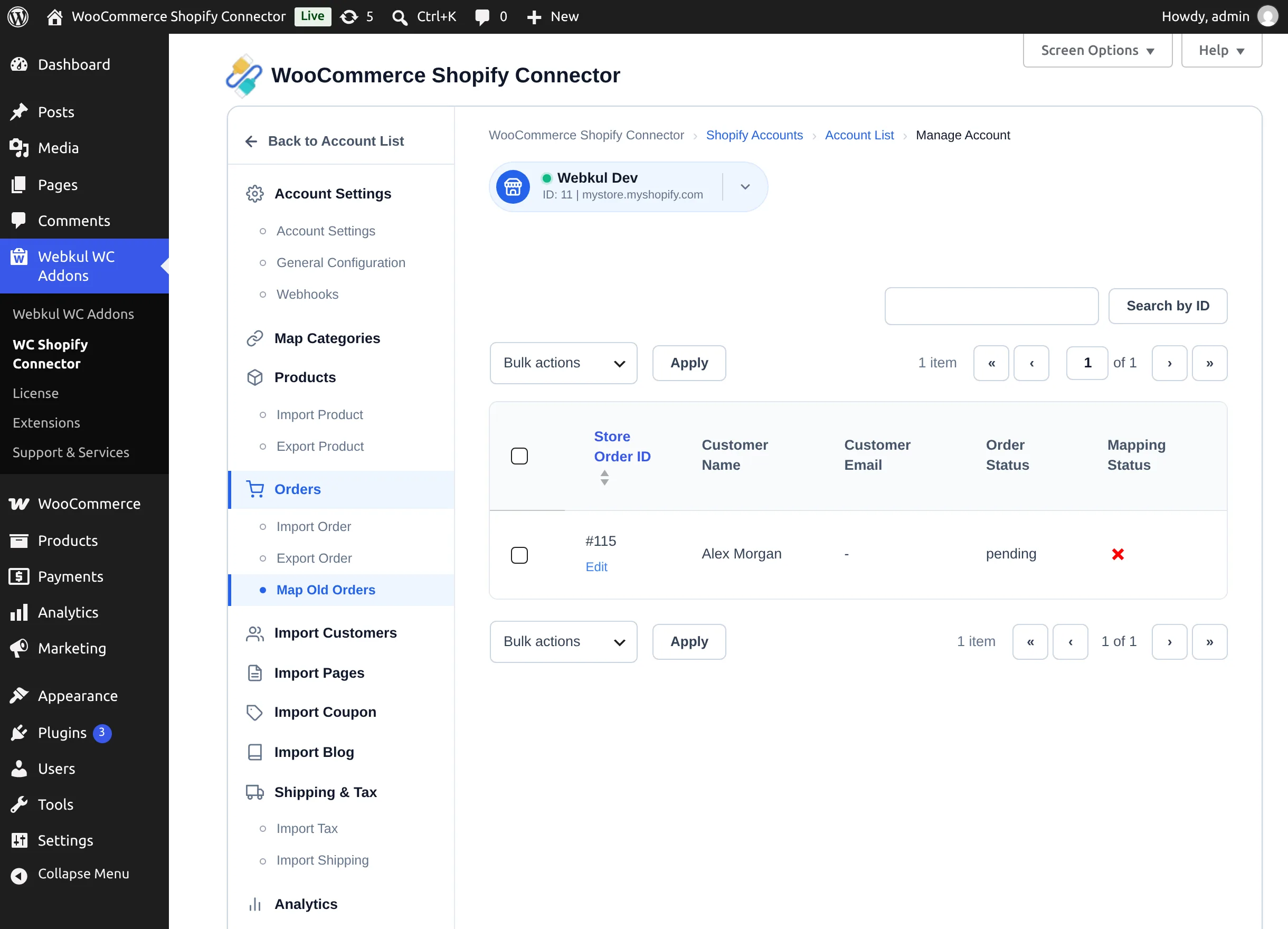
The table shows each WooCommerce order with a Mapping Status (green tick = linked, red cross = not linked). Select Map on a row — or tick rows and use Bulk actions → Map — and the connector finds the matching Shopify order and records the link. Mapped orders are treated as already exported.
Tracking details for your customers
When Shopify marks an exported order as fulfilled with tracking, the connector writes Tracking Company, Tracking Number, and Tracking URL onto the WooCommerce order items. Your customer sees these in their WooCommerce account order details and in order emails — the standard WooCommerce order flow, now including the Shopify shipment information.
Order status stays yours
Fulfillment on Shopify adds tracking details but does not change the WooCommerce order status — you keep control of when an order is marked completed in WooCommerce.