
Logs & Audit Trail
The Logs page is the plugin's source of truth for every operation — syncs, profile runs, alert fires, credential changes, API errors, and background retries. Use it for debugging, auditing, compliance, and performance tuning.
URL: /wp-admin/admin.php?page=wkpbic-logs
Two Log Streams
The page has two tabs: Sync Logs and Audit Trail.
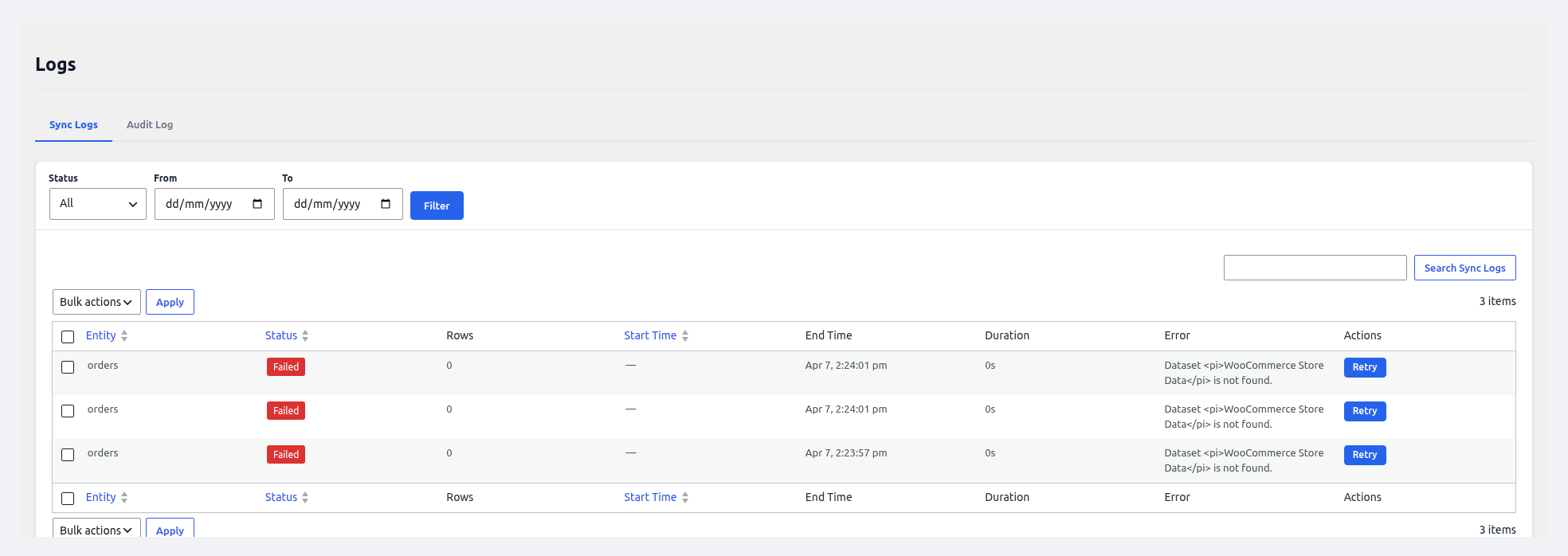 Sync Logs — every sync run with status, rows, duration, and errors.
1. Sync Logs
Every sync run (manual, scheduled, live, or profile) generates one parent entry plus one child entry per entity/batch.
| Column | Description |
|---|---|
| ID | Internal log ID |
| Profile / Source | Which profile or "Ad-hoc" |
| Entity | Orders / Products / etc. |
| Mode | Full / Incremental |
| Rows Pushed | Successfully sent to Power BI |
| Rows Failed | Failed batches still in retry queue |
| Duration | Total execution time |
| Started | Start timestamp |
| Ended | End timestamp |
| Status | ✅ Success / ❌ Failed / ⚠️ Partial / Running / Queued |
| Error | First error message (click for full stack) |
| Actions | View Details, Retry, Download JSON |
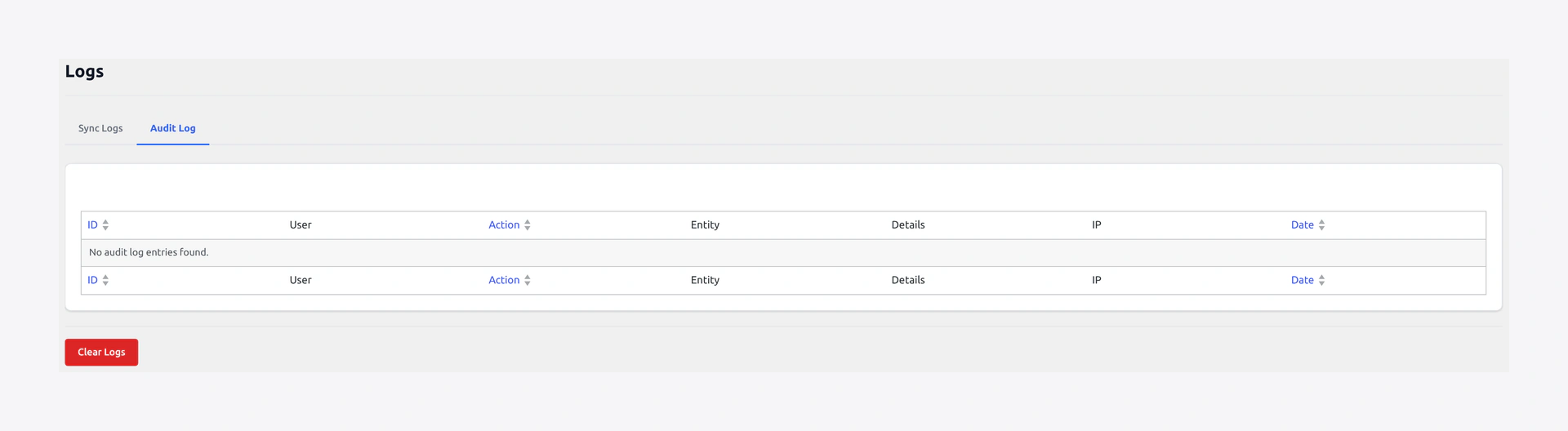 Audit Trail — user and system actions with timestamps and diffs.
2. Audit Trail
Tracks user and system actions for compliance:
| Column | Description |
|---|---|
| Time | When it happened |
| User | Who did it (or "System") |
| Action | e.g. settings.updated, alert.created, profile.deleted |
| Target | The object affected |
| Details | JSON diff of before/after (for settings changes) |
| IP | Source IP address |
Filters
Both tabs support the same set of filters:
- Date range (today, last 7 days, custom)
- Status (Success / Failed / Running / All)
- Entity (dropdown)
- Profile (dropdown)
- User (dropdown — audit trail only)
- Search (free-text across log messages)
Filters are combined with AND logic.
View Details
Click any row to open a side panel with:
- Full timeline of the run (batch by batch)
- HTTP requests made to the Power BI API (method, URL, status code, latency)
- Full error messages + stack traces
- Rows-per-second performance graph
- Retry history (if any)
Retry Failed Batches
If a run is marked Partial or Failed, click Retry in the Actions column to re-push only the failed batches. The retry respects the watermark — it will not duplicate already-successful rows.
Retention & Auto-Cleanup
To keep the database lean, logs are auto-purged:
| Log Type | Default Retention |
|---|---|
| Sync Logs | 30 days |
| Audit Trail | 90 days |
| API Request Logs | 7 days |
Change retention at Logs → Settings (top-right gear icon), or via WP-CLI:
wp option update wkpbic_log_retention_days 60
wp option update wkpbic_audit_retention_days 180
Manual Cleanup
- Clear Sync Logs — removes all sync log entries older than today
- Clear Audit Trail — removes audit entries older than today
- Clear API Request Logs — quick purge of debug traffic
Warning
Clearing logs is irreversible. Download a JSON backup first (top-right export button) if you need to preserve history for compliance.
Exporting Logs
Click Export at the top of the page. Choose format:
- CSV — tabular, good for Excel
- JSON — full nested details
- NDJSON — streaming-friendly for log ingestion platforms
The export honors your current filters.
Integrating with External Logging
Power users can forward logs to external systems:
- Action Scheduler — logs are visible under
Tools → Scheduled Actions → wkpbic-* - WordPress logs — set
WP_DEBUG_LOG = trueand the plugin writes towp-content/debug.log - Syslog / Filebeat / Loki — hook into the filter
wkpbic_log_entryto forward each entry
add_action( 'wkpbic_log_entry', function( $entry ) {
    syslog( LOG_INFO, wp_json_encode( $entry ) );
} );
WP-CLI
# Show the 20 most recent sync logs
wp wkpbic logs --limit=20

# Only failed Orders syncs
wp wkpbic logs --entity=orders --status=failed

# Audit trail
wp wkpbic logs --audit --limit=50