
Installation
This page covers installing the plugin, activating your Webkul license, and adding the WooCommerce AliExpress Importer Chrome extension.
Requirements
| Requirement | Minimum |
|---|---|
| WordPress | 6.7 or later |
| PHP | 7.4 or later |
| WooCommerce | 10.0 or later (installed and active) |
| Browser | Google Chrome, for the importer extension |
WooCommerce is required
The plugin declares WooCommerce as a required plugin. If WooCommerce is missing, the admin shows "The WooCommerce Ali Express DropShip Connector is enabled but not effective. It requires WooCommerce to be installed and active."
Install the plugin
- In the WordPress admin, go to Plugins → Add New → Upload Plugin.
- Select Choose file, pick the
woo-dropship-management.zipfile from your Webkul Store or CodeCanyon download, and select Install Now.
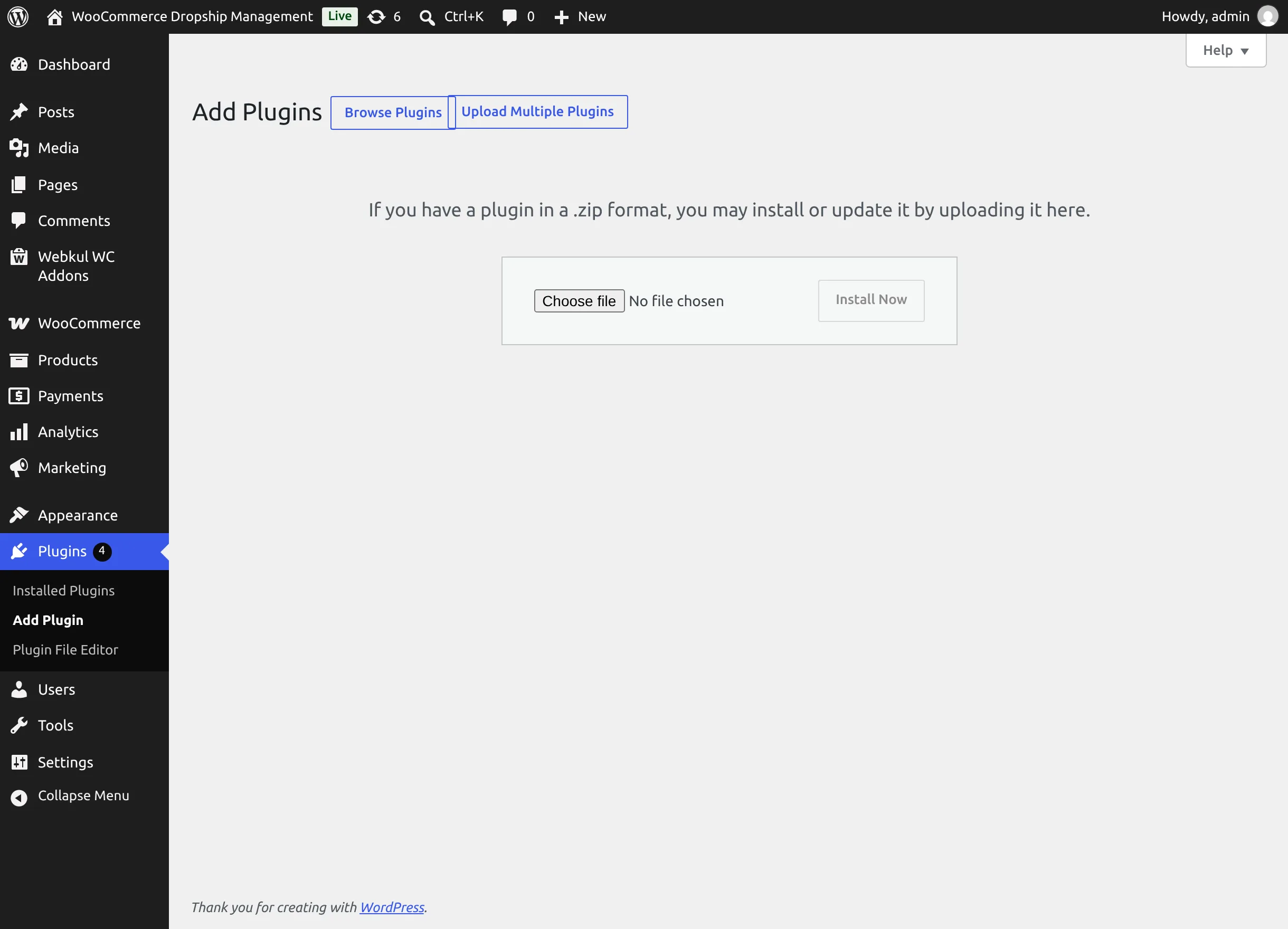
- When the upload finishes, select Activate Plugin.
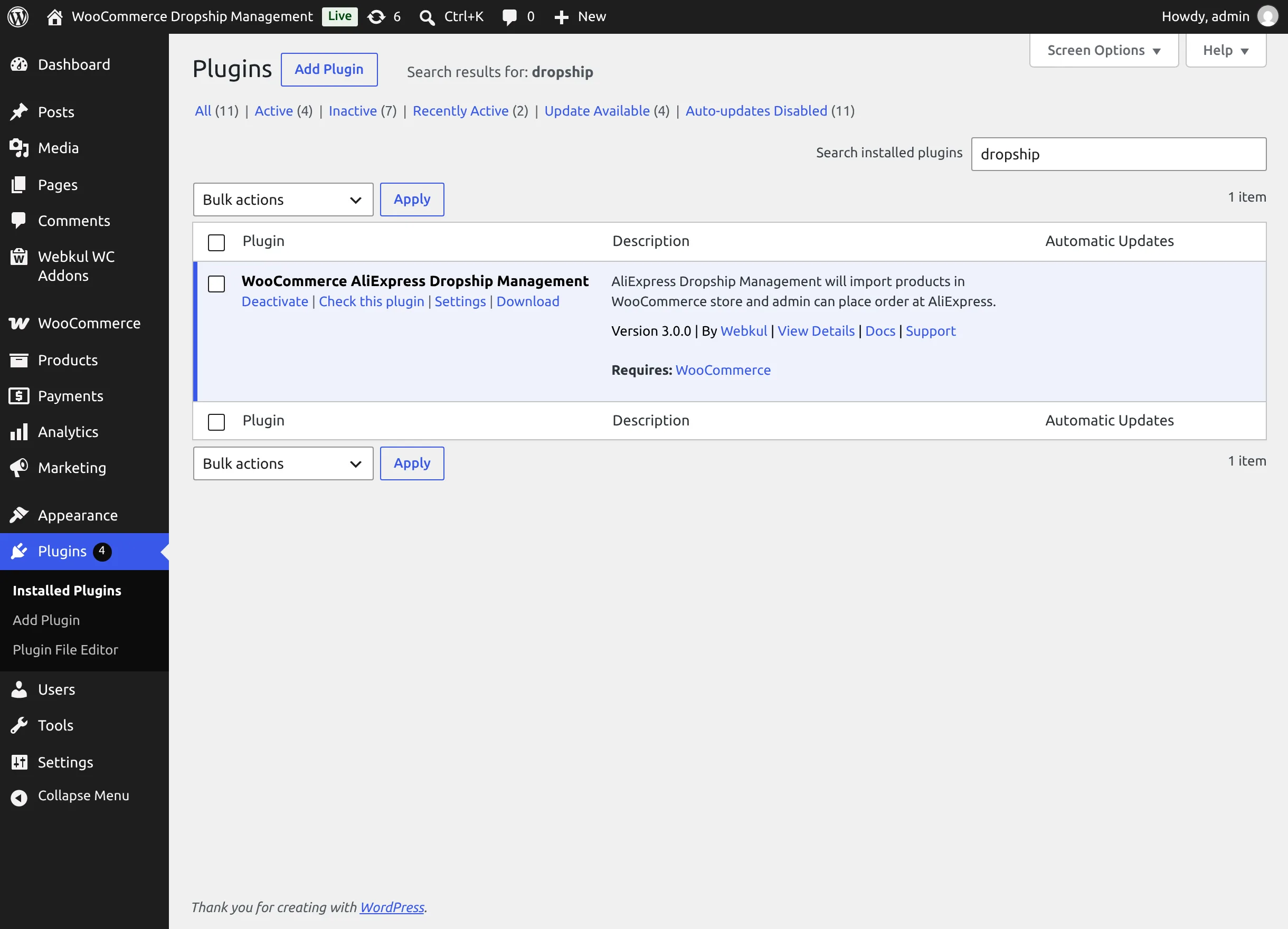
After activation the Setup Wizard opens so you can connect AliExpress right away. The plugin lives under Webkul WC Addons → Warehouse Manager. On the Plugins screen its row also offers a Settings link, plus Docs and Support links in its description.
Activate your license
Webkul modules must be activated with a valid purchase code.
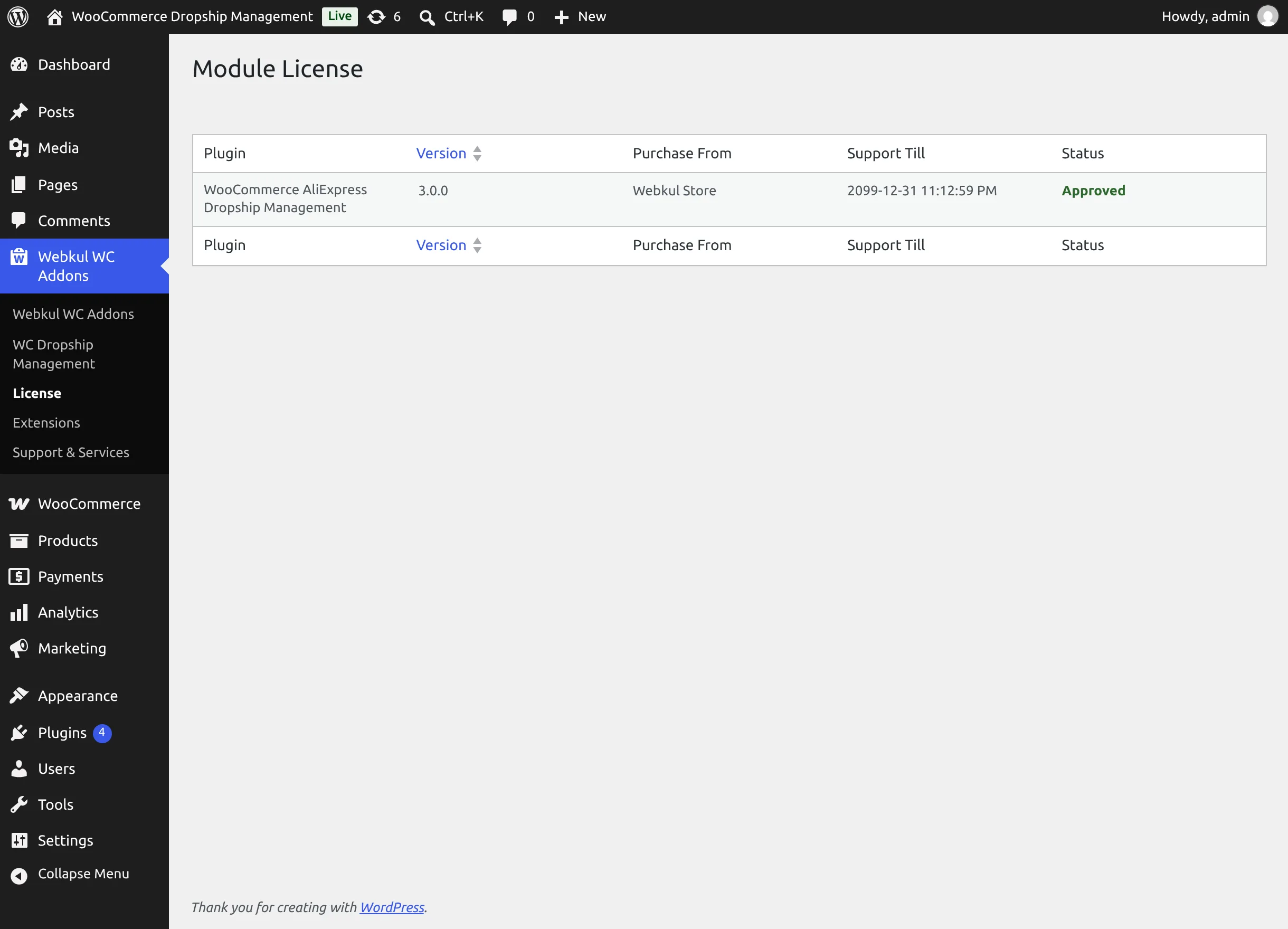
- Go to Webkul WC Addons → License. The Module License table lists each installed Webkul module with its version, purchase source, support period, and status.
- In the row for WooCommerce AliExpress Dropship Management, select Activate and enter the purchase code from your Webkul Store or CodeCanyon purchase.
- On success the status shows Approved and "Purchase Code Saved" appears. If you see "Purchase Code is not Correct", re-check the code against your purchase receipt.
Activate before you go live
Until the license is activated, the admin shows a "Webkul Module License Activation Required" notice, and Webkul warns that customers may be unable to complete checkout.
Install the Chrome extension
The WooCommerce AliExpress Importer extension adds import buttons to AliExpress and powers extension-based order placement. You need it to import from the AliExpress site, but not for admin or CSV imports or for API order placement.
- From the Chrome Web Store: open the WooCommerce AliExpress Importer listing ↗ and select Add to Chrome.
- From the extension folder in your download: open
chrome://extensions, turn on Developer mode, select Load unpacked, and choose thewoo-dropship-managementextension folder.
The extension runs on aliexpress.com, aliexpress.us, and aliexpress.ru. Connect it to your store as described in Chrome Extension.
Translate the plugin
The plugin is translation-ready (text domain wkwc_dropship). Webkul's guide How to translate WooCommerce plugins ↗ explains the process.
Next step
Run the Setup Wizard.