
Warehouse Manager Panel
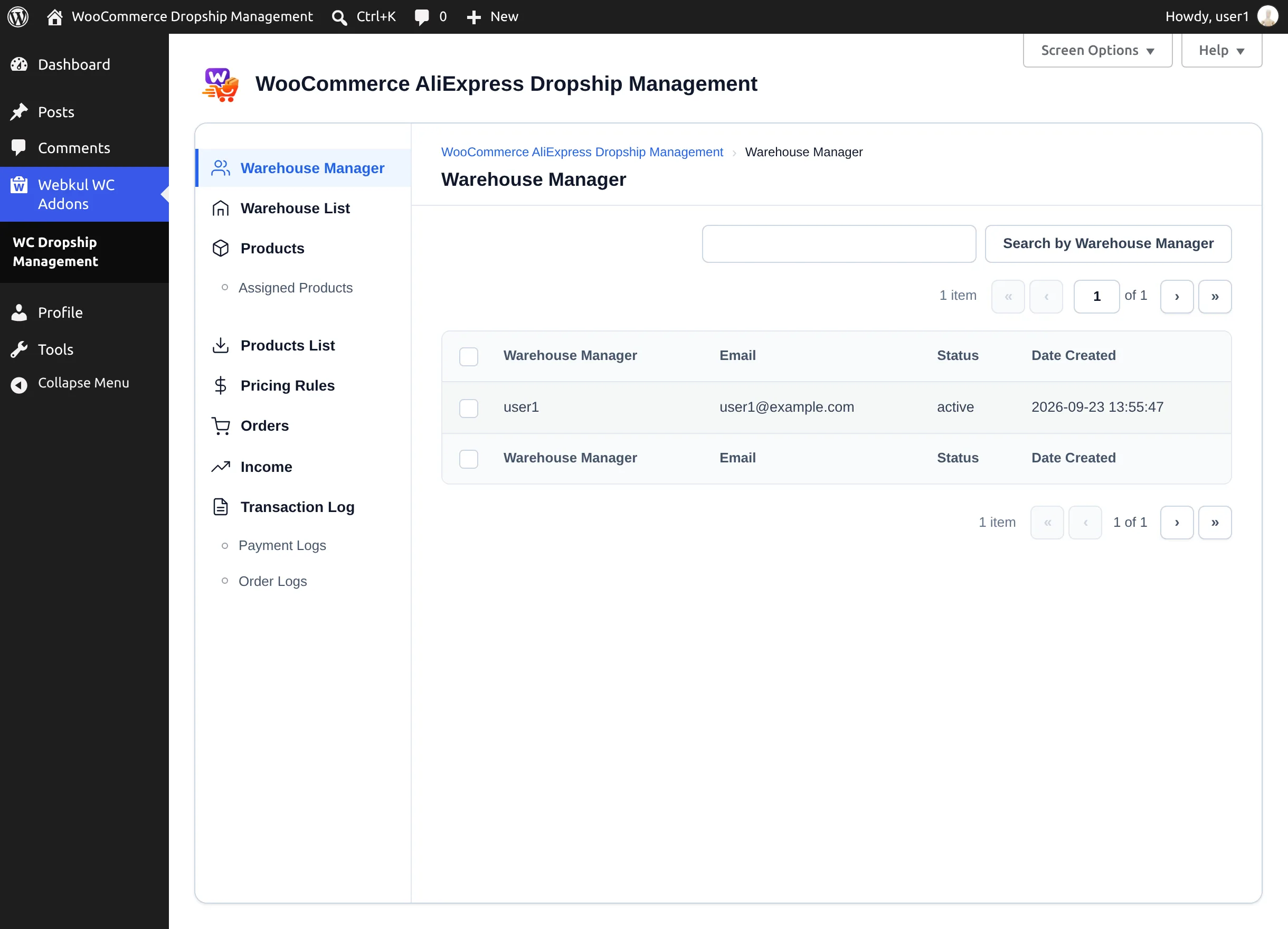
Warehouse managers sign in at your normal WordPress login page with the username and the password from their welcome email. They get the same Webkul WC Addons → Warehouse Manager screen as the administrator, limited to their own warehouse.
What a manager can see and do
| Area | Manager access |
|---|---|
| Warehouse Manager | Their own account only. |
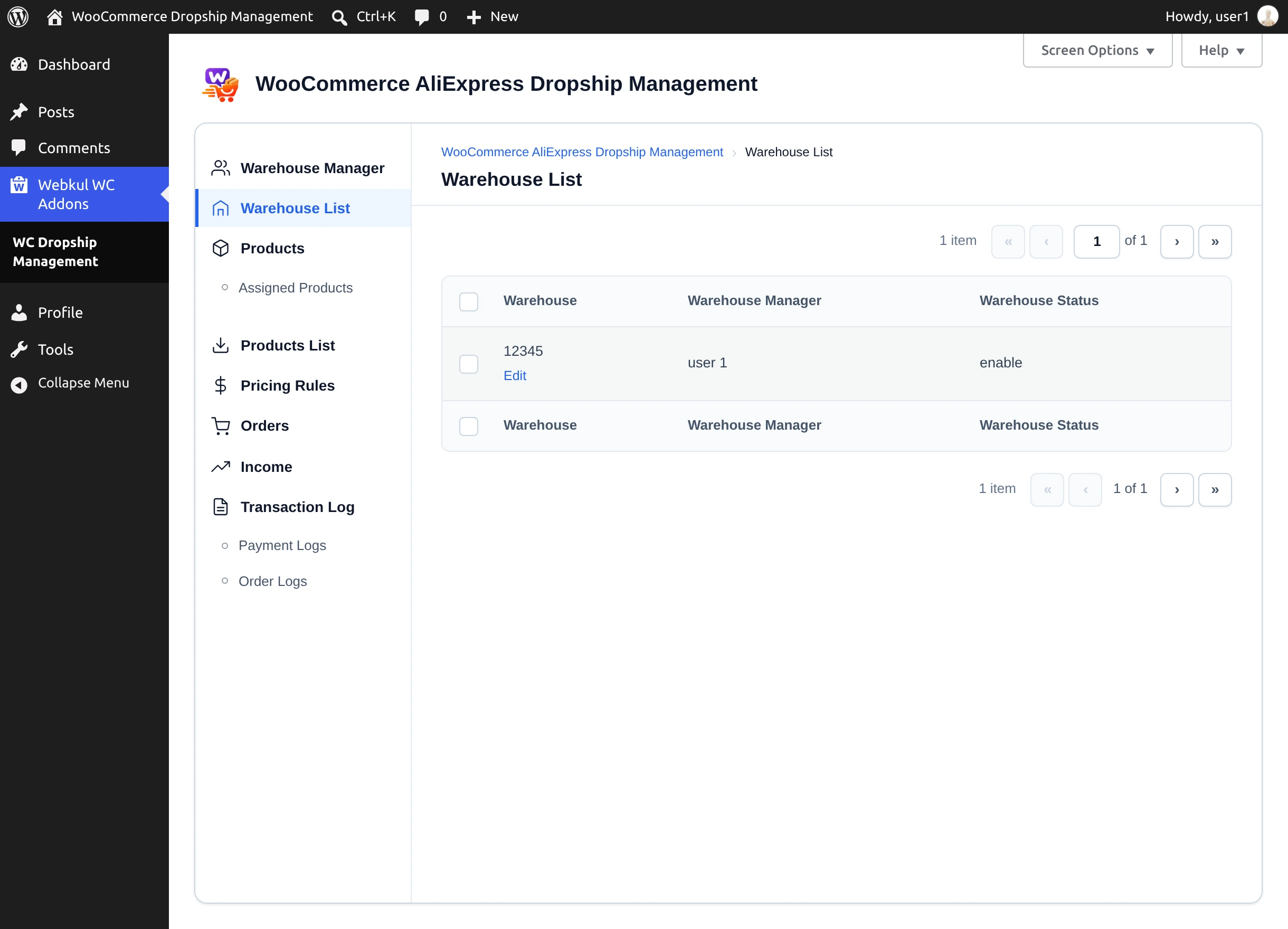
| Warehouse List | Their own warehouse, which they can Edit but not delete. |
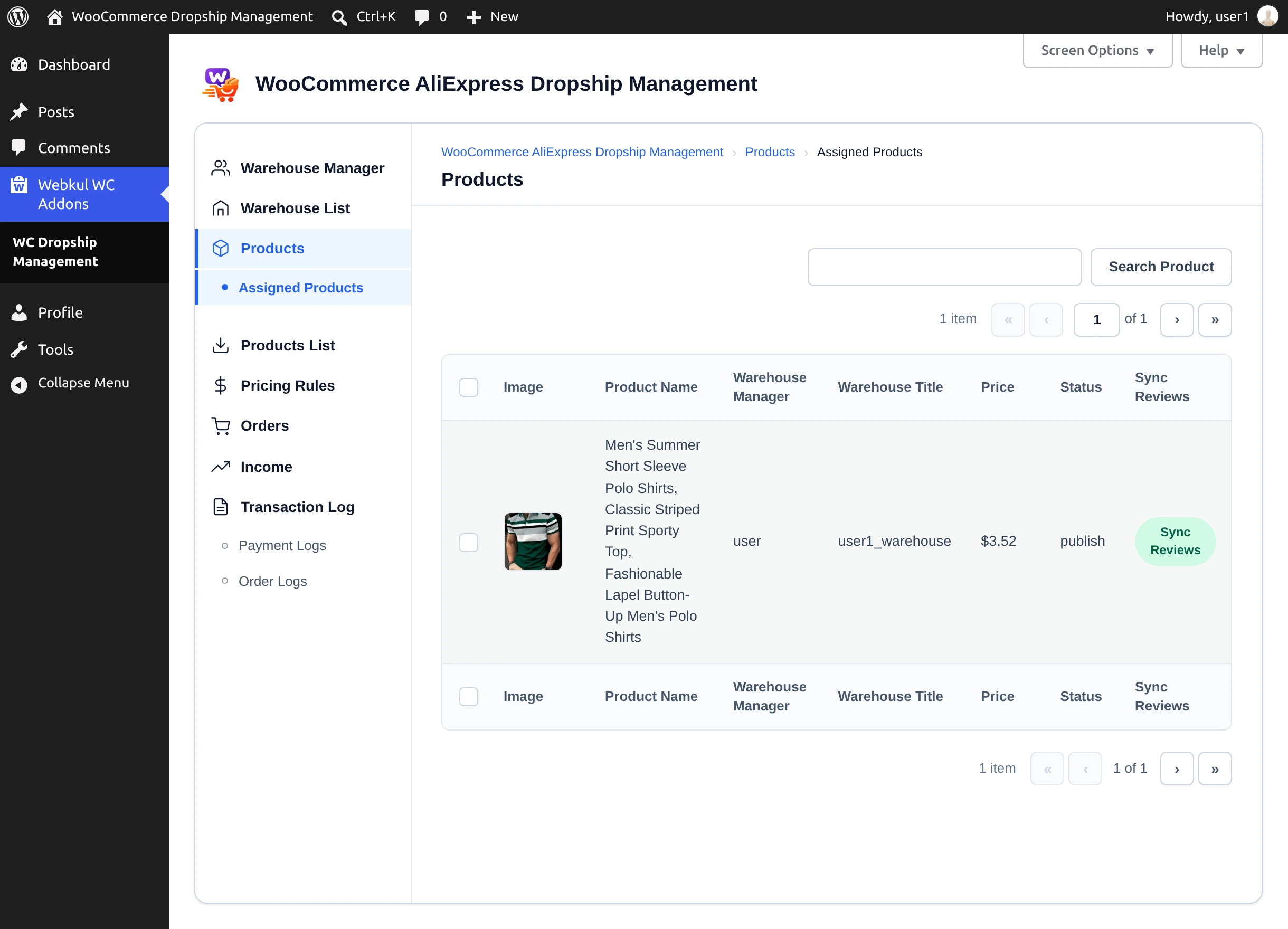
| Products → Assigned Products | Products assigned to their warehouse, including Sync Reviews. |
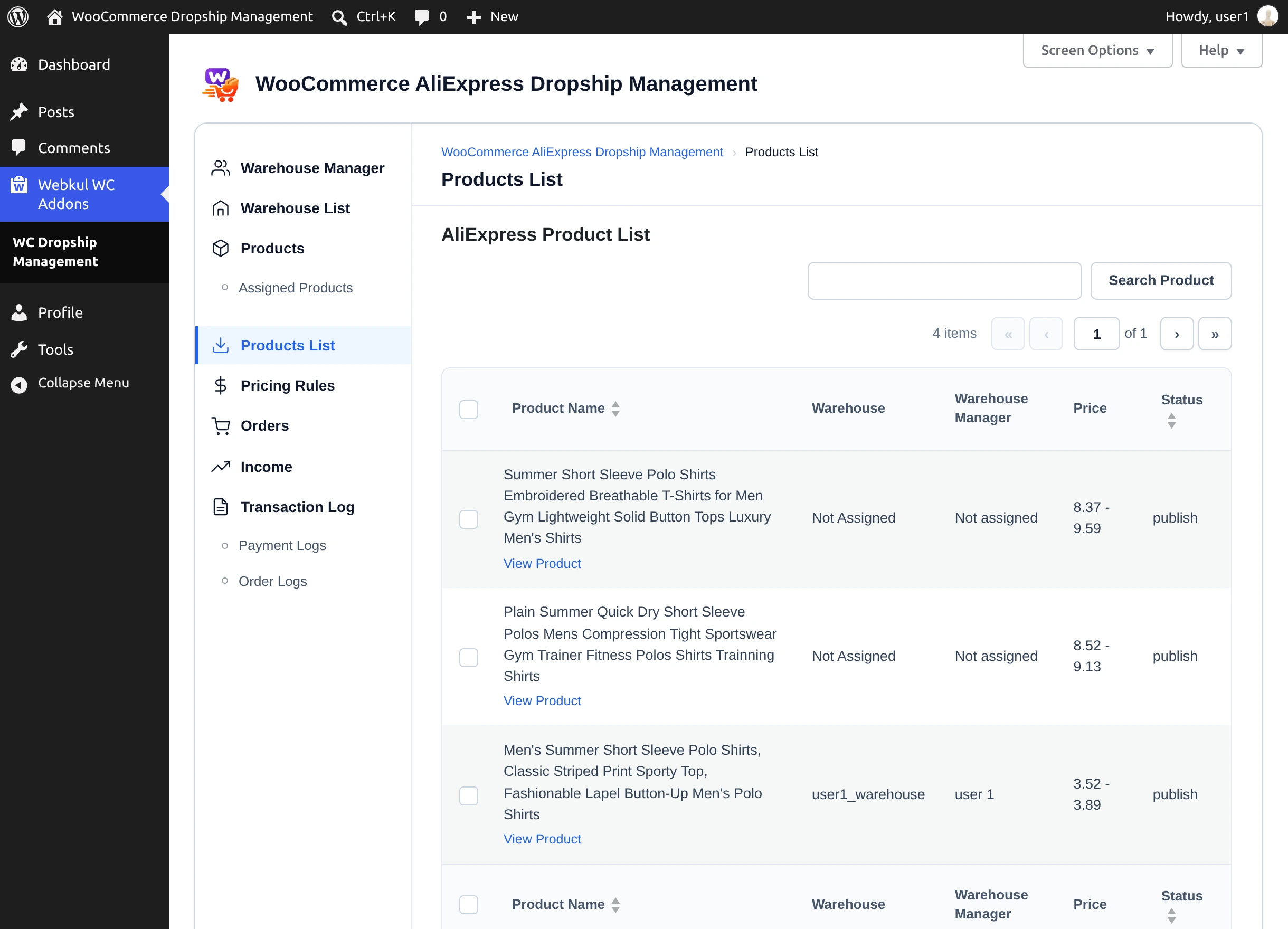
| AliExpress | The AliExpress product list, with View Product only. |
| Pricing Rules | View only. |
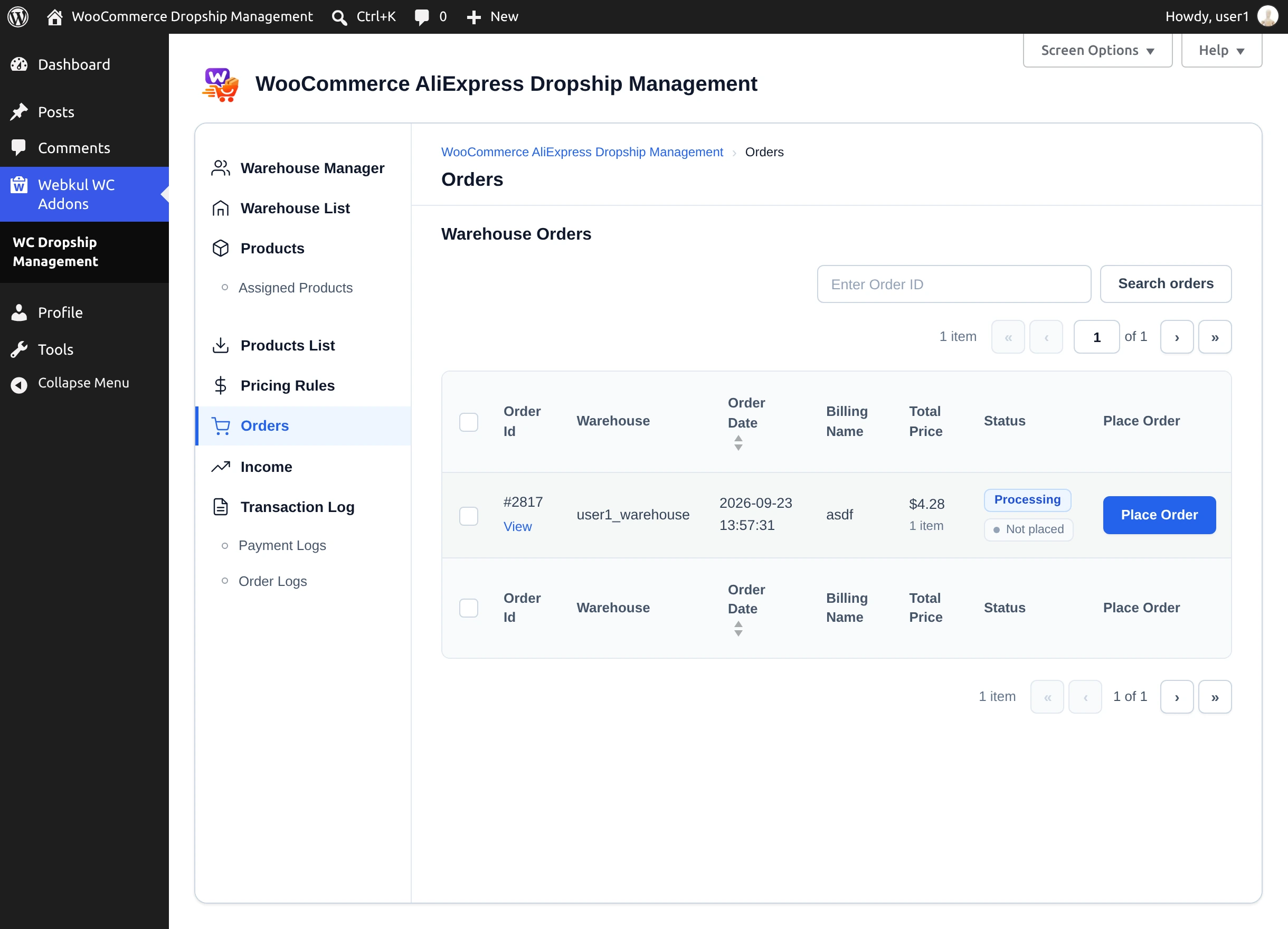
| Orders | Orders containing their warehouse's products. |
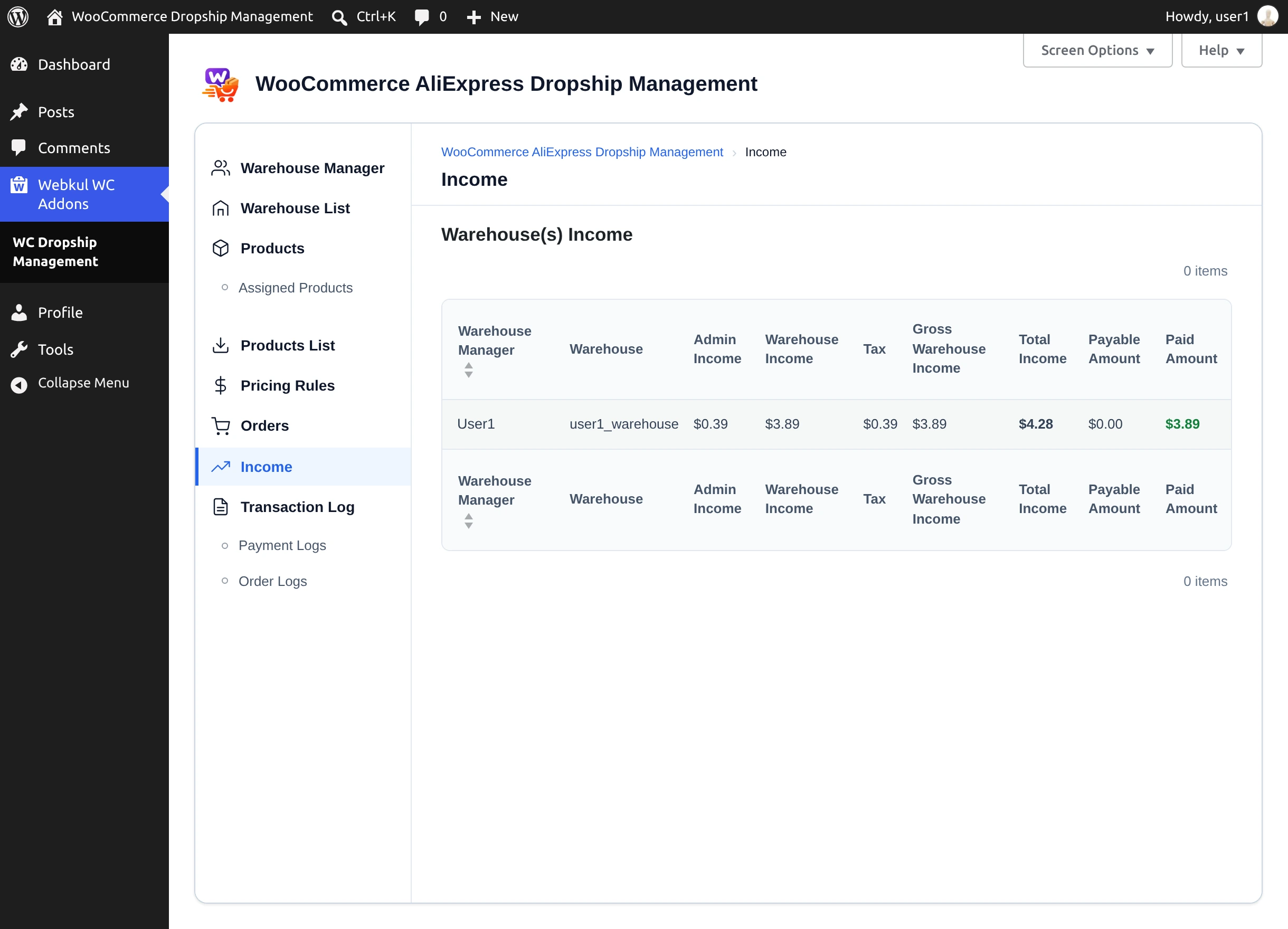
| Income | Their own income, payable, and paid amounts, without the Pay action. |
| Transaction Log | Payment Logs and Order Logs. |
| Import Products, Dropship Settings | Not available. |
Managers cannot add or delete warehouses or managers, import products, change settings, or record payouts.
Placing orders
The Place Order and Cancel Order buttons are visible to managers on the Orders screen. Decide in your team who places AliExpress orders — the order is paid from the AliExpress account connected under Account Setting.
Next step
Having trouble? See Troubleshooting.