
Order Logs
Order Logs record each AliExpress API call the plugin makes for an order — placing it, canceling it, and checking its tracking — so you can see exactly what was sent and what AliExpress answered.
Go to Webkul WC Addons → Warehouse Manager → Transaction Log → Order Logs.
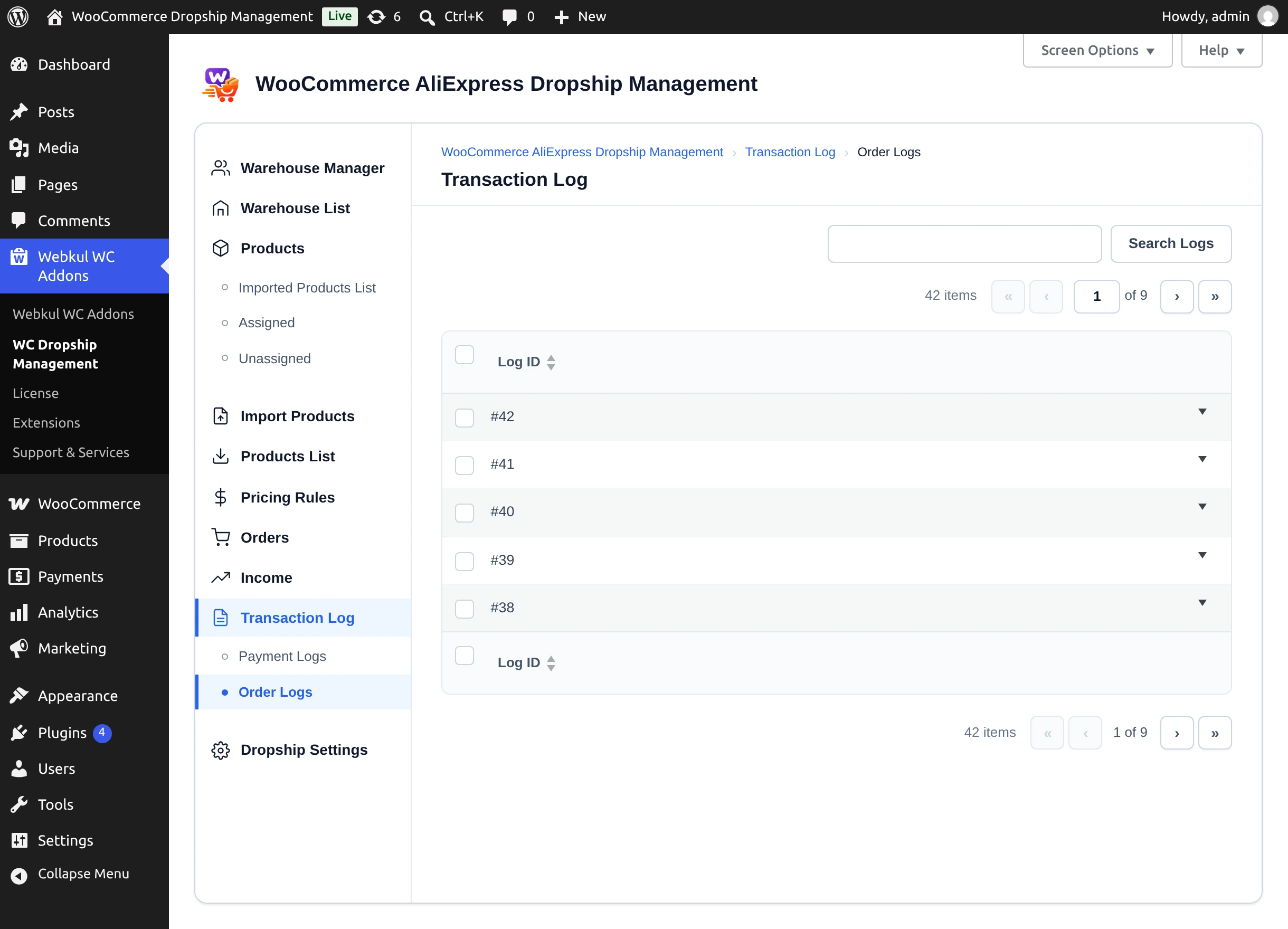
| Column | Shows |
|---|---|
| Log ID | Log number. Sortable. |
| Woo Order ID | Linked WooCommerce order. |
| AliExpress Order ID | AliExpress order number, when one was returned. |
| API Method | For example aliexpress.ds.order.create (place order) or aliexpress.ds.trade.order.get (tracking check). |
| Status | SUCCESS or FAILED. |
| Message / Error | AliExpress's error message, or Success. |
| Date & Time | When the call was made. |
| Payloads | View Payload JSON. |
Use Search Logs to find entries.
Inspect a payload
Select View Payload JSON to open the API Payload Inspector. It shows the API method, WooCommerce and AliExpress order IDs, status, timestamp, and the full Request Payload and Response Payload. Select Close when done.
Payloads contain customer data
Request payloads include the customer's name, address, and phone number. Share them only with Webkul support when troubleshooting.
Next step
See what warehouse managers can do in the Warehouse Manager Panel.