
Overview
WooCommerce AliExpress Dropship connects your WooCommerce store to AliExpress. You never hold stock: products are listed in your store, and when a customer buys one you order it from AliExpress and have it delivered directly to the customer.
What the plugin does
Product import. Import AliExpress products by link or product ID (up to 50 at a time), from a CSV file (up to 500 rows), or from AliExpress itself with the Chrome extension. The extension adds an import button to every product and a checkbox to every product card, so you can import a single product with your own name, price, and SEO text, or select many products and import them in one go.
Product creation and sync. Imported products first land in the Imported Products List. From there, the Create Product action builds real WooCommerce products — simple or variable — with images, variations, SKU, stock, weight, dimensions, attributes, description, and SEO meta. Update From AliExpress refreshes them later, and auto sync can refresh assigned products on a schedule.
Pricing. A default price configuration sets the selling price on import — the same as AliExpress, a custom price, or a percentage increase or decrease.
Reviews. AliExpress reviews can be fetched during import, filtered by star rating, and then added to the WooCommerce product with one click.
Warehouses. Create warehouse managers (a dedicated WordPress role) and warehouses, assign products to a warehouse, and give each manager a restricted view of their own products, orders, and income.
Orders. Every customer order that contains AliExpress products appears on the Orders screen, split by warehouse. Place it on AliExpress through the AliExpress Open API — choose a shipping carrier, confirm, and the AliExpress order is created without leaving WordPress — or through the Chrome extension, which opens AliExpress and adds the ordered products to your cart.
Income and payouts. The plugin records each warehouse's income and your commission (from Pricing Rules) for every order, and lets you log payouts to warehouses.
How it works
- Connect. Enter your AliExpress app's Client ID and Client Secret and authorize the store — in the Setup Wizard or under Account Setting.
- Import. Add products to the Imported Products List from the admin, a CSV file, or the Chrome extension.
- Create. Run Create Product on the Imported Products List. The products are now live WooCommerce products, using your Product Setting defaults.
- Assign. Optionally assign products to a warehouse so the right warehouse manager sees them — assignment is also what auto sync uses.
- Sell. Customers buy the products through your normal WooCommerce storefront, cart, and checkout.
- Fulfil. Open Orders and place the order on AliExpress with the API or the extension. Pay for it on AliExpress.
- Settle. Record warehouse payouts under Income & Payouts.
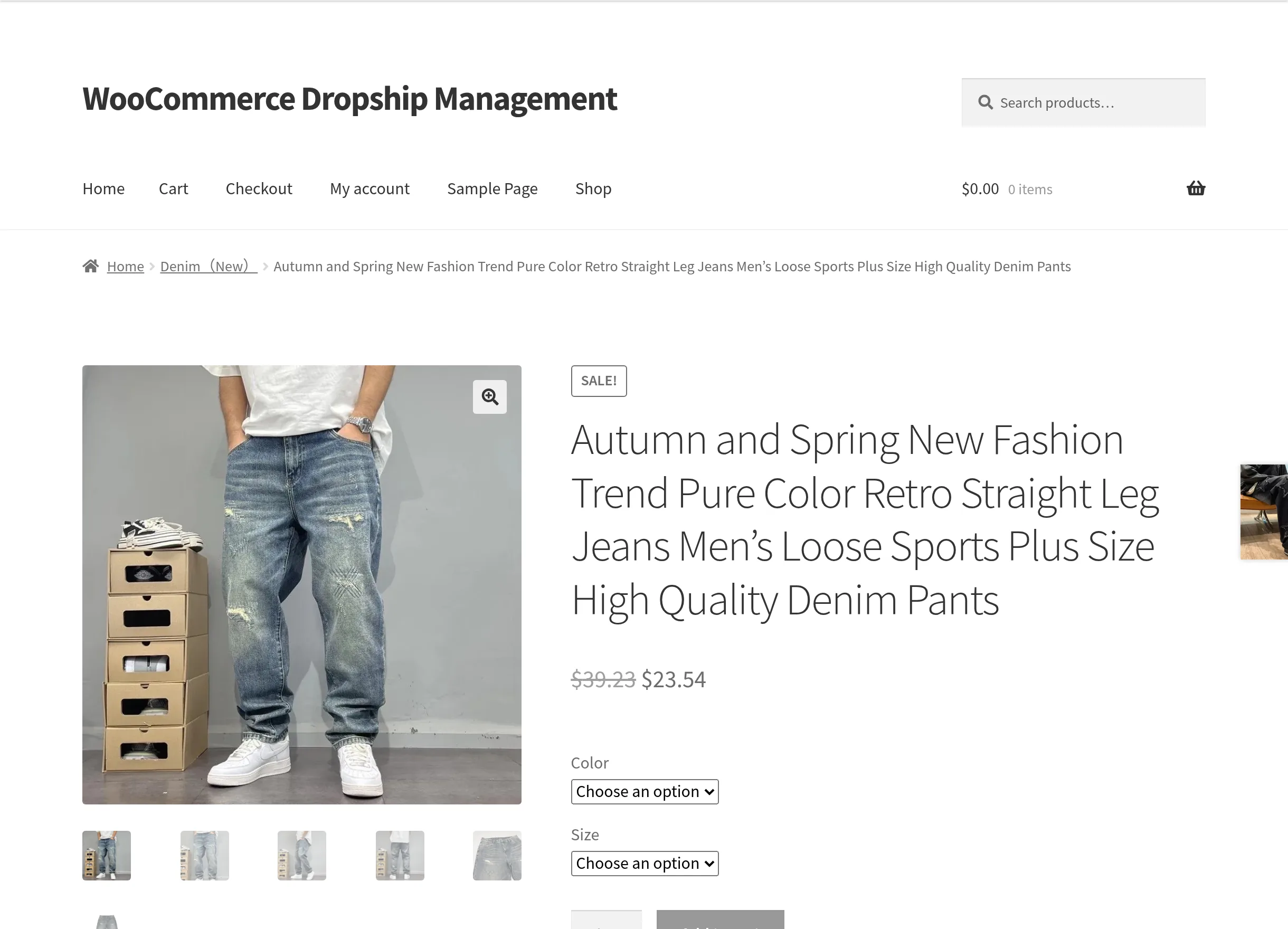
What your customers see
Imported products are ordinary WooCommerce products, so customers browse, add to cart, and check out exactly as they do for any other product. The plugin adds no customer-facing screens, sends no customer emails, and adds nothing to My Account. When no SEO plugin is active, imported products also output their meta title, description, and keywords on the product page.
Roles
| Role | What they can do |
|---|---|
| Administrator | Everything: setup wizard, settings, importing, product creation, warehouses and managers, pricing rules, orders, payouts, and logs. |
| Warehouse Manager | Signs in to WordPress and sees a reduced version of the same screen: their own warehouse, assigned products, orders, income, and logs. Cannot import products or change settings. See Warehouse Manager Panel. |
Requirements
Software Requirements
| Component | Requirement |
|---|---|
| WordPress | 6.7 or higher (tested up to 7.0) |
| WooCommerce | 10.0 or higher (tested up to 10.9) — must be active |
| PHP | 7.4 or higher (tested up to 8.4) |
| WordPress user | Administrator access |
| Browser (for the extension) | Google Chrome |
AliExpress Requirements
- An AliExpress account you will pay for orders with.
- An AliExpress Open Platform app that gives you an App Key (entered as Client ID) and App Secret (entered as Client Secret). See Account Setting & AliExpress Connection.
- The plugin's Callback URL added to the app if the AliExpress console asks for one — the wizard shows it with a copy button.
Background Processing
Access-token refresh, auto sync, and background tracking checks run through WP-Cron. Make sure your site's cron runs normally.
Continue to Features for the complete feature list, or jump straight to Installation.