
Pending Review
Auctions → Pending Review — ?page=wkafw-pending-review
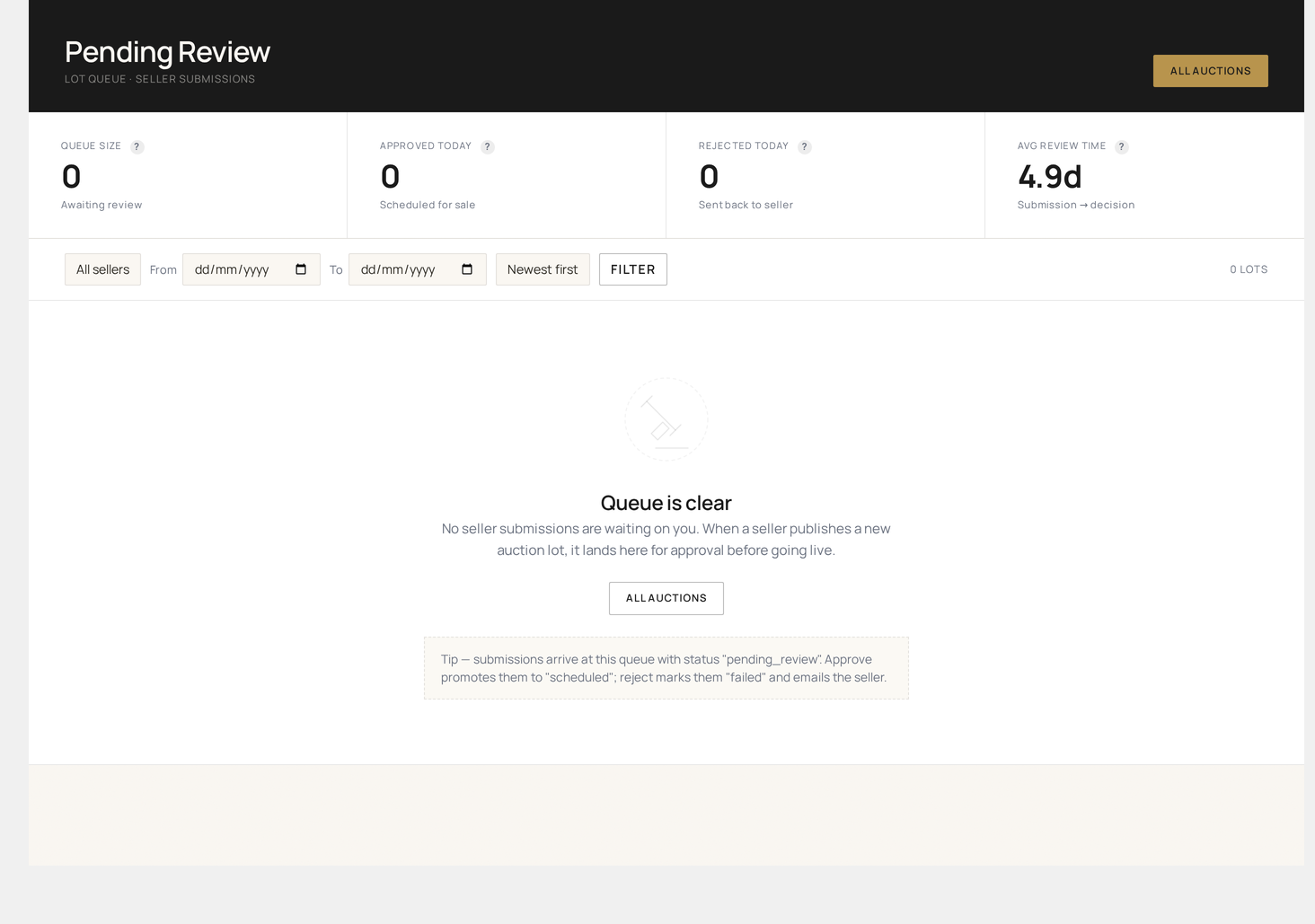
Vendor lot moderation queue. When wkafw_lot_review_enabled = yes, every auction created by a vendor enters a pending state until an admin approves it. This page is the approval queue.
When is this needed?
Only when you have:
- Vendor-created auctions (vs admin-curated)
- Quality / compliance gating before lots go live
Enabling lot review
Auctions → Settings → Bidding → Require admin approval for vendor lots (wkafw_lot_review_enabled = yes).
When enabled:
- Every vendor-saved auction starts as
status = pending - Lot is invisible to bidders
- An entry appears here
- Vendor sees "Awaiting review" on their dashboard
- Admin must approve / reject before lot goes live
Page layout
| Column | Source |
|---|---|
| ID | auction ID |
| Title | linked product title |
| Vendor | vendor name + WC store link |
| Type | auction type |
| Start price | currency |
| Reserve | currency / not set |
| Submitted | timestamp |
| Time waiting | hours / days |
| Actions | Approve / Reject / Edit |
Filter by vendor, age (waiting > 24 hrs), or auction type.
Per-row actions
Approve
- Click Approve
- Lot status flips to
scheduled(oractiveif start date is past) - Vendor receives Lot Approved email
- Lot becomes visible on storefront
Reject
- Click Reject
- Modal asks for Rejection reason (required, vendor-visible)
- Lot status flips to
rejected - Vendor receives Lot Rejected email with reason
- Vendor can edit and resubmit
Edit
Opens Add / Edit Auction — admin can adjust pricing, schedule, images before approving.
Bulk actions
| Action | Effect |
|---|---|
| Approve all selected | Mass-approve (skip if individual review needed) |
| Reject all selected | Mass-reject — single shared reason |
| Assign to me | Take ownership; other admins see "claimed" |
Drawer view
Click the row to expand the full submission:
- Auction config (start price, reserve, schedule)
- Linked product details (description, images, condition)
- Vendor history (past lots, approval rate, dispute rate)
- Recent admin notes
- Compliance flags (age-gated category, KYC needed, etc.)
SLA tracking
Configurable thresholds in Auctions → Settings → Bidding:
| Threshold | Default | Effect |
|---|---|---|
| Yellow | 4 hrs | Row highlighted yellow |
| Red | 24 hrs | Row highlighted red, admin email digest fires |
The daily admin digest email lists every red-state lot.
Auto-approve rules
For trusted vendors, set Auto-approve threshold:
- Vendor's past N lots (default 10) all approved
- 0 disputes in last 90 days
- Compliance flags clean
When met, future lots skip review automatically (lot status → scheduled). Override per-vendor on the vendor's profile page.
Compliance flags
The queue auto-flags lots that hit any of:
| Flag | Trigger |
|---|---|
| Age-gated | Product is in wkafw_age_gated_categories |
| KYC needed | Reserve > wkafw_kyc_threshold and vendor not KYC'd |
| High-risk category | Product is in admin-defined risk list |
| First-time vendor | Vendor has no past approved lots |
| Returned-vendor | Vendor was previously suspended |
Flags appear as chips next to the lot. Admins should review flagged lots more carefully.
Reporting
Reports → Lot review shows:
- Approval rate per vendor
- Median time to approval
- Rejection reasons (top categories)
- Re-submission rate
Common workflows
Triaging the daily backlog
- Sort by Time waiting descending
- Approve trusted-vendor lots in bulk
- Drill into flagged lots individually
- Reject duplicates or non-compliant lots with clear reasons
Onboarding a new vendor
- Their first 10 lots queue here for manual review
- After 10 clean approvals, auto-approve threshold kicks in
- Audit periodically — pull the vendor's row out of Reports → Lot review
Spot-checking auto-approved lots
Even with auto-approve, you can spot-check:
- All Auctions → filter by status: scheduled, vendor created
- Sample 5 random lots
- Review for compliance / quality