
Tools
Auctions → Tools — ?page=wkafw-tools
Bulk operations — CSV import / export / mappings, demo-data seeders, cache flush, db migrations, and one-off maintenance scripts.
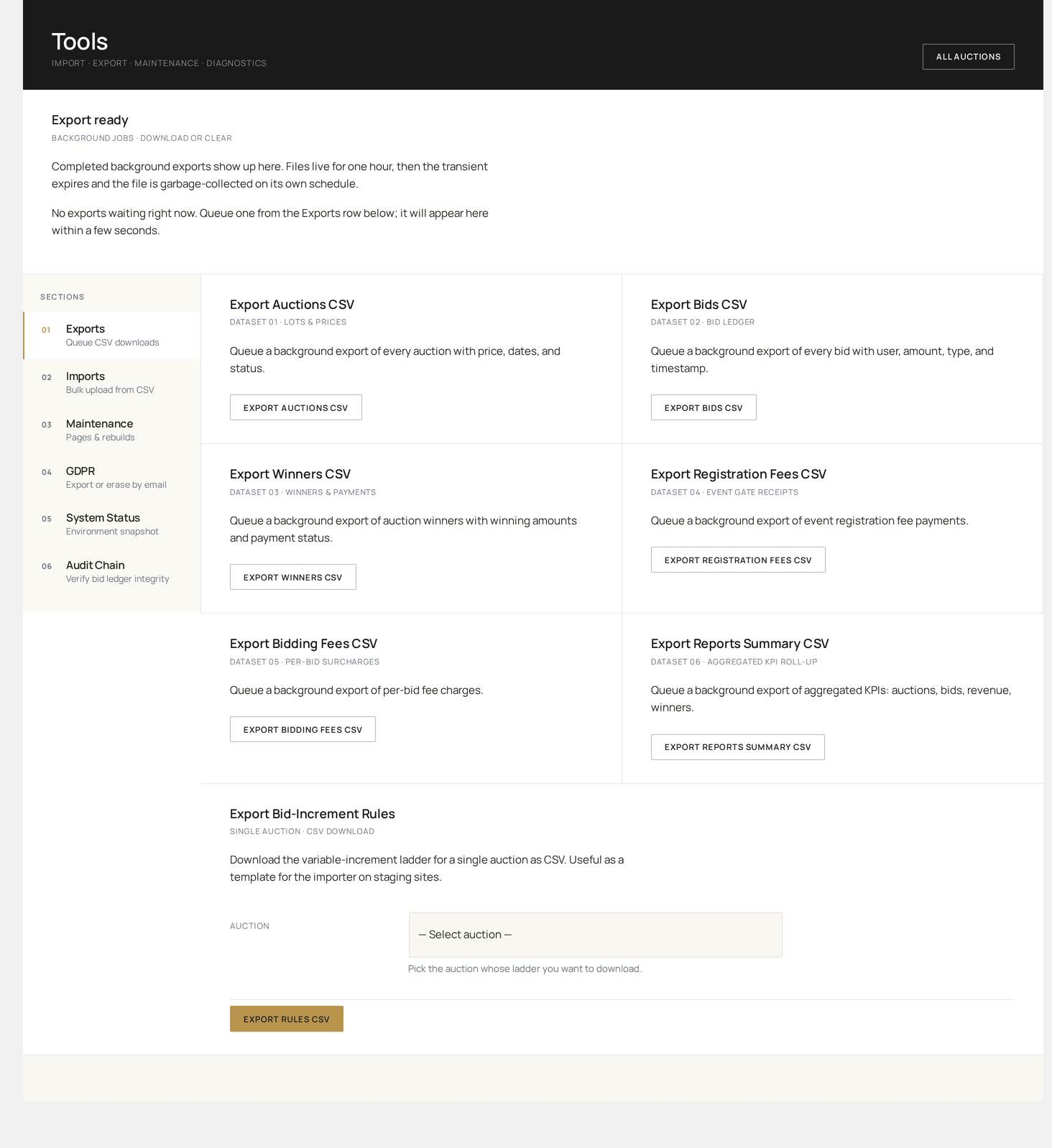
Tool sections
| Section | Use case |
|---|---|
| CSV Import | Bulk-create auctions from a spreadsheet |
| CSV Export | Bulk-export auctions / bids / watchers / disputes |
| Field Mappings | Map custom CSV columns to plugin fields |
| Demo Data | Seed sample auctions for testing |
| Database | Run migrations, rebuild indexes, recompute totals |
| Cache | Flush internal caches |
| Maintenance | One-off scripts (regen audit chain, recalc balances) |
CSV Import
Bulk-create auctions from a CSV.
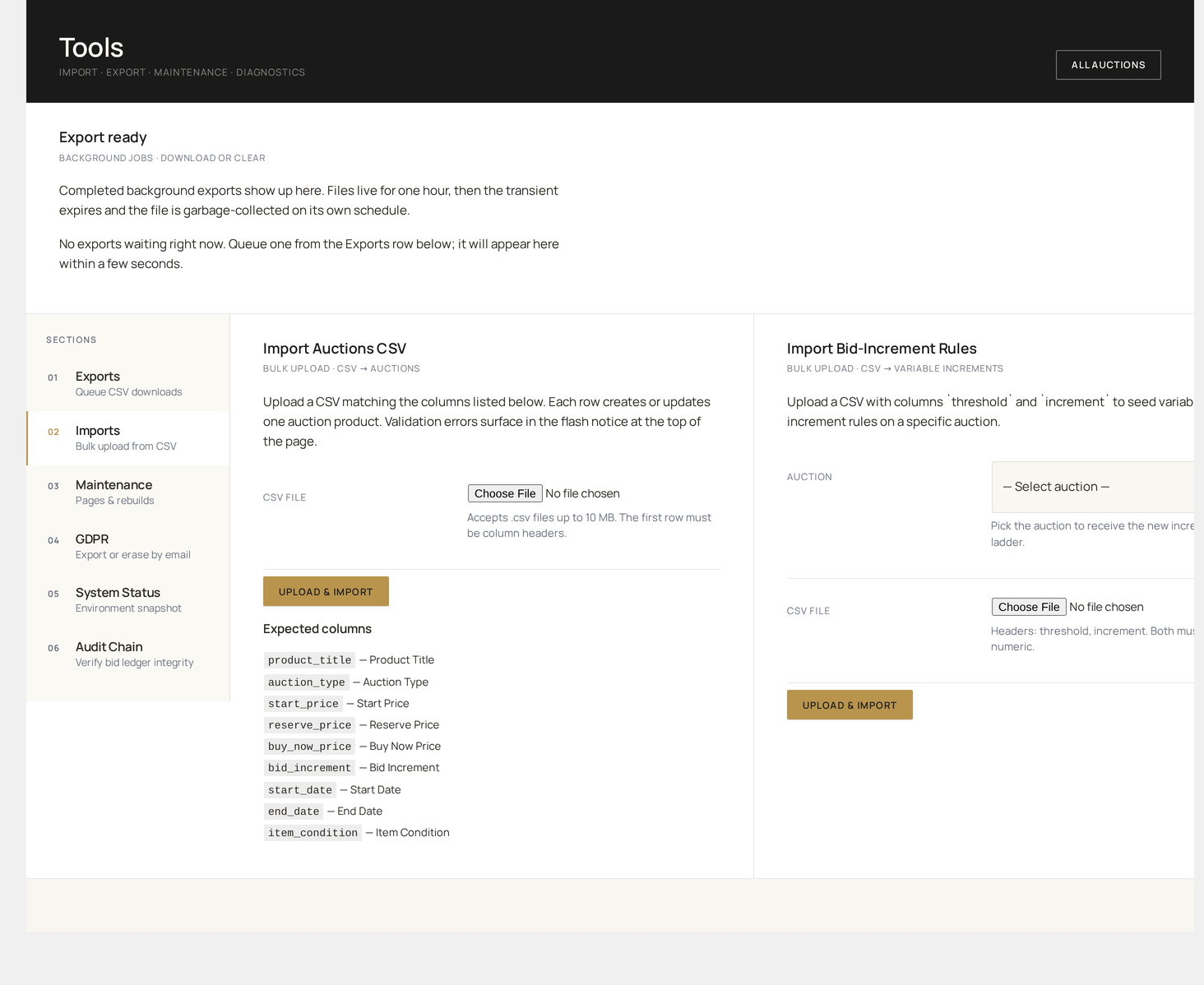
Required columns
| Column | Type | Maps to |
|---|---|---|
product_title | string | Linked WC product (created if missing) |
start_price | decimal | wkafw_auctions.start_price |
end_date | datetime | wkafw_auctions.end_date |
Optional columns
| Column | Type | Maps to |
|---|---|---|
product_id | int | Use existing product |
auction_type | string | auction_type (default standard) |
reserve_price | decimal | reserve_price |
buy_now_price | decimal | buy_now_price |
bid_increment | decimal | bid_increment |
start_date | datetime | start_date (default now) |
item_condition | string | item_condition |
vendor_id | int | The vendor user this auction belongs to |
category | string | WC product category |
description | text | Product description |
images | URL pipe-list | Featured + gallery images |
Import flow
- Upload the CSV
- Preview — first 10 rows, validation errors flagged
- Map fields — system auto-detects; override any column
- Dry run — saves a preview without writing
- Import — runs through Action Scheduler, batched 50 rows at a time
A results CSV is emailed when done, with success / failure rows broken out.
Custom field mappings
For columns the importer doesn't know about (e.g. consignor_name, lot_provenance), register a mapping:
The new column appears in the import field-mapper UI.
CSV Export
Bulk-export with one click.
| Export | Columns |
|---|---|
| All Auctions | Every column from wkafw_auctions + product title, vendor, bid count |
| Active Only | Same, filtered to status = active |
| Sold / Paid | Auctions + linked order ID + amount |
| Bids | Every bid + user email + IP + UA |
| Watchers | User → auction watch relationships |
| Disputes | All disputes + resolution |
| Audit log | Hash-chain ledger |
| Wallet ledger | All wallet transactions |
| Vendor commissions | Earnings split |
| Full data dump | All tables, ZIP'd CSVs |
Big exports run via Action Scheduler; small ones stream immediately.
Demo Data
Seed sample auctions for testing.
| Seeder | Creates |
|---|---|
| 5 Standard auctions | 5 auctions, varied end dates, 2 with bids |
| Charity event | 1 event + 10 charity lots, donor wall populated |
| Penny auction set | 3 penny auctions + bid packs for 5 users |
| Full demo store | All of above + 50 users + bid history |
Demo data is real data
Seeders write actual rows to your database. Run on staging only — never on a live store. The seeded users and products are tagged so the cleanup tool can remove them later.
Cleanup
Tools → Demo Data → Clean up removes every demo row created by the seeders. Safe to run repeatedly.
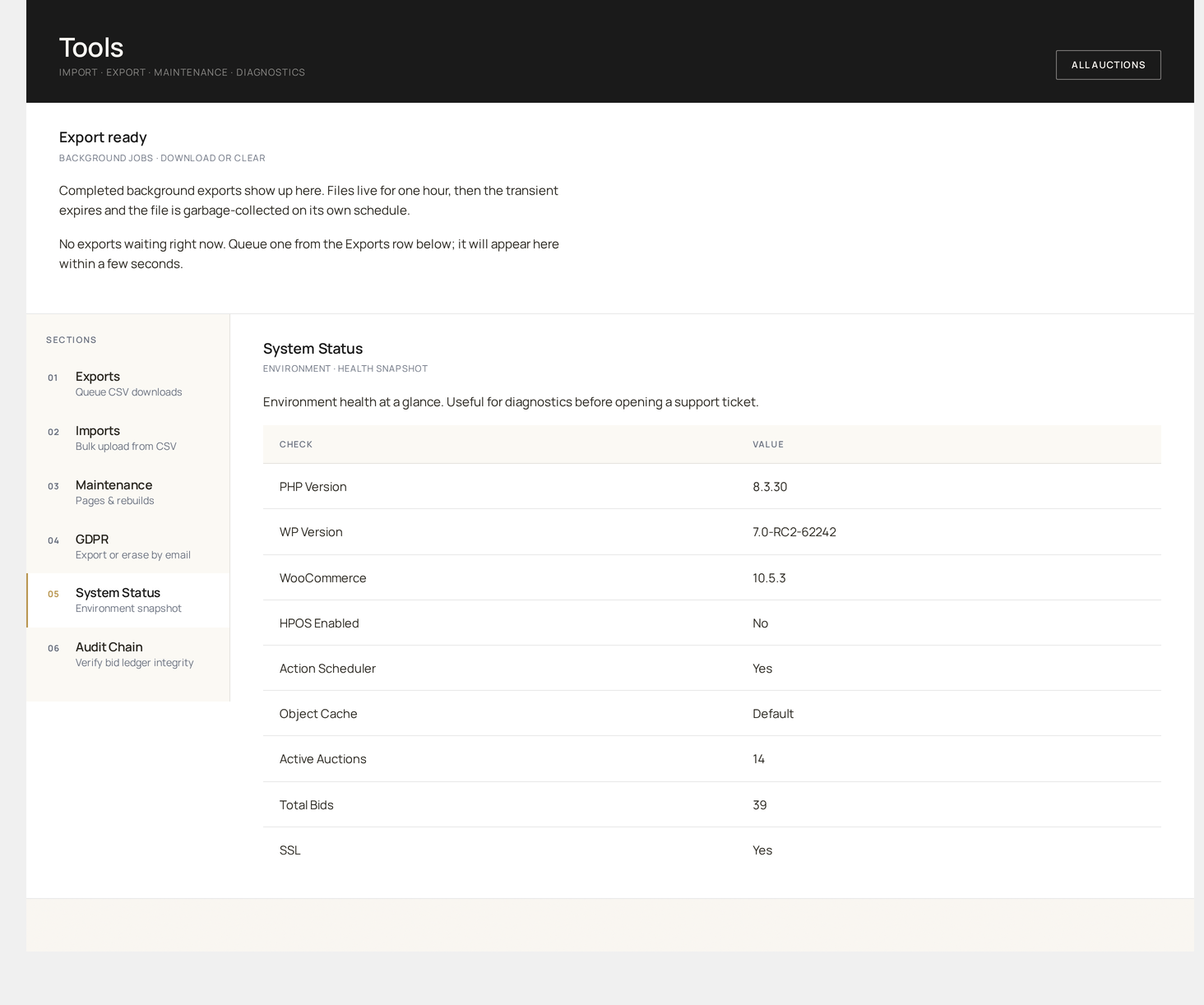
Database
| Tool | What it does |
|---|---|
| Re-run migrations | Re-applies any pending schema changes for the current plugin version |
| Rebuild indexes | Optimises every plugin table for fast lookups |
| Recompute totals | Re-sums bid count, current price and revenue from the underlying ledger |
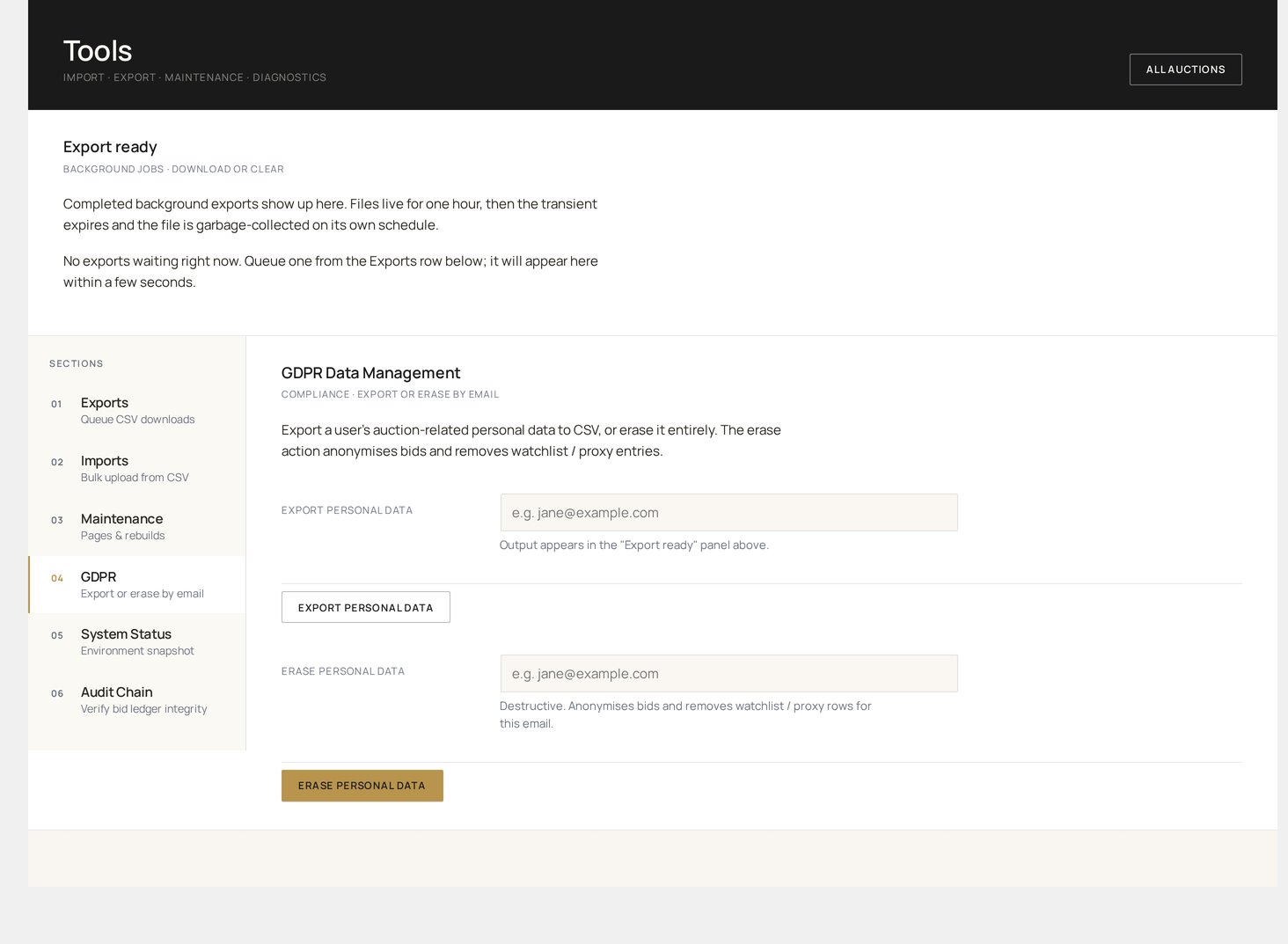
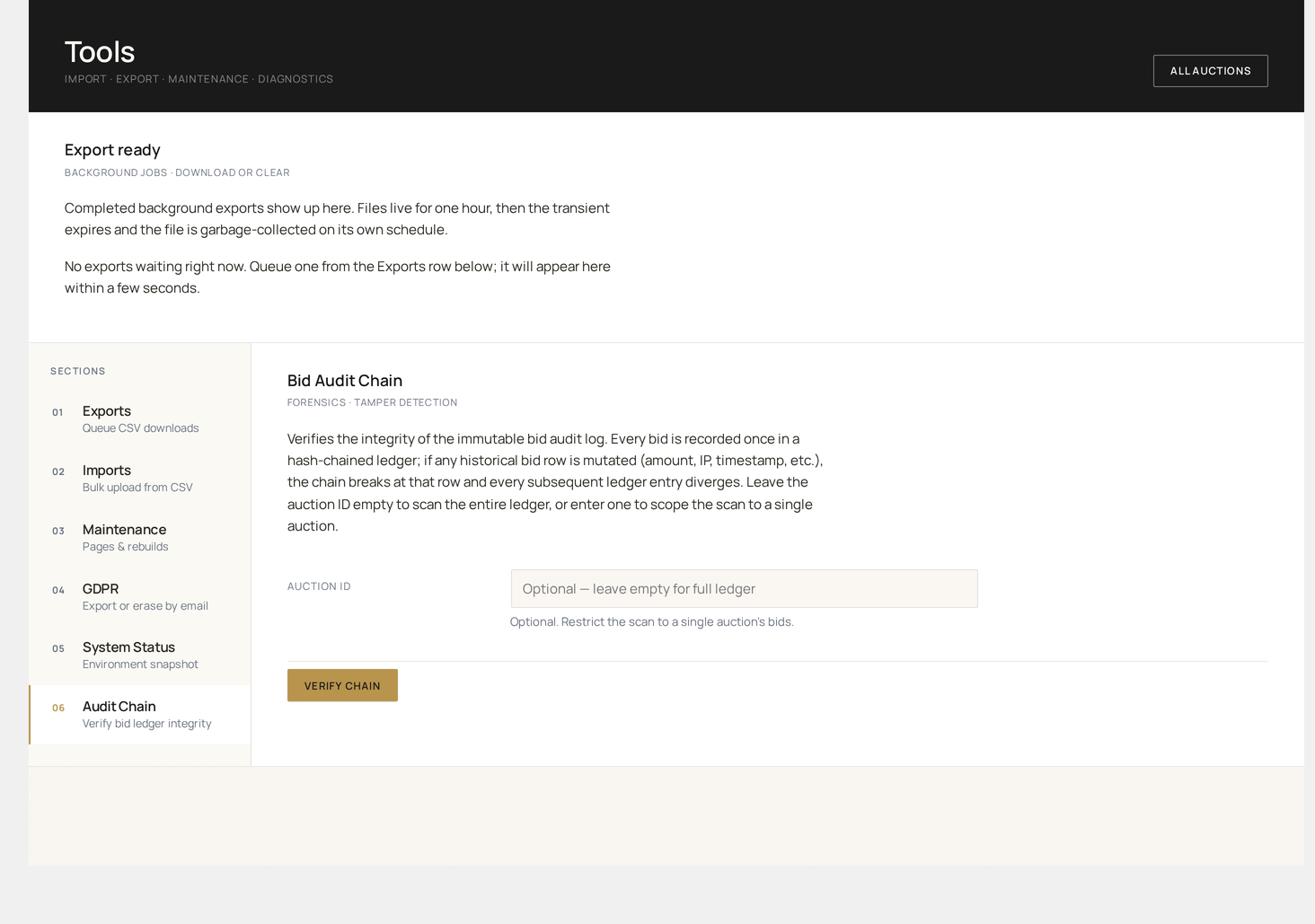
| Verify audit chain | Walks every audit row and checks hash continuity end-to-end |
| Truncate audit log | Permanent — only after archiving |
| Schema integrity check | Compares your installed schema to the expected definition |
Production safety
Some database tools take exclusive table locks. Schedule them during a maintenance window, not peak bid hours.
Cache
The plugin caches a few hot reads to keep pages fast:
- Auction lookup by ID (5-minute lifetime)
- Active-auction counts (1-minute lifetime)
- Increment-tier parses (per request)
- Customer wallet balance (per request)
| Tool | What it does |
|---|---|
| Flush all | Clears every plugin cache |
| Flush auction caches | Just auction lookups |
| Flush wallet caches | Just wallet balances |
| Warm caches | Pre-populate active-auction lookups |
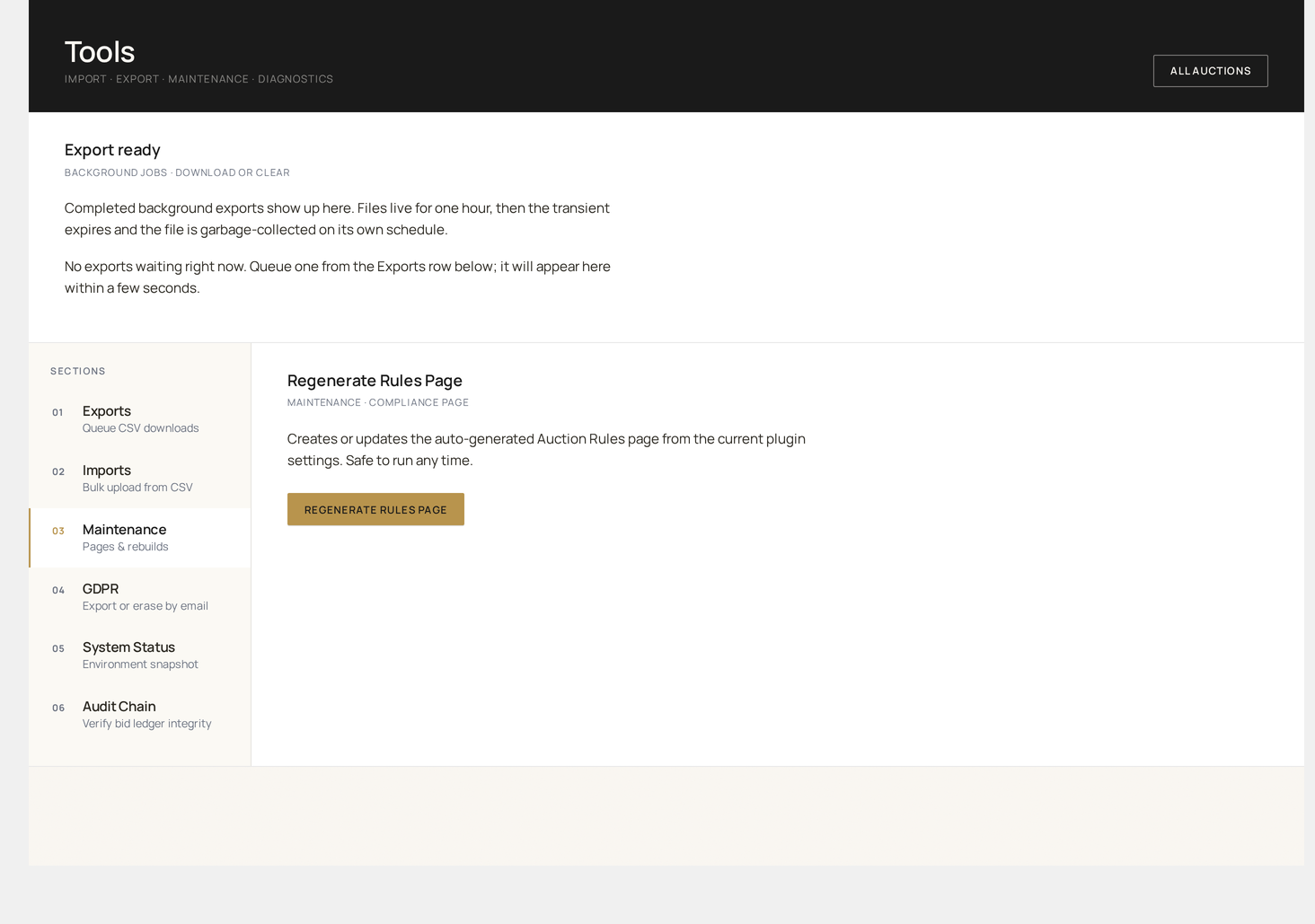
Maintenance
One-off scripts for edge cases:
| Script | When to run |
|---|---|
| Re-link orphan auction-orders | When an order can't find its source auction |
| Re-create missing audit chain | After table corruption |
| Fix UTC drift | After server timezone change |
| Migrate from legacy v1.x schema | When upgrading from old plugin |
Each script shows a dry-run preview before applying.
Logging
All Tools operations are logged to wkafw_auction_logs (action: tool_run) and to the Audit Log. Track who ran what, when, with what arguments.