
Bidding Engine
How a bid travels from the Place Bid click to the auction's new top price — fast, race-safe, and fully audited.
Lifecycle of one bid
What happens behind the scenes between the click and the new top price showing on every other bidder's screen:
- Identity & integrity checks. The bidder is signed in, isn't on the Blocked Users list, and isn't tripping any fraud rules.
- Auction validation. The auction is active, you're inside the bidding window, and your amount is at least current price + increment. The plugin also checks the bid cooldown, per-user caps and per-auction caps.
- Atomic update. The auction row is locked for the moment of the write so two simultaneous bidders can never both win the same price. The bid is recorded, the current price and bid count are bumped, and an anti-snipe extension is added if the bid landed inside the soft-close window.
- Audit trail. A tamper-evident hash entry is appended to the bid audit chain. The auction log gets a new row that shows up in the dashboard and reports.
- Fan-out to the world. Outbid email to the previous high bidder, "bid placed" email to the bidder, seller email, marketing event, gamification points.
- Refresh. Everyone watching the auction sees the new top price, new top bidder, and updated time-remaining within their next poll cycle.
The whole cycle is sub-100 ms on a modest server for typical auction load.
Concurrency safety
Two bidders click Place Bid at the same millisecond — what wins?
The plugin locks the auction row for the brief moment a bid is recorded. The first request gets the lock, writes its bid, and releases. The second request waits (typically under 10 ms), then re-reads the (now updated) current price. If its amount no longer beats the new top, it's rejected with "Outbid — try a higher amount" and the bidder sees a one-click rebid offer.
Two simultaneous bids can never both "win" at the same price. That's the central correctness guarantee of the bidding engine.
Bid validation
Every bid is checked against a layered set of rules. The bidder gets a clear, inline error if any fail — no page reload, no lost form state.
| Rule | What it checks |
|---|---|
| Logged in | Signed-in WooCommerce customer |
| Not blocked | Not on the Blocked Users list |
| Auction active | Status is active, not paused / ended / cancelled |
| Inside bid window | Current time is between start and end |
| Amount valid | At least current price + the configured increment |
| Cooldown elapsed | Enough time has passed since this bidder's last bid |
| Caps not hit | Per-user and per-auction limits respected |
| Fraud rules | No active rule has fired against this user |
Live polling
Once a bidder lands on an auction page, the front-end keeps the price and timer fresh by polling for updates.
| Phase | Refresh rate | Why |
|---|---|---|
| Normal | every 30 seconds (configurable) | Balanced load and live feel |
| Last 2 minutes | every 3 seconds | Tight finish, no missed bids |
| Dormant (no bids in 30 min) | polling pauses | Saves server resources |
Polling cadence is configurable site-wide in Settings → General → Default poll interval.
Bid queue (high-traffic mode)
For Black Friday-tier auctions where hundreds of bids per minute land on a single lot, you can switch on a bid queue. Incoming bids are queued and drained serially by a single worker. Bidders briefly see "Queued, position N" and their bid resolves within seconds.
This trades a small amount of immediate-feedback for sustained throughput. Most stores leave it off — turn it on per-site under Settings → Bidding → Bid queue threshold.
Quick-bid buttons
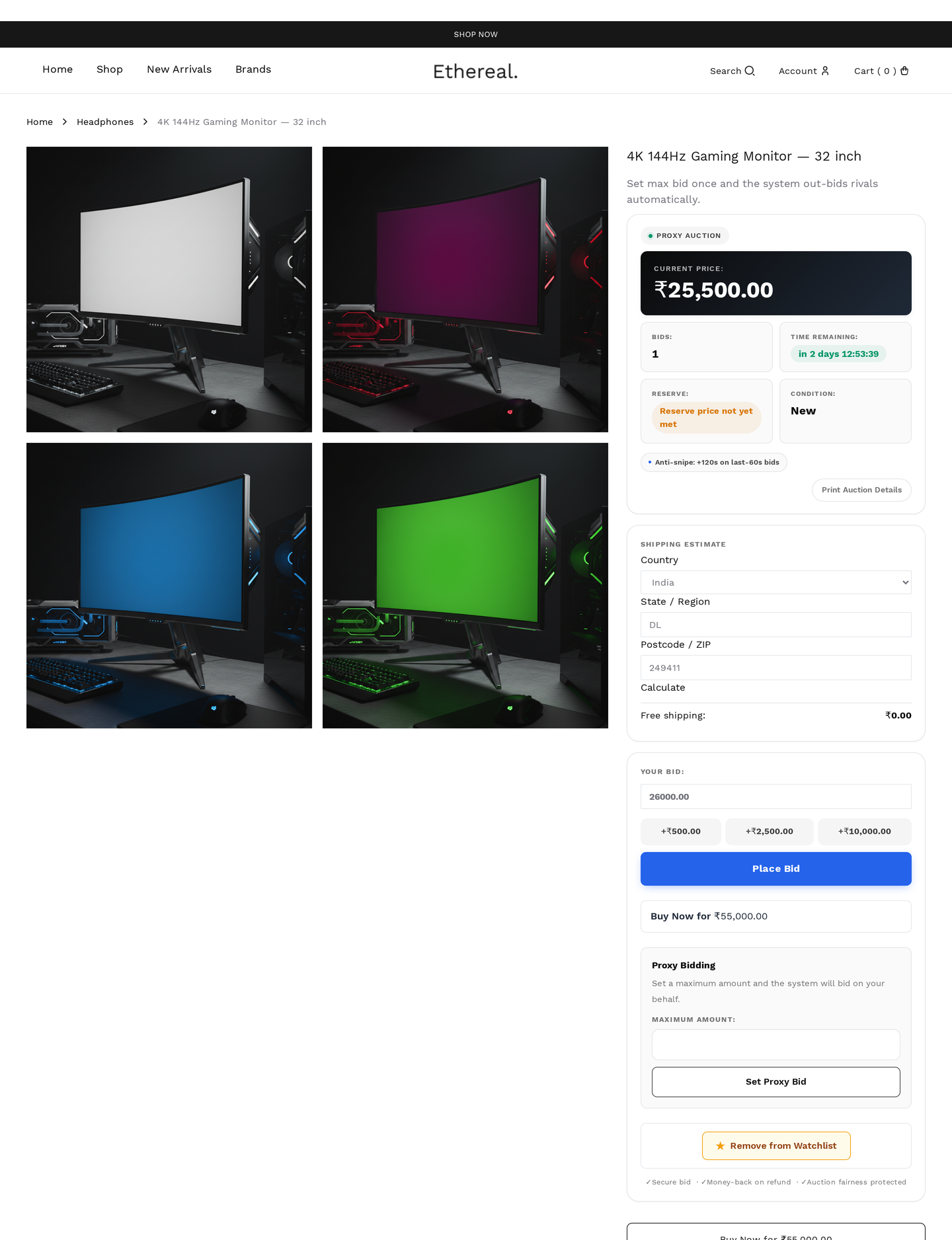
Pre-defined increment buttons sit next to the bid input — for example, +10, +50, +100. One click places that exact bid above the current price. Configurable per-auction or globally to reduce friction in fast-moving auctions.
One-click rebid
When a bidder is outbid, a Rebid button appears that places a new bid at the minimum amount needed to lead. Re-engagement friction dropped to a single click.
Bid confirmation
When Settings → General → Bid confirmation modal is on, a "Confirm bid of $X?" dialog appears before submission. Prevents fat-finger mistakes (accidentally bidding $1000 instead of $100). Per-auction override available.
Anonymous bidding
A bidder can tick Bid anonymously before submitting. Their public name is replaced with a configurable mask (e.g. B***r) in bid history, leaderboards, and outbid emails sent to other bidders. Useful for high-profile bidders or sensitive lots.
Site-wide masked names
Even non-anonymous bidders can be masked everywhere by turning on Settings → General → Mask bidder names. Affects bid history, leaderboards, the storefront audit feed, and emails sent to other bidders. Admins always see real names in the admin tables.
Bid retraction
If retraction is enabled, a bidder can pull a bid within a short retraction window after placing it.
| Trigger | Effect |
|---|---|
| Within window | Retraction succeeds; auction recalculates the current price |
| Outside window | Modal: "Retraction window expired" |
| Already winning at close | Retraction blocked (prevents abuse) |
Retracted bids count toward the per-user retraction limit (default 3 per auction). Excessive retractions flag the bidder in Fraud Detection.
Cooldown
A short minimum wait between consecutive bids by the same user (default 5 seconds). Prevents bid-spamming and acts as a soft anti-bot measure. Configured per-site under Settings → Bidding → Bid cooldown.
Caps
Optional limits per auction:
| Cap | Default |
|---|---|
| Max bids per user per auction | unlimited |
| Max total bids per auction | unlimited |
Set per-auction in Add / Edit Auction.
Absentee bidding
A bidder can pre-place a bid before the auction starts. When the auction goes live, the absentee bid activates automatically as a regular proxy bid. Use case: bidder unavailable during the auction window but wants to participate.
Auto-bid (proxy)
Bid audit chain
Every accepted bid is appended to a tamper-evident hash-chain ledger. See Audit Log for verification, export and compliance use.
Performance at scale
On a 2-core / 4 GB server with a typical MySQL + Redis cache setup:
| Load | Typical response time |
|---|---|
| 10 bids per second on one auction | well under 50 ms |
| 100 bids per second on one auction | under 200 ms |
| 100 bids per second across many auctions | under 100 ms |
| 1000 bids per second | enable the bid queue |
For higher throughput, scale your database (read replicas + Redis for hot queries) or enable bid queueing.