
Auction Types
Ten formats. Each one is configured per-auction (not site-wide), so you can run any mix simultaneously.
Enable / disable types globally in Settings → Auction Types.
Quick comparison
| Type | Bid order | Winner | Bids visible? | Deposit / fee? |
|---|---|---|---|---|
| Standard | Ascending | Highest | Yes | None |
| Reverse | Descending | Lowest | Yes | None |
| Sealed | Ascending (hidden) | Highest | No (until close) | None |
| Proxy | Ascending (auto) | Highest | Yes | None |
| Silent | Ascending | Highest | At close | None |
| Charity | Ascending | Highest | Yes | Receipts issued |
| Penny | +1 per bid | Last before zero | Yes | Bid pack purchase |
| Dutch | Descending price | First to accept | Current price visible | None |
| Seated | Ascending | Highest paddle | Yes | Event registration |
| Unique-Bid | Sealed | Lowest unique | No (until close) | Per-bid fee |
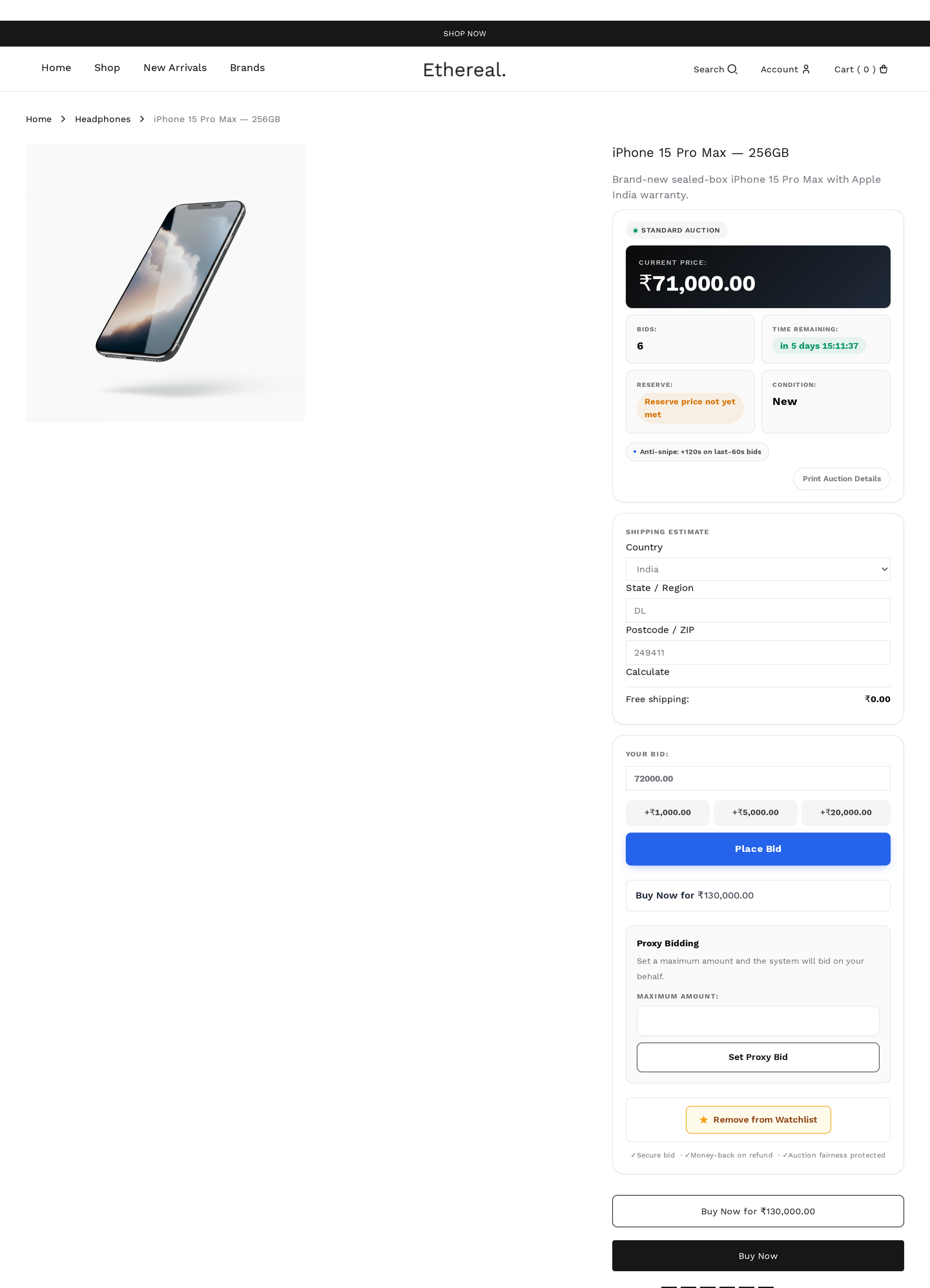
Standard
The default. Highest bidder wins.
Classic forward auction. Bids go up, the highest one when the timer hits zero (after anti-snipe extensions) wins. Reserve must be met or the auction fails.
| Field | Default | Notes |
|---|---|---|
| Start price | required | Opening bid |
| Reserve price | optional | Hidden minimum |
| Buy Now | optional | Skip-the-line price |
| Increment | required | Fixed / variable / percentage |
Use for almost everything. Other types are special cases.
Reverse
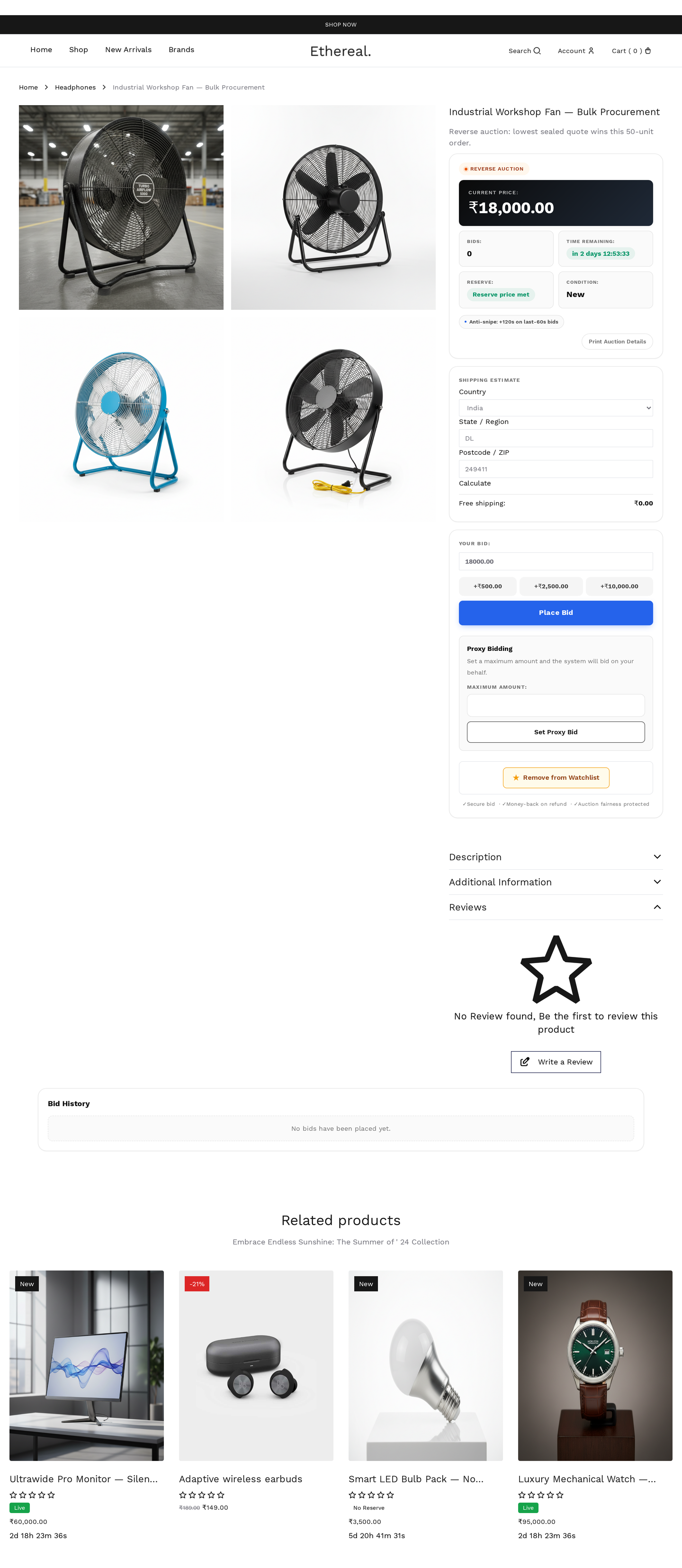
Lowest bid wins.
Used for procurement, freelancer-pricing, contractor jobs. Bidders compete to undercut. The lowest valid bid at close wins.
| Field | Effect |
|---|---|
| Start price | Maximum acceptable price (bids must be below) |
| Reserve price | Minimum acceptable; below this auction fails |
| Increment | Decrement amount (e.g., -$10 per bid) |
Sealed
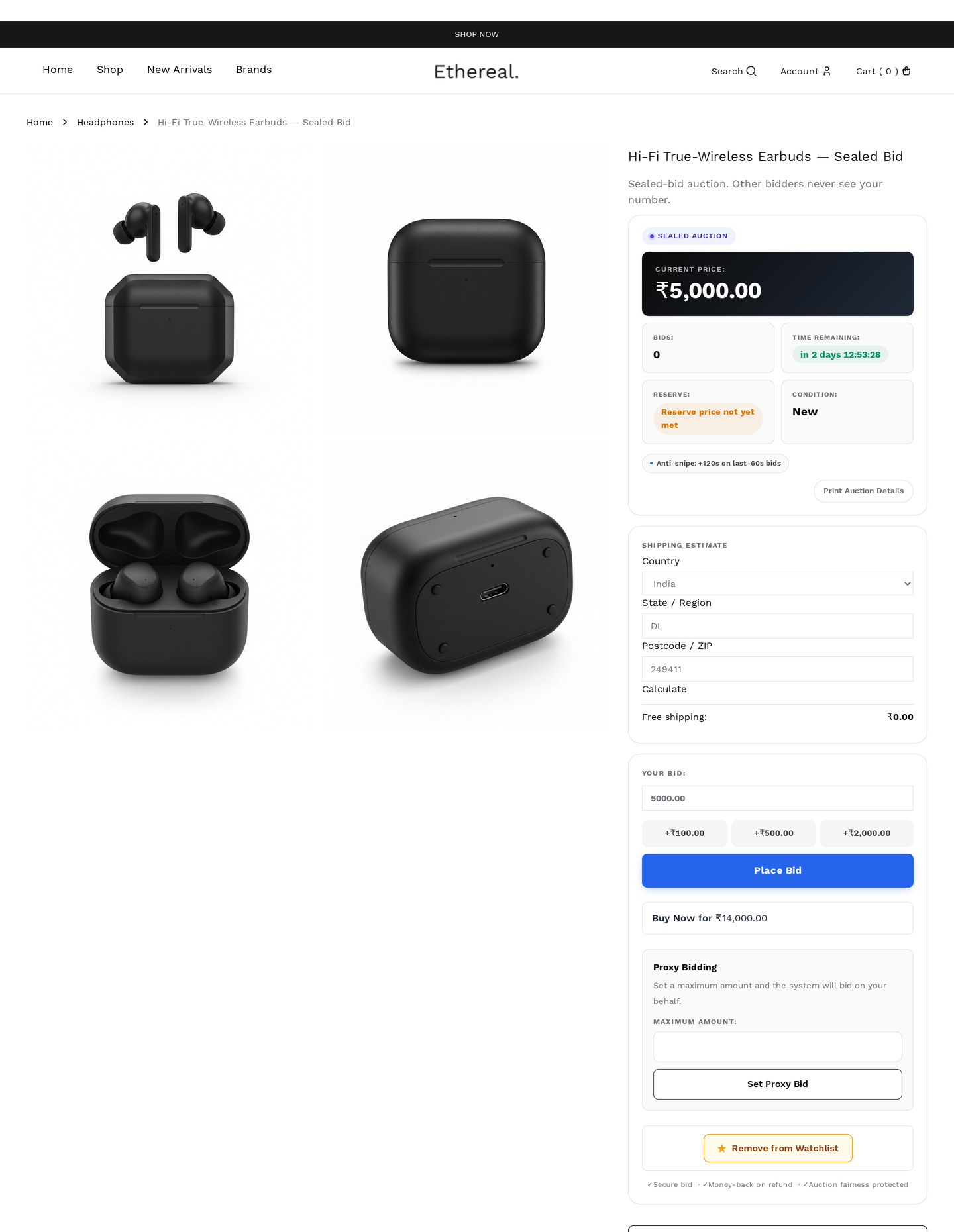
Bids hidden until close.
All-pay style. Bidders see total bid count but never bid amounts. At close, all bids reveal and highest wins. Removes anchoring and bid-war psychology.
Use for: high-stakes one-shot bids (real estate, art, business sales).
| Field | Effect |
|---|---|
| Reveal at close | yes (always) |
| Show bid count during run | yes / no toggle |
| Allow rebidding | yes / no toggle |
Anti-snipe doesn't apply
Sealed auctions don't extend on last-second bids — there are no "last seconds" since bids are hidden. End time is final.
Proxy
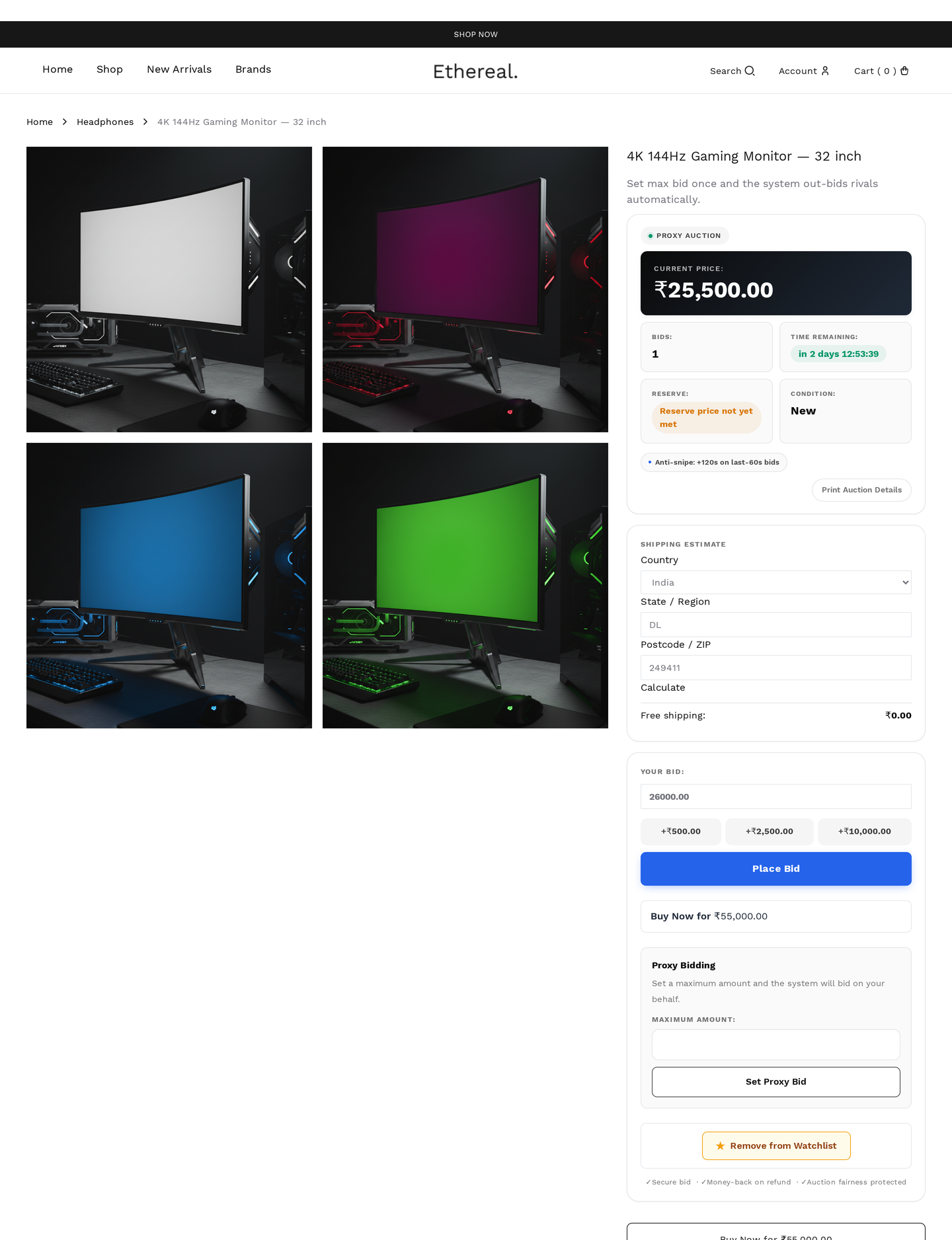
Auto-bidding up to a max.
Bidder enters their maximum willingness to pay. System automatically bids the minimum amount needed to keep them in the lead, only escalating in increments. Stops at the user's max.
This is eBay-style. Most users default to proxy because it removes the need to constantly check the auction.
| Field | Effect |
|---|---|
| Max bid | bidder's secret maximum |
| Increment | min step between auto-bids |
The system stores the max in wkafw_proxy_bids (separate table) — never written to the public bid log until the actual auto-placed bid happens.
How ties resolve
If two bidders enter the same max, the earliest registered max wins (timestamp tie-break).
Combined with manual
Proxy and manual bids coexist. A proxy bidder is auto-incremented when a manual bidder beats their current bid (until proxy max is hit).
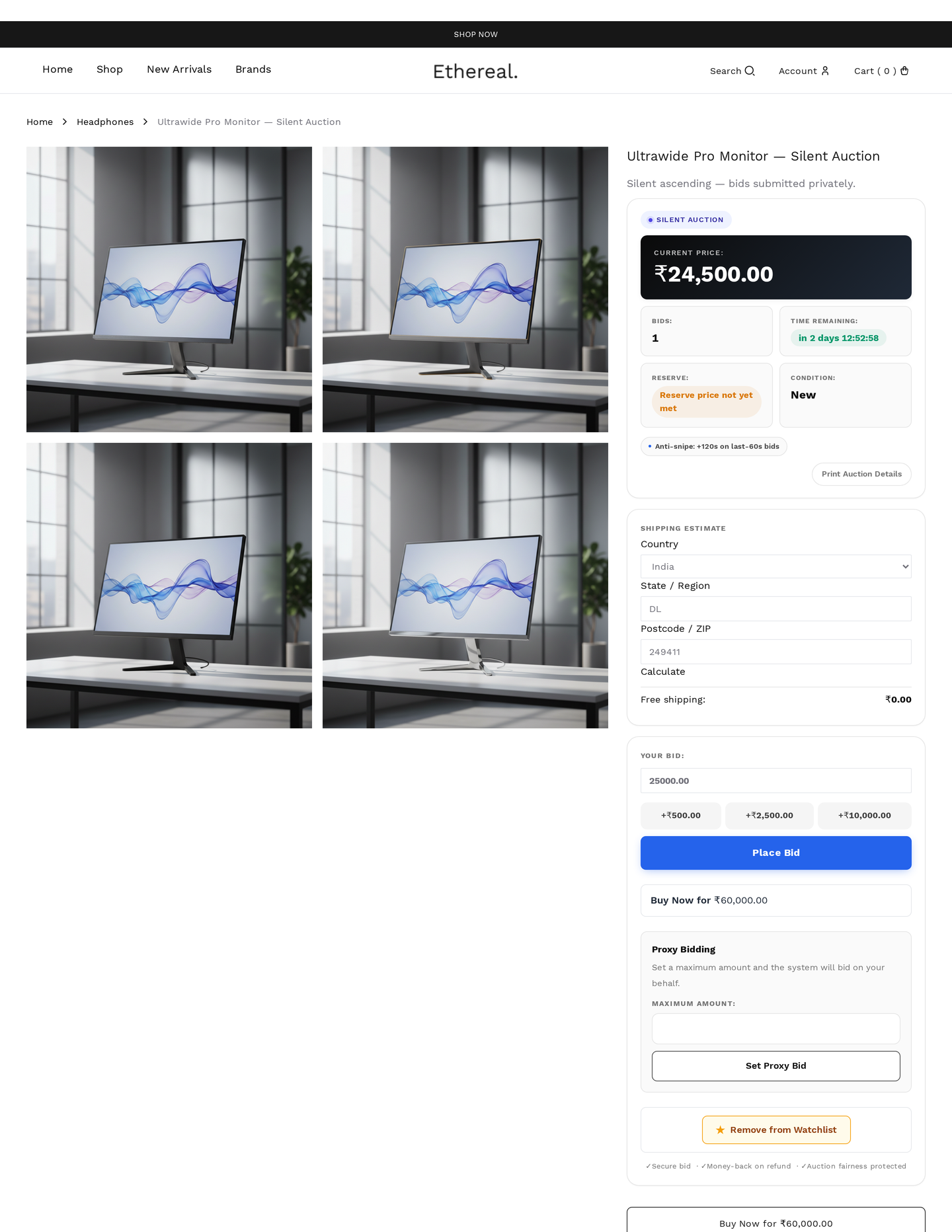
Silent
Like sealed, but bids reveal during the auction at admin-controlled intervals.
Used for charity galas (paddle ballots) and event auctions. Admin can schedule reveal windows ("reveals at 4pm sharp").
| Field | Effect |
|---|---|
| Reveal schedule | admin-defined times |
| Show bid count | always |
| Show top-N | configurable, e.g. show top 3 only |
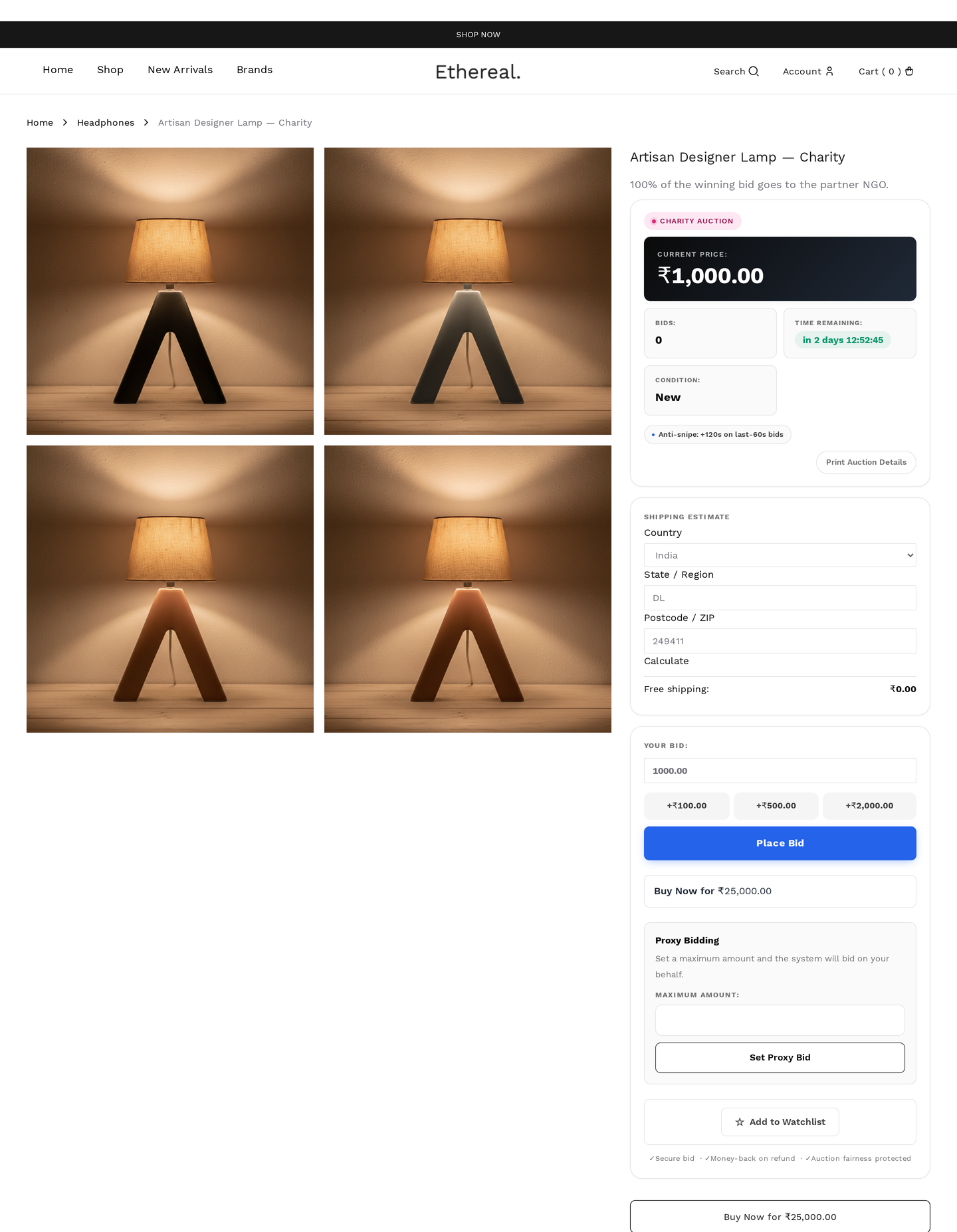
Charity
Standard auction with tax-receipt issuance.
After the auction sells, the plugin issues a tax-deductible receipt PDF to the buyer (via email + downloadable from My Account). Donor wall optionally lists buyers publicly.
| Field | Effect |
|---|---|
| Charity name | on receipt |
| Charity registration # | on receipt |
| Donor wall enabled | public list of donors |
| Anonymous donation option | bidder can opt out of donor wall |
| Receipt template | branded PDF |
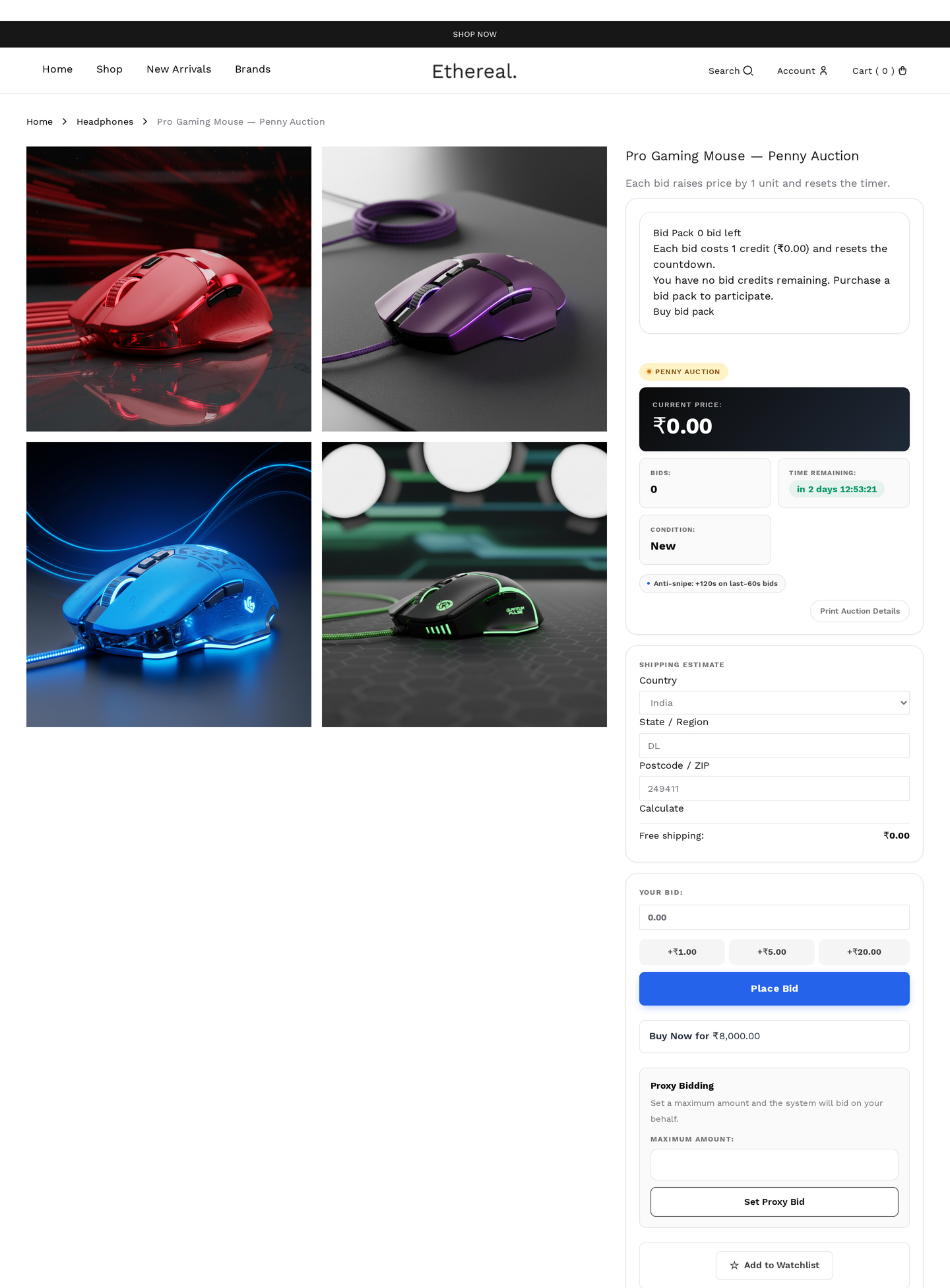
Penny
Pay-per-bid model.
Each bid:
- Costs the bidder one bid token (purchased in packs)
- Adds 1¢ (or configurable) to the auction price
- Resets the timer to N seconds (default 10)
The auction ends when the timer hits zero with no new bid. Last bidder wins. Bidders pay only for bids they placed (token cost), plus the final auction price (cents).
| Field | Effect |
|---|---|
| Pack sizes | available pack tiers (e.g. 10 / 50 / 200 bids) |
| Pack prices | per pack |
| Cents per bid | how much each bid raises the price |
| Timer reset | seconds added per bid |
Penny auctions are regulated
Many jurisdictions classify penny auctions as gambling. Verify legality before enabling. The plugin enforces full disclosure: bid pack purchase, per-bid cost, and total spent are all shown to the bidder.
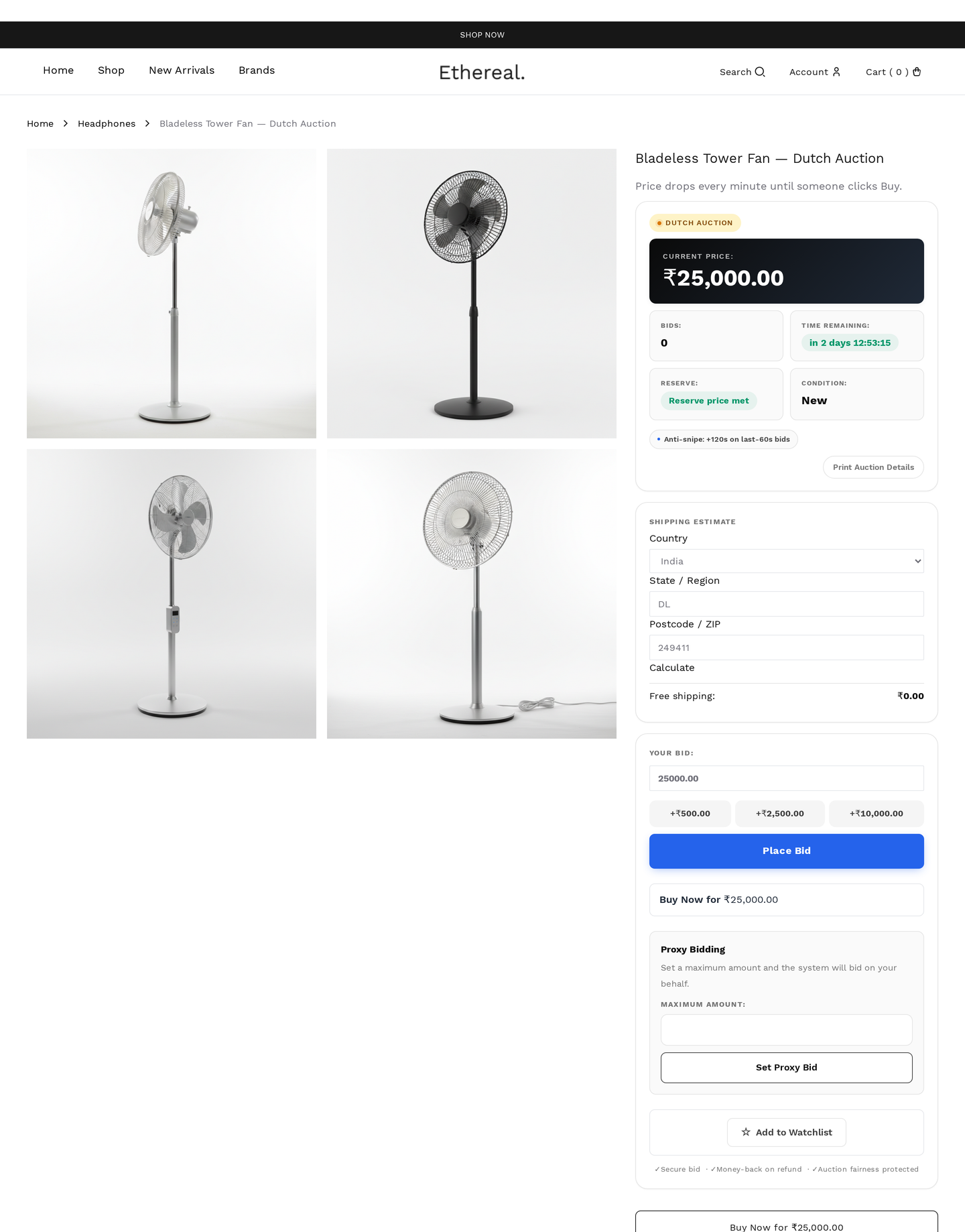
Dutch
Descending price; first to accept wins.
Price starts high and steps down at fixed intervals. The first bidder to click Accept current price wins.
| Field | Effect |
|---|---|
| Start price | initial high price |
| Floor price | lowest the price will fall to |
| Step amount | currency drop per interval |
| Step interval | seconds between drops |
Used for: time-sensitive perishable goods (fresh fish, fresh flowers, last-minute travel).
Seated
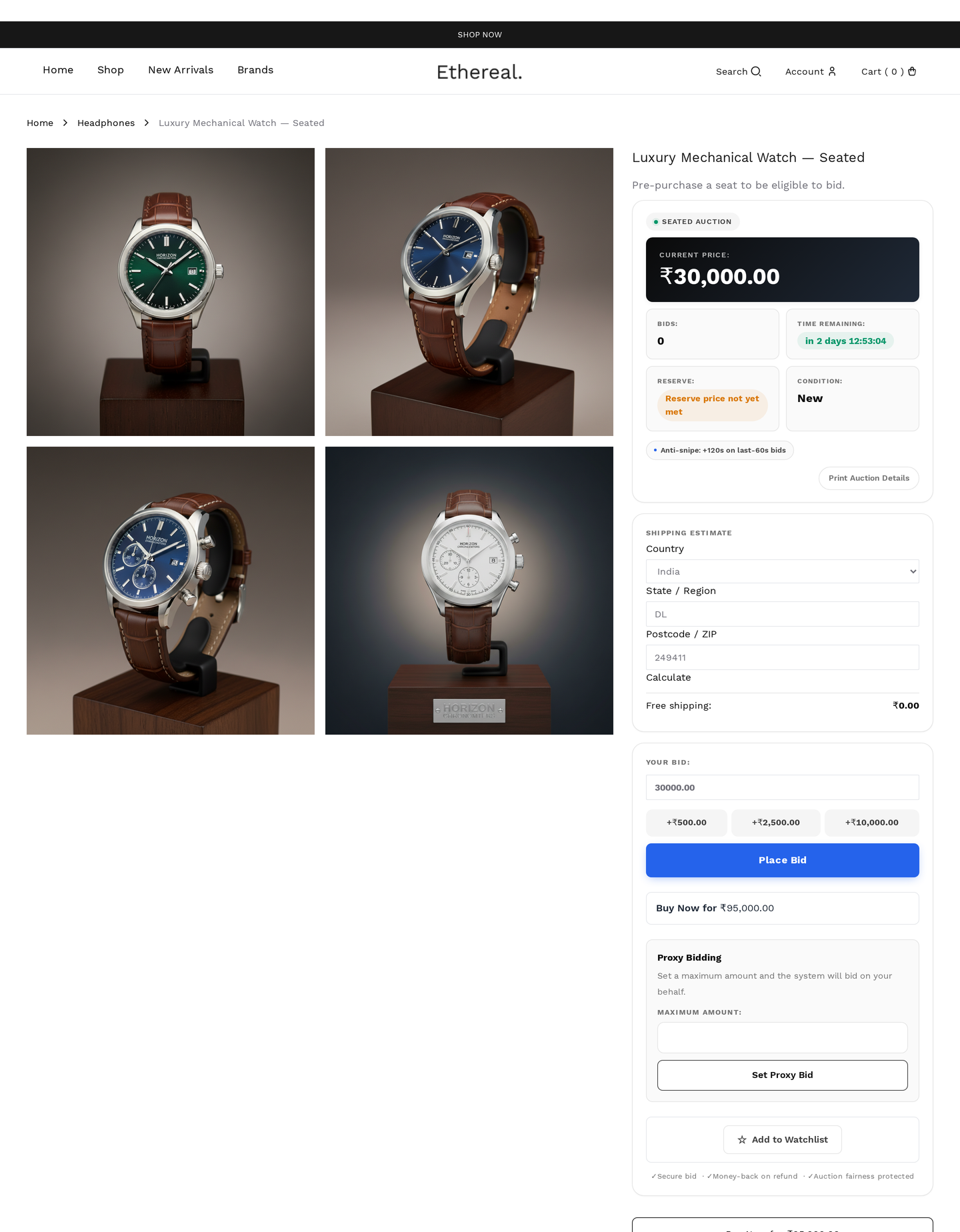
Live auctioneer-led format with paddle / seat assignments.
Bidders register for an event, get assigned a paddle number, and bid via paddle (online or in-person). The admin (auctioneer) controls when each lot opens / closes.
| Field | Effect |
|---|---|
| Event link | required — must belong to an Event |
| Seat capacity | max paddles |
| Auctioneer ID | admin user who controls live actions |
Useful for: real-world live auctions, gala fundraisers, estate sales with online + in-person bidders.
Unique-Bid
Lowest unique bid wins.
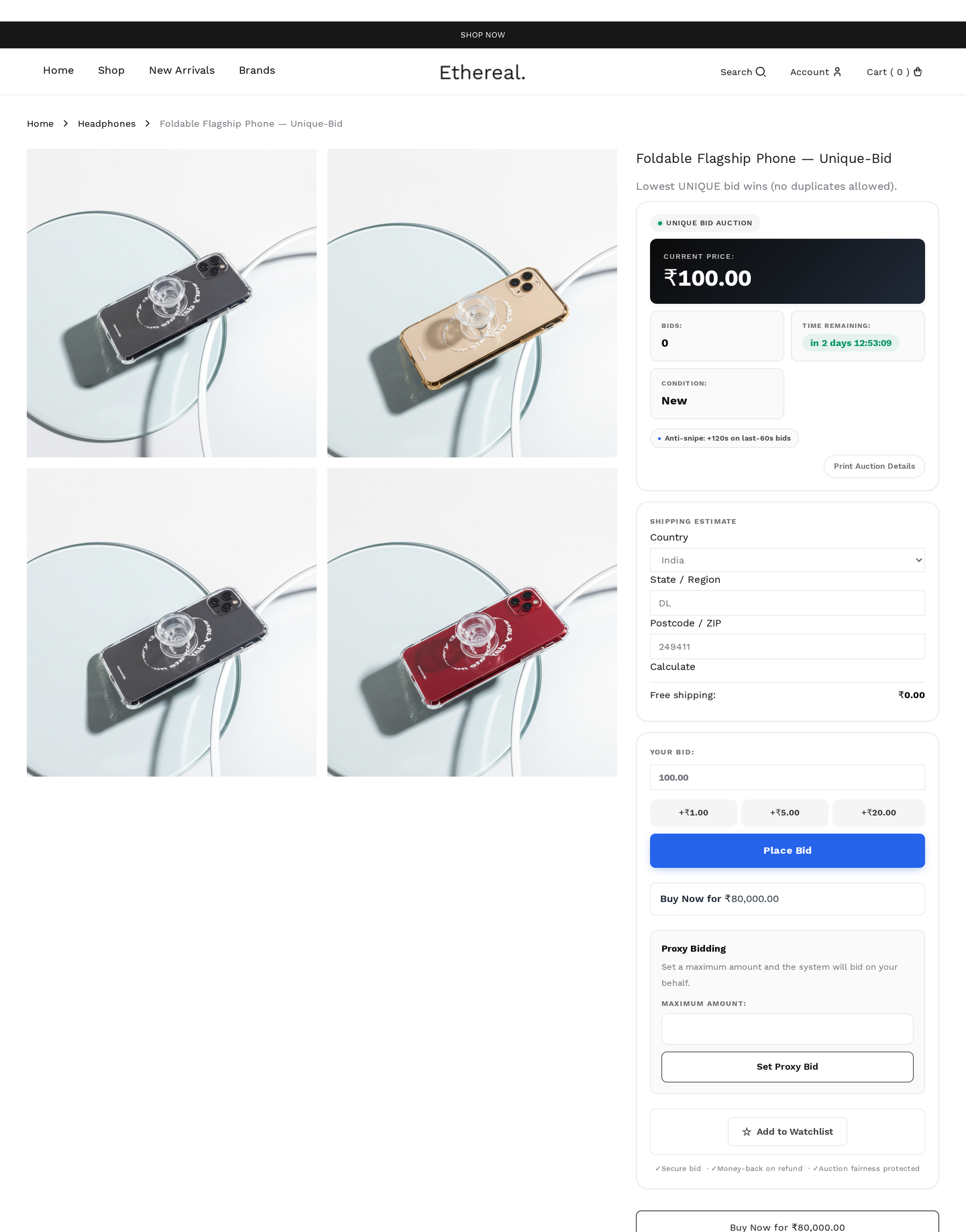
Bidders submit secret bids. At close, the system finds the bid amount that no one else placed, and the bidder with the lowest such amount wins.
Bidders pay a per-bid fee regardless of outcome.
| Field | Effect |
|---|---|
| Per-bid fee | charged on every submission |
| Allow multiple bids per user | yes / no |
| Bid range | min / max acceptable bid |
Unique-bid is also regulated
Like penny auctions, this format may be classified as gambling. Verify legality.
Switching types mid-auction
You cannot change auction type once bidding starts — the bid logic differs fundamentally between types. To change, end / cancel the auction and create a new one.