
Reserve & Buy Now
Two pricing controls that change the dynamic of every auction.
Reserve price
The secret minimum the seller will accept. Hidden from bidders.
If the auction closes below the reserve, it fails — no winner, no order. The lot can be auto-relisted (see Auto-Relist) or manually re-listed.
Configure
Add Auction → Pricing → Reserve Price
| Setting | Behavior |
|---|---|
| Reserve = start price | No reserve (auction always succeeds if any bid lands) |
| Reserve > start price | Bids must reach reserve to succeed |
Reserve indicator
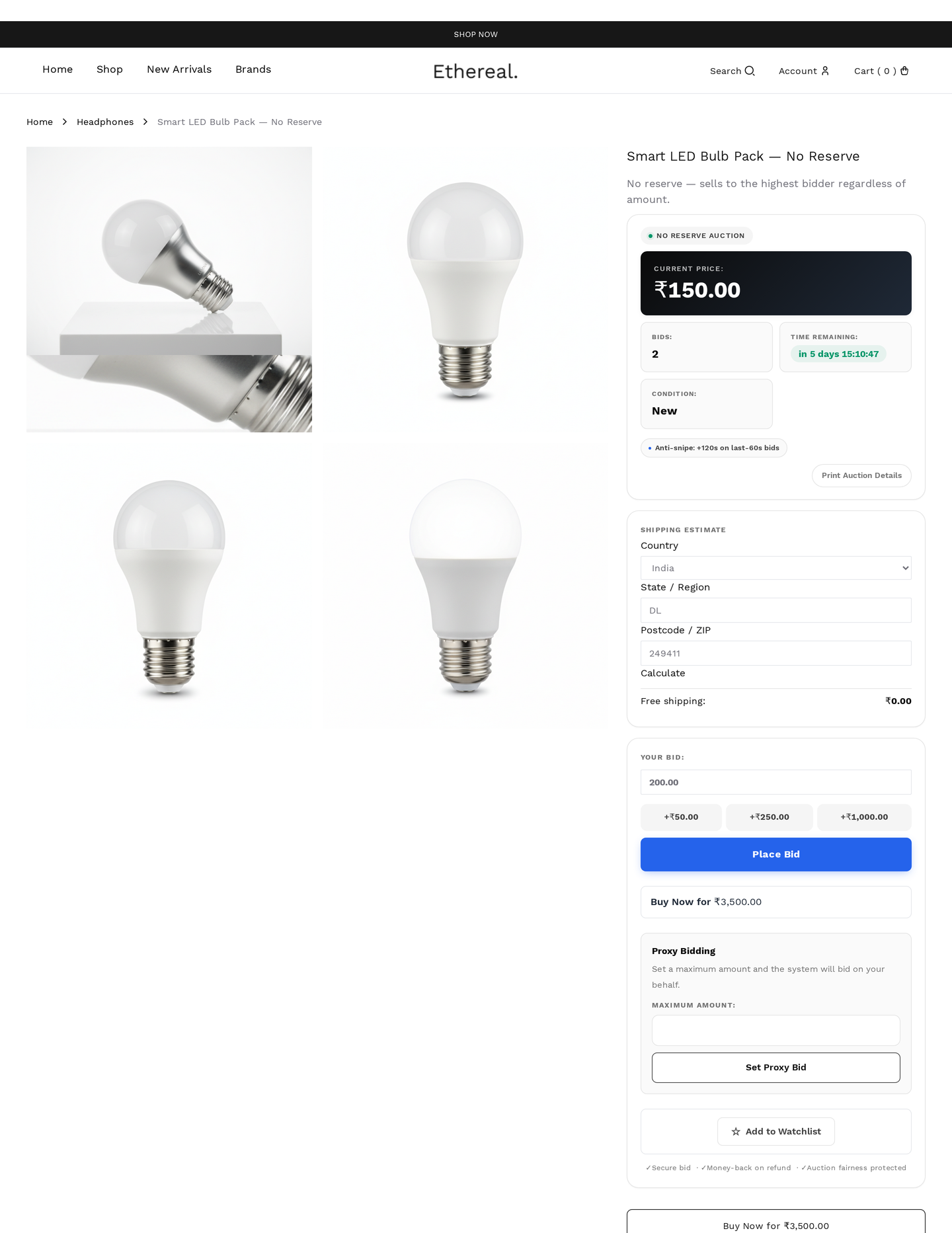
Bidders never see the reserve amount, but can see whether it's been met:
| State | UI shown |
|---|---|
| No bids yet | "Reserve not met" |
| Bid above reserve | "Reserve met" badge appears (gold check) |
| Bid below reserve | "Reserve not met" persists |
Toggle visibility globally with wkafw_reserve_indicator (default yes).
Reserve psychology
Sellers under-set reserves. Set the reserve at the lowest amount you'd actually accept — not your dream price. Reserves above market kill auctions.
When reserve is not met
At auction close, if current_price < reserve_price:
- Status flips to
failed(notended) - All bidders receive the Auction Failed email
- No order is created
- No payment is requested
- The lot is eligible for auto-relist or manual re-list
Editing the reserve mid-auction
You cannot lower the reserve after bids exist (would be unfair to the high bidder). You can raise it (rare and risky — bidders may have bid expecting an unprovable lower reserve).
The form locks the reserve field once bid_count > 0.
Buy It Now (BIN)
A fixed price — buyer can skip the auction entirely and purchase immediately.
Configure
Add Auction → Pricing → Buy Now Price
Leave at 0 to disable.
| Setting | Behavior |
|---|---|
| BIN = 0 | Disabled — no Buy Now button shown |
| BIN > 0 | Button shown; clicking adds the lot to cart at BIN price |
Auto-disable rules
If a buyer waits and bidding starts, sellers usually want BIN to disappear (so buyers feel the urgency to either bid OR commit at BIN before others bid).
| Rule | Effect |
|---|---|
| Always visible | BIN never hides |
| Hide after first bid | BIN disappears once any bid lands |
| Hide after N bids | BIN disappears after N bids |
| Hide after reserve met | BIN disappears once bid ≥ reserve |
| Hide in last X minutes | BIN disappears in final stretch |
Configure per-auction or globally.
Pricing strategy
- BIN ≈ 1.5–2× reserve — provides a clear premium for instant purchase
- BIN = market high — the "I want this and won't bid" price
- BIN < auction-likely-result — auction would normally end higher; BIN should be a deal that's worth grabbing immediately
BIN flow uses normal cart / checkout
Buy Now adds to cart and runs through standard WooCommerce checkout. The buyer pays whatever WooCommerce gateways are enabled. The bid log records a bid_type = buy_now row at the BIN amount.
How they interact
| Scenario | Behavior |
|---|---|
| BIN clicked before any bid | Auction immediately ends; buyer wins at BIN |
| BIN clicked after one bid | Auction ends; first bidder gets a partial refund (they paid via wallet hold, depends on settings); BIN buyer wins |
| BIN clicked while reserve unmet | BIN buyer wins at BIN price; reserve becomes irrelevant |
| BIN auto-hidden (after first bid) | Auction proceeds normally; only ends via timer |
If BIN is purchased, the auction status flips to paid immediately (skipping ended).
Examples
High-value with strict reserve
| Setting | Value |
|---|---|
| Start price | $1,000 |
| Reserve | $5,000 |
| Buy Now | $8,000 |
| BIN auto-disable | After first bid |
Bids open at $1,000. If no one reaches $5,000, the lot fails. Anyone willing to pay $8,000 can grab it instantly — but only before bidding starts.
Low-stakes with no reserve
| Setting | Value |
|---|---|
| Start price | $10 |
| Reserve | $10 (= start, no reserve) |
| Buy Now | $0 (disabled) |
Pure auction — anyone willing to bid > $10 wins.
Charity / festival auction
| Setting | Value |
|---|---|
| Start price | $1 |
| Reserve | $1 (= start) |
| Buy Now | $0 (disabled) |
Maximize donation; lowest-friction entry.
Custom reserve logic
Hide reserve indicator from specific user roles:
Reporting
Reports tracks:
- Reserve-met rate (% of auctions hitting reserve)
- BIN-purchased rate (% of auctions ended via BIN)
- Average reserve gap (reserve − final price for failed lots)
Use these to tune reserve-pricing strategy.