
Wallet (Admin)
Auctions → Wallet — ?page=wkafw-wallet
Admin-side controls for the customer wallet system — top up, debit, refund, view ledger, and override balances. The customer-facing wallet endpoint is at /my-account/my_wallet/ (Customer Wallet).
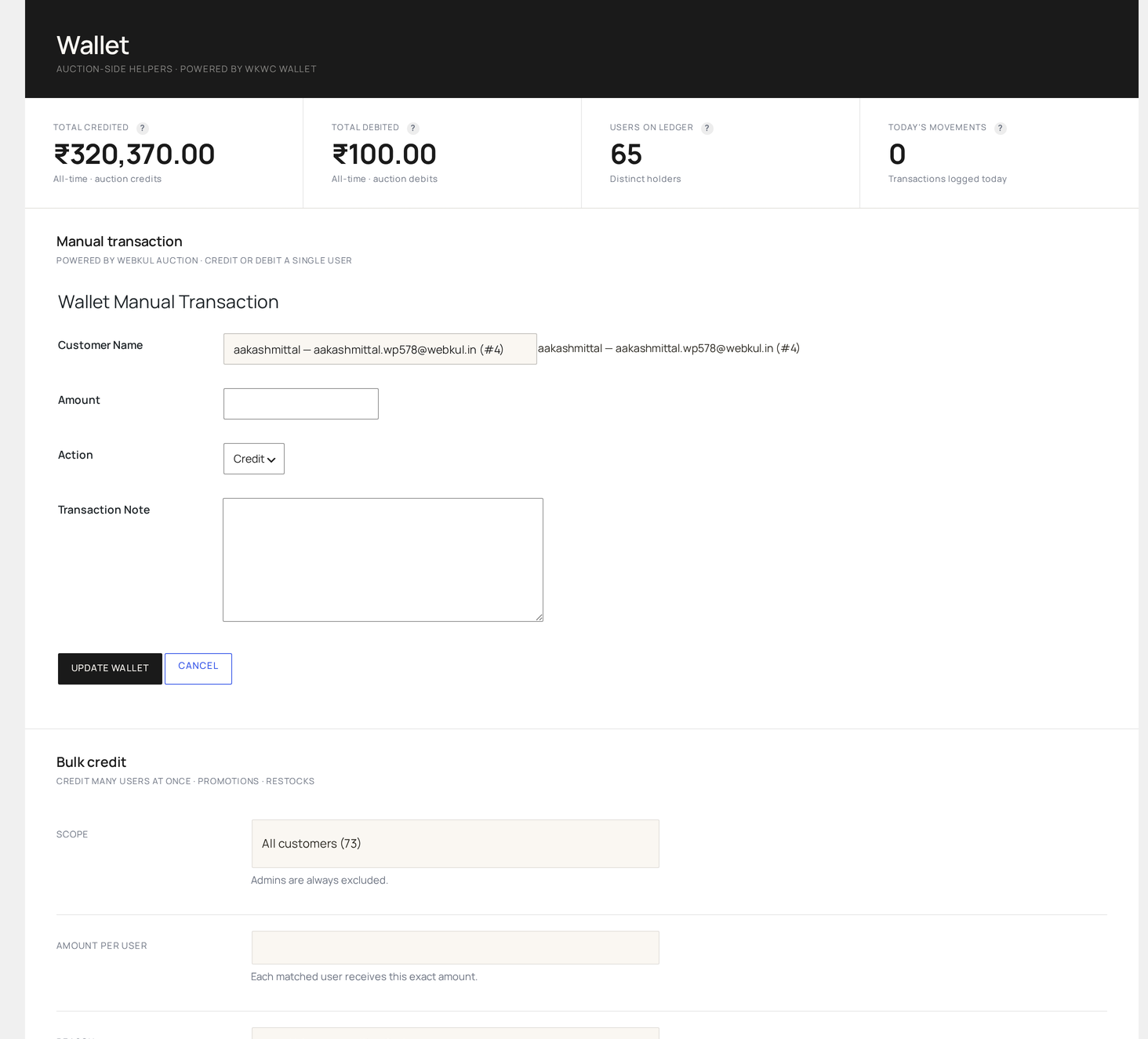
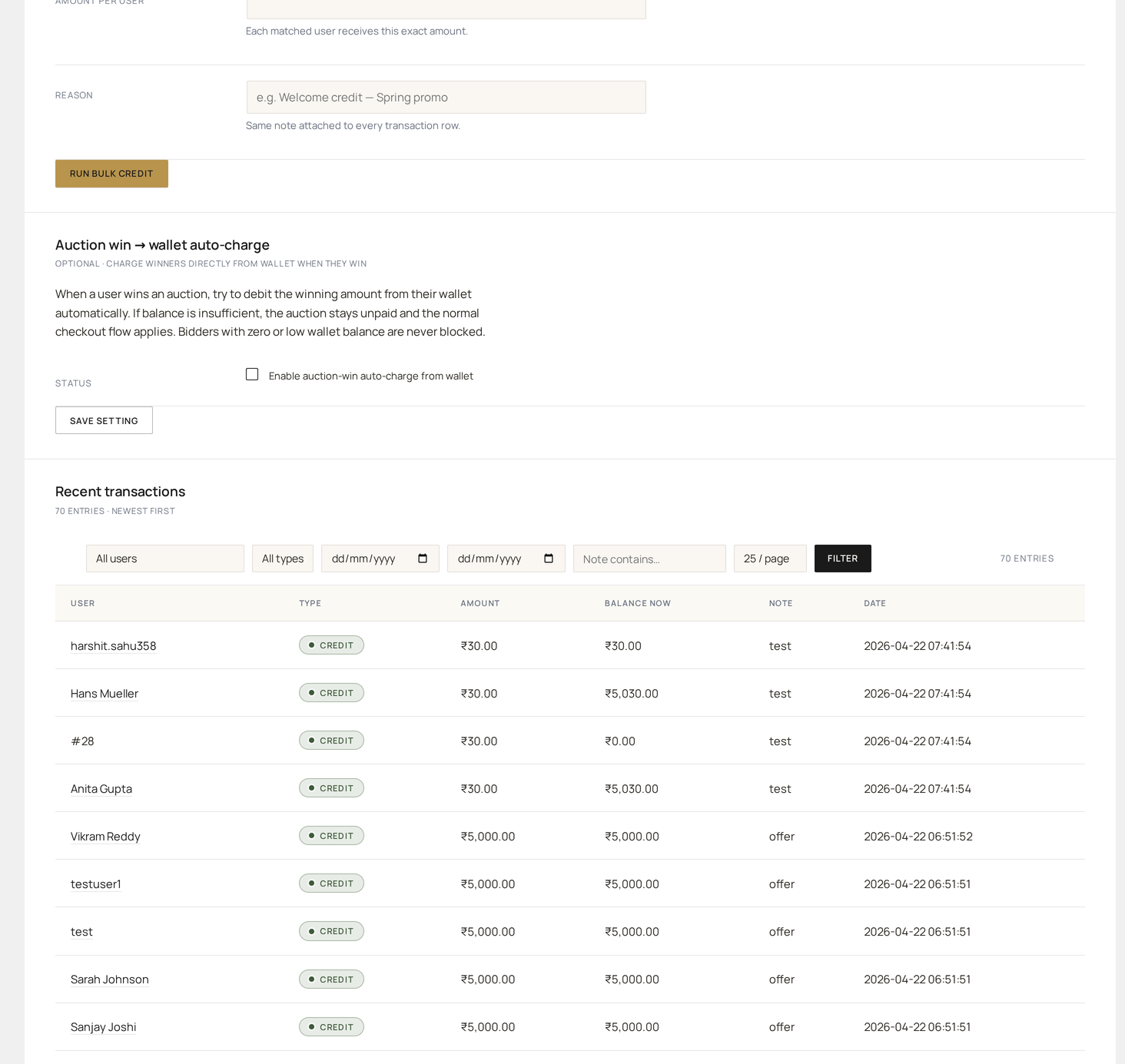
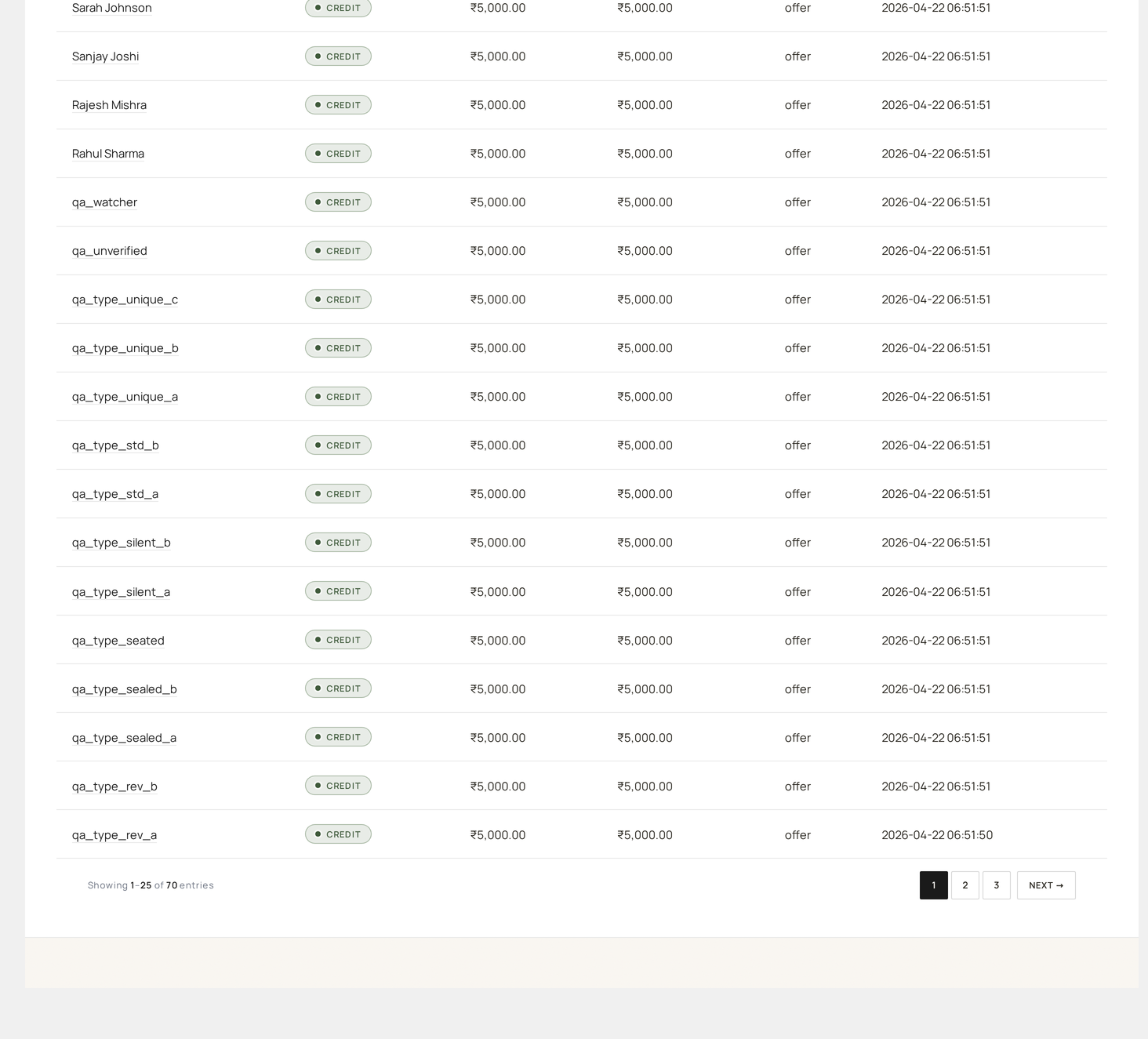
What the page shows
Three sections:
- System summary — total wallet liability, transactions today, top customers by balance
- Customer search — autocomplete to pull up any customer's wallet
- Per-customer panel — balance, transaction history, manual ops
Open a customer's wallet
In the search box, type a customer's name, email, or ID. Pick from results. The right panel updates.
| Panel item | What it shows |
|---|---|
| Balance | The customer's current balance, computed from the ledger |
| Total credits | Sum of all credit transactions |
| Total debits | Sum of all debit transactions |
| Pending withdrawals | Count of withdrawal requests awaiting approval |
| Last transaction | Most recent ledger entry |
| Transaction list | Paginated, latest first |
Manual operations
| Action | Effect | Use case |
|---|---|---|
| Credit (top-up) | Adds amount to the wallet | Goodwill credit, refund |
| Debit | Deducts amount from the wallet | Charging a fee post-hoc |
| Refund | Reverses a specific transaction | Disputed top-up |
| Adjust | Overrides balance to a specific amount | Migration, audit fix |
Every manual op:
- Writes a row in the wallet ledger
- Includes a note (admin's reason)
- Triggers an email to the customer (configurable)
- Logs to Audit Log
Adjust is destructive
Adjust does not preserve history — it writes a single offsetting row to bring the balance to your target. Prefer Credit / Debit / Refund for traceability.
Bulk top-up
For loyalty drops or migration:
- Click Bulk Top-up
- Upload CSV:
customer_email,amount,note - Preview rows
- Apply — runs through Action Scheduler, one row at a time
The plugin emails you a results CSV when done.
Withdrawal queue
The bottom of the page shows pending withdrawal requests:
| Column | What it shows |
|---|---|
| ID | Unique request ID |
| Customer | Name and email |
| Amount | Requested payout amount |
| Method | Bank transfer / PayPal / custom |
| Status | Pending / Approved / Rejected / Paid |
| Requested | Timestamp |
| Actions | Approve / Reject / Mark paid |
Approval workflow
- Customer requests withdrawal at
/my-account/wkwc_withdrawal/ - A row appears here as
pending - Admin reviews bank / PayPal details (in the per-row drawer)
- Click Approve → sends out-of-band payout (admin's responsibility)
- Click Mark Paid when payout completes
- Wallet balance is debited; customer gets a confirmation email
The plugin does not automatically initiate bank payouts — admin executes the actual payout (PayPal Payouts / manual bank transfer) and marks the row paid.
Customer Withdrawal endpoint →
Wallet settings
Auctions → Settings → Wallet controls system-wide behavior:
| Setting | Default | Effect |
|---|---|---|
| Wallet enabled | yes | Master switch |
| Top-up product | (auto-create) | WC product used for wallet top-ups |
| Min top-up | 1 | Lowest amount per top-up |
| Max top-up | 10000 | Highest single top-up |
| Wallet pay fees | no | Allow auction fees to debit wallet |
| Auto-charge winner | no | Auto-debit on auction win |
| OTP for transfer | yes | Require OTP for peer-to-peer transfer |
| Withdrawal enabled | no | Master switch for withdrawal endpoint |
| Min withdrawal | 100 | Lowest withdrawal amount |
| Withdrawal fee | 0 | Flat fee per withdrawal |
| Ledger per page | 25 | Customer pagination |
Wallet bridge to auctions
The wallet ties into auctions in four places:
- Top-up — when a customer adds funds via the top-up product, the bridge credits the wallet ledger.
- Auto-charge — on auction win, if auto-charge is on the bridge debits the winning bid amount.
- Fee charge — auction fees (listing, buyer's premium) try the wallet first when wallet-pay-fees is on.
- Refund — auction cancellation triggers a wallet refund if the win was wallet-paid.
Reports
| Report | What it shows |
|---|---|
| Wallet liability | Total customer-held balance — your liability |
| Transactions by type | Top-up vs debit vs refund breakdowns |
| Top wallets | Customers with highest balances |
| Idle wallets | Wallets with no activity in N days (regulatory holding alert) |
Available under Reports → Wallet.
Compliance
Wallet balances are real money you hold for customers — that's a regulated activity in many jurisdictions. The plugin provides:
- Full ledger (immutable rows)
- Audit log of every admin op
- CSV export for accounting
- Idle-wallet reporting
- Configurable hold periods
You're still responsible for legal compliance (e.g. e-money licensing, escheat laws). See Compliance.