
Invite Friends
Email-invite system. Customers fire invitations to a list of email addresses. Pairs with the Referral Program — invitees who register through the email get the same WELCOME coupon + sponsor reward path.
Setting up?
Settings live under Wallet → Settings → Referral → Invite Friends sub-section. See Referral Settings for the parent tab walkthrough.
What It Does
| For | Means |
|---|---|
| Customer | Type up to N friend emails + an optional message → submit → friends get an invite email with the customer's referral link |
| Admin | Drop the shortcode anywhere. Daily limit + per-submit cap stop abuse |
How Customers See It
Drop the shortcode on any page (registration page, account dashboard, sidebar widget):
[wkwp_invite_friends_form max_emails="5" message_field="yes"]
Customer fills emails + message → submits → "Sent!" confirmation. Friends receive a personalised invite email with the referral link baked in.
Dashboard placement (note)
The default My Wallet dashboard no longer embeds this form — replaced by the link-share + WhatsApp / X / Email / Messenger button row. The shortcode remains for ad-hoc placement (landing pages, widgets, etc.).
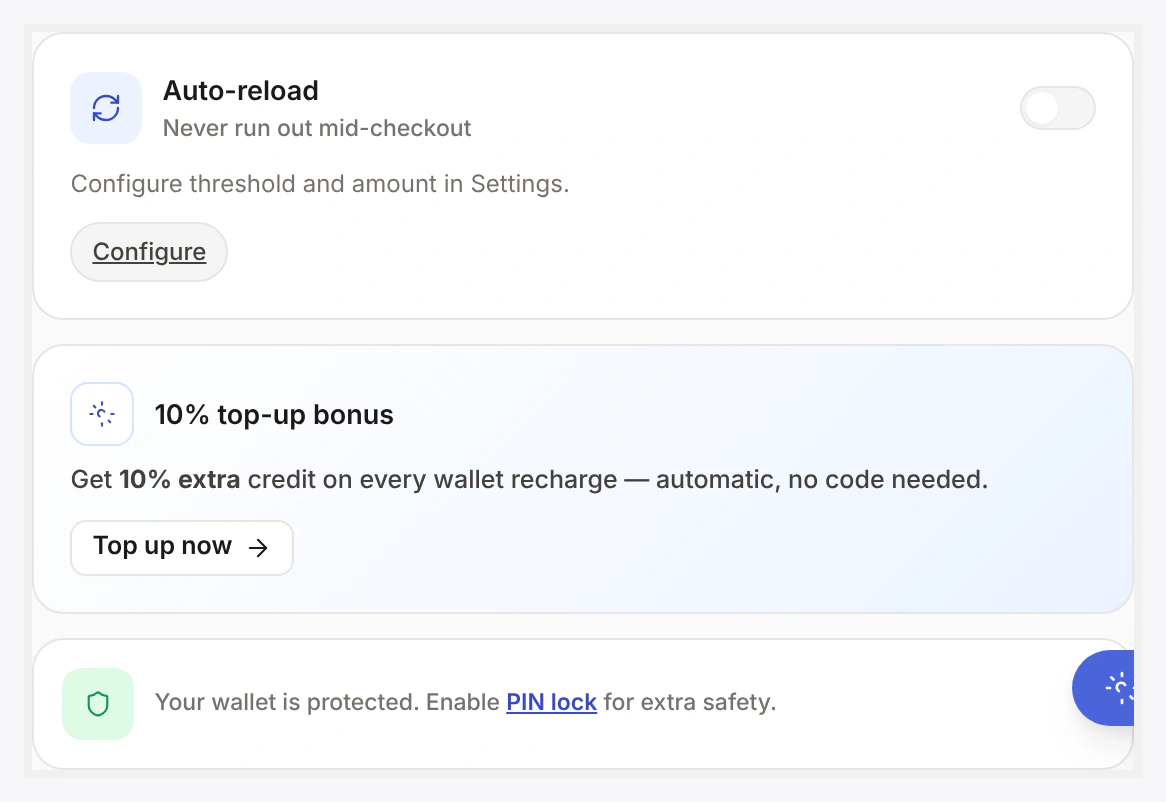
The link-share + share-button row that replaced the embedded form lives on the Wallet Central right rail:
Setup
Wallet → Settings → Referral → Invite Friends
| Setting | Default | What it does |
|---|---|---|
| Enable | OFF | global toggle |
| Daily limit per user | 20 | rate-limit per customer per calendar day |
| Max per submit | 10 | how many emails one form submission can carry |
| Subject template | placeholder | email subject ({SENDER}, {SITE}) |
| Body template | placeholder | rich text with {LINK}, {SENDER}, {MESSAGE}, {SITE} |
What Friends See
- Standard WC-mailer email
- Subject: customisable
- Body: customisable, contains the customer's referral link
- Friend signs up via the link → goes through the Referral Program flow
What If the Email Already Has an Account?
Existing-user invites are detected and stored as "Already on site" rows. No email is sent to existing accounts. Customer's invitation count still increments — visible in their referral panel.
This avoids spamming existing customers with redundant invites.
Email Failure Handling
If your SMTP fails for any reason:
- DB row is kept (not rolled back)
- Customer sees "Sent" in the form (no scary error)
- Admin gets a log entry (
wkwp_invite_friends_mail_failedaction) - Retry tooling (custom or third-party) can pick up unsent rows later
This way customers never see SMTP failures and invitations are recoverable.
Storage
Each invitation = one row tracking:
- Inviter's user ID
- Recipient email
- State:
invited/already_on_site/signed_up/bounced - Sent timestamp (NULL until SMTP succeeds)
- Linked user_id when invitee registers
UNIQUE on (inviter, email) — re-inviting the same address from the same sender updates the row, doesn't duplicate.
Conversion Path
When an invitee whose email matches an invitation row registers:
- Row state flips to
signed_up - Standard referral attribution kicks in
- On first completed order → inviter rewarded per Referral Program
Common Scenarios
Add invite form to footer widget
Use a Shortcode widget → drop the shortcode in. Done.
Track invite-driven signups
Admin → Wallet → Referral → Invitations lists all rows. Filter by state, sender, or date. Bulk actions: re-send mail, mark bounced, export CSV.
Higher limits for VIP customers
Filter the daily limit per-user (see dev section).
Block invites globally without removing the shortcode
Toggle "Enable" → OFF. Shortcode renders a "currently disabled" message.
Anti-Spam
- Daily limit enforced server-side
- Per-submit cap enforced server-side
- Inviter must be logged in
- Nonce required on every submit
- Email format validation per address
For higher abuse environments, add a CAPTCHA via a hook on the form render.
When Something Goes Wrong
| Problem | Fix |
|---|---|
| Form not visible | Shortcode placed? Customer logged in? Feature enabled? |
| Emails not delivered | SMTP plugin? Check the failure-action log. Verify From address allowed by host |
| Daily limit too low | Raise it under settings (per-user per-day) |
| "Already on site" row confusing customer | Filter the success message to suppress |
For developers — hooks + retry pattern
Hooks
| Hook | Type | When |
|---|---|---|
wkwp_invite_friends_before_send | action | before per-recipient mail attempt |
wkwp_invite_friends_mail_subject | filter | mutate subject |
wkwp_invite_friends_mail_body | filter | mutate body |
wkwp_invite_friends_mail_failed | action | SMTP failure — args (invitation_id, email, error) |
wkwp_invite_friends_after_signup | action | invitee whose row exists registers |
Retry unsent invitations
add_action( 'wkwp_invite_friends_mail_failed', function( $invitation_id, $email, $error ) {
    // queue into your job runner
    wp_schedule_single_event( time() + 600, 'my_invite_retry', [ $invitation_id ] );
}, 10, 3 );
Per-user limit override
add_filter( 'wkwp_invite_friends_daily_limit', function( $limit, $user_id ) {
    if ( in_array( 'vip', wp_get_user_role_slugs( $user_id ), true ) ) {
        return 100;
    }
    return $limit;
}, 10, 2 );