
Dynamic Theme in WooCommerce Point of Sale
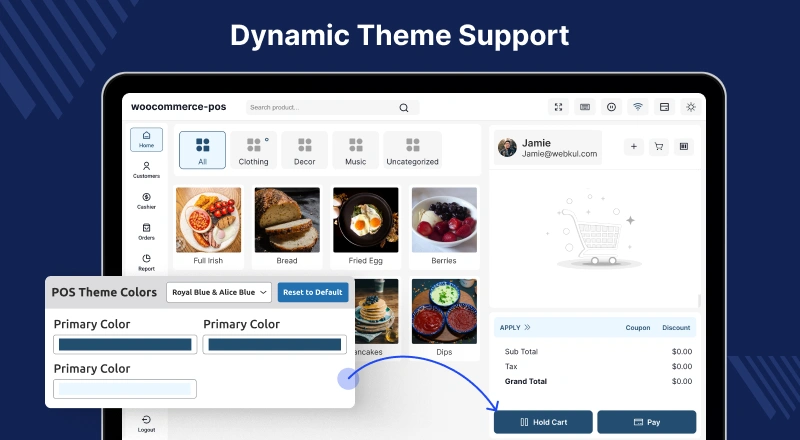
WooCommerce POS offers a dynamic theme system that allows users and admins to customize the appearance of the POS interface according to their preferences, including dark mode and personalized color schemes. This enhances usability and provides a modern, visually appealing interface.
Dark Theme
The POS system supports a dark theme that can be activated based on your system settings.
Enabling Dark Mode
- Open the POS panel
- Click the theme switch in the top-right corner
- Select Dark Mode
- The POS page will reflect the dark theme instantly
This provides a comfortable viewing experience, especially in low-light environments.
Light/Dark Mode Settings
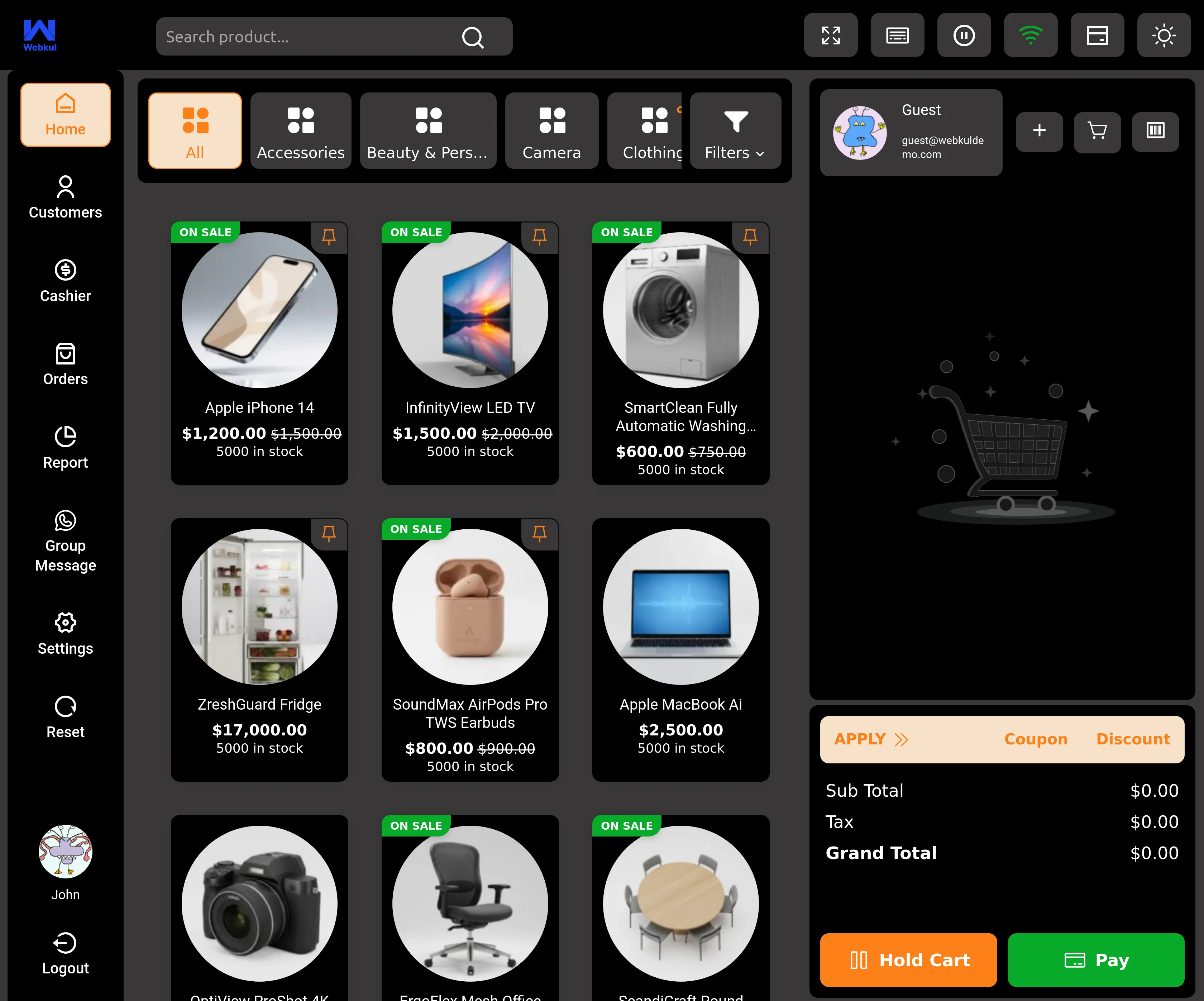
- Admins can configure light and dark mode preferences from the admin panel
- Sellers can toggle between light and dark modes directly within the POS panel using the dedicated switch
This flexibility allows users to personalize the interface for their workflow and lighting conditions.
Appearance Settings
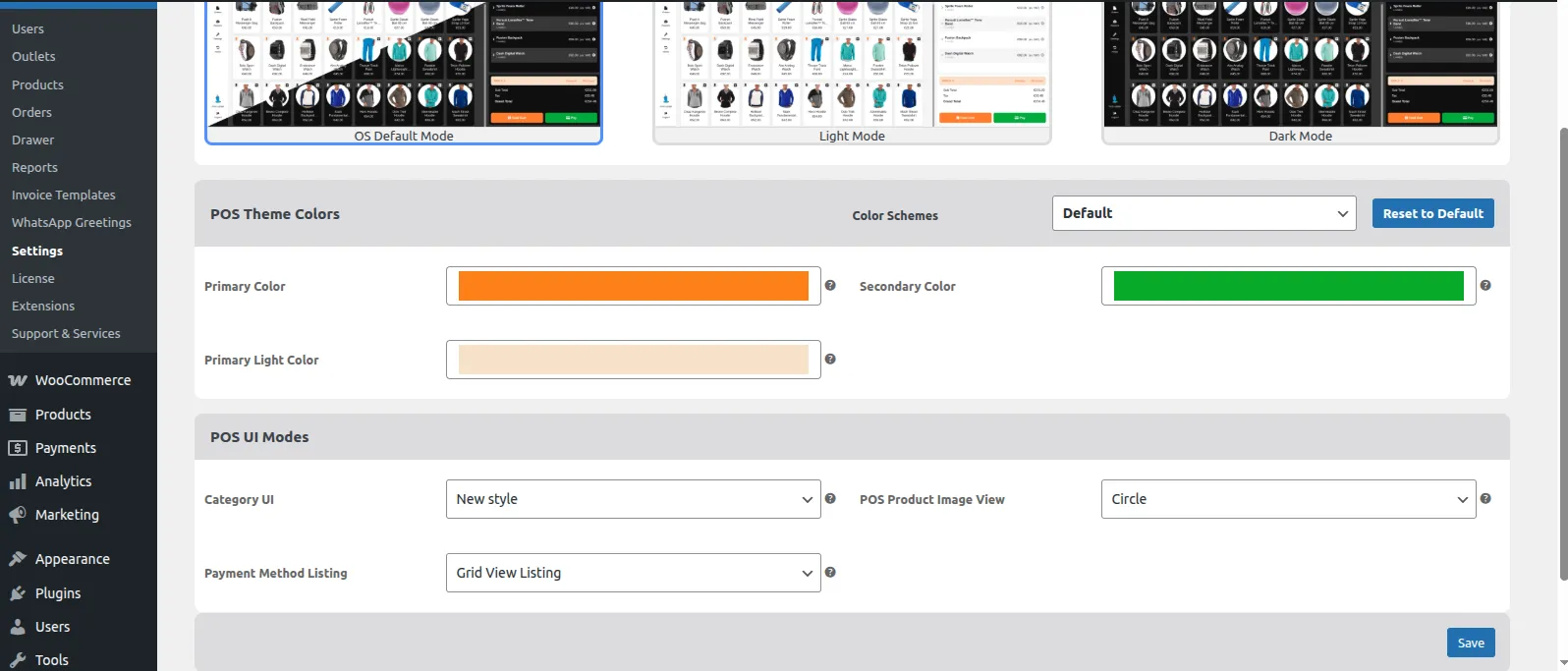
- Navigate to Point of Sale > Setting > Appearance
- Admins can choose the preferred theme mode and customize the look and feel of the POS interface
POS Theme Colors
- From the Color Schemes dropdown, select a pre-defined scheme
- Alternatively, set custom colors manually according to store branding preferences
POS Theme Mode Settings
- After saving appearance settings, changes will reflect on the POS frontend for all users
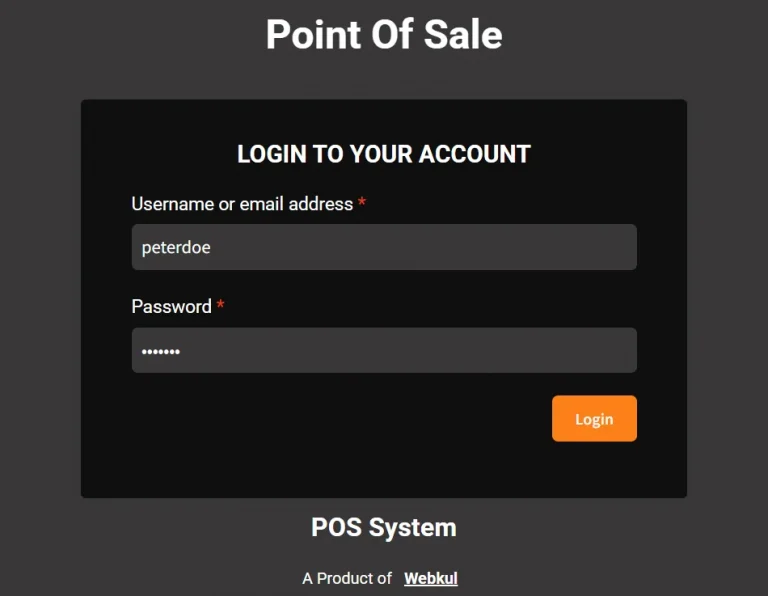
Login Page Dark Theme
- The POS login page also supports dark theme configuration
- Ensures a consistent look across the login interface and the POS dashboard
With dynamic theme options, WooCommerce POS offers a visually flexible and user-friendly experience that can adapt to individual preferences and operational environments.