
Bookings Import
Import WooCommerce Bookings from a CSV, XML, or JSON file.
Requires WooCommerce Bookings
This entity type only appears in the wizard if the WooCommerce Bookings plugin is active.
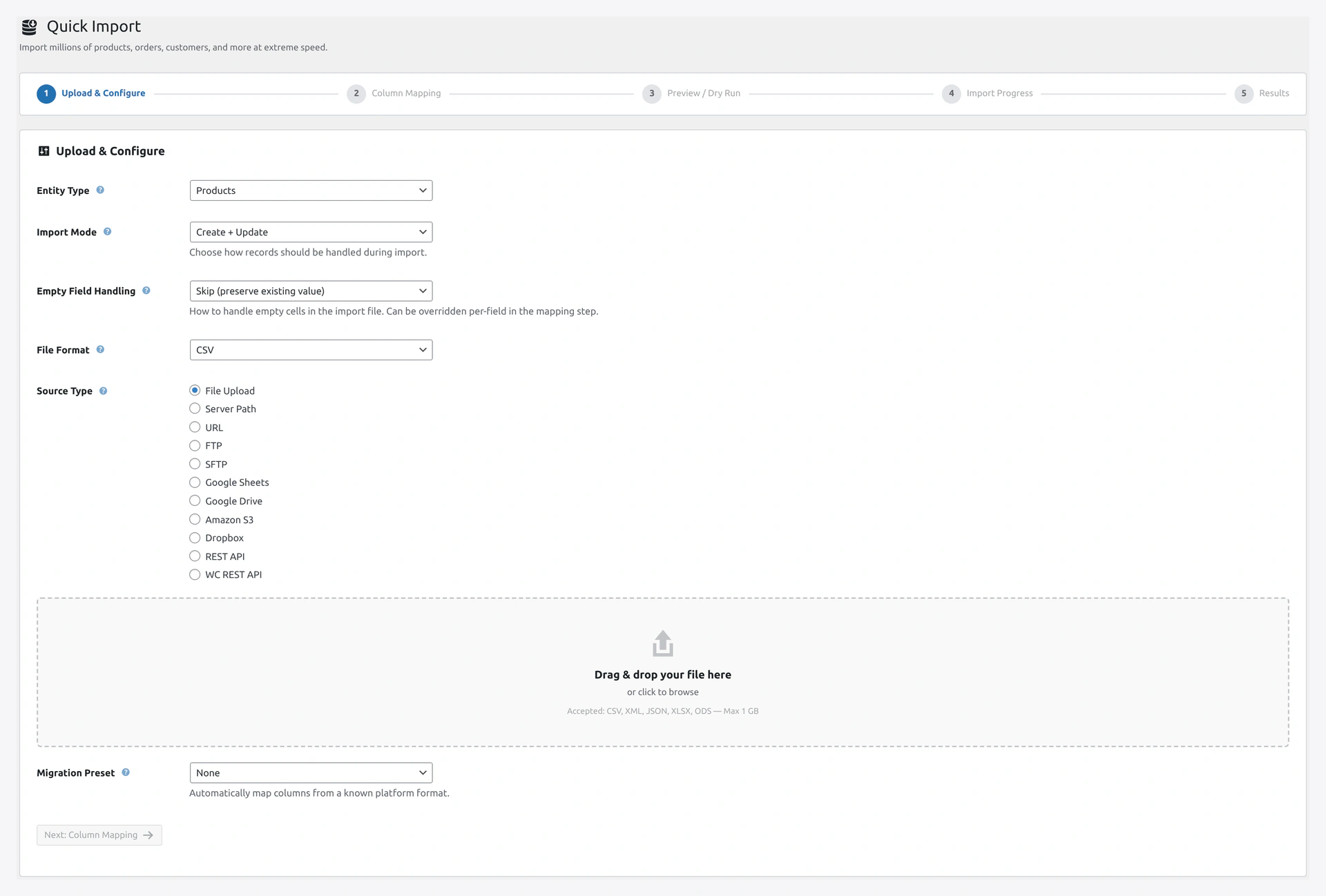 Step 1 of the Quick Import wizard: pick Bookings (only visible when WooCommerce Bookings is active) and upload your appointment file.
When to Use
- Migrating appointments from another booking system
- Bulk-creating bookings for an event
- Restoring bookings from a backup
Match Keys
id(default) — Booking ID
Column Reference
| Column | Required | Example |
|---|---|---|
id | No | 42 (for updates) |
product_id | Yes | 123 (bookable product ID) |
customer_id | No (use 0 for guest) | 15 or 0 |
status | No (default unpaid) | See status list below |
start_date | Yes | 2026-04-20 09:00:00 |
end_date | Yes | 2026-04-20 10:00:00 |
all_day | No | 1 or 0 |
persons | No | 2 (number of persons) |
cost | No | 50.00 |
order_id | No | 456 (linked WC order) |
Booking Statuses
| Status | Meaning |
|---|---|
unpaid | Created but payment pending |
pending-confirmation | Waiting for admin to confirm |
confirmed | Admin confirmed, ready to go |
paid | Customer paid |
cancelled | Cancelled by customer or admin |
complete | Booking finished |
in-cart | Still in customer cart |
was-in-cart | Left in cart, may come back |
Example CSV
product_id,customer_id,status,start_date,end_date,persons,cost,order_id
123,15,confirmed,2026-04-20 09:00:00,2026-04-20 10:00:00,2,50.00,456
123,20,paid,2026-04-20 14:00:00,2026-04-20 15:00:00,1,25.00,457
124,0,unpaid,2026-04-21 10:00:00,2026-04-21 11:30:00,4,100.00,
All-Day Bookings
For day-long bookings (hotel rooms, venue rentals):
product_id,start_date,end_date,all_day
125,2026-04-20 00:00:00,2026-04-21 23:59:59,1
When all_day is 1, the time part of start/end is ignored.
Guest Bookings
Set customer_id to 0 for guest bookings (no WordPress account):
product_id,customer_id,start_date,end_date
123,0,2026-04-20 09:00:00,2026-04-20 10:00:00
Troubleshooting
| Problem | Fix |
|---|---|
| Entity type not in dropdown | WooCommerce Bookings plugin is not active |
| "Product not bookable" | product_id must point to a bookable product |
| Date format error | Use Y-m-d H:i:s format |
| Customer ID mismatch | User does not exist. Set to 0 for guest or import users first |
| Overlapping bookings | Bookings plugin may reject if resource is double-booked |
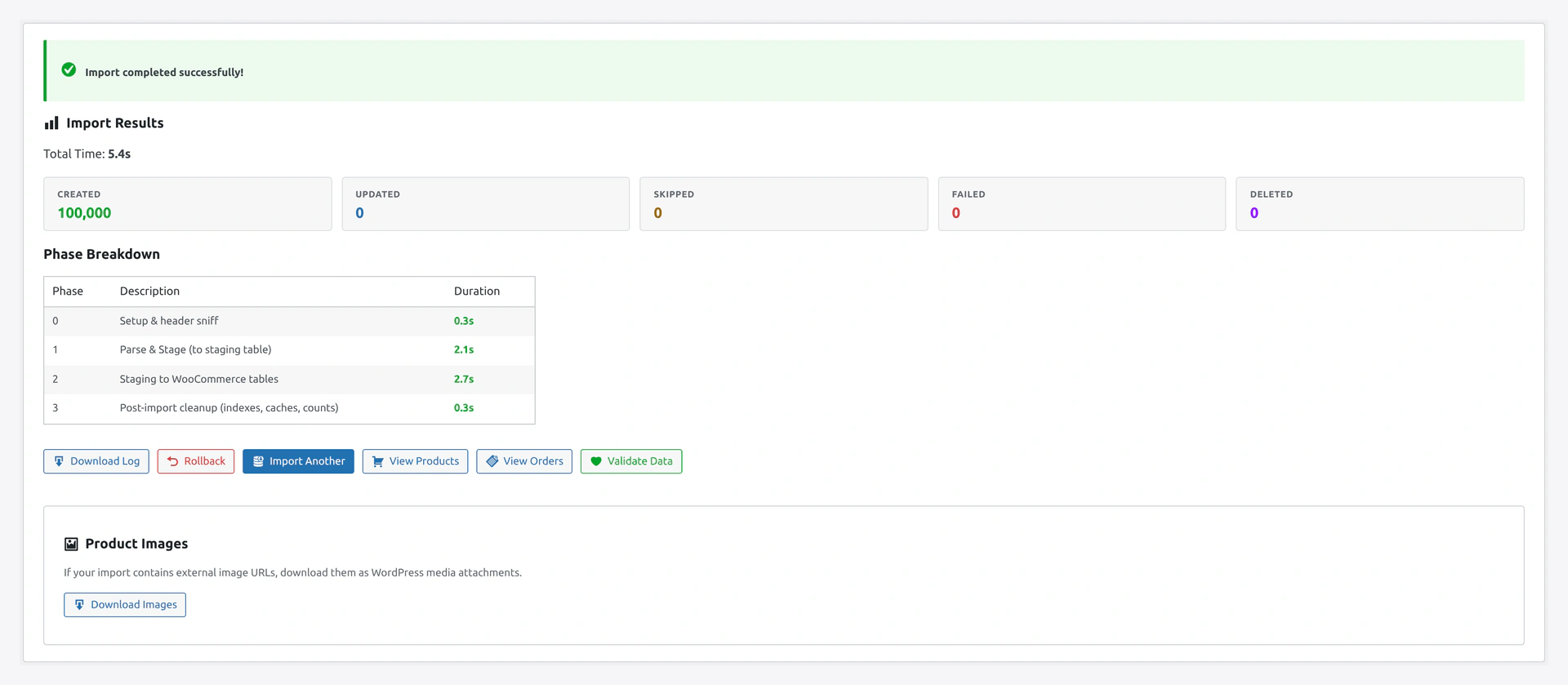 Results screen shows bookings created, matched against bookable products, and any rows rejected for overlap or bad dates.
Related Pages
- Products Import — Create bookable products first
- Customers Import — Import customers
- Quick Import Wizard — How to run the import