
Customers Import
Import customers with their billing and shipping addresses, purchase history, and custom fields.
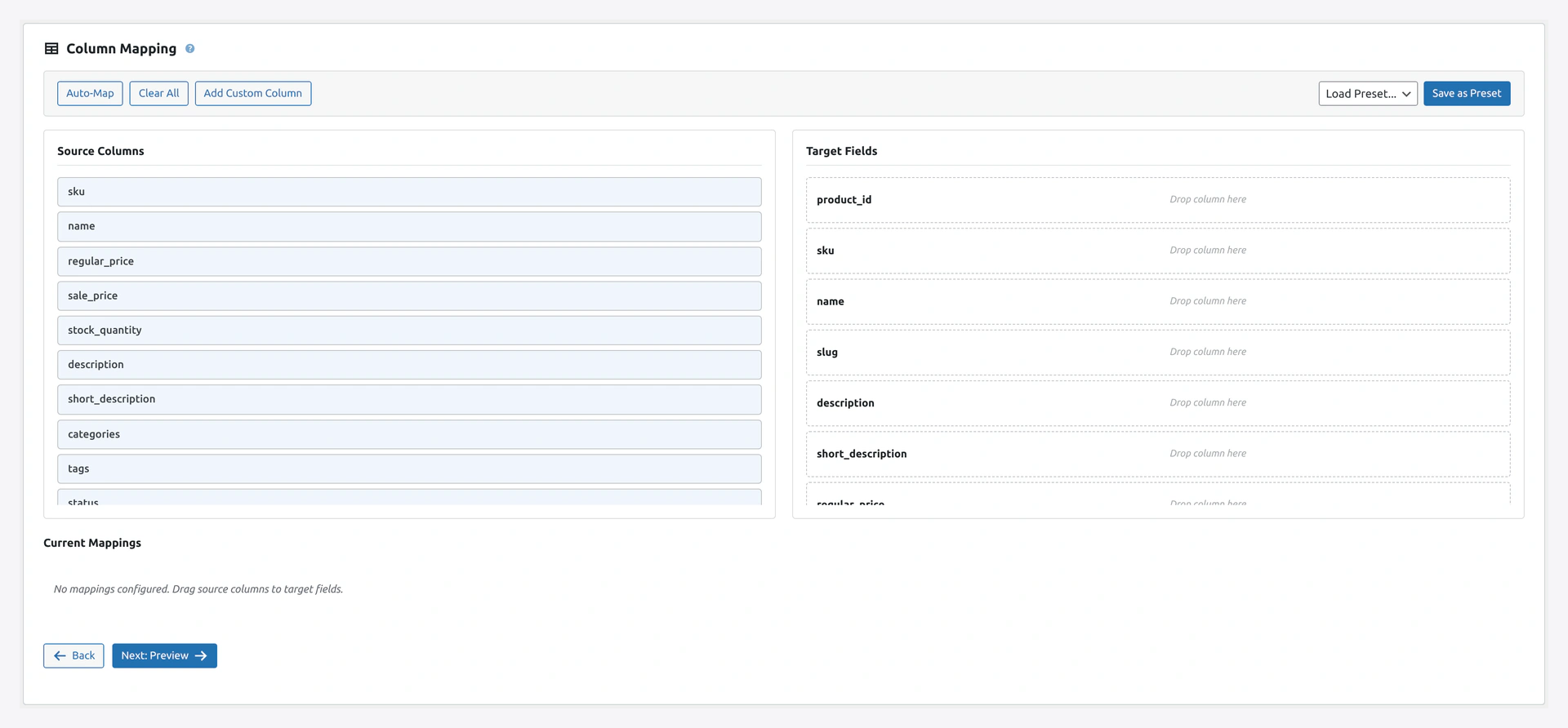 Step 2 lines up your source columns against WooCommerce customer fields — email, first/last name, billing and shipping address, and any custom meta.
When to Use
- Migrating a customer list from another platform
- Importing from a CRM
- Bulk creating customer accounts (with passwords)
- Updating customer notes and tags in bulk
Complete Column List
Basic Fields
| Column | Required | Example |
|---|---|---|
Email | Yes | [email protected] |
Username | No (defaults to email prefix) | customer1 |
First Name | No | John |
Last Name | No | Doe |
Display Name | No | John Doe |
Nickname | No | Johnny |
User Role | No (defaults to customer) | customer, subscriber, shop_manager |
Date Registered | No | 2026-04-14 10:30:00 |
Password
| Column | Example |
|---|---|
Password | mypassword123 |
Password Hash | $2y$10$... |
Auto-generate Password | 1 (plugin generates) or 0 |
The plugin handles three cases:
- Plain text password — The plugin hashes it with WordPress's hasher
- Pre-hashed password — Already in WordPress format (starts with
$P$or$2y$) - Auto-generate — Creates a random password and emails the customer
Billing Address
| Column | Example |
|---|---|
Billing First Name | John |
Billing Last Name | Doe |
Billing Company | Acme Corp |
Billing Address 1 | 123 Main St |
Billing Address 2 | Apt 4B |
Billing City | Boston |
Billing State | MA |
Billing Postcode | 02101 |
Billing Country | US (2-letter code) |
Billing Phone | 555-1234 |
Billing Email | [email protected] |
Shipping Address
Same as billing but prefixed Shipping:
Shipping First NameShipping Last NameShipping Address 1Shipping CityShipping StateShipping PostcodeShipping Country
Customer Notes
| Column | Example |
|---|---|
Customer Note | VIP customer since 2020 |
Finances
| Column | Example |
|---|---|
Order Count | 12 |
Total Spent | 1250.00 |
Last Order Date | 2026-04-10 14:20:00 |
These are usually auto-calculated from orders. Only set them for migrations.
Metadata
Any custom field:
Email,Meta: loyalty_points,Meta: tier,Meta: birthday
[email protected],500,Gold,1985-03-14
[email protected],1200,Platinum,1990-07-22
Password Handling
Three Modes
Pick in the wizard Step 3.
| Mode | When to Use |
|---|---|
| Plain text | Your source has unhashed passwords (rare, only if you know them) |
| Pre-hashed (WordPress format) | Exporting from another WordPress/WooCommerce store |
| Pre-hashed (bcrypt) | Source uses bcrypt ($2y$, $2a$). Plugin converts |
| Auto-generate | Safest. Plugin creates random passwords and emails customers |
Send Welcome Email
In wizard Step 3 → "Send password email":
- Yes — Email each new customer their password (or reset link)
- No — Silent import (customers must use "Forgot password")
Customer vs User vs Subscriber
WooCommerce uses WordPress user roles:
| Role | What It Means |
|---|---|
customer | Standard WooCommerce customer |
subscriber | WordPress subscriber (can read posts) |
shop_manager | Can manage WooCommerce |
administrator | Full site access |
For bulk customer import, use customer.
Customer Addresses Only
If you only want to update addresses (not full customers), use the Customer Addresses entity type (not Customers).
This entity type is lighter and processes only address fields.
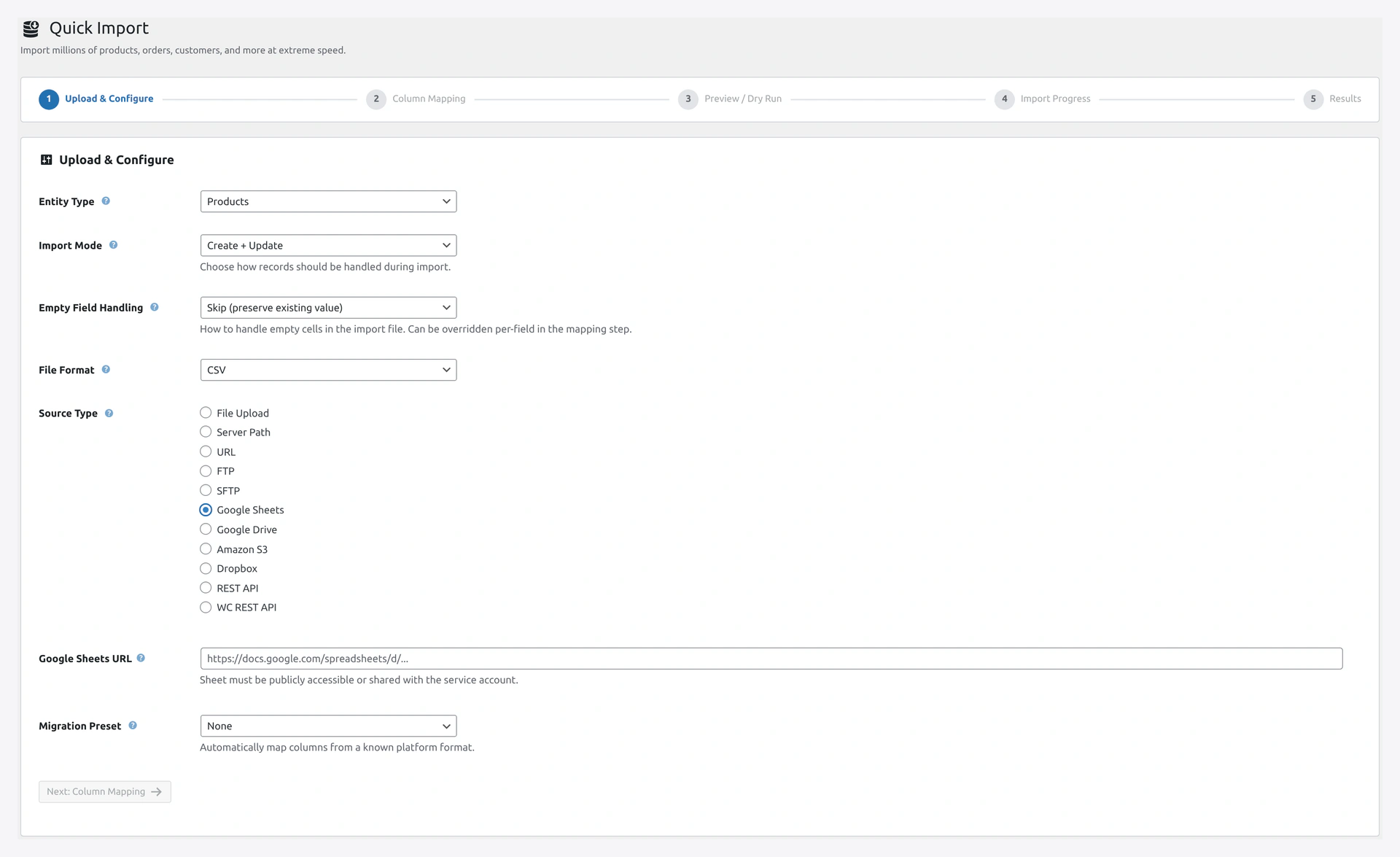 Pull customer lists live from a Google Sheet — handy for CRMs that sync to a shared spreadsheet.
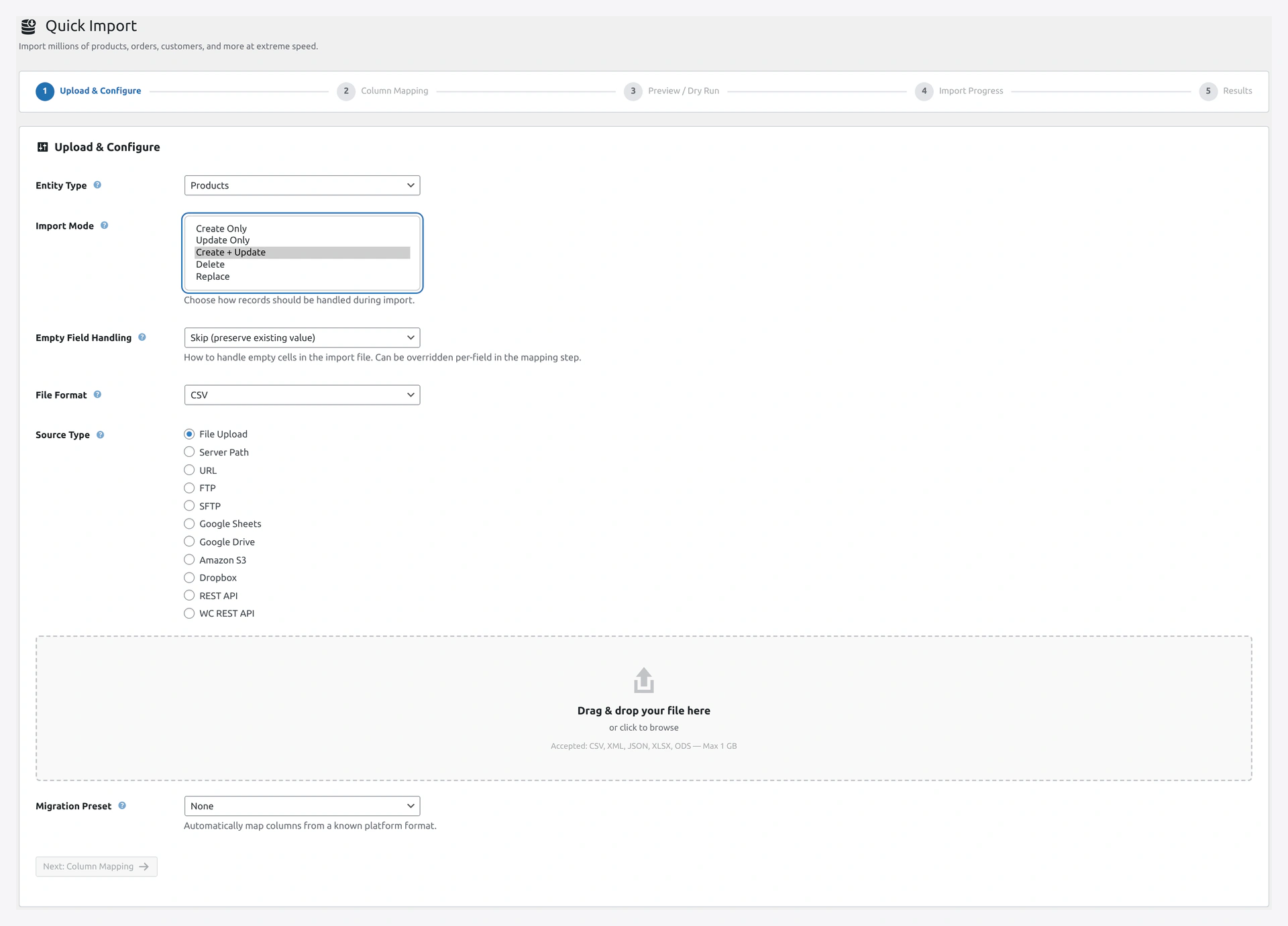 Choose Create Only for new signups, Update Only for address corrections, or Create + Update when the file mixes both.
De-Duplication
How the Plugin Matches
By default, the plugin matches by email. So:
- If email exists → UPDATE customer
- If email does not exist → CREATE customer
Change Match Key
Wizard Step 3 → Match Key:
- Email (default)
- Username
- ID (WordPress user ID)
Importing From Shopify
Shopify exports customers as customers.csv. Pick the Shopify preset in Step 1. Column mapping handles these Shopify fields:
Email→EmailFirst Name→First NameLast Name→Last NameCompany→Billing CompanyAddress1,Address2,City,Province,Country,Zip→ Billing addressPhone→Billing PhoneAccepts Marketing→ custom metaTotal Spent→Total SpentTotal Orders→Order CountTags→ custom meta
Importing From Magento
Magento exports customers as three files: main customer data, addresses, and finances. Import each separately.
customer.csv— main dataaddresses.csv— Customer Addresses entitynewsletter_subscribers.csv— Newsletter Subscribers entity
Customer Order History
The plugin does not create orders when you import customers. Orders are separate.
Order: Customers first, then Orders. Orders will find their customer by email.
Custom User Meta
WooCommerce stores extra customer data in user meta:
| Key | What It Stores |
|---|---|
billing_first_name | Billing first name |
billing_address_1 | Billing address line 1 |
| ... (all billing/shipping fields) | ... |
_money_spent | Total spent |
_order_count | Order count |
_last_order_id | Last order |
You can set any user meta by adding a column Meta: <key>.
Troubleshooting
| Problem | Fix |
|---|---|
| "User already exists" for every row | You are creating duplicates. Change mode to Update or Create + Update |
| Passwords do not work | If source used bcrypt, plugin should auto-detect. Otherwise use "Plain text" or "Auto-generate" |
| No welcome email | Check WordPress mail works. Install SMTP plugin |
| Address fields empty after import | Check column names match exactly (e.g., "Billing Address 1" not "Address Line 1") |
| Order Count is 0 | Order Count is auto-calculated from orders. Set manually only for migrations |
| Customer role is "Subscriber" not "Customer" | Add User Role column with value customer |
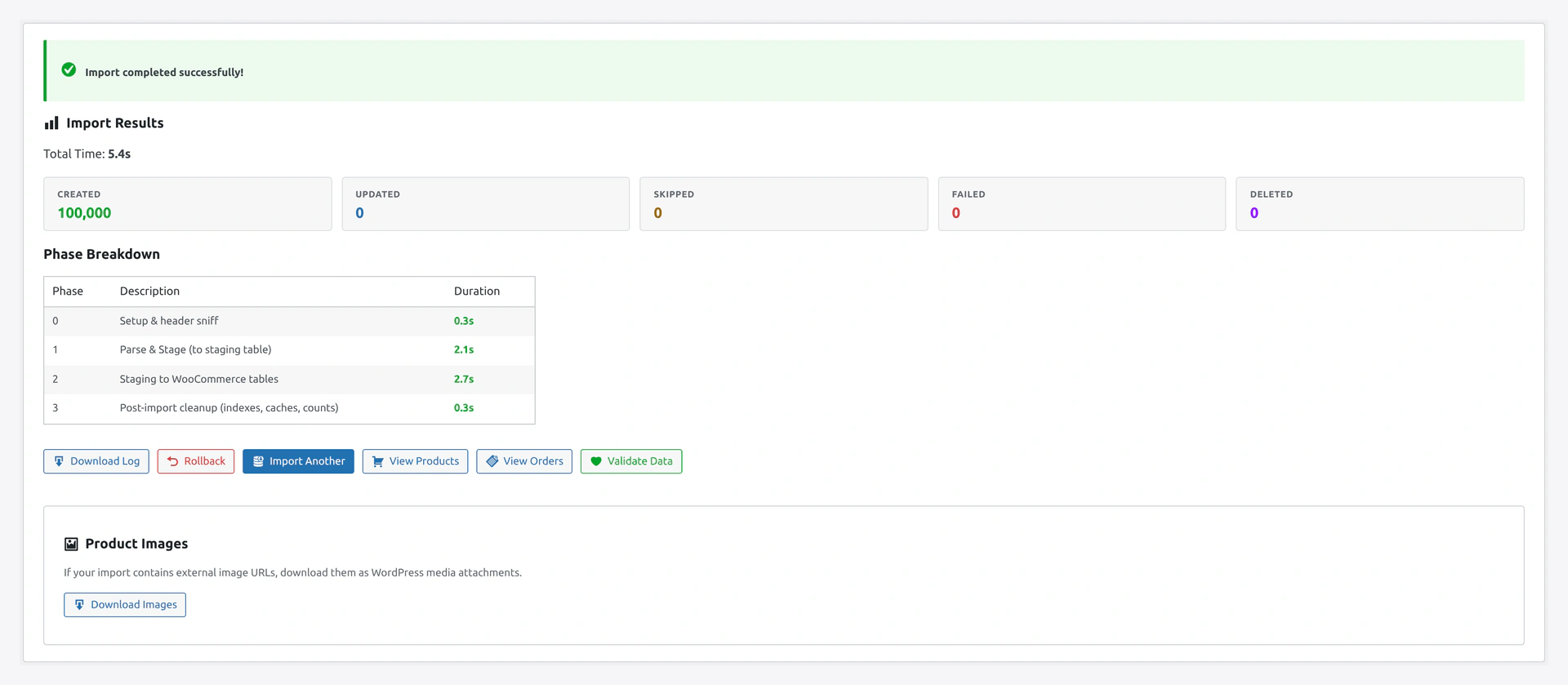 Once the customer run finishes, the results screen summarises new accounts, updated profiles, skipped duplicates, and any email delivery failures.
Related Pages
- Orders Import — Import orders after customers
- Import Modes — Create vs Update
- Migration Presets — Shopify, Magento templates