
Reviews Import
Import product reviews and ratings from another platform or a backup.
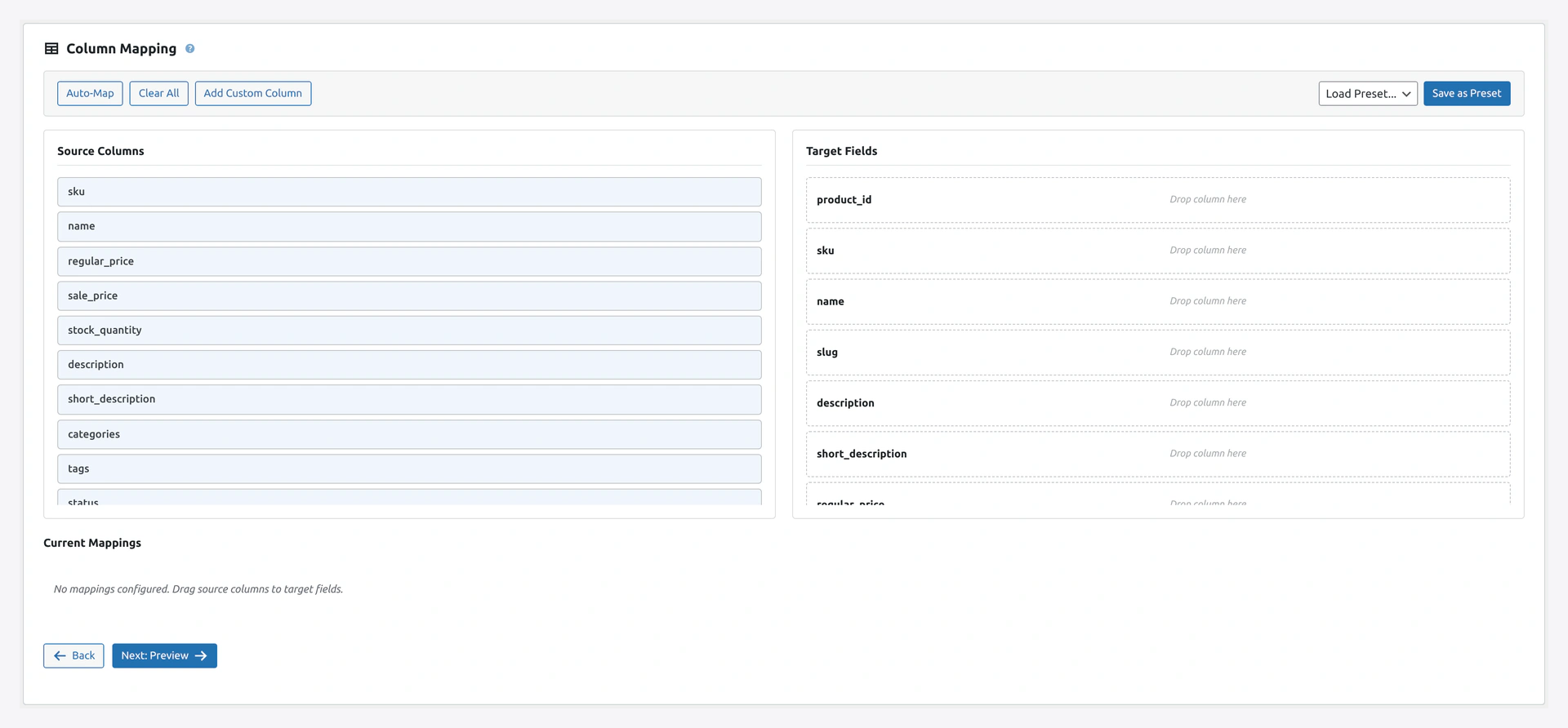 Step 2 maps the source review fields (product SKU, rating, reviewer name, review body, date) to WooCommerce's native review columns.
When to Use
- Migrating from Shopify, Magento, BigCommerce
- Restoring reviews from a backup
- Importing reviews from Trustpilot, Yotpo, or other platforms
Match Keys
review_id(default) — WordPress comment ID
Column Reference
| Column | Required | Example |
|---|---|---|
review_id | No | 42 (for updates) |
product_id | Yes (or product_sku) | 123 |
product_sku | Yes (or product_id) | WK-TEE-001 |
rating | Yes | 1, 2, 3, 4, or 5 |
reviewer_name | Yes | John Doe |
reviewer_email | Yes | [email protected] |
review_content | Yes | I love this shirt. Soft and fits perfectly. |
review_date | No (defaults to today) | 2026-04-14 10:30:00 |
approved | No (defaults to 1) | 1 (approved), 0 (pending, spam, trash) |
verified | No | 1 (verified buyer badge) or 0 |
Ratings
- Must be
1,2,3,4, or5 0is not valid- Half-stars (
3.5) not supported — WooCommerce uses whole numbers only
Product Link — ID or SKU
You must provide either product_id or product_sku. If both are provided, product_id wins.
product_sku,rating,reviewer_name,reviewer_email,review_content
WK-TEE-001,5,John Doe,[email protected],Best shirt ever
WK-MUG-002,4,Jane Smith,[email protected],Nice mug but small
Complete Example
product_sku,reviewer_name,reviewer_email,rating,review_content,review_date,approved,verified
WK-TEE-001,John Doe,[email protected],5,Soft cotton. Fits perfectly.,2026-04-14 10:30:00,1,1
WK-TEE-001,Jane Smith,[email protected],4,Good quality but runs small.,2026-04-13 09:15:00,1,1
WK-MUG-002,Bob Builder,[email protected],5,Large size. Holds my whole coffee.,2026-04-12 08:00:00,1,0
Verified Purchase
If verified is 1, a badge appears on the review saying "Verified Buyer."
The plugin only checks the flag — it does not verify against actual order history. That is your responsibility during migration.
Duplicate Detection
By default, the plugin matches on review_id for updates. If you do not provide review_id, every row creates a new review.
To prevent duplicates during a migration, include review_id from the source system.
Importing From Specific Platforms
From Shopify
Shopify exports reviews as part of the Shopify Product Reviews app CSV.
Key columns:
product_id→product_idauthor→reviewer_nameemail→reviewer_emailrating→ratingbody→review_contentcreated_at→review_date
From Yotpo or Trustpilot
Map their fields to our columns:
| Yotpo / Trustpilot | WooCommerce |
|---|---|
Product SKU | product_sku |
Customer Name | reviewer_name |
Customer Email | reviewer_email |
Score / Rating | rating |
Review Content | review_content |
Review Date | review_date |
Sort Order
WooCommerce sorts reviews by date by default. Older reviews appear lower.
To re-order after import, use WooCommerce → Settings → Products → General → Reviews.
Troubleshooting
| Problem | Fix |
|---|---|
| "Product not found" for every row | Product IDs or SKUs do not match. Import products first |
| Rating shows as 0 | Rating must be 1-5 (integer). Check for decimals or text |
| Reviews not showing on product page | Check approved is 1. Also WooCommerce → Settings → Products → Enable reviews |
| Duplicate reviews created | Include review_id for proper update matching |
| Dates show 1970 | Date format could not be parsed. Use Y-m-d H:i:s |
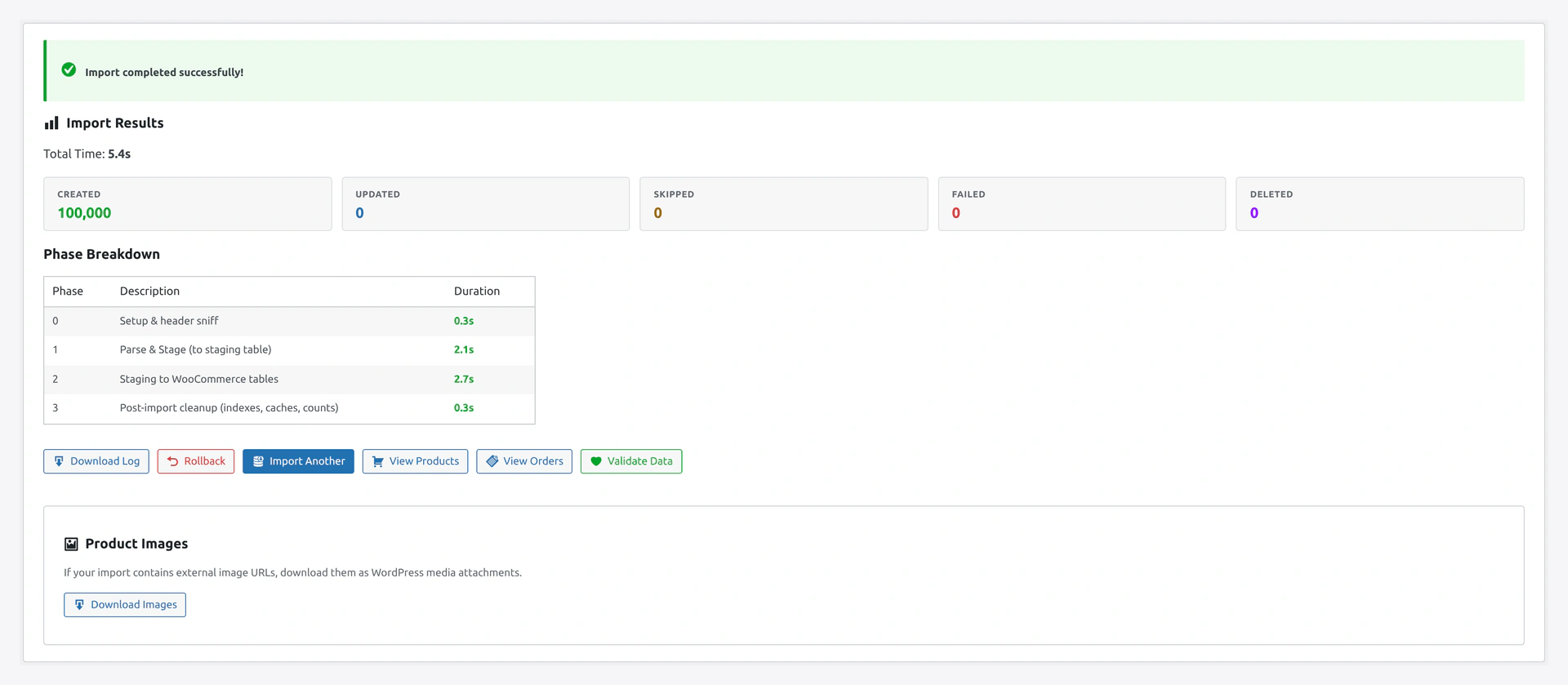 Results screen: how many reviews were added, how many were already on file (matched by
 review_id), and any that failed because the product SKU did not resolve.
Related Pages
- Products Import — Products must exist first
- Import Modes — Create vs Update
- Quick Import Wizard — How to run the import