
Users Import
Import WordPress user accounts from a CSV, XML, or JSON file.
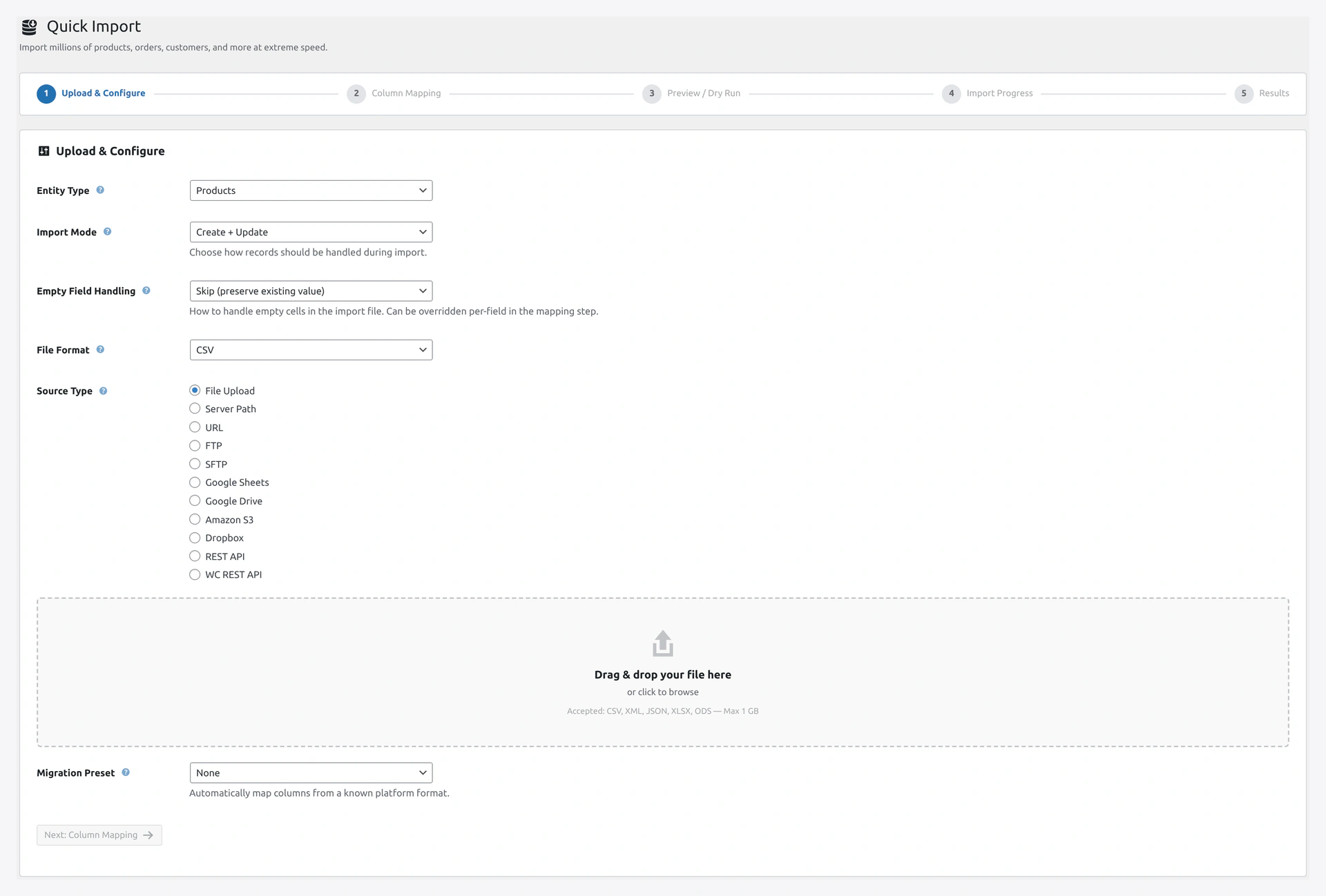 Step 1 of the Quick Import wizard: select Users, upload your account list, and choose the match key (email, username, or ID).
When to Use
- Migrating users from another WordPress site
- Bulk creating accounts for a team
- Importing customers from a CRM
- Converting subscribers from an email list
Match Keys
email(default)usernameid(WordPress user ID)
Column Reference
| Column | Required | Example |
|---|---|---|
id | No | 42 (for updates) |
username | Yes | johndoe |
email | Yes | [email protected] |
password | No (auto-generated if empty) | MySecret123! |
first_name | No | John |
last_name | No | Doe |
display_name | No | John Doe |
nickname | No | Johnny |
role | No (default subscriber) | See role list below |
url | No | https://example.com |
description | No | Short bio here |
registered | No | 2026-04-14 10:30:00 |
User Roles
| Role | Permissions |
|---|---|
administrator | Full site access |
editor | Edit any post or page |
author | Edit own posts |
contributor | Create drafts, cannot publish |
subscriber | Read only |
customer | WooCommerce customer |
shop_manager | Manage WooCommerce |
Password Handling
Three modes:
Plain Text Password
username,email,password
johndoe,[email protected],MySecret123!
The plugin hashes the password using WordPress's hasher before saving.
Pre-Hashed Password (Migration)
If you are migrating from another WordPress site, export includes hashed passwords starting with $P$ or $2y$. These are recognized and stored as-is.
Auto-Generate Password
Leave the password column empty. The plugin generates a random password.
Turn on "Send password email" in wizard Step 3 to email the new password to each user.
Username Rules
- Required, cannot be changed after creation
- Must be unique
- Only letters, numbers, underscore, hyphen, period
- Case-sensitive
If the username in your file already exists (but not the email), the import fails that row. Use the email match key to update existing users.
Example CSV
username,email,password,first_name,last_name,role,url
johndoe,[email protected],,John,Doe,customer,
janedoe,[email protected],Secret123,Jane,Doe,shop_manager,https://janedoe.com
bobsmith,[email protected],,Bob,Smith,editor,
Notice the blank password column — those users get auto-generated passwords and can log in via "Lost Password."
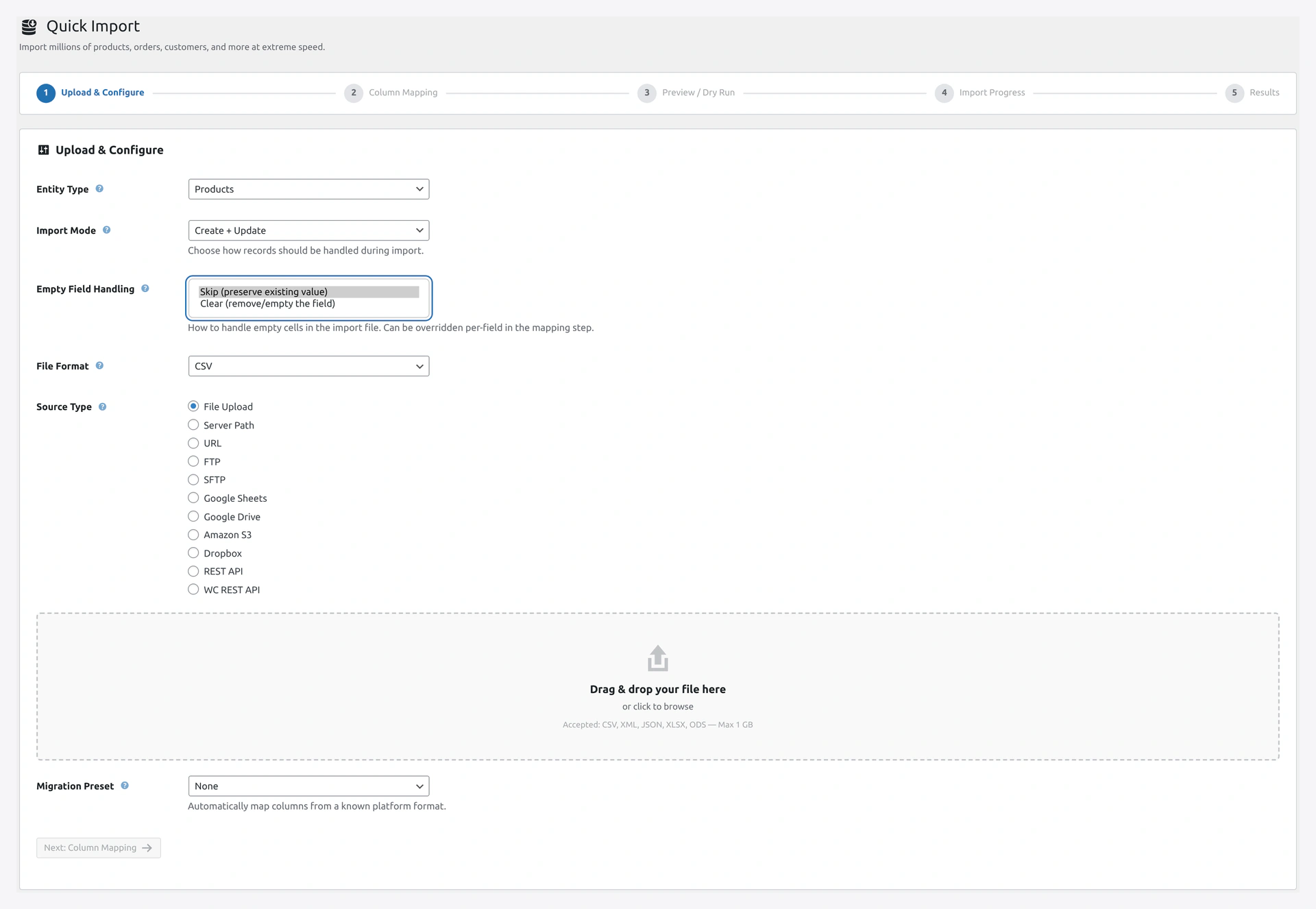 Decide what happens to blank cells: Skip leaves existing profile fields intact, Clear overwrites them with empty values.
User Meta Fields
For custom user meta (not billing/shipping — use the Customers Import for those):
username,email,Meta: loyalty_points,Meta: referral_code
johndoe,[email protected],500,REF-001
Any column starting with Meta: becomes a user meta field.
Registration Date
For migrations, set the original registration date:
username,email,registered
legacy_user,[email protected],2020-03-15 14:22:00
Troubleshooting
| Problem | Fix |
|---|---|
| "Username already exists" | Change match key to email to update by email instead |
| Password does not work | If importing from another WP site, use pre-hashed. Otherwise use plain text (plugin hashes it) |
| No welcome email | Install SMTP plugin. WordPress mail is often broken on shared hosting |
| User can't log in | Check role is set. Subscribers can log in but have limited access |
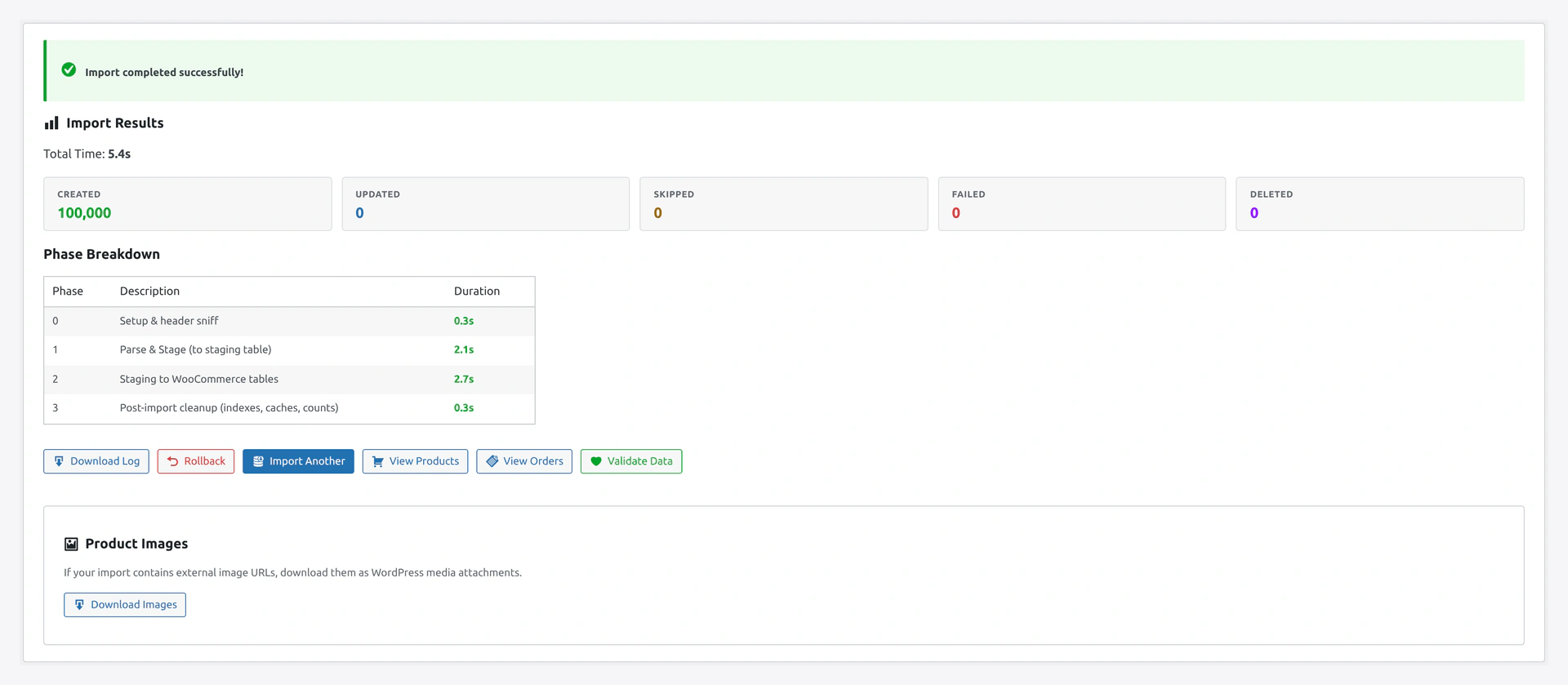 The results screen reports newly created users, updated profiles, and any rows rejected because a username or email clashed.
Related Pages
- Customers Import — WooCommerce customers (uses user account plus addresses)
- Quick Import Wizard — How to run the import